


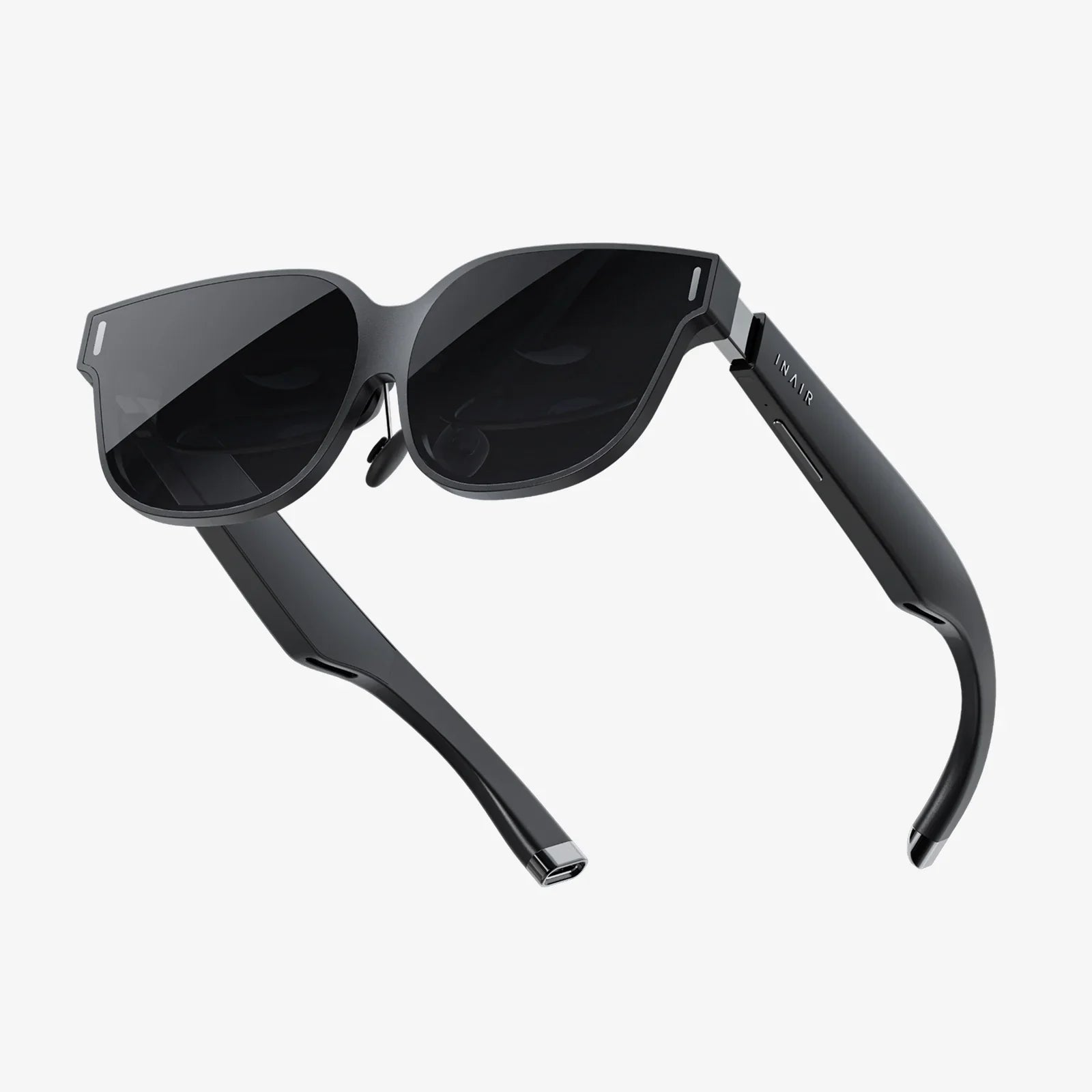
Imagine a world where your entire office—every application, every file, every specialized tool—is available to you instantly, on any device, from any location, without a single compromise on power or security. This isn't a glimpse into a distant future; it's the reality offered by the virtual office desktop, a technological paradigm shift that is fundamentally redefining the concept of the workplace. For professionals, entrepreneurs, and entire enterprises navigating the complexities of a hybrid world, this technology promises not just convenience, but a complete transformation of operational dynamics, unlocking unprecedented levels of flexibility, security, and efficiency. The era of being tethered to a physical machine is over, and the age of the boundless, virtual office has begun.
The Anatomy of a Virtual Workspace
At its core, a virtual office desktop is not a physical piece of hardware sitting on your desk. Instead, it is a high-performance computing environment hosted on a remote server in a secure data center. Your local device—be it a lightweight laptop, a tablet, or even a smartphone—acts merely as a window into this powerful remote system, streaming the desktop interface to your screen and sending your keyboard and mouse inputs back to the server.
This magic is powered by a sophisticated stack of technologies:
- Host Infrastructure: This is the foundation—powerful servers in data centers equipped with high-end CPUs, vast amounts of RAM, and fast solid-state storage. These servers are designed to host dozens, even hundreds, of individual virtual desktops simultaneously.
- Hypervisor: This is the software layer that creates and runs virtual machines (VMs). It allocates physical server resources (CPU, memory, storage) to each VM, ensuring they operate independently and securely alongside one another.
- Connection Broker: Think of this as the intelligent gatekeeper. It authenticates users and seamlessly connects them to their assigned virtual desktop, managing the logistics of user sessions.
- Protocol: This is the crucial communication language that encapsulates and transports screen pixels, user inputs, and data between the remote virtual desktop and the local device. Modern protocols are highly efficient, compressing data and only transmitting what has changed on the screen to ensure a smooth, responsive experience even over lower-bandwidth connections.
Unpacking the Compelling Advantages
The shift from a traditional physical desktop to a virtual model offers a multitude of benefits that address the most pressing challenges of the modern work environment.
Unmatched Flexibility and Mobility
This is the most immediate and tangible advantage. Your digital workspace is no longer a location; it's a state of access. Employees can work identically from their home office, a coffee shop, a client site, or a hotel room across the globe. This facilitates true business continuity, as weather events, travel disruptions, or personal circumstances no longer prevent access to critical work resources. It also empowers organizations to tap into a global talent pool without being constrained by geography.
Enhanced Security Posture
In a traditional model, sensitive data resides on individual endpoint devices—laptops that can be lost, stolen, or compromised. The virtual office desktop model centralizes all data and applications within the secure confines of the data center. This means that no corporate data ever leaves the data center or is stored on the user's local device. If a laptop is lost, the risk of a data breach is negligible because the data itself was never on that device. Access can be immediately revoked, and the virtual desktop remains safe and untouched. Furthermore, security patches, antivirus updates, and system hardening can be applied centrally to the master image, ensuring uniform protection across the entire organization without relying on individual users to update their machines.
Simplified IT Management and Scalability
IT departments transition from managing a vast fleet of physical assets to maintaining a centralized set of master images. Deploying a new employee becomes a matter of minutes: provisioning a new virtual machine from a golden image rather than procuring, configuring, and shipping a physical computer. Software installations and updates are performed once on the master image and then propagated to all linked virtual desktops instantly. Scaling the workforce up or down is equally agile, allowing businesses to respond quickly to market demands or project-based hiring without significant capital expenditure on hardware.
Cost Efficiency and Predictability
While the initial investment in infrastructure can be significant, the virtual desktop model often leads to substantial long-term savings. It extends the life of existing hardware, as users can access powerful virtual machines from older, less capable devices. It reduces the total cost of ownership (TCO) by minimizing desk-side support needs, streamlining management, and converting capital expenses (CapEx) for new hardware into predictable operational expenses (OpEx) in a subscription-like model. Energy consumption at the endpoint is also drastically reduced.
Implementation Models: Finding the Right Fit
Not all virtual desktop implementations are created equal. Organizations can choose from several models based on their specific needs, resources, and expertise.
Persistent vs. Non-Persistent Desktops
This is a critical design choice. A persistent desktop is a one-to-one assignment: each user is permanently assigned to a specific virtual machine. They can personalize it—save files to the desktop, install custom applications (if permitted), and change settings—and it will remain exactly as they left it between sessions. This offers a experience nearly identical to a physical PC.
A non-persistent desktop is a one-to-many assignment. Users are connected to a fresh desktop instance from a pool of identical VMs, created from a common master image, each time they log in. When they log off, the VM is destroyed or reset to its pristine state. This model offers superior consistency, security (as any changes or potential malware are wiped clean at logoff), and resource efficiency, as it supports more users with fewer underlying resources. It is ideal for task workers, call centers, or kiosk environments where personalization is not required.
Cloud-Hosted vs. On-Premises Deployment
The decision of where to host the infrastructure is equally important. An on-premises deployment gives an organization full control over its hardware, security, and data governance. It is often chosen by industries with strict regulatory compliance requirements. However, it requires a significant upfront capital investment and in-house expertise to manage the complex infrastructure.
A cloud-hosted solution, often called Desktop as a Service (DaaS), offloads all the backend infrastructure management to a third-party provider. The organization simply pays a monthly per-user subscription fee. This model offers incredible agility, scalability, and a lower barrier to entry, as it eliminates the need for capital investment and deep specialized skills. Updates and maintenance are handled by the provider, freeing up internal IT staff to focus on more strategic initiatives.
Key Considerations for a Successful Deployment
Adopting a virtual office desktop is a strategic decision that requires careful planning.
- Network Assessment: The user experience is entirely dependent on network connectivity. Conduct a thorough assessment of your users' typical internet connections. While modern protocols are efficient, a stable and sufficiently broadband connection is essential for a good experience, particularly for graphics-intensive applications.
- User Experience (UX): Not all applications are created equal. Test critical and specialized applications (e.g., CAD software, video editors) in the virtual environment to ensure performance meets user expectations. Providing users with a high-fidelity experience is paramount for adoption.
- Endpoint Strategy: Decide what devices users will employ to connect. Thin clients are inexpensive, secure, and energy-efficient dedicated devices. Alternatively, organizations can leverage repurposed existing laptops or allow employees to use their own devices (BYOD) under a secure policy.
- Security Policy Integration: Integrate the virtual desktop environment with existing identity providers (e.g., Active Directory) and enforce multi-factor authentication (MFA) to create a robust security framework from the moment of login.
The Future is Virtual and Hybrid
The evolution of the virtual office desktop is far from over. We are moving towards even more intelligent and context-aware environments. Integration with artificial intelligence will enable virtual assistants that reside within the desktop, proactively retrieving information, scheduling tasks, and optimizing workflows. The lines between physical and virtual will blur further with the adoption of VR and AR, potentially creating immersive 3D workspaces for collaboration. Furthermore, the concept of a hybrid desktop is emerging, where certain applications run locally on the endpoint device for maximum performance, while others are delivered from the cloud, offering a blend of flexibility and power tailored to the specific task at hand.
The traditional, static office is dissolving, giving way to a dynamic, fluid, and borderless digital work environment. The virtual office desktop is the cornerstone of this new reality, providing the technological foundation for a future where work is defined by what you do, not where you sit. It empowers organizations to build resilient, secure, and agile operations ready to thrive in the unpredictable landscape of tomorrow. For any business serious about competing in the modern economy, exploring the potential of a virtual desktop is no longer a luxury—it's a strategic imperative for unlocking the full potential of a distributed, digital-first workforce.
Share:
AR Lens Meaning: The Digital Filter Reshaping Your Reality
Real Holographic Display: The Future of Visual Technology is Here