


Imagine your digital workspace, not confined by the physical rectangles on your desk, but expanded into a limitless canvas of productivity. What if the single greatest bottleneck to your workflow—screen real estate—could be eliminated not by buying more hardware, but by simply reimagining what a monitor can be? This is the promise and the power of the virtual PC monitor, a technological leap that is quietly revolutionizing how we interact with our computers, transforming cluttered desktops into streamlined command centers and unlocking potential we never knew we were missing.
The Genesis of Digital Expansion: Beyond the Physical Bezels
The quest for more screen space is as old as the graphical user interface itself. From the early days of stacking application windows on a single, low-resolution display to the modern era of multi-monitor setups spanning desks, the goal has always been the same: to see more, do more, and context-switch less. The traditional solution involved a tangible, often costly, investment in physical hardware—additional monitors, mounting arms, and a tangle of cables. This approach, while effective, is inherently limited by physics, budget, and desk space.
The virtual PC monitor emerges as an elegant software-driven solution to this physical constraint. At its core, a virtual monitor is a software-emulated display that is created and managed by your computer's operating system or a dedicated application. It behaves exactly like a physical monitor from your system's perspective. Your GPU renders content for it, applications can be dragged onto it, and it appears in your display settings, yet it has no physical panel or connection port. It exists purely in the digital realm.
The initial drivers for this technology were often found in specialized professional fields. Software developers and testers needed to simulate multiple display configurations without a warehouse of hardware. Video editors and graphic designers sought to create expansive preview canvases that exceeded their physical setup. Remote desktop and virtualization software implemented virtual displays to provide a seamless viewing experience for users accessing a remote machine. From these niche use cases, the technology has matured and become accessible to the everyday power user, offering a glimpse into the future of flexible computing.
How Does a Virtual Display Actually Work? The Technical Magic Unveiled
Understanding the mechanics behind a virtual PC monitor demystifies its magic. The process can be broken down into a few key steps, orchestrated by clever software and supported by modern graphics architectures.
First, a specialized driver or application interacts directly with the operating system's display management subsystem. On systems running Windows, this means interfacing with the Windows Display Driver Model (WDDM). The software essentially tells the OS, "Hey, a new display has been connected." The operating system, believing a new physical monitor is present, allocates resources accordingly. The graphics processing unit (GPU) then begins rendering a desktop environment for this new virtual display, compositing all the windows, icons, and visuals just as it would for a physical screen.
However, since there's no physical screen to output this rendered video signal to, the software intercepts the output. This is the second critical phase. The virtual display software captures the rendered framebuffer—the complete image intended for the "monitor." This captured output can then be redirected and presented in several powerful ways:
- On a Secondary Device: The virtual display can be projected onto another screen, such as a tablet, a laptop, or even a smartphone, effectively turning that device into a wireless extra monitor for your main PC.
- Within a Window: The display can be shown in a resizable window on your primary physical monitor. This allows you to have a "monitor-in-a-monitor," perfect for monitoring specific applications or keeping a remote desktop session contained and organized.
- For Remote Access: When using remote desktop software, the virtual monitor ensures that the remote machine always has an active display to render to, providing a consistent and reliable viewing experience regardless of the physical displays attached to the host computer.
This entire process happens with minimal latency, creating a seamless and responsive experience that feels as natural as using a physical monitor. Modern implementations leverage hardware acceleration to ensure that the performance impact on your system is negligible, allowing your GPU to efficiently render these additional digital spaces without slowing down your primary tasks.
A Universe of Applications: Who Truly Benefits from a Virtual Monitor?
The true value of any technology is revealed in its application. The virtual PC monitor is not a one-trick pony; it offers a spectrum of benefits across numerous professions and hobbies.
The Power Professional
For knowledge workers, developers, and creatives, virtual monitors are a game-changer. A software developer can dedicate an entire virtual display to their code editor, another to terminal windows and server logs, and a third to documentation and communication apps like Slack or Teams—all without ever physically alt-tabbing. This context preservation is crucial for maintaining deep focus and reducing cognitive load. Financial analysts can spread out complex charts, real-time data feeds, and trading platforms across a vast digital landscape. Video editors can use a virtual monitor as a dedicated full-screen preview pane, or to host all their editing tools while keeping their physical monitor clean for the actual timeline and source footage.
The Presentation and Collaboration Maestro
In the world of hybrid work and virtual meetings, presentation skills are paramount. Virtual monitors unlock advanced presentation modes. You can set up a virtual display that shows your slide deck, while your primary physical display shows your notes, the chat window, and the faces of your attendees. When you share your screen, you simply share the virtual display, presenting a perfectly curated and focused view without the risk of accidentally revealing private notes or other applications. This creates a professional and flawless presentation experience every time.
The Traveling Minimalist
For those who work from a laptop, the limitation of a single screen is a constant frustration. While portable physical monitors exist, they are another device to carry, charge, and connect. A virtual monitor solution, especially one that utilizes a tablet as a secondary screen, offers incredible portability. Your entire multi-monitor workflow can be condensed into a laptop bag, ready to be deployed anywhere there is a Wi-Fi connection. This empowers digital nomads and frequent travelers to maintain their high-productivity setup without sacrificing mobility.
The Streamer and Content Creator
Live streamers operate a complex broadcast studio from a single computer. They need to manage gameplay, streaming software, chat overlays, alerts, and monitoring tools. Virtual monitors provide the necessary canvas to organize this chaos. A dedicated virtual display can house the broadcasting software's control panel, another can monitor stream health and statistics, and others can keep community Discord servers and social media feeds visible—all isolated from the game capture to ensure a clean feed for the audience.
Weighing the Digital Against the Physical: A Balanced Comparison
Is a virtual monitor a outright replacement for a physical second screen? The answer is nuanced, as each option has distinct advantages.
Virtual Monitor Advantages:
- Cost-Effectiveness: It is significantly cheaper to implement a software solution than to purchase a new high-quality physical monitor.
- Ultimate Portability & Flexibility: Your multi-display setup is not tied to a specific location. It travels with your laptop.
- Infinite Scalability: You are generally limited only by your GPU's power. You can create multiple virtual displays for highly specialized setups.
- No Cables or Clutter: It eliminates the need for additional power cables, video cables, and physical mounts, leading to a cleaner workspace.
Physical Monitor Advantages:
- Performance & Latency: A direct, wired connection to a physical monitor offers the absolute highest refresh rates, lowest latency, and best overall performance, which is critical for competitive gaming and high-frame-rate video work.
- Image Quality: Physical panels offer superior resolution, color accuracy, brightness, and contrast that a software solution cannot improve upon.
- Simplicity & Reliability: It's a straightforward plug-and-play experience. There are no drivers to install or software that could potentially conflict with other applications.
For most productivity and professional tasks, a virtual monitor provides more than enough performance and a superior feature set in terms of flexibility. For color-critical work or high-performance gaming, a physical monitor remains the undisputed champion. The ideal setup for many may indeed be a hybrid: one or two high-quality physical monitors as the primary workhorse displays, supplemented by virtual monitors for auxiliary tasks and organization.
Gazing into the Future: The Next Evolution of the Virtual Workspace
The concept of the virtual PC monitor is merely a stepping stone to a even more immersive and flexible future. It lays the foundational principles for how we will interact with digital environments tomorrow.
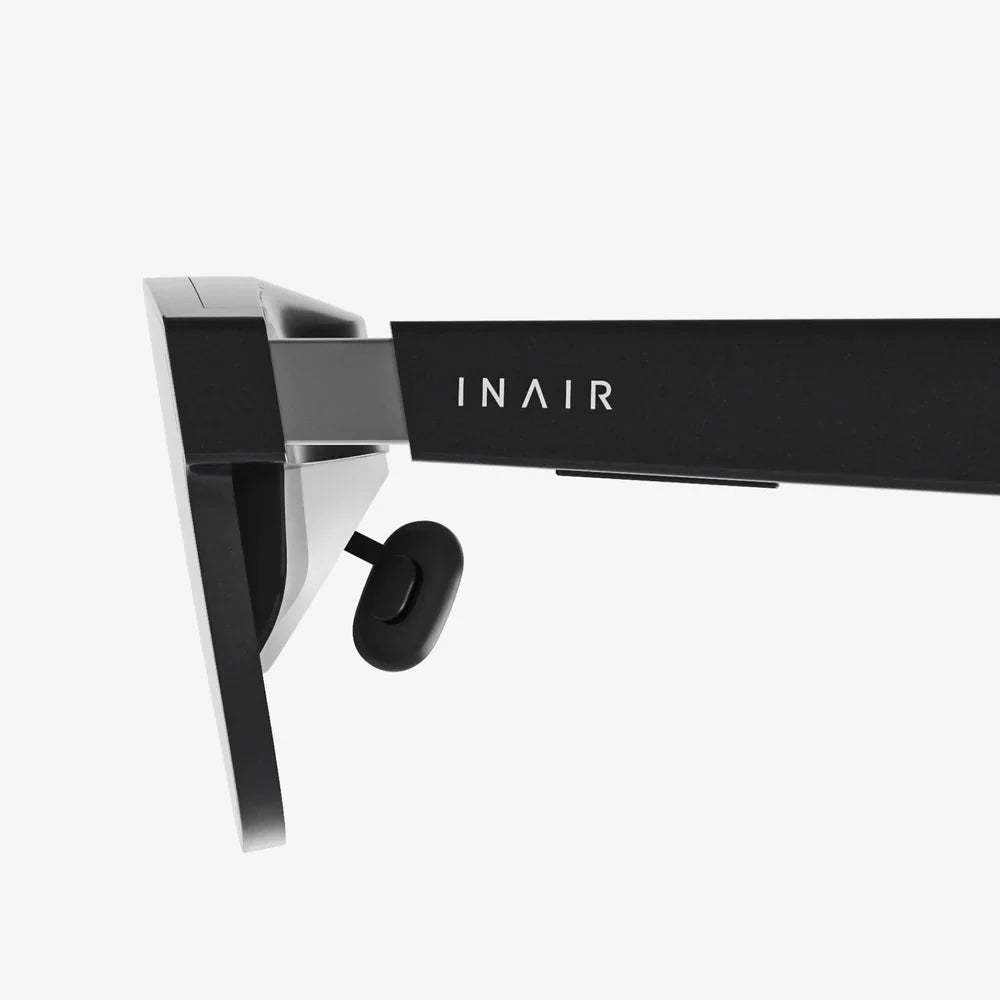
The most obvious and exciting evolution is the integration with virtual and augmented reality (VR/AR). Imagine putting on a lightweight pair of AR glasses and instantly being surrounded by a customizable array of virtual displays. You could have a screen for your code, a screen for reference material floating to your left, a video call happening in a window in front of you, and a virtual cinema-sized display for entertainment—all existing in your physical room without a single physical panel. This technology, often called spatial computing, is in active development and promises to make the virtual monitor paradigm the default, not the alternative.
Furthermore, as cloud computing continues to mature, the very idea of a monitor being tied to a local PC will fade. Your virtual workspace, with all its personalized displays and application arrangements, could be stored in the cloud and accessed seamlessly from any device, anywhere in the world. The device you use—be it a thin client, a phone, or a pair of glasses—would simply become a window into your persistent digital environment.
Artificial intelligence will also play a role, dynamically managing your virtual workspace. An AI could learn your workflow and automatically arrange applications across your virtual displays based on the task at hand, summon relevant information before you even ask for it, and minimize distractions to create the ideal environment for deep work. The virtual monitor is the canvas, and AI will be the intelligent curator of its content.
The journey from a single cathode-ray tube to the multi-monitor desks of today has been remarkable, but it pales in comparison to the revolution that is already underway. The virtual PC monitor shatters the last physical barriers to our digital potential, offering a glimpse into a world where our workspace is limited only by our imagination, not by the size of our desks. It’s an invitation to think bigger, work smarter, and truly command the digital realm.
The boundaries of your productivity have always been defined by the edges of your screen. Now, with the power of a virtual PC monitor, those boundaries simply cease to exist, inviting you to step into a workspace as limitless as your ambition and design a workflow that finally matches the speed of your thought.
Share:
AI Interpretation Smart Glasses: The Invisible Translator Revolutionizing Human Connection
Good Augmented Reality Technology is Reshaping Our Perception of Reality