


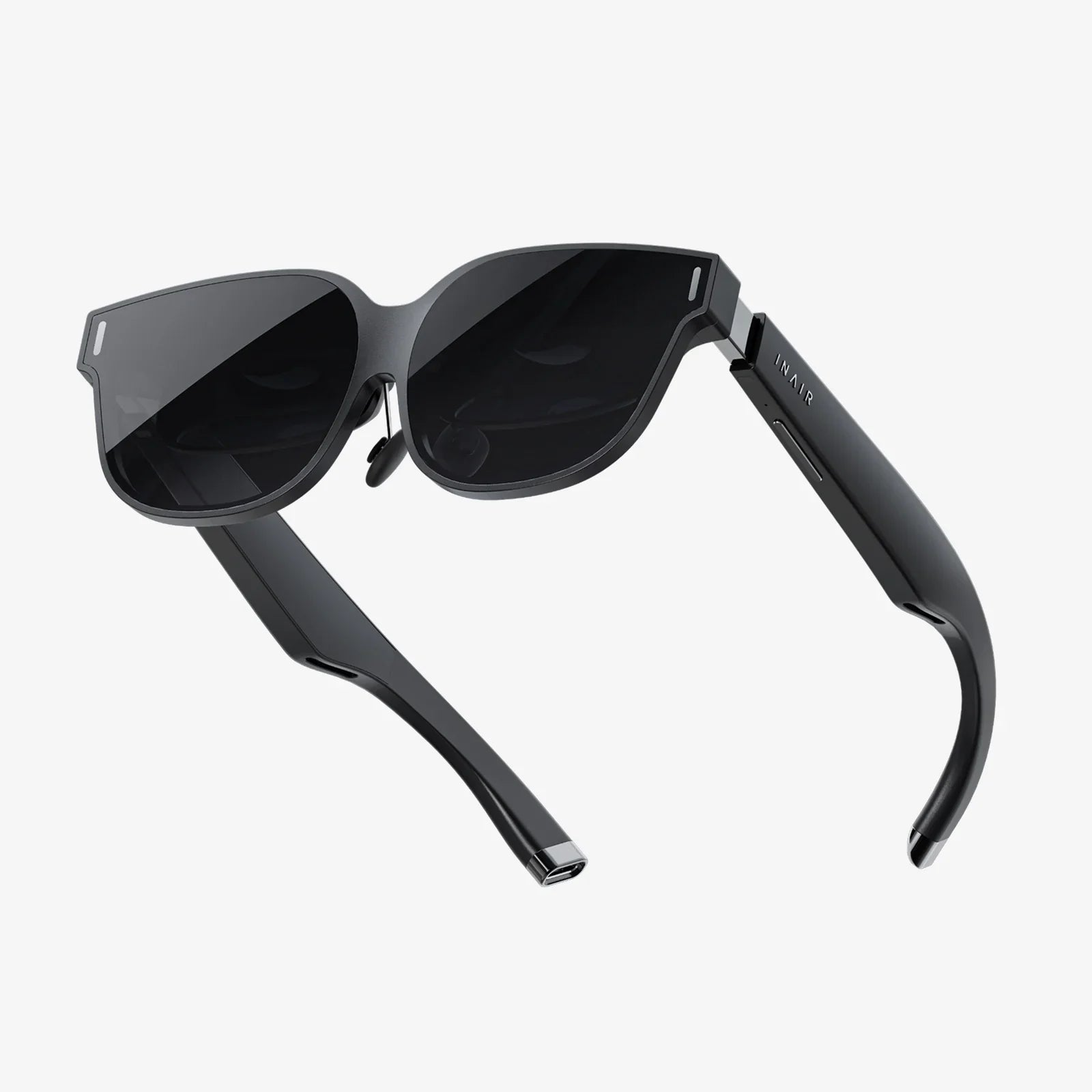
Imagine you’re working on a confidential financial report, a sensitive legal document, or simply browsing personal emails on a crowded train or in a bustling coffee shop. You feel a presence over your shoulder, a subtle but unmistakable invasion of your digital space. That sinking feeling of exposed privacy is universal in our hyper-connected, mobile-first world. For decades, the solution was a physical, micro-louvered filter you slapped onto your laptop—effective but clunky, permanent, and limited. But what if you could summon an impenetrable shield of privacy with a simple keystroke, making your screen contents visible only to you? This is no longer a futuristic fantasy. The era of the virtual privacy screen has arrived, fundamentally reshaping how we think about and protect our on-screen lives.
The Digital Peeping Tom: Why On-Screen Privacy Matters More Than Ever
We live our lives in the open. Our work, finances, social interactions, and personal communications are all conducted on glowing rectangles we carry everywhere. This mobility comes with a massive, often overlooked, vulnerability: visual hacking. A study by the Ponemon Institute found that visual hacking—the act of capturing sensitive information by simply looking at someone's screen—is successful a staggering 91% of the time, with the average incident taking less than 15 minutes. The cost to organizations? Billions annually in potential data breaches.
The risk isn't confined to corporate espionage. For the individual, a shoulder surfer can snatch banking login credentials, private messages, or personal photos in seconds. The psychological impact is also significant; the constant, low-grade anxiety of being watched can reduce productivity and diminish the feeling of personal space, a commodity that is already scarce in public areas. The need for a dynamic, adaptable solution to this age-old problem has never been more acute.
Beyond the Plastic Filter: The Core Technology of Virtual Privacy
Traditional physical privacy filters work on a principle of micro-louvers, tiny black blinds embedded in a sheet of plastic or glass that is placed over the screen. These louvers limit the viewing angle, so anyone not directly in front of the screen sees only a darkened, unusable image. While effective, they have inherent drawbacks: they add weight and bulk, reduce screen clarity, must be physically removed for collaborative viewing, and require a specific size for each device.
A virtual privacy screen is a radical departure. It is a software-based solution that uses sophisticated algorithms to achieve a similar—and often superior—result. Here’s how it fundamentally works:
- Controlled Viewing Angles: The software can manipulate the display output to restrict the visible image to a very narrow field of view directly in front of the screen. From any other angle, the screen appears heavily obscured, often with a pattern, static, or simply whited out.
- Real-Time Obfuscation: Unlike a static filter, the software can react in real-time. It can be toggled on or off instantly with a hotkey or a click, seamlessly transitioning from a private to a collaborative mode without any physical intervention.
- Customizable Security Levels: Many solutions offer tiered privacy. A low setting might merely blur peripheral content, while a maximum security setting renders the entire screen indecipherable to anyone outside the designated "sweet spot."
This technological leap transforms privacy from a fixed state to an on-demand utility, integrated directly into the digital workflow.
A Shield for Every Scenario: Who Truly Needs a Virtual Privacy Screen?
The applications for this technology extend far beyond the stereotypical corporate spy. Virtually anyone who values their digital confidentiality can benefit.
- The Remote and Hybrid Worker: The poster child for virtual privacy. Whether working from a home shared with family, a café, or an airport lounge, the ability to instantly hide client data, HR documents, and strategic plans is invaluable.
- Financial and Legal Professionals: For those handling highly sensitive personally identifiable information (PII), financial records, or case details, a virtual screen is a non-negotiable layer of compliance and security, often meeting stringent industry regulations.
- Healthcare Providers: Doctors and nurses reviewing electronic health records (EHRs) at a nursing station or in a semi-private room have a legal and ethical obligation (under laws like HIPAA) to protect patient data from accidental exposure.
- Students and Academics: Protecting research, exam materials, and personal communications in large lecture halls or busy libraries.
- The Everyday User: Anyone conducting online banking, shopping, or checking emails in public. It’s a simple tool for profound personal security.
Weighing the Digital Shield: Advantages Over Physical Alternatives
Adopting a software-based approach offers a compelling list of advantages that address the shortcomings of its physical predecessor.
- Unmatched Convenience and Flexibility: The killer feature is the instant on/off toggle. One second you’re in a deep focus, private mode; the next, you’re sharing your screen with a colleague without fumbling with a physical accessory. This fluidity is essential for modern, collaborative workstyles.
- Universal Compatibility: One software package can protect every display you own—your laptop, your external monitor, even your tablet—without needing to purchase multiple, device-specific filters.
- Preservation of Display Quality: When deactivated, the software imposes no penalty on your screen’s brightness, color accuracy, or touchscreen functionality. You experience your device’s display as its engineers intended, only applying the privacy layer when needed.
- Reduced Physical Footprint: It eliminates the need to carry an extra item, it doesn’t add weight to your device, and there’s no risk of scratching your screen during application or removal.
No Solution is Perfect: Considerations and Potential Drawbacks
While revolutionary, virtual privacy screens are not without their considerations. A thoughtful evaluation is necessary.
- Software Reliability: The shield is only as strong as the code it’s built on. A software crash, freeze, or incompatibility with an operating system update could theoretically leave data exposed until the issue is resolved.
- Minimal Performance Impact: Like any background software, it consumes system resources (CPU and memory). For most modern computers, this impact is negligible, but on older or low-power machines, it could be noticeable.
- The Human Factor: The best technology is useless if not used. Employees or users must be trained and reminded to activate the privacy screen habitually. Unlike a physical filter that is always on, a software solution requires conscious engagement.
- Power Consumption: The constant processing required to obfuscate the display can have a minor impact on laptop battery life, a key consideration for those constantly on the move.
Integrating Virtual Privacy into a Holistic Security Posture
A virtual privacy screen is a powerful tool, but it should not be the only tool. True digital security is a multi-layered endeavor. Think of it as one essential layer in a comprehensive strategy:
- Foundation: Strong, unique passwords and multi-factor authentication (MFA) for all accounts.
- Network Security: Always using a trusted, secure Wi-Fi network. A reputable virtual private network (VPN) is crucial for encrypting data in transit on public networks.
- Device Security: Full-disk encryption, robust antivirus/anti-malware software, and timely software updates.
- The Human Layer: Vigilance against phishing attempts and social engineering attacks. The most sophisticated software can’t protect against a user willingly giving away their password.
The virtual privacy screen fits perfectly into this model, specifically addressing the often-ignored threat of visual hacking that other security measures do not cover.
The Future is Private: Where This Technology is Headed
The technology behind virtual privacy screens is rapidly evolving. We are moving towards even more seamless and intelligent integration. Future iterations may include:
- AI-Powered Automation: Imagine software that uses your device’s front-facing camera with facial recognition to automatically engage privacy mode when your face is not detected in the primary viewing position, or when it identifies multiple faces looking at the screen.
- Context-Aware Activation: The software could automatically activate based on location (e.g., enabling itself on untrusted Wi-Fi networks or in crowded GPS zones) or based on the application being used (e.g., always turning on when your banking or email client is open).
- Seamless OS Integration: The ultimate goal is for this functionality to be baked directly into operating systems as a native feature, eliminating the need for third-party software and ensuring universal, reliable access.
- Advanced Obfuscation Techniques: Moving beyond simple angle restriction to dynamic, shifting patterns that are even more effective and potentially less intrusive to the primary user.
The trajectory is clear: digital privacy is shifting from a passive, hardware-based afterthought to an active, intelligent, and integrated software feature.
Your screen holds the windows to your professional life, your financial soul, and your personal world. For too long, we’ve accepted that these windows must be left open for anyone passing by to peek through, relying on bulky, inconvenient physical barriers for occasional protection. The paradigm has finally shifted. The virtual privacy screen is more than just a piece of software; it is the embodiment of a new right to digital discretion. It empowers you to reclaim your visual space, to work and live freely wherever you are, without the nagging fear of prying eyes. In an era where data is the new currency, this invisible, intelligent shield is no longer a luxury—it’s the essential key to locking down your most valuable asset before it ever has a chance to leak out over your shoulder.
Share:
Touch Sensor Market Size: A Deep Dive into Growth, Trends, and the Future of Interaction
What Virtual Reality Is and How It's Reshaping Our World