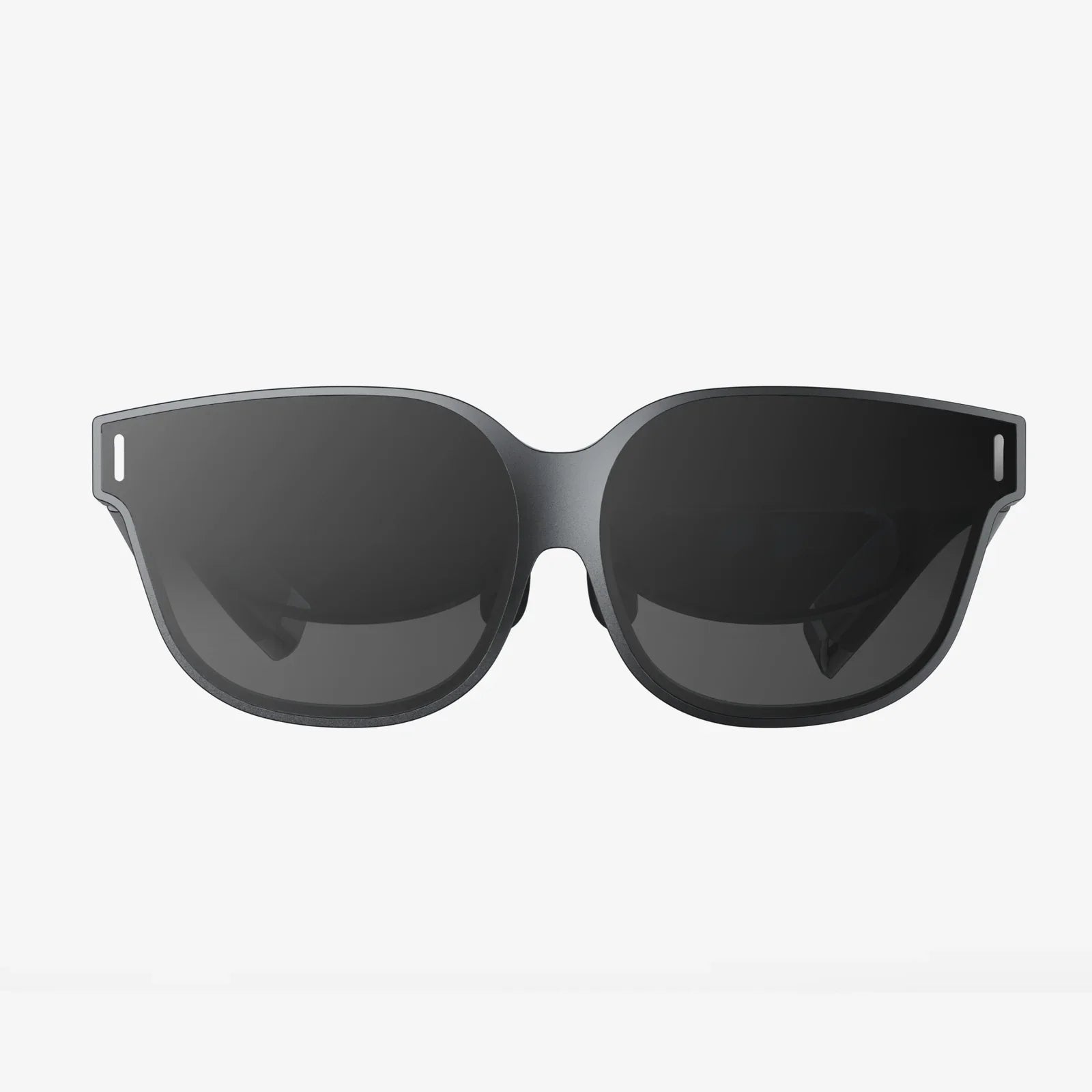
Imagine slipping on a headset and instantly being transported to a different world, a different reality, a different you. The promise of virtual reality has captivated our collective imagination for decades, but only now has the technology matured enough to make that promise a tangible, breathtaking experience. Yet, with a rapidly expanding market filled with a dizzying array of devices, from sleek standalone units to powerful tethered behemoths, how does one possibly choose? The journey into the metaverse begins not with a single step, but with a critical decision: which portal is right for you? This ultimate virtual reality comparison is your essential guide, cutting through the technical jargon and marketing hype to reveal the core truths about today's VR landscape, empowering you to make an investment in your digital future with absolute confidence.
The Foundational Divide: Understanding VR Headset Categories
Before diving into specifications and features, the most crucial aspect of any virtual reality comparison is understanding the three distinct categories of headsets available. Each represents a different philosophy towards immersion, balancing performance, convenience, and cost.
Standalone VR Headsets: The All-in-One Revolution
Standalone headsets represent the most significant leap in accessibility for the average consumer. These devices are entirely self-contained; the computer, display, and tracking sensors are all built into the headset itself. They are wireless by nature, offering unparalleled freedom of movement without the worry of tripping over a cable or being confined to a single room.
The primary advantage of this category is its simplicity and convenience. There is no complex setup involving a powerful computer or external sensors. You simply put on the headset and you're inside VR within seconds. This makes them ideal for casual gaming, social experiences, fitness applications, and media consumption. However, this convenience comes with a trade-off. Being mobile hardware, the processing power and graphical fidelity are necessarily lower than what a high-end personal computer can provide. The experiences are impressive, but they lack the visual punch and computational complexity of their tethered counterparts.
Tethered (PCVR) Headsets: The Powerhouse of Performance
On the opposite end of the spectrum reside tethered headsets, often referred to as PCVR (PC Virtual Reality). These devices act as sophisticated displays and input receivers, but all the actual processing is handled by an external, high-powered computer connected via a cable. This category is the undisputed king of performance and visual fidelity.
A thorough virtual reality comparison must acknowledge that tethered headsets deliver the most immersive and visually stunning experiences available today. They can render highly detailed, complex environments with advanced lighting effects, high-resolution textures, and high, stable frame rates that are crucial for both realism and user comfort. They are the domain of the hardcore gamer, the professional designer, and the simulation enthusiast. The significant drawbacks are the lack of mobility, the requirement for an expensive gaming PC, and the physical tether itself, which can break immersion and pose a tripping hazard, though wireless adapter kits exist for some models.
Console-Based VR: The Hybrid Approach
Occupying a unique middle ground is the console-based VR system. This approach leverages the processing power of a video game console, offering a more streamlined and affordable alternative to the PCVR setup. The hardware is optimized for a specific platform, ensuring a consistent and high-quality experience for all users.
The key benefit is accessibility for those already within a specific gaming ecosystem. It offers a significant step up in graphical quality and game depth from standalone headsets without requiring the investment and technical know-how of a gaming PC. The system is still technically tethered to the console, but the setup is generally simpler and more living-room-friendly than a PCVR arrangement. The library of games, while high-quality, is naturally limited to what is available on that single platform.
Deconstructing the Spec Sheet: What Really Matters
Specifications can be overwhelming, but a meaningful virtual reality comparison boils down to a few key metrics that directly impact your experience.
Display and Optics: The Window to Another World
The quality of the display and the lenses in front of it are paramount. They are your literal window into the virtual world.
-
Resolution and Pixels Per Degree (PPD): While manufacturers tout a single resolution number (e.g., 1832x1920 per eye), a more important metric is Pixels Per Degree (PPD). This measures the angular resolution, or how many pixels are packed into one degree of your field of view. A higher PPD means a sharper, clearer image with less visible "screen door effect" (the faint grid lines between pixels).
-
Display Technology: Most modern headsets use either Fast-Switch LCD or OLED panels. LCDs offer higher resolutions and reduced screen door effect at a lower cost, but can suffer from weaker blacks. OLEDs provide perfect blacks and vibrant colors, leading to superior contrast, but can sometimes have a softer image and use a technique called pentile排列 which can make the screen door effect more noticeable.
-
Lens Quality and Sweet Spot: High-quality, custom-engineered lenses (like pancake lenses) are crucial for edge-to-edge clarity, a large "sweet spot" (the area where the image is perfectly in focus), and reducing visual artifacts like god rays and chromatic aberration.
-
Refresh Rate: Measured in Hertz (Hz), this is how many times the image on the screen refreshes per second. A higher refresh rate (90Hz, 120Hz, and now up to 120Hz) leads to smoother motion, reduced latency, and a significantly lower chance of motion sickness. It is a critical factor for comfort.
Tracking: How the Headset Sees You and Your World
Tracking technology is what translates your real-world movements into the virtual space. There are two primary methods.
-
Inside-Out Tracking: This is the modern standard for consumer headsets. Cameras mounted on the headset itself look outward to track the position of the controllers and map the physical environment simultaneously. It requires no external hardware, making setup effortless. Early inside-out systems had blind spots behind the user's back, but modern implementations with more cameras have largely eliminated this issue.
-
Outside-In Tracking: This older method uses external sensors or base stations placed around the room to precisely track LEDs or sensors on the headset and controllers. It is renowned for its millimetre-accurate, low-latency tracking with zero blind spots, making it the gold standard for professional applications and competitive gaming. The significant downside is the cumbersome setup and lack of portability.
Controllers and Haptics: Your Hands in the Virtual World
The controllers are your primary tool for interaction. A good virtual reality comparison examines their ergonomics, features, and feedback.
-
Ergonomics and Input: Controllers should feel natural in the hand. Features like capacitive touch sensing, which can detect finger placement, greatly enhance social presence and interaction fidelity. Analog grips and triggers are standard.
-
Haptic Feedback: Beyond simple rumble, advanced haptics use precise vibrations or even finger-tracking to simulate the feeling of touching virtual objects, typing on a keyboard, or feeling the recoil of a weapon. This is a huge leap in immersion.
Field of View (FOV) and Audio
Field of View (FOV) is the extent of the observable world seen at any given moment, measured diagonally. A wider FOV (above 100 degrees is good) increases the sense of immersion, making the virtual world feel more expansive and less like you're looking through binoculars. However, a wider FOV often requires more rendering power and can exacerbate lens distortion at the edges.
Audio is half of the immersion equation. Most headsets feature built-in spatial audio solutions that use head-related transfer functions (HRTF) to simulate 3D sound, making audio seem like it's coming from specific points around you. Some opt for off-ear speakers that don't isolate you from your real environment, while others use traditional headphones or have jacks for your own high-quality headphones.
The Intangible Factors: Ecosystem, Comfort, and Use Case
Beyond raw specs, the best choice in any virtual reality comparison often comes down to softer factors.
Content Library and Ecosystem Lock-in
Your chosen headset is a gateway to a specific digital storefront. These ecosystems are often walled gardens. A device known for its hardware might have a weaker or more expensive game library. Conversely, a headset with a massive, established ecosystem offers a vast selection of content and a larger community. Consider where your friends are and what exclusive experiences you want access to.
Comfort and Ergonomics
A headset can have the best specs in the world, but if it's too heavy, has poor weight distribution, or uses a cheap facial interface, you won't want to wear it for long. Factors like adjustable straps (elite straps with rear counter-weights are a game-changer), materials, and ventilation are critical for extended play sessions.
The Killer App: What Will You Actually Do?
Your primary use case is the ultimate decider.
-
Gaming: Are you a casual player or a sim-racing enthusiast? Casual and fitness gaming leans towards standalone. Hardcore, graphically intensive gaming demands PCVR.
-
Social and Productivity: Many are using VR as a virtual office or social space. Standalone headsets are perfect for their convenience and wireless nature for these applications.
-
Media Consumption: Watching movies on a giant virtual screen is a killer app for many. Here, display resolution and comfort are king.
-
Fitness: A growing segment. For this, a lightweight, secure, and well-ventilated standalone headset is ideal.
The Horizon: Emerging Trends to Watch
The VR landscape is not static. Several emerging technologies will redefine the next virtual reality comparison guide.
-
Eye-Tracking and Foveated Rendering: This is the next frontier in performance. By tracking where your eyes are looking, the headset can render the center of your vision in full detail while intelligently reducing the detail in your peripheral vision. This dramatically reduces the computational load, allowing for either much better graphics on existing hardware or the same high-fidelity graphics on less powerful, more affordable hardware.
-
Mixed Reality (MR) Passthrough: Beyond simple black-and-white passthrough for safety, new color cameras and sensors are enabling high-fidelity Mixed Reality. This allows digital objects to be convincingly anchored and interact with your physical space, blurring the line between the virtual and the real and opening up vast new possibilities for productivity, design, and unique gameplay.
-
Varifocal Displays and Haptics: Research is ongoing into displays that can dynamically adjust their focus based on the depth of the virtual object you're looking at, solving the vergence-accommodation conflict that can cause eye strain. Similarly, full-body haptic suits and advanced gloves are in development to provide true tactile feedback.
The perfect headset does not exist. It is a constellation of compromises, a balance of power and freedom, of fidelity and cost. The right choice is deeply personal, dictated not by a chart of specifications, but by the experiences you crave and the realities of your space and budget. This virtual reality comparison arms you with the knowledge to see past the marketing and understand the true soul of these remarkable devices. The worlds are waiting; all you have to do is choose your door.