


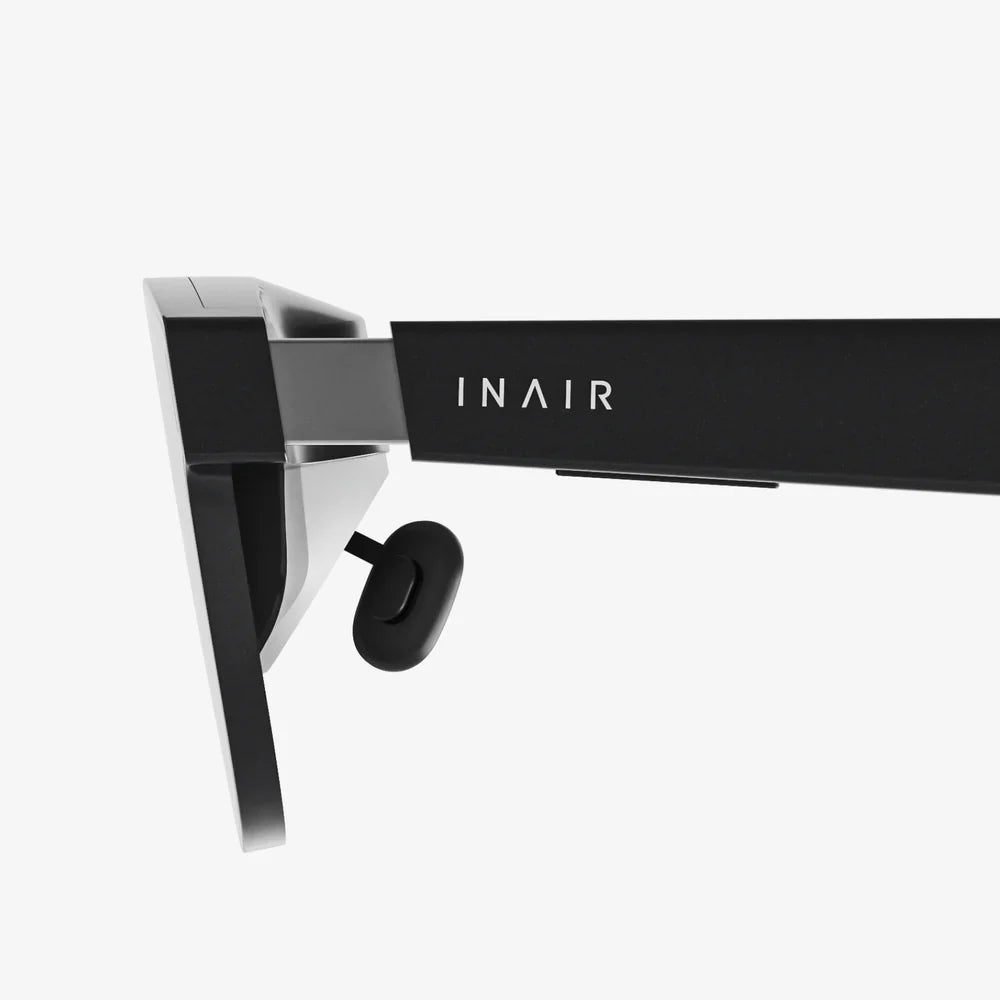
You slip on the headset, and the real world dissolves. A crystal-clear alien landscape stretches to the horizon, every detail razor-sharp, every movement buttery smooth with zero lag. This isn't just any virtual reality experience; this is the pinnacle of immersive fidelity, and it's powered by a humble, often overlooked hero: the HDMI cable connecting your virtual reality glasses to a powerhouse source. In an era obsessed with cutting cords, the wired connection remains the undisputed champion for those who demand the absolute best visual performance, a fact that makes understanding the synergy between virtual reality glasses and HDMI more critical than ever.
The Unbreakable Bond: Why HDMI is the Lifeline of High-End VR
At its core, virtual reality is a profoundly data-intensive endeavor. Unlike a standard monitor that displays a single, static image, VR glasses must render two distinct, high-resolution images—one for each eye—and refresh them at an extremely high rate to prevent motion sickness and maintain immersion. This deluge of visual information requires a pipeline with massive bandwidth and unwavering reliability.
This is where High-Definition Multimedia Interface, or HDMI, enters the stage. For a significant portion of the modern VR market, particularly headsets designed for maximum performance with consoles and high-fidelity personal computers, HDMI is the designated conduit. It is the physical bridge that carries the uncompressed or minimally compressed audio and video signal from the source device directly to the displays mere centimeters from the user's eyes.
The alternative, often wireless streaming, must compress this signal to transmit it over the air. This compression, however advanced, can introduce artifacts, latency, and a reduction in overall clarity. HDMI, in its various iterations, avoids this pitfall entirely. It delivers a pristine, unadulterated signal, ensuring that what the graphics processor renders is exactly what the user sees. This direct connection is paramount for achieving the low latency and high refresh rates that define a premium, comfortable VR experience.
Decoding the Specifications: HDMI Versions and What They Mean for VR
Not all HDMI cables and ports are created equal. The technology has evolved significantly over the years, and these differences are starkly apparent in VR applications. Understanding the key specifications is crucial for anyone looking to invest in or upgrade their setup.
- Bandwidth: This is the most critical spec, measured in gigabits per second (Gbps). It defines the total amount of data the cable can handle per second. Higher bandwidth supports higher resolutions, higher refresh rates, and greater color depth.
- Resolution and Refresh Rate: VR headsets are pushing beyond standard High Definition. Many modern devices target Quad HD (2560x1440) or even 4K (3840x2160) per eye. Furthermore, to avoid judder and nausea, the refresh rate must be high—90Hz is considered a minimum for comfort, with 120Hz and 144Hz becoming the new standards for high-end gear. A sufficient HDMI version is needed to support this combination.
- HDMI 2.0: A common standard found on many PCs and headsets from a few years ago. With a bandwidth of 18 Gbps, it can handle 1440p resolution at 90Hz or 120Hz, making it serviceable for many VR applications but starting to show its limits.
- HDMI 2.1: This is the current gold standard for premium VR connectivity. Its massive 48 Gbps bandwidth unlocks breathtaking potential. It can effortlessly support 4K resolution per eye at 120Hz, and even higher refresh rates at lower resolutions. It also introduces advanced features like Variable Refresh Rate (VRR), which synchronizes the headset's refresh rate with the source's frame rate to eliminate screen tearing, and Quick Frame Transport (QFT), which reduces latency. For a future-proofed, top-tier VR experience, HDMI 2.1 is non-negotiable.
The Seamless Connection: A Practical Setup Guide
Connecting your virtual reality glasses via HDMI is typically a straightforward process, but attention to detail ensures optimal performance.
- Identify the Ports: Locate the HDMI output port on your source device—be it a powerful gaming console or a dedicated graphics card in a PC. Modern graphics cards often feature HDMI 2.1 ports. Next, identify the corresponding HDMI input port on the headset itself or its connecting break-out box.
- Power Down: Before connecting any cables, it is a best practice to fully power down both the source device and the headset. This prevents any potential short-circuiting or handshake issues that can sometimes occur with hot-plugging high-bandwidth equipment.
- Use the Right Cable: Always use the high-quality HDMI cable provided by the headset manufacturer. These cables are certified to handle the specific bandwidth requirements of the device. If you need a longer replacement or an extension, ensure it is a certified High-Speed HDMI Cable or, ideally, an Ultra High-Speed HDMI Cable (for HDMI 2.1) to guarantee performance without signal degradation.
- Secure the Connection: Firmly plug the cable into both ports. A loose connection can cause a intermittent signal, resulting in flickering or a complete loss of display.
- Power Up Sequence: First, power on your source device and allow it to boot fully. Then, power on the virtual reality glasses. This allows the source to properly detect the headset and configure its output settings correctly.
- Software Configuration: Launch your VR platform software (e.g., SteamVR, Oculus PC app). The software will typically guide you through any final setup steps, including checking the display connection and prompting you to set the appropriate refresh rate and resolution within the software's settings menu, maximizing the potential of your HDMI link.
Wired vs. Wireless: The Eternal Debate in VR Connectivity
The evolution of VR has sparked a debate: the untethered freedom of wireless versus the guaranteed performance of a wired connection. HDMI sits firmly at the center of this discussion for wired setups.
The Case for Wired (HDMI):
Advocates for HDMI-connected VR highlight its undeniable advantages. The consistent, zero-compression signal delivery means unparalleled visual fidelity. There is zero risk of interference from other wireless devices like routers or microwaves, which can disrupt a wireless VR stream. Most importantly, it eliminates the latency introduced by encoding/decoding processes, which is crucial for competitive gaming and experiences where instant response is vital. There are also no batteries to charge, allowing for indefinite play sessions.
The Case for Wireless:
Wireless solutions offer complete freedom of movement. Users can spin, crouch, and move without ever worrying about tangling a cable or exceeding its length. This can significantly enhance the sense of immersion for room-scale experiences. The technology behind wireless streaming, such as Wi-Fi 6E, is rapidly improving, closing the gap in latency and visual quality, though it has not yet surpassed a direct HDMI connection.
Ultimately, the choice is a trade-off. For users who prioritize absolute graphical fidelity, minimal latency, and reliability for sim-racing, flight simulators, or high-stakes gaming, an HDMI-connected headset is the only choice. For those whose primary interest is in unrestricted physical movement in room-scale games, wireless holds a strong appeal.
Troubleshooting Common HDMI-Related Issues
Even a robust connection can encounter problems. Here are common HDMI-related issues and their potential solutions.
- No Display / Black Screen: This is the most common problem. First, double-check that both ends of the cable are securely seated. Try using a different HDMI port on your source device if available. Ensure the headset is set as the primary display in your PC's operating system settings.
- Flickering Display or Sparkles: This is almost always a sign of a faulty or low-quality cable that cannot handle the required bandwidth. Swap the cable for a certified High-Speed or Ultra High-Speed HDMI cable to resolve the issue.
- Limited Resolution/Refresh Rate Options: If your software will not allow you to select the headset's native resolution or highest refresh rate, the connected cable or the source's HDMI port is likely an older version incapable of supporting the higher bandwidth. Verify that you are using an HDMI 2.0/2.1 cable connected to an HDMI 2.0/2.1 port on your PC or console.
- Audio Not Playing Through Headset: The HDMI cable carries audio as well. If video works but audio is still playing from your monitor or speakers, you need to set the VR headset as the default audio playback device in your operating system's sound settings.
The Future of Wired VR: Beyond HDMI
While HDMI remains a dominant force, the landscape of connectivity is always shifting. The future of wired VR may see other interfaces rise in prominence.
DisplayPort is a formidable competitor, already common on PC VR headsets. It often offers similar or even higher bandwidth specs than its HDMI contemporaries and is a favorite among PC enthusiasts. Some modern headsets even utilize a single USB-C cable that leverages DisplayPort Alternate Mode, combining video, data, and power into one streamlined connection. This approach simplifies the physical tether and reduces clutter.
However, HDMI's ubiquity is its greatest strength. It is the universal standard on gaming consoles, home theater equipment, and televisions worldwide. This entrenched position ensures that HDMI will remain a critical, if not the primary, wired interface for virtual reality glasses for the foreseeable future, continuing to evolve with higher bandwidths to meet the demands of next-generation displays and experiences.
Imagine a world where the digital and physical are indistinguishable, where learning, working, and playing in virtual spaces is as commonplace as using a smartphone is today. This hyper-realistic metaverse will be built not on compressed, laggy signals, but on the foundation of flawless, high-bandwidth data transmission. The journey to that future begins with a simple, powerful connection—a reminder that sometimes, the most immersive freedoms are found not in cutting the cord, but in embracing the pure, unbridled potential of a perfect one.
Share:
Collective Stream Wireless: The Symphony of Seamless Connectivity
Animation Interactive Technology: Redefining Engagement in the Digital Age