


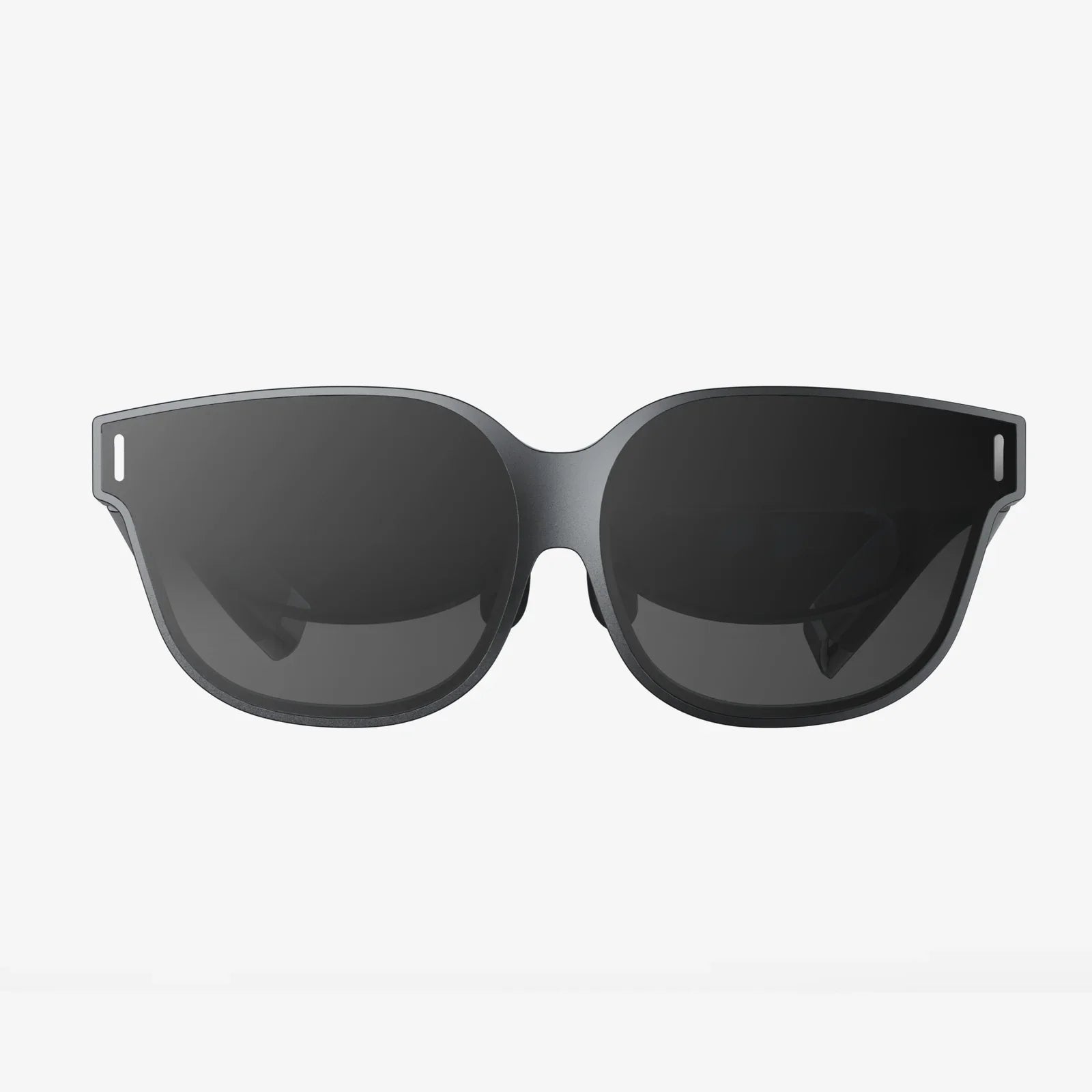
Imagine stepping through a portal into another world, feeling the palpable tension of a deep-space dogfight, or standing atop a virtual mountain with your heart racing. This isn't a glimpse into a distant future; it's the reality available today with a well-chosen virtual reality PC bundle. The journey into true immersion starts here, and the gateway is more accessible than you might think.
Deconstructing the Virtual Reality PC Bundle: What's Actually in the Box?
At its core, a virtual reality PC bundle is a curated package designed to deliver a complete, ready-to-run immersive computing experience. It typically consists of two fundamental parts: the powerful hardware needed to generate virtual worlds and the headset that serves as your window into them. Understanding the components is the first step to making an informed decision.
The Engine Room: The PC Itself
The computer is the heart of the operation. Unlike standard desktops, a PC built for VR is a high-performance machine engineered to render two high-resolution displays (one for each eye) at a very high, consistent frame rate. The key components to scrutinize are:
- The Graphics Processing Unit (GPU): This is the single most critical component. It's responsible for rendering the complex, detailed 3D environments in real-time. A capable GPU ensures smooth, stutter-free immersion, which is crucial for both visual fidelity and preventing motion sickness.
- The Central Processing Unit (CPU): While the GPU does the heavy visual lifting, the CPU is the master coordinator. It manages physics calculations, artificial intelligence for non-player characters, audio processing, and overall system responsiveness. A balanced bundle will pair a powerful GPU with a competent CPU to avoid bottlenecks.
- Random Access Memory (RAM): VR applications are memory-hungry. Ample, fast RAM ensures that assets load quickly and the system can multitask effectively, especially important for social VR applications or creative suites.
- Connectivity and Ports: VR headsets require specific connections, often including multiple high-speed video ports and several USB ports for headset sensors, controllers, and peripherals. A good bundle ensures the PC is equipped to handle this demand without requiring additional expansion cards.
The Portal: The VR Headset and Controllers
This is the component you directly interact with. The headset contains the screens, lenses, and tracking technology that transport your senses. Bundled controllers are your hands in the virtual world, allowing you to manipulate objects, gesture, and interact with the environment. Key headset technologies include:
- Display Resolution and Refresh Rate: Higher resolutions reduce the "screen door effect" (seeing the gaps between pixels), leading to sharper, more believable images. A high refresh rate (90Hz and above) creates smoother motion, which is vital for comfort.
- Tracking Technology: This is how the system knows where you are and what you're doing. Inside-out tracking uses cameras on the headset itself to map the room, offering great convenience and ease of setup. Outside-in tracking uses external base stations placed around the room for extremely precise, millimeter-accurate tracking, often preferred by enthusiasts.
- Field of View (FOV): A wider FOV means more of your peripheral vision is filled, increasing the feeling of "being there." Most consumer headsets offer a FOV between 90 and 120 degrees.
Why Choose a Bundle? The Compelling Advantages
Opting for a virtual reality PC bundle over sourcing components individually offers several distinct benefits, especially for those new to high-performance computing.
- Guaranteed Compatibility: This is the primary advantage. The manufacturer has pre-certified that every component in the PC is optimized to work flawlessly with the included headset. You are saved from the tedious and technical process of checking power supply requirements, GPU compatibility, and port availability.
- Simplified Setup: A bundle often comes with everything pre-configured. The PC may have the necessary software and drivers pre-installed, and the headset will be explicitly matched to the system's capabilities. This turns a potentially complex technical setup into a largely plug-and-play experience.
- Potential Cost Savings: While not always the case, bundles can offer a better value proposition than buying each item separately. Manufacturers and retailers often provide a discount for the package, saving you money compared to the sum of the individual parts.
- Unified Warranty and Support: Dealing with a single point of contact for both your PC and VR headset should any issues arise simplifies the support process tremendously. You won't be passed between a PC manufacturer and a headset manufacturer trying to determine where a problem lies.
Matching Power to Experience: Understanding Performance Tiers
Not all virtual reality PC bundles are created equal. They are generally segmented into tiers that align with the capabilities of the headset and the intensity of the experiences you want to run.
Entry-Level / Mainstream Tier
Designed for first-time users and those focused on less graphically intensive experiences. These bundles will feature capable mid-range components that can comfortably run popular social VR platforms, casual games, and educational applications. They prioritize accessibility and value while still providing a solid, enjoyable VR experience without stutter or lag.
Enthusiast / Performance Tier
This is the sweet spot for most dedicated VR gamers and professionals. These systems are built with high-end components that can push headsets to their full potential. They enable you to max out graphical settings, enjoy highly detailed simulations, and handle creative applications like 3D sculpting and real-time architecture visualization with ease. This tier offers the best balance of performance and future-proofing.
Extreme / Cutting-Edge Tier
Built for the uncompromising user who demands the absolute best. These bundles feature top-of-the-line, often flagship, components designed to drive high-resolution headsets with advanced features like eye-tracking and foveated rendering. They are intended for running the most demanding simulation software, creating professional VR content, or experiencing the absolute pinnacle of graphical fidelity in games, often with super-sampling for enhanced clarity.
The Setup Process: From Box to Another Dimension
Unboxing your new virtual reality PC bundle is an exciting event. The setup process is typically straightforward.
- Unpack and Connect the PC: Set up the desktop tower in a well-ventilated area, connect it to power, and hook up your monitor, keyboard, and mouse.
- Initial PC Setup: Power on the computer and go through the standard operating system setup process.
- Prepare the Play Area: Clear a safe space for VR use. Most systems will guide you to define a "play boundary"—a virtual wall that appears in the headset if you get too close to real-world obstacles.
- Connect the Headset: Depending on the headset technology, this will involve either connecting it to the PC via a high-speed cable or setting up external base stations around your room for tracking.
- Software Installation and Calibration: Launch the required VR platform software. It will walk you through installing drivers, updating firmware, and calibrating the headset. This includes setting the inter-pupillary distance (IPD) to match your eyes for a clear image.
- Pair Controllers and Dive In: Finally, you'll pair the motion controllers and be ready to explore the vast library of VR content available.
Beyond Gaming: The Expansive Universe of VR Applications
While gaming is a massive driver, a virtual reality PC bundle unlocks a much wider array of transformative applications.
- Social Connection: Platforms exist that allow you to meet friends, attend live events, watch movies, and collaborate in shared virtual spaces as lifelike avatars, making distance irrelevant.
- Creative and Professional Work: Artists can sculpt 3D models in virtual space as if they were physical clay. Architects and designers can walk clients through unbuilt structures. The potential for design, training, and data visualization is staggering.
- Fitness and Wellness: A plethora of engaging applications turn workouts into fun games, from rhythm-based boxing to immersive cycling through fantastical landscapes, making exercise something to look forward to.
- Education and Training: From medical students practicing complex surgical procedures to mechanics learning to repair new engines, VR provides a safe, repeatable, and cost-effective training environment.
Preparing for Your Journey: Considerations Before You Buy
Before investing in a virtual reality PC bundle, take a moment to consider your needs.
- Available Space: Do you have a clear area dedicated to room-scale experiences, or will your use be primarily seated or standing in one spot?
- Future-Proofing: Technology evolves rapidly. Investing in a bundle from the enthusiast tier or above can provide more longevity before an upgrade is necessary.
- Ecosystem and Exclusives: Some headsets and platforms have exclusive content. It's worth researching the software library available for a given system.
- Comfort: If possible, try different headsets for fit. Comfort is highly subjective and can greatly impact your ability to enjoy longer sessions.
The world of immersive computing is no longer a frontier for a technical elite. A virtual reality PC bundle represents the most straightforward and reliable key to unlocking this revolution, offering a seamless fusion of raw computational power and groundbreaking interface technology. It’s an invitation to play, create, connect, and explore in ways that were once confined to the realm of science fiction. Your new reality is waiting—all you have to do is take the first step and put on the headset.
Share:
4K VR Goggles: The Ultimate Immersive Experience and What It Means for the Future
What Is Interactive Digital Technology - A Deep Dive Into Our Connected World