


- by wangfred
Virtual Screen Technologies: Transforming How We Work, Play, and Connect
- by wangfred
Imagine powering on your laptop and seeing not one, but five giant monitors floating in front of you, perfectly arranged, following you as you move, and disappearing with a gesture. That is the promise of the virtual screen: a limitless digital display that detaches your work, games, and media from physical hardware. As this technology rapidly matures, the way we think about computers, offices, and even living spaces is about to change in dramatic and surprising ways.
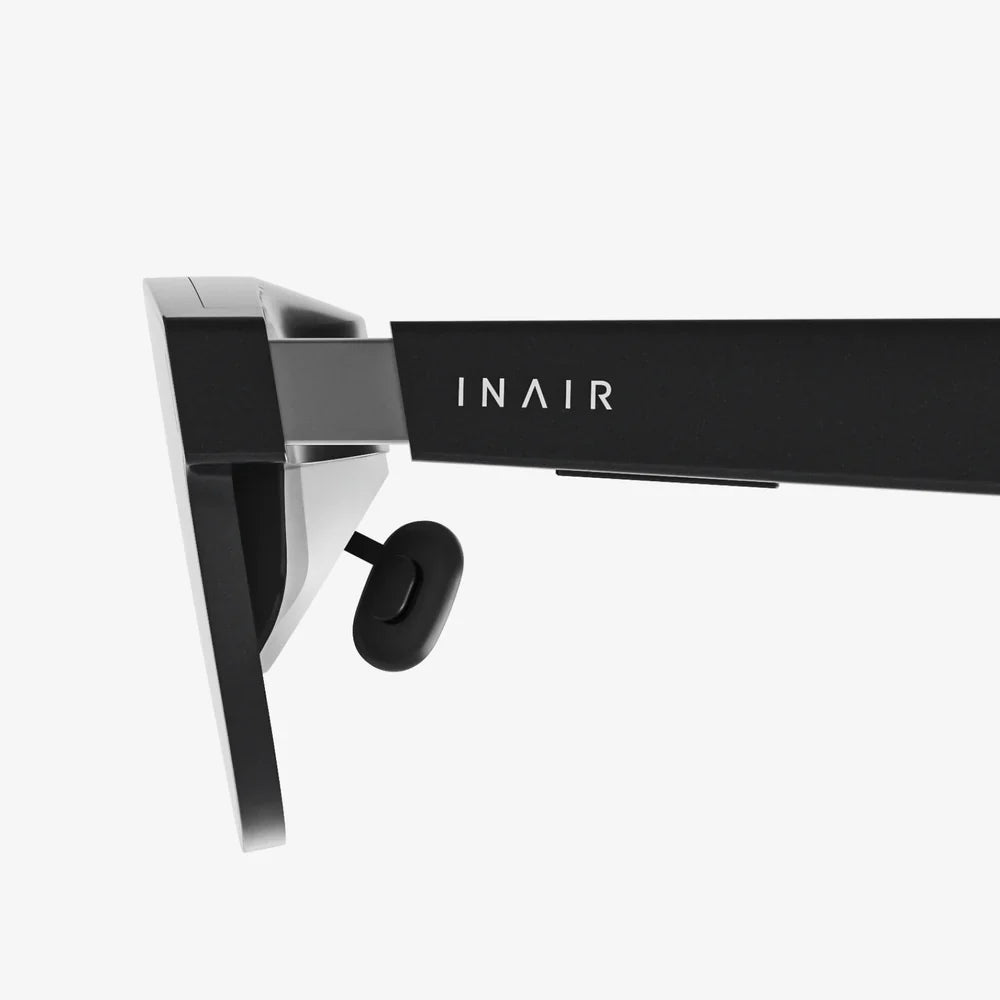
A virtual screen is a digitally generated display that appears to the user as if it were a physical screen, even though it does not exist as a traditional monitor. Instead of being limited by the size and number of physical displays on a desk, virtual screens are rendered by software and experienced through devices such as head-mounted displays, AR glasses, VR headsets, or projection systems.
Virtual screens can simulate:
The core idea is simple: instead of buying more or bigger screens, you create them virtually, anywhere, anytime.
Virtual screen systems combine several technologies to produce the illusion of a real display:
When these components are synchronized, your brain interprets the rendered image as a stable, spatially anchored display, even though no physical monitor exists in that location.
Not all virtual screens are created equal. The experience varies depending on the platform and context.
One common approach is to extend a computer desktop into a virtual environment. Instead of being limited to one or two physical monitors, users can create multiple floating windows and screens around them. These might be pinned in 3D space so they remain in place as the user turns their head, just like real monitors.
Entertainment-focused virtual screens create the effect of sitting in front of a massive cinema screen or inside a virtual theater. This is ideal for watching movies, playing games, or viewing high-resolution content without needing a large physical TV or projector.
Augmented reality virtual screens overlay digital displays onto the real world. For example, a user could see a floating spreadsheet above their desk, a chat window to the side, and a video call anchored near a wall. These screens coexist with physical objects, enabling mixed-reality workflows.
In collaborative setups, several users can see and interact with the same virtual screen, whether they are in the same room or scattered around the globe. This allows teams to sketch diagrams, review designs, or analyze data together on a shared canvas that exists entirely in software.
The appeal of virtual screens comes from a combination of flexibility, cost efficiency, and new interaction possibilities.
Physical monitors are constrained by desk space, budget, and ergonomics. A virtual screen environment can simulate an entire wall of displays or even a 360-degree workspace. Users can:
This is particularly valuable for users working with complex data, large codebases, creative projects, or multitasking-heavy workflows.
With virtual screens, your multi-monitor setup can travel with you. A laptop plus a compatible headset or AR device can reproduce a full office-like display environment in a coffee shop, train, hotel room, or airplane seat. The ability to carry a virtual multi-screen workstation in a backpack fundamentally changes remote work possibilities.
Buying, mounting, and maintaining several high-resolution monitors can be expensive and space-consuming. Virtual screens consolidate that hardware into software and a single display device. While there is still an upfront cost for the enabling device, the marginal cost of adding more virtual screens is effectively zero, and there is no need for extra desks, mounts, or cables.
Virtual screen layouts can be tailored to individual preferences and tasks. Users can create different virtual workspaces for coding, design, writing, finance, or entertainment, each with predefined arrangements of windows and tools. These environments can be saved, recalled, and adapted on the fly, creating a level of personalization that is difficult to achieve with physical monitors.
By surrounding the user with task-focused virtual screens, distractions from the physical environment can be reduced. Immersive virtual workspaces can help some people concentrate better, especially when paired with noise reduction and intentional layout design. For entertainment, a virtual cinema or gaming environment can be far more absorbing than a small physical screen.
Despite the potential, virtual screen technology faces real challenges that must be addressed for widespread adoption.
Extended use of head-mounted displays or AR glasses can cause eye fatigue, discomfort, or motion sickness in some users. Factors include:
As hardware improves, these issues are gradually being reduced, but comfort remains a key barrier for all-day use.
Virtual screens can be placed anywhere in 3D space, which is a blessing and a risk. Poorly positioned screens might encourage awkward neck or eye angles, leading to strain. Designing ergonomic virtual layouts—keeping screens at eye level, at appropriate virtual distances, and within comfortable viewing angles—is essential for long-term use.
Traditional keyboards and mice still work well with virtual screens, but more advanced interactions (such as manipulating 3D content or using mid-air gestures) are still evolving. Gesture tracking, hand presence, and haptic feedback are improving, yet they are not always as precise or comfortable as physical inputs.
With virtual screens, sensitive information can be visible in places where it might be inappropriate, such as public transport or shared spaces. Although others cannot see the virtual display without the device, shoulder-surfing becomes less obvious to the user. Additionally, devices that track head and eye movements generate data that must be handled responsibly to protect user privacy.
High-quality virtual screen experiences often require powerful hardware and specialized devices. This can limit accessibility for users who cannot afford or comfortably wear such equipment. For some people, headsets may be uncomfortable due to weight, fit, or existing medical conditions, making alternative solutions or lighter AR options important.
Virtual screens are not just a novelty; they are already reshaping workflows and experiences across multiple industries.
For remote workers and digital nomads, a virtual screen setup offers a portable, high-productivity environment. Consider the following scenarios:
Virtual screens make it possible to separate "mental rooms" for different tasks, regardless of the physical environment.
Designers, video editors, and content creators often juggle many panels and tools at once. Virtual screens can provide:
By organizing tools spatially, creative professionals can keep everything visible without constantly switching windows or buying additional monitors.
Developers and analysts benefit from seeing multiple data streams and tools simultaneously. Common virtual screen layouts include:
Data analysts can arrange multiple charts, tables, and dashboards around them for holistic analysis, reducing context switching and improving situational awareness.
Virtual screens open new possibilities for learning:
Educators can design virtual classrooms where each student sees the same shared screen but can also customize their personal layout for better understanding.
Professionals who work with complex information can benefit significantly from virtual screens:
In each case, the ability to arrange information spatially supports faster decision-making and better situational awareness.
For entertainment, virtual screens offer cinematic experiences without dedicated home theater spaces. Users can:
Because the display is virtual, the same physical room can transform into any kind of viewing environment with a few clicks.
To get the most out of virtual screens, thoughtful workspace design is critical. A poorly arranged virtual environment can be as distracting as a messy desk.
Before creating a complex layout, define the primary goal of the workspace. Ask:
Design the virtual screen arrangement around these answers instead of randomly placing windows.
Group related windows in specific regions of your virtual space. For example:
Over time, your brain will associate each region with a specific type of work, making it easier to navigate and stay organized.
Even in a virtual environment, ergonomics matter. Consider:
Try to mimic the ergonomics of a well-designed physical workstation, adapted to the flexibility of virtual space.
Unlimited screen space can tempt users to open far too many windows. To maintain focus:
Virtual abundance should be balanced with intentional simplicity.
Save and reuse virtual layouts for recurring tasks. For example:
Switching between these presets can be faster and more effective than rearranging windows manually every time.
Virtual screen technology is as much about human adaptation as it is about hardware and software. Understanding how people perceive and interact with virtual displays is crucial.
Virtual screens can be placed at different apparent depths in a 3D environment. However, the actual focus distance of the display device may remain fixed. This mismatch can lead to visual fatigue. Designers and users should:
As display technologies evolve, solutions that support more natural focus cues may further reduce strain.
More screens do not always mean better productivity. Having too many virtual displays can overwhelm attention and increase cognitive load. Users should be mindful of:
Virtual screens are powerful tools, but they must be used with intention to support, not sabotage, concentration.
Adopting virtual screens involves a learning curve. Users must get used to:
With consistent use, these actions become more natural, much like learning keyboard shortcuts or touch gestures on a smartphone.
As virtual screen usage grows, so do the stakes for security and privacy.
To secure virtual screen environments, users and organizations should consider:
Because virtual screens can be used in public spaces, awareness of surroundings and device security settings becomes critical.
Virtual screen devices often track head movements, eye gaze, and sometimes hand gestures. This data can reveal patterns about attention, behavior, and even health. Responsible handling of this information includes:
Trust in virtual screen platforms will depend heavily on how seriously privacy is taken.
The virtual screen of today is just an early glimpse of what is coming.
As devices become lighter, more stylish, and more power-efficient, virtual screens are likely to move from niche use to everyday wear. Lightweight AR glasses could project personal screens into the world around you, replacing many situations where people currently rely on phones or laptops.
Advances in display resolution, pixel density, and optics will make virtual screens sharper and more comfortable. Future systems may approach or surpass the clarity of high-end physical monitors, making text and detailed graphics easier to work with for long periods.
Eye-tracking can enable virtual screens that respond intelligently to where you look. Potential applications include:
These features could make virtual workspaces feel more like living environments that adapt to the user in real time.
Future virtual screen systems may integrate more deeply with smart homes and offices:
This blending of physical and digital worlds will redefine what it means to "set up" a workspace.
As virtual screens become common, teams may collaborate in mixed-reality environments where everyone sees shared virtual displays aligned in the same space, even if they are physically apart. This could transform meetings, brainstorming sessions, and project reviews into highly visual, interactive experiences that transcend traditional video calls and slide decks.
Whether you adopt virtual screens now or in the near future, there are practical steps you can take to prepare.
Identify where virtual screens would add the most value in your life or organization:
A clear understanding of needs helps you evaluate when and how to adopt these technologies.
Many habits that improve traditional screen use also apply to virtual environments:
These foundations make the transition to virtual screens smoother and more effective.
If possible, experiment with basic virtual screen setups through devices you already have access to, or through trial experiences. Even short sessions can reveal:
These experiments provide practical insight beyond theoretical expectations.
When using virtual screens, build healthy habits from the start:
Comfort and sustainability are essential for making virtual screens a long-term asset rather than a short-lived novelty.
For organizations, early planning around virtual screens can prevent confusion later. Topics to consider include:
Thoughtful policies can help virtual screen adoption enhance productivity while managing risk.
The rise of the virtual screen signals a fundamental shift in how we relate to digital information. For decades, screens have been physical objects: glowing rectangles on desks, walls, and in our hands. Virtual screens break that connection, turning displays into flexible, spatial experiences that can follow us anywhere and reshape themselves on demand.
This shift will not happen overnight, and it will not be without challenges. Comfort, accessibility, privacy, and thoughtful design all matter. Yet the direction is clear: as virtual screen technology matures, the limits of physical monitors will matter less, and the possibilities of personalized, adaptive digital environments will matter more.
If you have ever wished for just one more monitor, a cleaner desk, a portable office, or a more immersive way to work and play, virtual screens are pointing toward that future. The question is not whether they will become part of everyday life, but how quickly you choose to step into a world where your display is no longer bound by plastic and glass, but by your imagination and the space around you.