


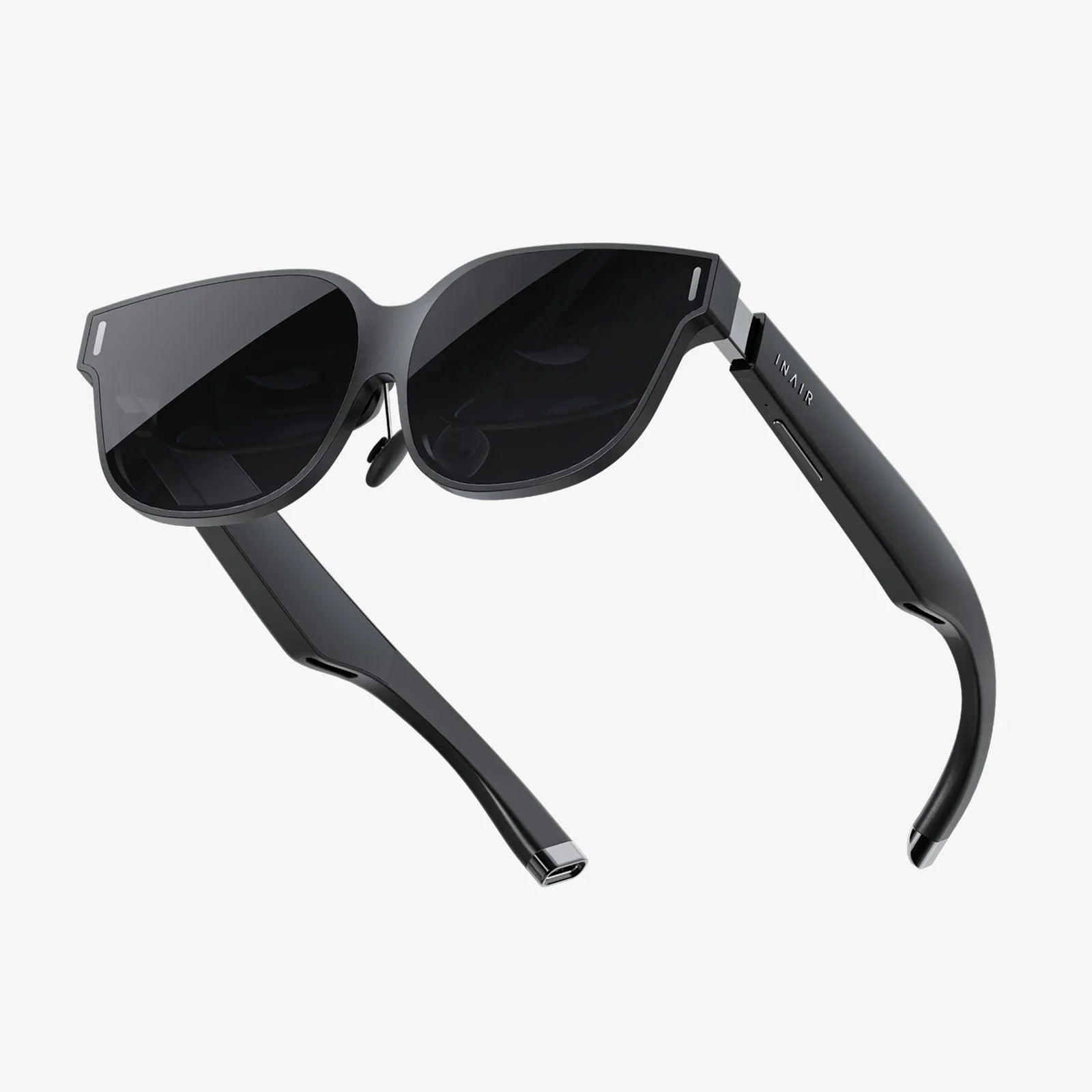
Imagine a world where digital information doesn't just live on a screen in your hand but is seamlessly woven into the very fabric of your reality. This is the promise of Augmented Reality (AR) glasses, a device poised to become the next great computing platform, transforming how we work, learn, play, and connect. But this magic doesn't happen by chance; it's the result of a symphony of highly advanced and meticulously engineered hardware working in perfect unison. The experience of donning a pair of AR glasses and seeing holograms rest on your table or navigational arrows painted onto the street is a technical ballet performed by a suite of vital components, each pushing the boundaries of physics and miniaturization.
The Optical Engine: The Gateway to a New Visual Reality
At the very heart of the AR experience is the optical system. This is the component responsible for generating the digital images and projecting them onto the user's retina, all while allowing them to see the real world clearly. It is arguably the most critical and challenging subsystem to design, a delicate dance between brightness, field of view, resolution, and form factor.
Micro-displays: The Tiny Digital Canvas
The journey of a digital image begins with the micro-display, a miniature screen that acts as the source. Unlike a television or a smartphone screen, these displays are incredibly small, often the size of a fingernail, yet they must be capable of producing high-resolution, bright, and efficient imagery. Several technologies compete in this space. Liquid Crystal on Silicon (LCoS) uses a liquid crystal layer atop a reflective silicon backplane to modulate light, offering good color and resolution. MicroLED technology is an emerging frontrunner, boasting exceptional brightness, high contrast ratios, and low power consumption, making it ideal for outdoor use. Another technology, Laser Beam Scanning (LBS), uses miniature mirrors to literally draw the image directly onto the retina with laser light, enabling very deep focus planes and high efficiency. The choice of micro-display technology directly impacts the overall performance, battery life, and cost of the final device.
Waveguide Combiners: The Invisible Window to Another Dimension
If the micro-display is the projector, the waveguide is the magical window that makes the image appear in front of your eyes. This component is what truly differentiates advanced AR glasses from simple heads-up displays. A waveguide is a thin, transparent piece of glass or plastic that uses diffraction gratings—nanoscale patterns etched onto its surface—to pipe light from the micro-display on the side of the glasses into the user's eye. This process involves in-coupling, where light from the projector is directed into the waveguide, and out-coupling, where that light is systematically extracted across the entire pupil to form a full image. The genius of the waveguide is that it allows for a very sleek and socially acceptable form factor, as the bulky projection hardware can be tucked away in the temples of the glasses, leaving the lens area clear. Different types, such as surface relief gratings and volume holographic gratings, offer trade-offs in field of view, manufacturing complexity, and image clarity.
Other Optical Configurations
While waveguides are the dominant technology for sleek, consumer-ready glasses, other optical designs exist. Birdbath optics use a partially reflective combiner, like a beamsplitter, to fold the light path from a display above the eye down into the lens. This can offer a wider field of view but often results in a bulkier design. Freeform optics employ complex, non-symmetrical reflective surfaces to achieve a similar goal of projecting an image without obstructing the view of the real world. Each approach represents a different compromise in the eternal battle between performance and aesthetics.
The Sensing Suite: The Digital Nervous System
For AR glasses to interact intelligently with the user and their environment, they must first understand both. This is the role of the sophisticated array of sensors, which acts as the device's nervous system, constantly gathering data about the world.
Cameras: The Eyes of the Device
Multiple cameras serve diverse and critical functions. Standard RGB cameras are used for video recording and, crucially, for computer vision tasks like object recognition, reading text, and identifying surfaces. Depth-sensing cameras are perhaps even more important. Time-of-Flight (ToF) sensors or structured light projectors measure the distance to every object in the scene, creating a real-time 3D map of the environment. This depth map is essential for placing digital objects convincingly in the world, allowing them to occlude and be occluded by real objects, and for understanding the geometry of the space for navigation and interaction.
Inertial Measurement Units (IMUs) and Eye-Tracking
An IMU, containing accelerometers and gyroscopes, tracks the precise movement and rotation of the user's head with extremely low latency. This is vital for stabilizing the virtual content; if the digital overlay jitters or swims as you move your head, the illusion is instantly broken. Meanwhile, eye-tracking cameras monitor the user's gaze. This serves a dual purpose: it enables intuitive gaze-based interaction with menus and objects, and it enables a powerful graphics technique called foveated rendering. By knowing exactly where the user is looking, the system can render the center of their vision in high detail while reducing the rendering load on the periphery, dramatically saving processing power and battery life.
Microphones and Speakers: The Auditory Layer
Audio is a fundamental part of immersion. An array of microphones allows for voice commands and, importantly, for advanced audio scene analysis, such as filtering out background noise for clearer calls. Spatial audio speakers, often using bone conduction or directed audio technology, can make sounds seem like they are coming from specific points in the environment, further blending the digital and physical realms.
The Processing Brain: Where the Magic is Computed
The raw data from the sensors is meaningless without immense computational power to interpret it. The processing unit is the brain of the operation, a system-on-a-chip (SoC) often custom-designed for the intense demands of AR.
The Central Processing Unit (CPU)
The CPU handles the general operating system, runs applications, and manages the various subsystems. It ensures everything runs smoothly in the background.
The Graphics Processing Unit (GPU)
The GPU is responsible for rendering the complex 3D graphics that are overlaid onto the real world. This requires not just raw power but efficiency, as every milliwatt of energy consumed directly impacts the device's battery life and thermal output.
The Neural Processing Unit (NPU) and Digital Signal Processor (DSP)
This is where modern AR truly comes alive. The NPU is a specialized core designed to efficiently run machine learning and AI algorithms at high speed. It is used for real-time object recognition, hand-tracking, and semantic understanding of the environment (e.g., identifying a chair, a wall, a screen). The DSP handles the continuous stream of data from the sensors, processing the IMU and camera feeds with low latency to precisely track the device's position in space, a process known as simultaneous localization and mapping (SLAM).
Connectivity, Power, and Form: The Supporting Cast
No component operates in isolation. The vital systems of optics, sensing, and processing are enabled by other critical elements.
Connectivity: The Link to the Cloud and Other Devices
Modern AR glasses feature high-speed Wi-Fi and Bluetooth. Some may also include cellular connectivity for true untethered freedom. This allows the glasses to offload heavy processing tasks to more powerful cloud computers, access live information from the internet, and connect seamlessly to a smartphone, controllers, or other devices.
The Power Dilemma: Batteries and Thermal Management
All this technology is power-hungry. The battery is a major constraint, dictating the size, weight, and usage time of the device. Engineers are constantly battling to find more energy-dense battery solutions and more efficient components to extend usage. This generates heat, making sophisticated thermal management—often using passive heat spreaders or tiny fans—essential for user comfort.
The Human Factor: Industrial Design and User Interface
Finally, the physical design is itself a vital component. The glasses must be lightweight, comfortable for all-day wear, and socially acceptable. They must accommodate a wide range of facial structures and, ideally, support prescription lenses. The user interface, whether through voice commands, hand gestures, a touchpad on the temple, or a companion device, must feel intuitive and effortless, disappearing into the background to let the augmented experience take center stage.
The dream of seamless augmented reality feels less like science fiction and more like an imminent reality precisely because of the breathtaking advancements in these vital components. Each one represents a mountain of scientific innovation, from the quantum-level efficiency of MicroLEDs to the nanoscale precision of diffraction gratings and the algorithmic brilliance of real-time SLAM. The next time you see a demonstration of a holographic chess game played on a real table or a repair manual overlaid directly onto a broken engine, remember the symphony of hardware—the displays, the waveguides, the sensors, and the processors—working in perfect, invisible harmony. This intricate dance of physics, computation, and design is what will finally unlock the true potential of seeing the world, not as it is, but as it could be.
Share:
Can the AR Coating on Glasses Crack? A Deep Dive into Causes, Prevention, and Solutions
Things to Do with AR Glasses: Unlocking a New Layer of Reality