


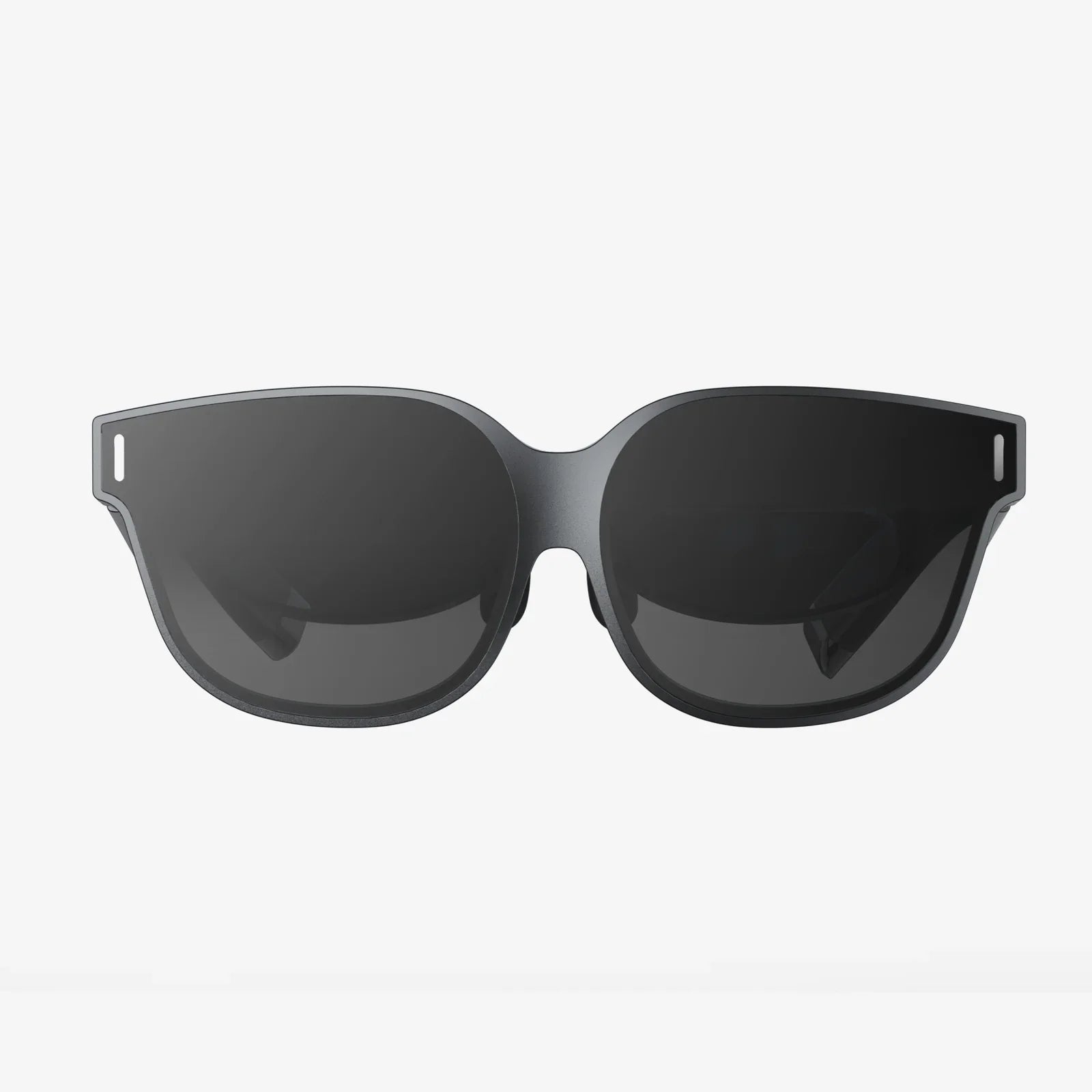
Imagine holding an entire universe in the palm of your hand. With your iPhone 11 and a simple, yet powerful, set of VR goggles, that’s precisely the power you wield. This isn't a distant sci-fi fantasy; it's accessible, affordable, and astonishingly immersive technology available right now. The combination of a high-resolution display, a powerful A13 Bionic chip, and precise motion tracking makes the iPhone 11 a surprisingly potent engine for virtual reality, just waiting to be unleashed. This article is your definitive guide to understanding, choosing, and maximizing the experience of using VR goggles with your iPhone 11, turning your pocket device into a portal to other worlds.
The Perfect Match: Why Your iPhone 11 is a VR Powerhouse
When the iPhone 11 was released, its capabilities for augmented reality were heavily promoted, but its potential for virtual reality was a quiet, underlying strength. The foundation of a great mobile VR experience rests on three pillars: display quality, processing power, and sensor accuracy. The iPhone 11 excels in all three.
The Liquid Retina HD display is the window to your virtual world. With a resolution of 1792 x 828 pixels and excellent color accuracy and brightness, it provides a crisp and vibrant visual canvas. While dedicated VR headsets offer higher pixel densities, the iPhone 11's screen is more than capable of delivering a convincing and deeply engaging experience without excessive screen-door effect (where the gaps between pixels become visible).
Under the hood, the A13 Bionic chip is the unsung hero. VR applications are incredibly demanding, requiring the device to render two high-frame-rate views (one for each eye) while simultaneously tracking head movements with flawless precision. The A13's CPU and GPU are more than capable of handling this workload, ensuring smooth, lag-free immersion. Lag or stuttering is the fastest way to break presence—that feeling of truly being in the virtual world—and can even cause motion sickness. The iPhone 11's processing muscle effectively eliminates this concern for most mobile VR content.
Finally, the iPhone 11's suite of gyroscopes, accelerometers, and other advanced sensors work in perfect harmony to track your head's orientation. When you turn your head left, the virtual world responds instantly and accurately. This precise 3DoF (Three Degrees of Freedom) tracking—meaning it tracks rotational movement (pitch, yaw, and roll) but not positional movement (leaning forward or sidestepping)—is the baseline for a comfortable and functional mobile VR experience.
Beyond the Phone: The Anatomy of iPhone 11 VR Goggles
The magic of this setup lies in its elegant simplicity. The VR goggles themselves are not complex computers; they are sophisticated optical and ergonomic housings designed to leverage the technology already in your pocket.
At their core, these headsets consist of a few key components:
- The Headset Shell and Head Straps: This is the physical structure that holds everything together and secures the device comfortably to your head. Quality here determines comfort during extended use, with padded interfaces and adjustable straps being crucial.
- The Lens System: This is arguably the most critical part. High-quality, precision-ground optical lenses are placed between your eyes and the iPhone's screen. Their job is to magnify the image and warp it correctly for each eye, creating a wide field-of-view (FOV) stereoscopic 3D effect that fills your vision and feels natural.
- The iPhone Tray or Dock: A secure compartment, often with adjustable guides or a specific frame, holds your iPhone 11 firmly in the perfect aligned position behind the lenses.
- Additional Features: Many models include features like adjustable lens distance (ipd adjustment) to match the space between your eyes, ventilation to reduce lens fogging, and even optional Bluetooth controllers for interactive experiences beyond just looking.
The beauty of this design is its accessibility. By separating the expensive compute unit (your phone) from the display and optics (the headset), high-quality VR becomes available to a massive audience at a fraction of the cost of a dedicated all-in-one system.
A Universe of Experiences: What Can You Actually Do?
Once you slot your iPhone 11 into its VR headset, a vast library of experiences becomes available. The content ecosystem for mobile VR is diverse and constantly growing, catering to a wide range of interests.
Gaming and Interactive Entertainment
This is where VR truly shines. You are no longer just controlling a character on a screen; you are inside the game. You can:
- Step into thrilling horror adventures that feel terrifyingly real.
- Pilot a spaceship from the cockpit, looking around to track enemy fighters.
- Solve intricate puzzle games by physically manipulating the environment.
- Experience rhythm games where you slash notes flying at you from all directions.
The immersive nature of VR gaming on the iPhone 11 provides a level of engagement that traditional mobile gaming simply cannot match.
Virtual Travel and Exploration
VR is the ultimate tool for armchair explorers. With your iPhone 11, you can:
- Take a 360-degree tour of the International Space Station, floating alongside astronauts.
- Walk through the streets of ancient Rome or stand atop Mount Everest.
- Visit world-class museums and examine famous sculptures from every angle.
- Dive into the ocean and come face-to-face with whales and sharks.
These experiences are not just videos; they are interactive, photorealistic environments that offer a profound sense of place.
Educational and Training Applications
VR has proven to be a powerful educational tool. Students can:
- Dissect a virtual frog in biology class.
- Walk through a human heart to understand its anatomy.
- Experience historical events as if they were there.
- Practice public speaking by standing in front of a virtual audience.
This experiential learning leads to significantly higher retention rates and a deeper understanding of complex subjects.
Media Consumption: The Ultimate Private Theater
Your iPhone 11 and VR headset combine to create a personal cinema with a screen that feels hundreds of feet wide. You can watch movies, YouTube videos, and immersive 360-degree films from services that support VR content. It’s an unparalleled way to consume media, completely isolating you from distractions and placing you in the center of the action.
Choosing the Right Companion for Your iPhone 11
Not all headsets are created equal. When selecting VR goggles for your iPhone 11, consider these key factors to ensure you get the best possible experience:
- Comfort and Fit: Look for models with ample padding, adjustable head straps, and a balanced weight distribution. You'll want to wear this for more than just a few minutes.
- Lens Quality: This is paramount. High-quality, glass (or at least high-grade acrylic) lenses with anti-scratch and anti-fog coatings will provide a clearer, more immersive view with less distortion around the edges.
- Field of View (FOV): A wider FOV (measured in degrees) means a more immersive experience that fills more of your vision. Look for headsets that maximize this without sacrificing image quality.
- iPhone 11 Compatibility: Ensure the headset has a dedicated tray or adjustable holders that perfectly fit the dimensions of the iPhone 11, keeping it securely in place and correctly aligned with the lenses.
- Ventilation: Good airflow prevents your phone from overheating during extended sessions and helps keep the lenses from fogging up.
- Controller Support: While many experiences use gaze-based controls, having a compatible Bluetooth controller unlocks a much wider and more interactive library of games and apps.
Optimizing Your Journey: Tips for a Flawless Experience
To ensure every trip into VR is a great one, follow these simple tips:
- Close Background Apps: Before launching a VR app, close all other applications on your iPhone 11. This frees up the A13 Bionic's full power and RAM for a smooth, uninterrupted experience.
- Maximize Brightness and Enable Do Not Disturb: Set your screen brightness to maximum for the most vibrant image, and enable Do Not Disturb mode to prevent notifications from popping up and breaking your immersion.
- Ensure Ample Storage: VR apps and especially 360-degree videos can be large files. Make sure you have plenty of free storage space on your device.
- Start Slow: If you're new to VR, begin with stationary experiences before moving to more intense games with lots of movement. This helps your brain acclimatize and reduces the chance of discomfort.
- Take Regular Breaks: Even if you feel fine, it's good practice to take a 10-15 minute break every 30 minutes. This is better for your eyes and your device, preventing it from getting too warm.
- Keep it Clean: Regularly clean your iPhone 11's screen and the headset's lenses with a microfiber cloth to avoid any smudges or dust particles from ruining the view.
The Future is in Your Pocket
The landscape of mobile VR is continuously evolving. While the iPhone 11 is a fantastic platform, advancements in technology promise even more. The potential for more sophisticated AR/VR hybrid experiences, improved wireless connectivity, and even higher-resolution displays in future phones will only deepen the immersion. However, the core concept remains powerful: democratizing access to virtual worlds by leveraging the supercomputers we all carry every day. The iPhone 11, with its robust performance and excellent display, sits at a sweet spot, offering a premium experience without requiring a dedicated, expensive headset.
Your iPhone 11 is more than a communication device, a camera, or a web browser. It is a key. And the right set of VR goggles is the lock it fits perfectly. Together, they don't just show you a new screen; they open a door. Behind that door lie breathtaking games, awe-inspiring journeys to impossible places, and transformative educational tools. This accessible technology invites you to experience stories, not just watch them, to visit locations, not just see pictures of them. The barrier to entry has never been lower, and the adventure has never been more real. All you have to do is take your phone, place it in the headset, and take the leap.
Share:
What is MR vs AR: Decoding the Blended Realities of Our Digital Future
How to Use Android Phone as PC VR - A Complete Guide to Wireless Immersion