


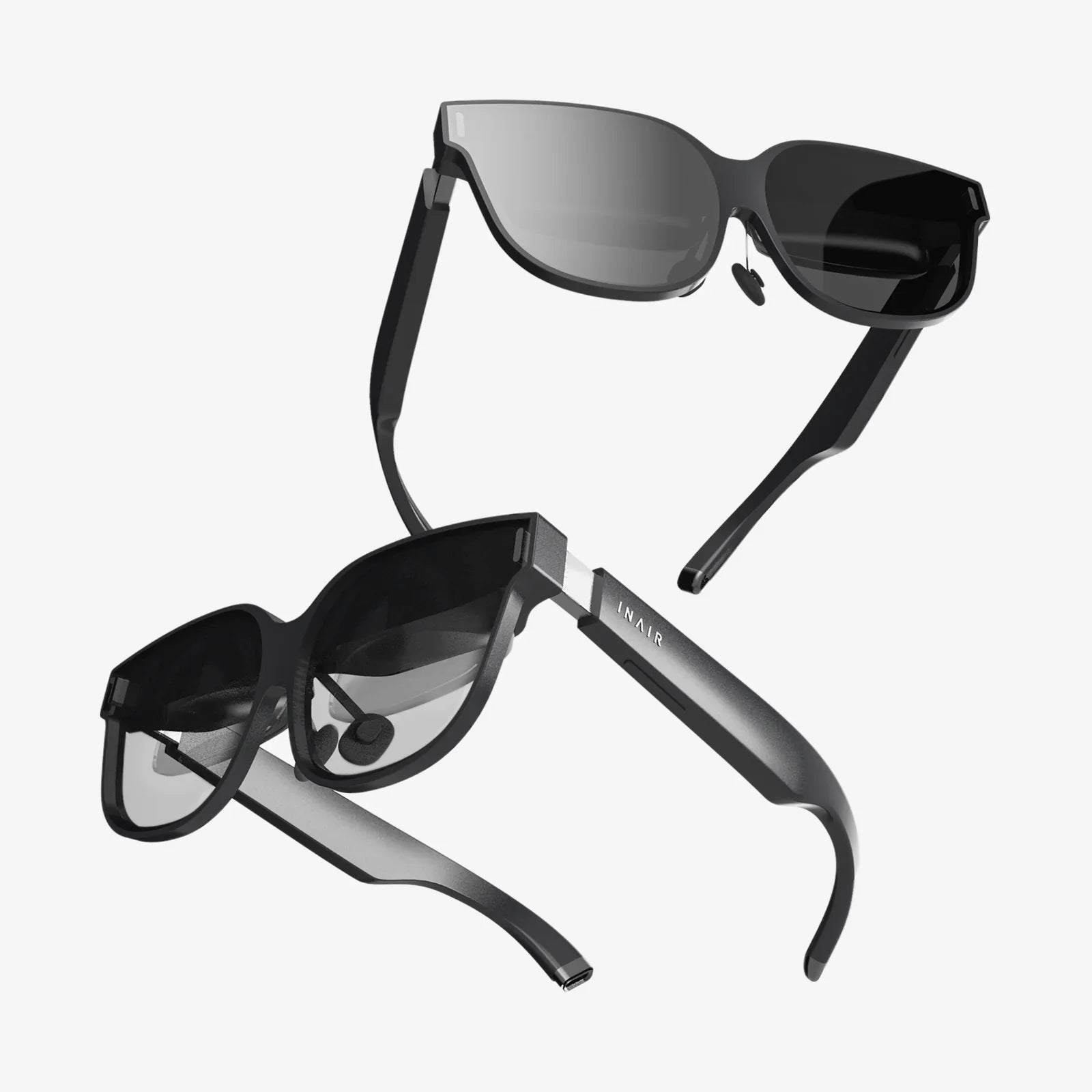
Imagine holding a portal to another dimension in the palm of your hand, a gateway powered by the device you already own. Your iPhone 8 Plus, with its impressive Retina HD display and powerful A11 Bionic chip, is a sleeping giant in the world of immersive technology. The key to unlocking this potential? A simple, yet transformative accessory: VR goggles. This isn't just about watching videos; it's about stepping inside them, exploring new worlds from your living room, and redefining what your smartphone can do. The journey into virtual reality is more accessible than you think, and it begins with finding the perfect headset for your trusted device.
The Unlikely Powerhouse: Why Your iPhone 8 Plus is a VR Contender
While newer phones boast incremental improvements, the iPhone 8 Plus remains a remarkably capable platform for mobile virtual reality. Its 5.5-inch display, with a resolution of 1920 x 1080 pixels, provides a crisp and clear image that is fundamental to a convincing VR experience. Pixelation and screen-door effects are minimized, allowing you to become absorbed in the digital world. Furthermore, the A11 Bionic chip, with its neural engine, was a powerhouse in its day and continues to handle the intense graphical processing and high frame rates required to prevent motion sickness and ensure a smooth, lag-free experience.
This combination of a high-quality screen and robust processing power means your device is more than ready to deliver everything from serene 360-degree nature documentaries to pulse-pounding interactive games. It serves as both the brain and the eyes of your VR setup, making the choice of goggles—the crucial housing for this technology—paramount to your overall satisfaction.
Beyond the Cardboard: Understanding Types of Mobile VR Headsets
Not all VR goggles are created equal. They generally fall into three distinct categories, each offering a different level of immersion, comfort, and functionality.
Basic Models (The Entry Point)
These are the most affordable and simplistic options, often constructed from lightweight plastics or even reinforced cardboard. They function as a holder for your smartphone, with simple lenses placed between your eyes and the screen. Navigation and interaction within the VR environment are typically handled by a single button or a magnetic slider that interacts with the phone's screen, or more commonly, by using a Bluetooth controller. These are fantastic for first-time users looking to dip their toes into VR without a significant investment, perfect for watching 360 videos or trying out simple apps.
Intermediate Headsets (The Sweet Spot)
This category offers a significant step up in quality and features. Constructed from more durable plastics and featuring padded, adjustable head straps, they are designed for longer, more comfortable sessions. The lenses are usually higher quality, with better clarity and a wider field of view. A key differentiator here is the inclusion of a dedicated trackpad or control buttons on the headset itself. This built-in interface allows for more intuitive navigation through menus and apps without needing to fumble for a separate controller. For the iPhone 8 Plus user, this tier often represents the best balance of cost and performance.
Advanced Systems (Pushing the Boundaries)
At the higher end of the spectrum are headsets that incorporate their own internal sensors, such as gyroscopes and accelerometers. These systems work in tandem with your phone's sensors to provide more precise rotational tracking, reducing latency and improving the feeling of immersion. Some may even offer limited positional tracking, allowing you to lean in or move slightly within the virtual space, a feature once reserved for expensive PC-powered systems. While still using the phone's display, these advanced headsets provide a more robust and interactive experience that gets closer to true high-end VR.
Key Features to Look For in Your Next Headset
When shopping for VR goggles for your iPhone 8 Plus, several factors will determine your satisfaction. Keep this checklist in mind.
- Comfort and Fit: Look for adjustable head straps (over-the-head is best), padded forehead and cheek rests, and a balanced weight distribution. You should be able to wear it for 30 minutes or more without discomfort.
- Lens Quality: The lenses are your window into VR. Seek out headsets with high-quality, optically clear lenses that offer adjustable Interpupillary Distance (IPD) and, ideally, adjustable focus. This allows you to customize the view to match your specific eyesight, which is crucial for clarity and preventing eye strain.
- Field of View (FoV): Measured in degrees, the FoV determines how much of the virtual world you can see. A wider FoV (90 degrees and above is good) increases immersion by reducing the perception of looking through binoculars.
- Compatibility and Phone Tray: Ensure the headset explicitly supports a 5.5-inch phone. The tray or clamping mechanism must hold your iPhone 8 Plus securely without pressing buttons or obstructing the camera and ports.
- Ventilation: This is a surprisingly important feature. Lenses can fog up from body heat, breaking immersion. Look for designs with adequate airflow to prevent this.
- Input Method: Decide if you prefer a headset with built-in controls or if you're comfortable using a separate Bluetooth game controller for more complex interactions.
A Universe of Content Awaits: What to Do in VR
Once your iPhone is nestled securely in its new headset, a vast library of content becomes available. The App Store is your gateway to these experiences.
Gaming and Interactive Experiences
Mobile VR gaming has evolved far beyond simple tech demos. You can find yourself on the deck of a starship, managing controls and fending off alien attacks. You can step into a horror-themed escape room, solving puzzles while a terrifying atmosphere builds around you. Rhythm games have you slicing through blocks of light with precision, and strategy games place you above a miniature battlefield. The immersive nature of VR makes even simple games feel fresh and engaging.
Travel and Exploration
This is one of VR's strongest suits. You can take a guided tour of ancient Roman ruins, standing in the forum as it might have looked millennia ago. You can dive into the Great Barrier Reef, surrounded by tropical fish without getting wet. Applications offer breathtaking 360-degree videos from the top of Mount Everest, the depths of the Amazon rainforest, or the streets of Tokyo. It's a powerful tool for education and armchair travel, offering perspectives that are otherwise impossible to attain.
Media Consumption and Social VR
Imagine watching a movie on a massive, private theater screen. VR media players can simulate this exact experience. You can also watch 360-degree music videos and feel like you're on stage with the band. Furthermore, social VR platforms allow you to meet friends or strangers in virtual spaces. You can chat, play games, or watch videos together, all represented by customizable avatars. It’s a novel way to connect with others across vast distances.
Optimizing Your iPhone 8 Plus for the Best VR Experience
A few simple steps can ensure your phone delivers a flawless performance.
- Free Up Space and RAM: Close all background apps before launching a VR experience. VR apps are resource-intensive, and freeing up RAM prevents stuttering and crashes.
- Maximize Battery Life: VR will drain your battery quickly. Ensure your phone is fully charged before starting a long session, or keep it plugged into a power source while in use (if the headset design allows).
- Enable Do Not Disturb: There's nothing more immersion-breaking than a notification popping up in the middle of your virtual world. This simple setting is a must.
- Clean Your Screen: Smudges and fingerprints on your phone's display will be magnified by the lenses. A quick wipe with a microfiber cloth makes a noticeable difference.
- Manage Device Temperature: Extended VR use can cause the phone to heat up. If it gets too hot, it may throttle performance. Taking short breaks allows it to cool down.
The Future is Mobile: Where iPhone VR is Headed
The landscape of mobile VR is constantly shifting. While the dedicated high-end market continues to advance with standalone headsets, the concept of using a powerful smartphone as the engine remains compelling. Future developments in cloud computing and 5G connectivity could offload the heaviest processing from the phone itself, enabling even more complex and photorealistic experiences without hardware upgrades. Furthermore, advancements in lens technology and augmented reality (AR) integration are blurring the lines between our physical and digital worlds. Your iPhone 8 Plus, through these goggles, is your ticket to experiencing this evolution firsthand.
Your iPhone 8 Plus is not a relic; it's a key. VR goggles are the lock it turns, opening a door to adventures, learning, and connections you've only ever dreamed of. This isn't a distant future technology—it's an experience available today, waiting in your pocket and on your app store. The only question left is not if your phone is ready, but if you are. The most profound journeys begin with a single step, and in this case, that step is sliding your phone into a headset and looking around.
Share:
Internet Glasses Definition: The Ultimate Guide to Understanding Smart Eyewear
Internet Glasses Definition: The Ultimate Guide to Understanding Smart Eyewear