


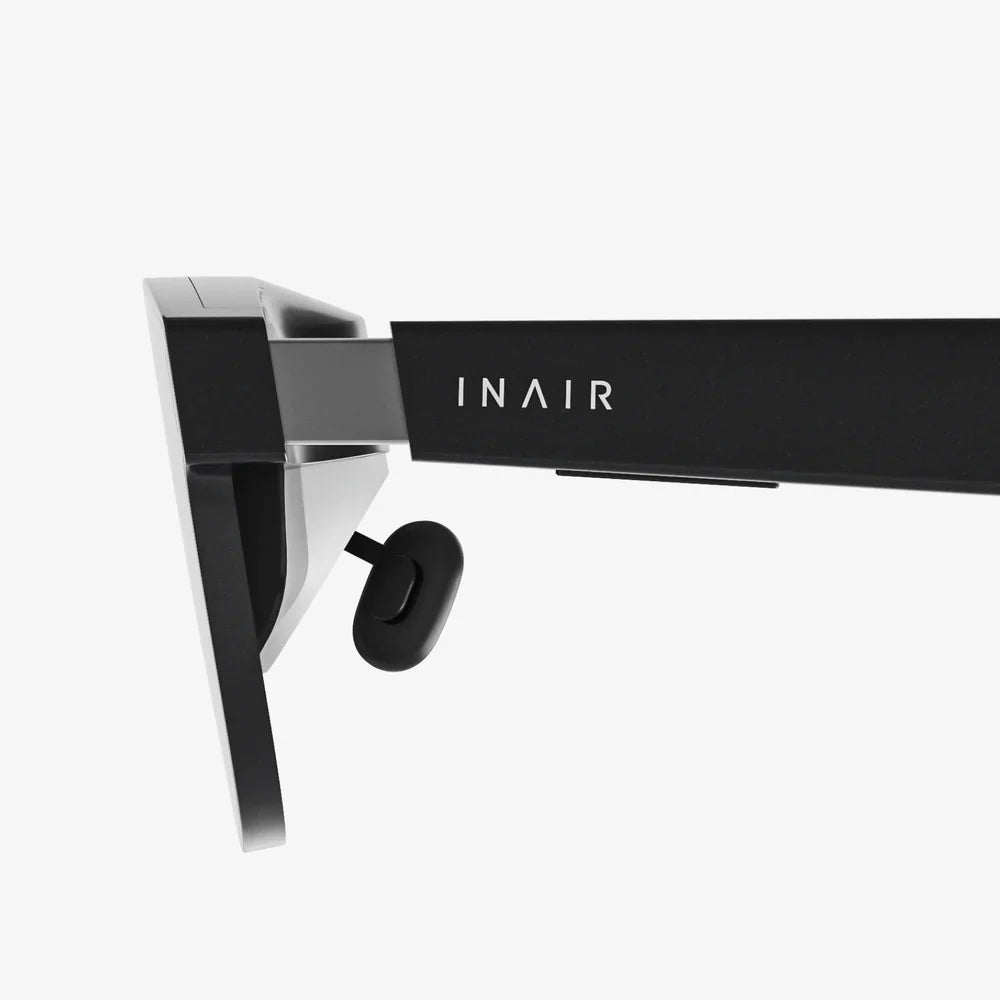
If you have ever watched someone disappear into a virtual world with just a phone and a headset, you already know how tempting vr goggles for iphone can be. The idea of stepping into 360-degree games, immersive travel experiences, and cinematic movie environments using a device you already own is incredibly appealing. But with so many options, technical terms, and compatibility questions, it is easy to feel overwhelmed before you even press “install” on your first VR app.
This guide breaks everything down in plain language so you can confidently pick the right vr goggles for iphone, set them up correctly, and get the most out of your iOS-powered virtual adventures. Whether you are a gamer, a movie lover, a student, or just VR-curious, you will find practical advice and clear explanations that turn confusion into excitement.
How vr goggles for iphone Actually Work
Before spending money on a headset, it helps to understand what is really happening when you slide your iPhone into a pair of VR goggles. Despite the futuristic feel, the underlying concept is straightforward.
The basic components
Most vr goggles for iphone rely on three main components:
- Your iPhone – Provides the screen, the processor, and the sensors for tracking head movement.
- The goggles (headset shell) – Hold the phone securely in front of your eyes and include lenses that shape the image.
- VR apps and content – Games, videos, and experiences that split the display into two images and respond to your head movements.
When you launch a VR app on your iPhone, the screen shows two slightly different images, one for each eye. The lenses inside the goggles bend and magnify these images so your brain merges them into a single 3D view. As you move your head, the phone’s gyroscope and accelerometer detect the motion, and the app updates the scene accordingly.
3DoF vs 6DoF: What it means for iPhone VR
Most vr goggles for iphone support what is called 3DoF (three degrees of freedom). This means the headset tracks rotation:
- Pitch – Looking up and down
- Yaw – Looking left and right
- Roll – Tilting your head sideways
However, 3DoF does not track your position in space. You can look around but cannot lean forward to look closer at an object or walk around the room in VR with accurate tracking. That level of tracking, called 6DoF (six degrees of freedom), typically requires more advanced standalone or PC-based VR systems.
For most casual users, 3DoF is enough for watching 360 videos, exploring virtual tours, and playing simple games. Understanding this limitation helps set realistic expectations for what vr goggles for iphone can and cannot do.
iPhone Compatibility: What You Must Check First
Not every iPhone works equally well with VR, and not every headset fits every device. Before you even consider style or price, verify compatibility.
Screen size and physical fit
Most vr goggles for iphone are designed to hold phones within a certain screen size range, often something like 4.7 to 6.7 inches. When checking specs, look for:
- Supported phone size range – Make sure your iPhone’s screen size falls within it.
- Case compatibility – Some headsets require you to remove thick protective cases; others have adjustable clamps.
- Button access – Consider whether you can still reach the side button or volume controls when the phone is inside.
Newer large-screen models generally provide a more immersive view because they fill more of your field of vision. However, they can also be heavier, so the strap design and weight distribution of the goggles matter more.
Performance and battery considerations
VR content can be demanding. While even older devices can handle basic 360 video, more complex apps benefit from stronger processors and more RAM. When using vr goggles for iphone, keep in mind:
- Battery drain – VR apps and high screen brightness will drain the battery quickly. Consider shorter sessions or an external battery pack.
- Heat – Intensive apps can cause the phone to warm up. Headsets with ventilation or open sides help reduce heat buildup.
- Storage – High-quality VR videos and games can consume a lot of space. Make sure you have enough free storage for downloads.
If your iPhone is several generations old, stick to lighter apps and lower-resolution content to avoid lag and overheating.
Key Features to Look for in vr goggles for iphone
Once compatibility is confirmed, it is time to compare features. The right combination of lenses, comfort, and controls will make the difference between a headset you love and one that ends up forgotten in a drawer.
Lenses and field of view
Lenses are the heart of vr goggles for iphone. Poor lenses can lead to blurry images, eye strain, and a narrow, tunnel-like view. When evaluating lenses, consider:
- Lens type – Most mobile VR headsets use aspheric lenses to reduce distortion and improve clarity.
- Field of view (FOV) – A wider FOV feels more immersive. Many mobile headsets fall in the 90–120 degree range.
- Adjustability – Interpupillary distance (IPD) adjustment lets you align the lenses with the distance between your eyes for a sharper image.
If you wear glasses, look for vr goggles for iphone that offer enough space inside the headset or include focus adjustments so you can use them without your regular eyewear.
Comfort and ergonomics
Even the sharpest image is worthless if the headset hurts your face after five minutes. Comfort is crucial for longer VR sessions. Pay attention to:
- Weight distribution – A well-balanced headset with a sturdy strap system reduces pressure on the nose and cheeks.
- Padding – Soft, breathable foam or fabric around the face improves comfort and reduces sweat.
- Adjustable straps – Top and side straps should be easy to adjust and secure enough to keep the headset stable.
- Ventilation – Strategic openings help prevent lens fogging and reduce heat from the phone.
If possible, choose vr goggles for iphone that allow quick adjustments so multiple people can share the headset without a lengthy re-fitting process.
Controls and interactivity
Many mobile VR experiences rely on simple gaze-based controls: you look at a menu option for a few seconds to select it. While this works, it can feel limiting. Some headsets or bundles include additional control options, such as:
- Built-in touch button – A button on the headset that taps the screen to trigger actions in compatible apps.
- Bluetooth controller – A handheld remote or gamepad that provides more precise control for games and navigation.
- Voice control through iOS – In some cases, you can use voice commands for basic actions outside VR apps.
If you plan to play a lot of games, consider vr goggles for iphone that work smoothly with a Bluetooth controller. For passive experiences like movies and 360 tours, simple gaze-based controls may be enough.
Build quality and durability
VR headsets are handled frequently, adjusted, passed around, and sometimes dropped. Look for:
- Sturdy plastic or composite materials – Thin, brittle plastic is more likely to crack.
- Secure phone mount – The phone should lock in firmly without scratching the screen.
- Removable, washable face padding – This is more hygienic, especially if multiple people use the headset.
Well-built vr goggles for iphone will feel solid in your hands and resist creaking or flexing when adjusted.
Types of vr goggles for iphone Users and Matching Use Cases
Not everyone wants VR for the same reason. Clarifying your main use case will guide you toward the features that matter most and help you avoid overpaying for things you do not need.
For movie lovers and streaming fans
If your primary goal is to watch movies and shows in a virtual theater, focus on:
- Comfort – You might be wearing the headset for full-length films.
- Lens clarity – Sharp text and crisp edges matter for subtitles and menus.
- Light blocking – A snug fit that keeps out external light enhances immersion.
Many VR video apps simulate a large cinema screen or a cozy home theater environment. With the right vr goggles for iphone, watching a movie becomes a private, immersive experience, even in a crowded room.
For gamers and interactive explorers
If you want to play games or explore interactive experiences, prioritize:
- Controller support – A responsive Bluetooth controller or built-in input method.
- Low-latency performance – A newer iPhone and well-optimized apps reduce motion sickness.
- Secure fit – Fast head movements demand a stable headset that does not slip.
While mobile VR games are generally simpler than those on dedicated VR systems, they can still be incredibly fun and engaging, especially for casual play and short sessions.
For education, training, and productivity
VR is increasingly used for learning, from virtual museum tours to anatomy lessons and language practice. If you are interested in educational or professional uses, look for:
- Ease of setup – Simple loading and alignment so you can focus on content.
- Compatibility with a wide range of apps – Support for common VR formats and 360 video.
- Comfort for short, repeated sessions – Ideal for classroom or workshop environments.
With the right vr goggles for iphone, you can transform a regular study session into an immersive exploration that makes complex topics easier to understand and remember.
Setting Up vr goggles for iphone Step by Step
Once you have chosen a headset, proper setup is essential to get a clear image and avoid headaches. Follow these steps for a smooth first experience.
1. Prepare your iPhone
Before inserting your phone into the headset:
- Charge your battery to at least 50 percent.
- Close unnecessary apps to free up memory.
- Increase screen brightness to a comfortable but high level.
- Disable notifications or enable Do Not Disturb to avoid interruptions.
Then, install a few VR apps or a VR video player from the App Store so you have content ready to test.
2. Adjust the headset fit
Before adding the phone, place the headset on your head and adjust the straps:
- Loosen all straps, place the headset over your eyes, then tighten gradually.
- Ensure the top strap carries some of the weight, not just the side straps.
- Check that the headset sits level and does not press painfully on your nose.
A good fit should feel snug but not tight, with minimal wobble when you turn your head.
3. Insert and align your iPhone
Open the front compartment or phone holder of your vr goggles for iphone and:
- Place the phone so the screen faces the lenses, centered horizontally.
- Align the phone’s center line with the midpoint between the lenses.
- Secure any clamps or holders so the phone cannot slide around.
Launch a VR app that displays a clear central cross or menu; use this as a reference to ensure your view is symmetrical and not skewed to one side.
4. Fine-tune the lenses
Put on the headset and slowly adjust the lens position:
- Use IPD sliders or knobs to align the lenses with your pupils.
- If focus adjustment is available, turn the dials until text and edges appear sharp.
- Check for double images or blurriness and adjust until they disappear.
Take your time with this step. Proper lens alignment dramatically reduces eye strain and makes VR much more enjoyable.
5. Test with different types of content
Try a mix of experiences to see how your setup performs:
- A simple 360 photo or video to test basic clarity.
- A short VR game to evaluate responsiveness and comfort during movement.
- A VR theater app to check for long-session comfort.
If you notice discomfort, adjust the straps, lenses, or brightness rather than forcing yourself to adapt to a poor setup.
Optimizing Visual Quality and Comfort
Even with a good headset, small tweaks can significantly improve your experience with vr goggles for iphone. Paying attention to visual quality and comfort will keep you coming back instead of shelving the device after one session.
Reducing motion sickness
Some users experience dizziness or nausea in VR. To minimize this:
- Start with short sessions of 5–10 minutes and gradually increase duration.
- Avoid apps with rapid camera movements or artificial locomotion at first.
- Ensure the headset is properly aligned and not wobbling.
- Take breaks at the first sign of discomfort.
Over time, many people adapt and can enjoy longer sessions without issues, but it is important not to push through discomfort in the beginning.
Managing eye strain
Staring at a screen close to your eyes can cause fatigue if not managed properly. To reduce eye strain:
- Use the focus and IPD adjustments to achieve the sharpest image possible.
- Keep sessions moderate in length and look away between experiences.
- Ensure the lenses are clean and free of smudges or dust.
If you wear prescription glasses, try both with and without them to see which is more comfortable with your particular vr goggles for iphone.
Keeping lenses and phone clean
Dust and fingerprints can ruin the illusion of immersion. To keep everything clear:
- Use a microfiber cloth to gently clean the lenses before each use.
- Clean your phone screen thoroughly to avoid visible smudges in VR.
- Store the headset in a case or dust-free area when not in use.
Regular cleaning not only improves image quality but also extends the lifespan of your headset.
Popular Types of VR Content for iPhone Users
Once your vr goggles for iphone are set up, the real fun begins: exploring the wide variety of VR content available for iOS. While specific app availability can change over time, the main categories remain consistent.
360 videos and immersive documentaries
These experiences let you look around freely as if you are standing inside the scene. Examples include:
- Nature documentaries shot in 360 degrees.
- Travel experiences that place you in famous cities or landmarks.
- Behind-the-scenes footage of concerts or sports events.
Many video platforms offer VR or 360 sections that are easy to access on iPhone, giving you a simple way to test your headset and show VR to friends.
Virtual tours and exploration apps
These apps focus on exploration rather than fast-paced action. You might:
- Walk through museums and galleries virtually.
- Explore space, underwater environments, or historical locations.
- Visit educational simulations of scientific concepts.
For students and curious minds, this type of content makes vr goggles for iphone a powerful learning tool, turning abstract ideas into vivid, memorable experiences.
Games and interactive experiences
Mobile VR games range from simple puzzle titles to more dynamic shooters and adventure games. Common game types include:
- Arcade-style shooters where you aim by looking at targets.
- Puzzle and escape room games that use gaze-based interaction.
- Casual experiences designed to relax and entertain rather than challenge.
While they might not match the depth of dedicated VR systems, these games are perfect for quick sessions and introducing newcomers to interactive VR.
Virtual theaters and social spaces
Some apps create virtual environments where you can watch content in a simulated theater or meet others in shared spaces. Features may include:
- Large virtual screens for movies and shows.
- Co-watching modes where friends view the same content together.
- Avatar-based social environments for chatting and simple activities.
With vr goggles for iphone, these virtual spaces can transform solo viewing into a more social, engaging experience, even when everyone is physically apart.
Safety, Health, and Practical Usage Tips
Immersive technology is exciting, but it also requires some common-sense precautions. Keeping a few guidelines in mind will ensure your VR sessions are safe and enjoyable.
Physical safety
Because VR blocks your view of the real world, always:
- Use vr goggles for iphone while seated or standing in a clear, open area.
- Remove pets, obstacles, and fragile objects from your immediate surroundings.
- Take off the headset slowly if you feel disoriented and give yourself a moment to readjust.
For children, supervision is important. Make sure they understand not to walk around with the headset on and to take regular breaks.
Health considerations
Most people can use VR without issues, but a few health considerations are worth noting:
- If you have a history of motion sickness, start with very short sessions.
- Those with certain eye conditions or epilepsy should consult a medical professional before using VR.
- Stop immediately if you experience severe dizziness, nausea, or eye pain.
Used responsibly, vr goggles for iphone can be a safe and enjoyable way to experience digital content, but listening to your body is essential.
Hygiene and sharing
Headsets often get passed around at gatherings, which makes hygiene crucial:
- Use removable face padding or disposable covers when sharing.
- Wipe down the contact areas with appropriate cleaning wipes between users.
- Avoid sharing during illness to reduce the risk of spreading germs.
These simple steps keep your vr goggles for iphone comfortable and safe for everyone who uses them.
Future Trends: Where iPhone-Based VR Is Heading
The landscape of VR is evolving rapidly, and mobile VR is no exception. While dedicated headsets grab headlines, iPhone-based VR continues to play an important role as a low-barrier entry point into immersive tech.
Improved displays and processing power
Each new generation of phones brings higher-resolution screens, better color accuracy, and faster processors. For vr goggles for iphone, this means:
- Sharper images with reduced screen-door effect.
- Smoother performance in demanding apps.
- More complex and visually rich VR experiences.
As hardware improves, developers are increasingly able to create richer VR content that still runs comfortably on mobile devices.
Deeper integration with augmented reality
While VR fully immerses you in a digital world, augmented reality overlays digital elements onto the real world. iPhones already support advanced AR features, and the line between VR and AR will continue to blur. Possible developments include:
- Headsets that can switch between VR and AR modes.
- Apps that use your phone’s sensors to blend real-world data into VR scenes.
- More sophisticated mixed-reality experiences for education and productivity.
Owning vr goggles for iphone today positions you to explore these hybrid experiences as they become more common.
More accessible content creation
Creating VR content used to require specialized cameras and software. Now, consumer-level 360 cameras and user-friendly editing tools make it easier for anyone to produce immersive experiences. This trend means:
- More diverse VR content from independent creators.
- Custom VR tours and training modules for small businesses and educators.
- Personal 360-degree videos viewable in your own headset.
As tools improve, vr goggles for iphone become not just a way to consume VR, but also a way to review and share your own immersive creations.
Making the Most of Your Investment in vr goggles for iphone
By now, you have seen that choosing vr goggles for iphone is not only about picking a headset; it is about understanding how you want to use VR and setting yourself up for a comfortable, compelling experience. With the right combination of compatibility checks, feature choices, and careful setup, your iPhone can become a powerful window into virtual worlds that entertain, educate, and inspire.
Instead of letting your headset gather dust, challenge yourself to explore new types of content regularly. Try a different category each week: one week a virtual museum, the next a documentary, then a game, then a social theater app. As you discover what resonates most with you, your vr goggles for iphone will shift from a novelty to a favorite device you reach for whenever you want to escape, learn, or simply experience something extraordinary without leaving your home.
Share:
Augmented VR And The Future Of Immersive Digital Experiences
Leonar3Do And The Future Of Immersive 3D Creation Explained