


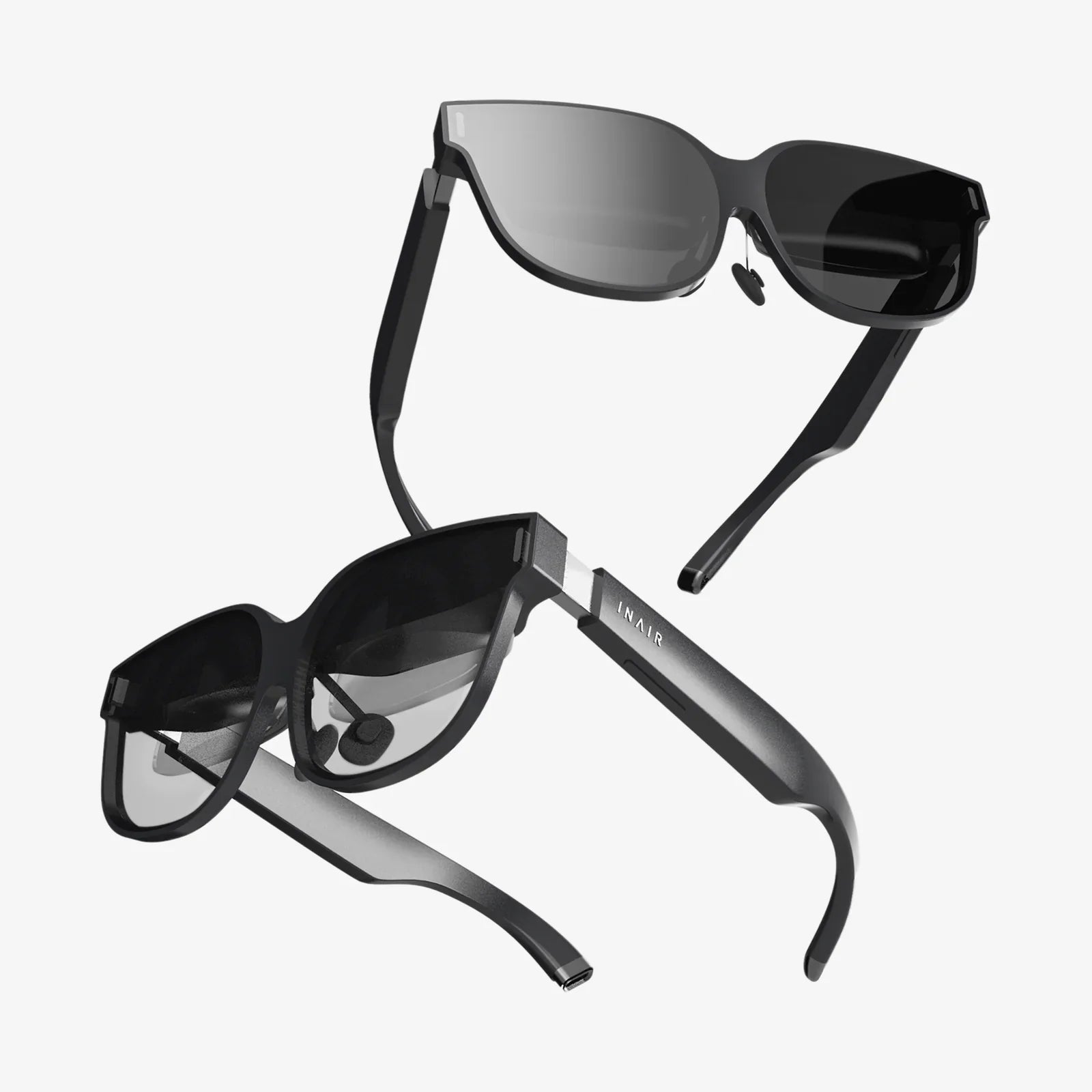
Imagine slipping on a pair of sleek, modern goggles and instantly being transported from your living room to the edge of a volcano, the front row of a concert, or the cockpit of a starship. This isn't science fiction; it's the accessible, awe-inspiring reality offered by VR goggles that work with iPhone, turning the powerful computer in your pocket into a gateway to countless digital worlds. The fusion of advanced smartphone technology with intuitive virtual reality hardware has democratized immersive experiences, making them more affordable and user-friendly than ever before. If you're curious about stepping into the metaverse, enhancing your entertainment, or simply exploring new technological horizons, your iPhone is the perfect key to unlock this door.
The Magic of Mobile VR: How Your iPhone Becomes a Portal
At its core, the concept is elegantly simple. High-end, standalone virtual reality systems contain their own screens, processors, and batteries, making them powerful but also complex and costly. VR goggles designed for the iPhone take a different approach. They are essentially sophisticated, high-quality housings for your device. Your iPhone's vibrant, high-resolution Retina display becomes the screen for each eye, its powerful A-series chipset and motion coprocessor handle the complex graphics and precise head-tracking, and its built-in gyroscope and accelerometer translate your physical movements into the virtual space.
This symbiotic relationship means the experience is directly tied to the capabilities of your iPhone. Newer models, with their faster processors, higher pixel density, and superior motion sensors, will generally provide a smoother, more visually stunning, and responsive experience. This also means that as you upgrade your phone over the years, your VR headset automatically gains access to more demanding and impressive applications, future-proofing your investment in the hardware.
What to Look For: Key Features of iPhone-Compatible VR Headsets
Not all headsets are created equal. While the basic principle remains the same, the design and features can vary significantly, impacting comfort, immersion, and usability.
Optical Quality and Lenses
The lenses are the windows to the virtual world and are arguably the most critical component. High-quality, precision-ground lenses with adjustable focus dials are essential. They ensure a sharp, clear image across the entire field of view, reduce the "screen door effect" (where you can see the gaps between pixels), and allow you to adjust for your specific vision, often eliminating the need to wear glasses while in VR.
Field of View (FOV)
Field of View is the extent of the observable world seen at any given moment, measured in degrees. A wider FOV, typically between 90 and 110 degrees for mobile headsets, increases the sense of immersion by filling more of your peripheral vision. A narrow FOV can feel like looking through a tunnel, which can break the illusion of presence.
Comfort and Ergonomics
Comfort is paramount. A poorly balanced or heavy headset can become unbearable after just a few minutes. Look for designs that distribute weight evenly across your face and head. Features to prioritize include padded forehead and cheek rests, adjustable straps (often a triple-strap design for stability), and lightweight materials. Adequate ventilation is also crucial to prevent the lenses from fogging up during extended use.
Input and Control
Interaction within virtual spaces requires a controller. Most modern iPhone-compatible headsets come bundled with a wireless Bluetooth controller. These range from simple remote-like devices with a trackpad and buttons to more advanced motion controllers that can be tracked in 3D space, offering a much higher degree of interactivity and precision for gaming and applications.
Headset Compatibility
Always double-check the physical compatibility of the headset with your specific iPhone model. The headset must accommodate your phone's size and thickness, and provide clear access to the necessary ports for headphones. A universal design that fits a wide range of models is ideal, especially if you plan to upgrade your phone.
A Universe of Experiences: What Can You Actually Do?
The hardware is merely the vessel; the content is the journey. The App Store hosts a vast and growing library of VR applications that leverage the unique capabilities of your iPhone-powered headset.
Gaming and Interactive Entertainment
This is where VR truly shines. You are no longer just controlling a character on a screen; you are the character. You can wield a lightsaber, defend a castle from invading dragons, solve intricate puzzles by physically manipulating objects, or experience thrilling roller coaster rides that feel terrifyingly real. The level of immersion in narrative-driven games and interactive adventures is unparalleled in traditional mobile gaming.
360-Degree Videos and Films
Travel the world, dive with sharks, or attend a music festival from the comfort of your home. Platforms offer thousands of 360-degree videos that place you right in the center of the action. You control the narrative by looking around in any direction, creating a deeply personal and engaging viewing experience that standard video cannot match.
Social and Educational Applications
Virtual reality is becoming increasingly social. Applications allow you to meet friends, family, or strangers in virtual spaces as customizable avatars. You can watch movies together, play games, or simply chat as if you were in the same room, making it a powerful tool for connection. Educationally, VR is revolutionary. Students can take virtual field trips to historical sites, explore the human body from the inside, or conduct complex science experiments in a safe, virtual lab.
productivity and Mindfulness
Beyond entertainment, VR can be a tool for focus and well-being. Imagine having multiple virtual monitors for your computer in a serene, distraction-free environment. Meditation apps can transport you to a peaceful beach or a quiet mountain top, guiding you through mindfulness exercises with immersive audio and visuals to enhance relaxation and reduce stress.
Setting Up Your VR Experience: A Simple Guide
Getting started is remarkably straightforward.
- Choose Your Headset: Select a model that fits your budget, desired features, and iPhone model.
- Charge and Pair: Ensure the headset's controller (if included) is fully charged and paired with your iPhone via Bluetooth.
- Prepare Your iPhone: Clean your screen thoroughly. Smudges and fingerprints will be magnified in VR. Close all background apps to free up processing power and RAM for a smoother experience. Enable Do Not Disturb to prevent notifications from popping up and breaking your immersion.
- Insert Your Phone: Carefully secure your iPhone into the headset's tray or compartment, ensuring it is centered and firmly in place.
- Adjust the Headset: Put on the headset and adjust the straps for a secure and comfortable fit. Use the focus and interpupillary distance (IPD) sliders or dials until the image is perfectly clear for both eyes.
- Explore: Launch a VR app and begin your adventure. Remember to be aware of your physical surroundings to avoid bumping into furniture!
The Future is in Your Pocket
The landscape of mobile VR is constantly evolving. With each new iPhone release, the graphical fidelity, processing speed, and sensor accuracy improve, pushing the boundaries of what's possible. The ecosystem of apps and experiences continues to expand as developers create more sophisticated and engaging content. While dedicated VR systems will always have a performance edge, the convenience, affordability, and accessibility of iPhone-powered VR make it an incredible entry point into a new digital dimension. It represents the most straightforward way to experience the magic of virtual reality without a significant financial commitment or technical complexity.
Your iPhone is already a camera, a communicator, a gaming device, and a personal assistant. Now, with the right pair of goggles, it transforms into something even more extraordinary: a personal teleportation device. The content libraries are bursting with experiences waiting to be discovered, from heart-pounding games that will have you dodging virtual bullets to serene virtual travel destinations that offer a perfect escape. This isn't just about watching something; it's about going somewhere. The journey begins the moment you decide to look beyond the screen and step into a world where the only limit is the developer's imagination—and you are at the very center of it all.
Share:
Computerless VR Headset: The Untethered Revolution Reshaping Virtual Reality
Number 1 VR Headset - The Ultimate Immersive Experience Unveiled