


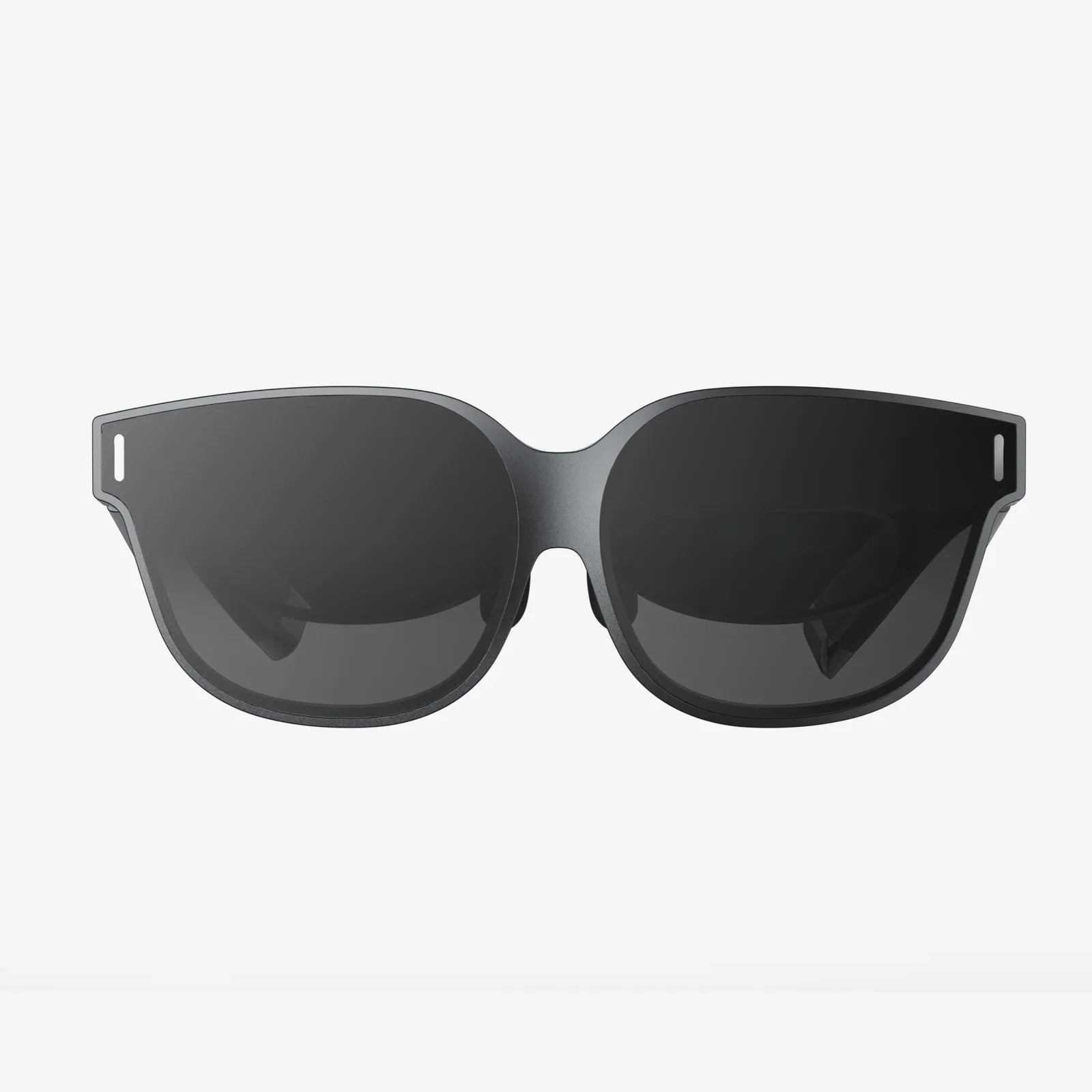
You're standing on the edge of a digital precipice, about to take the plunge into a world of limitless possibility. The only thing between you and an entirely new reality is a single piece of technology: the VR headset. But with a rapidly evolving market and a dizzying array of specs, choosing the right one can feel more daunting than a boss fight on the highest difficulty. Fear not, intrepid explorer. This guide is your trusted map, designed to navigate the complex landscape and lead you directly to the perfect headset for your journey.
Defining Your Virtual Reality: Understanding the Three Main Headset Types
The first and most crucial decision in your VR journey isn't about resolution or refresh rate; it's about understanding how you want to connect to the virtual world. All headsets fall into one of three primary categories, each with its own strengths, weaknesses, and ideal user.
1. Standalone VR Headsets: The All-in-One Convenience Kings
Imagine a headset that requires no wires, no external sensors, and most importantly, no powerful computer. That's the promise of standalone VR. These devices are completely self-contained; the processor, battery, and displays are all built into the unit itself.
Key Characteristics:
- Untethered Freedom: The biggest advantage. You can spin, crouch, and move freely without ever worrying about tripping over a cable.
- Ease of Use: Setup is typically incredibly simple. Put on the headset, define your play area, and you're ready to go.
- Accessibility: With a lower entry cost (no PC required), standalone VR is the most accessible gateway into the medium.
- Performance Trade-off: Because they use mobile-grade processors, the graphical fidelity and computational power are less than what a tethered PC can provide. The experiences are fantastic and immersive, but they won't have the ultra-realistic textures and complex physics of high-end PC titles.
Who are they for? First-time VR users, families, people who value convenience and freedom of movement, and those without a high-end gaming PC.
2. PC-Connected VR Headsets: The Power User's Paradise
For those who demand the absolute highest fidelity, most immersive, and graphically stunning experiences, PC-connected (or tethered) headsets are the undisputed champions. These devices act as a high-resolution display and tracking portal, but all the heavy processing is handled by a powerful desktop computer.
Key Characteristics:
- Unmatched Performance: Access to the full library of graphically intensive PC VR games and simulations with the highest resolutions, detailed textures, and advanced lighting effects.
- Broad Software Library: The PC VR ecosystem is vast, mature, and includes deep, complex titles as well as experimental indie projects.
- The Tether: You are physically connected to your PC via a cable. This can limit movement and requires careful cable management to avoid immersion-breaking tangles.
- Higher Cost of Entry: You must factor in the significant cost of a VR-ready gaming PC on top of the headset itself.
- Setup Complexity: Installation can be more involved, potentially requiring external sensors or base stations placed around your room.
Who are they for? Hardcore gamers, simulation enthusiasts (flight, racing, etc.), professionals in architecture or design, and anyone who prioritizes top-tier visual quality above all else.
3. Console-Based VR Headsets: The Plug-and-Play Specialist
This category is more niche, typically designed to work exclusively with a specific video game console. They offer a middle ground between standalone and PC VR, leveraging the console's consistent hardware for optimized, high-quality experiences without needing a full gaming PC.
Key Characteristics:
- Optimized Ecosystem: Games are built specifically for the headset and console combination, ensuring smooth performance and a polished user experience.
- Simplified Setup: Connects directly to the console, avoiding the driver and hardware compatibility issues that can sometimes plague PC VR.
- Limited Scope: You are locked into the ecosystem of that console manufacturer. The available software library, while often containing excellent exclusives, is smaller than the PC's.
- Dependence on Console Cycle: The headset's lifespan is tied to the supporting console's generation.
Who are they for? Gamers who already own the corresponding console and want a straightforward, high-quality VR upgrade for their system.
Deciphering the Spec Sheet: What Those Numbers Actually Mean
Once you've chosen your headset type, you'll be confronted with a list of technical specifications. Don't be intimidated. These specs directly translate to your comfort and immersion.
Resolution and Display Clarity: Seeing is Believing
This is arguably the most talked-about spec. Resolution is the number of pixels packed into the displays (one per eye). A higher resolution means a sharper, clearer image with less visible "screen door effect" (the faint grid-like lines between pixels).
- What to look for: Look for a per-eye resolution specification. Numbers like 1832 x 1920 per eye are common in modern headsets. Higher is better. Also, consider the pixels-per-degree (PPD) metric if available, as it factors in the lenses for a more accurate measure of clarity.
Refresh Rate: The Key to Smoothness and Comfort
Measured in Hertz (Hz), the refresh rate is how many times per second the image on the screen is updated. A higher refresh rate results in smoother motion, which is critical for fast-paced games and reducing the potential for motion sickness or eye strain.
- What to look for: 72Hz was once standard, but 90Hz is now considered a good baseline. High-end headsets offer 120Hz or even 144Hz for exceptionally smooth gameplay.
Field of View (FoV): Expanding Your World
Field of View is how much of the virtual world you can see at any given moment, measured as an angle. A higher FoV (e.g., 110 degrees vs. 90 degrees) feels more immersive, as it more closely mimics human vision and reduces the feeling of looking through binoculars or a scuba mask.
Tracking: How the Headset Sees You and Your Space
Tracking technology is how the headset understands your movement—both the position of your head and your controllers.
- Inside-Out Tracking: Cameras on the headset itself look outward to map your room and track the controllers. This is the standard for standalone headsets and modern PC headsets. It requires no external hardware and is very convenient.
- Outside-In Tracking: External sensors or base stations placed around the room emit signals to track the headset and controllers. This method is often considered more precise and reliable for competitive gaming, especially when controllers are outside the headset's camera view, but it requires a more complex setup.
Lenses: The Window to Your New Reality
The quality of the lenses between your eyes and the screens is paramount. They focus the image and define the "sweet spot"—the area of maximum clarity.
- Fresnel Lenses: Common, lightweight, and cost-effective, but can cause god rays (lens flare) in high-contrast scenes.
- Pancake Lenses: A newer technology that allows for much thinner and lighter headset designs. They often provide a larger sweet spot and sharper edge-to-edge clarity but can be slightly dimmer.
Audio: Hearing the Details
Sound is half of the immersion. Most headsets have built-in audio solutions.
- Built-in Speakers: Often directional and spatial, piping sound directly into your ears while allowing you to hear your real-world environment slightly.
- 3.5mm Headphone Jack: The option to use your own high-quality headphones for a more private, high-fidelity experience.
Comfort and Ergonomics: The Long-Haul Considerations
The most powerful headset in the world is useless if it's uncomfortable to wear. Comfort is highly subjective, but there are key factors to evaluate.
- Weight Distribution: Is the weight front-heavy? A good strap system (like a rigid halo strap or an elite-style strap with a rear battery counterweight) distributes pressure evenly across your head and face.
- Facial Interface: The material that touches your face (usually foam or silicone). Is it breathable? Is it easy to clean? Is it replaceable?
- IPD Adjustment: Interpupillary Distance is the space between your pupils. Mechanical IPD adjustment (physically moving the lenses) is superior to software adjustment for achieving a clear, comfortable image and avoiding eye strain.
The Content Library: What Will You Actually Do?
Hardware is nothing without software. Before you commit, explore the storefront that powers your chosen headset type.
- Standalone Stores: Check the curated app lab for the headset. Does it have the games and social apps you're excited about?
- PC VR Stores: Explore platforms like SteamVR. The library is enormous, but ensure your chosen PC headset is fully compatible.
- Exclusives: Some of the highest-rated VR experiences are exclusive to certain platforms. If a specific title is your main goal, let that guide your decision.
Defining Your Budget and Future-Proofing
Set a realistic budget. For standalone, this is primarily the headset cost. For PC VR, it's the headset plus the cost of a capable computer.
"Future-proofing" is a tricky concept in fast-moving tech. Instead of chasing the absolute latest specs, focus on buying into a healthy ecosystem with a strong track record of support and a roadmap that suggests it won't be abandoned next year. Choose a headset from a reputable company that is investing heavily in the space.
Making Your Final Decision: A Step-by-Step Checklist
- Choose Your Type: Standalone for freedom and ease? PC for power? Console for its exclusive titles?
- Set Your Budget: Be honest about what you can spend, including any necessary PC upgrades.
- Research Shortlisted Headsets: Based on your type and budget, pick 2-3 models to compare deeply.
- Read Expert and User Reviews: Pay attention to consistent praise or complaints about comfort, lens clarity, and controller feel.
- Check the Software Library: Ensure your chosen platform has the experiences you crave.
- Consider Accessories: Factor in the potential cost of upgraded comfort straps, additional face interfaces, or controller accessories.
The world of VR is waiting, more vibrant and accessible than ever before. This guide has armed you with the knowledge to cut through the hype and analyze the options like a pro. You now know that the best headset isn't the one with the highest number on the box; it's the one that perfectly aligns with your dreams, your space, and your reality. Your perfect portal to new worlds, unforgettable adventures, and connections that transcend physical space is out there. All that's left to do is take that step, strap it on, and dive in.
Share:
AR Headset Coming Next with Power: The Dawn of a New Reality
What Is The Best VR Headset For Android: A 2024 Guide To Mobile Immersion