


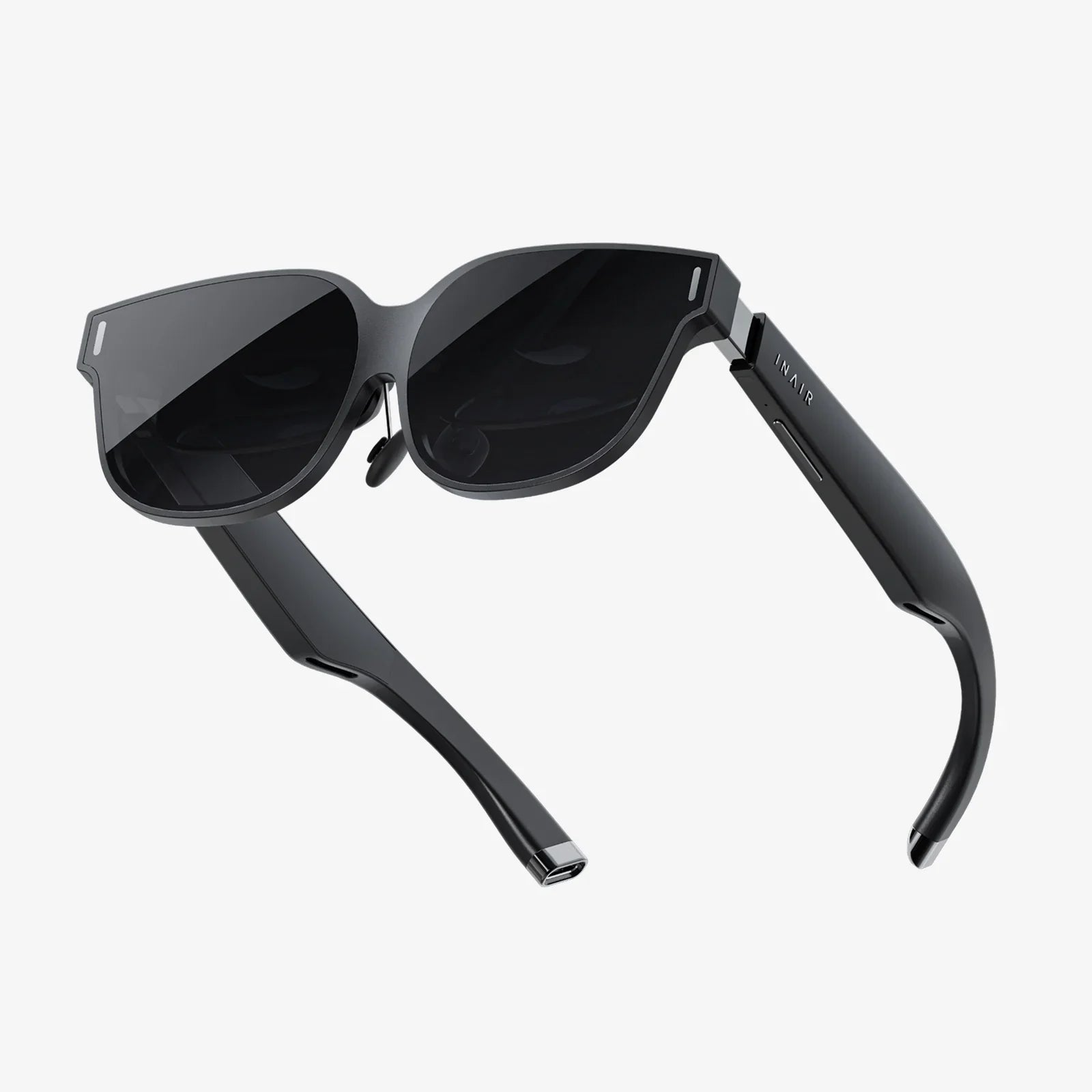
- by wangfred
VR Headset for 6 Inch Phone: Your Ultimate Guide to Mobile Virtual Reality
- by wangfred
Imagine slipping a sleek, futuristic visor over your eyes and instantly being transported to a concert front row, a distant planet, or the center of a thrilling game. This isn't science fiction; it's the accessible, awe-inspiring reality offered by a VR headset for a 6 inch phone. This powerful combination turns the sophisticated computer you already own—your smartphone—into a portal for immersive experiences that were once the domain of expensive, high-end equipment. The journey into virtual worlds is more straightforward and affordable than you might think, and it all starts with understanding how to harness the device in your pocket.
The core principle behind a mobile VR headset is elegant in its simplicity. The headset itself is a sophisticated housing—a pair of high-quality lenses placed in a dark, enclosed chamber. Your 6-inch smartphone acts as the display and the brain. When you slot the phone into the headset, the lenses warp and magnify the screen, creating a stereoscopic 3D effect that fills your entire field of vision. The phone's internal gyroscope and accelerometer track your head movements, allowing the software to adjust the view in real-time. When you look left, the virtual world pans left. When you look up, you see the digital sky. This seamless tracking is what creates the convincing illusion of presence, making you feel like you are truly inside the experience.
Screen size is a critical factor in the mobile VR equation. A 6-inch phone sits firmly in the 'Goldilocks zone' for this technology. Phones with smaller screens often struggle to provide a wide enough field of view (FOV), making the experience feel like looking through binoculars and breaking immersion. Larger phones, while offering a potentially larger FOV, can be too heavy, cause discomfort during extended use, and may not fit properly in many universal headsets. A 6-inch display typically offers a dense pixel array (high Pixels Per Inch or PPI), which is crucial for reducing the 'screen door effect'—that faint grid-like pattern you see when the pixels are too visible. This balance of size, weight, and resolution makes a 6-inch phone a fantastic candidate for delivering a crisp, comfortable, and deeply engaging virtual reality experience.
Not all headsets are created equal. When searching for the perfect companion for your 6-inch device, several features will significantly enhance your experience.
One of the most important features is the ability to adjust the lenses. Look for a headset with an adjustable Interpupillary Distance (IPD) dial. This allows you to slide the lenses closer together or further apart to match the specific distance between your eyes, ensuring a single, clear image rather than a blurry double vision. A separate focus dial is also invaluable, especially for those who wear glasses, as it can compensate for nearsightedness or farsightedness, allowing many users to experience VR without their eyewear.
Comfort is paramount. A good headset will use padded materials around the faceplate and on the head strap. The most comfortable designs often feature a rigid, over-the-head strap with a supportive top pad, similar to a hard hat, which distributes the weight of the phone evenly across your head rather than pressing it all onto your face. This design prevents fatigue and makes longer VR sessions enjoyable rather than burdensome.
While many mobile VR experiences can be controlled by a Bluetooth gamepad or even a separate handheld controller, some higher-end headsets integrate a remote control or touchpad directly into the housing. This provides a more intuitive and immediate way to interact with menus and games. Furthermore, consider the audio solution. Some headsets include built-in headphones or channels for routing headphones, which helps to complete the sensory immersion by providing spatial 3D audio that corresponds to your movements in the virtual space.
A common issue with mobile VR is lens fogging, caused by body heat and humidity. Headsets with well-designed ventilation channels can mitigate this problem, keeping your view clear. Additionally, a wider field of view (typically between 90 and 110 degrees for mobile headsets) is desirable as it more closely mimics human sight and deepens the feeling of immersion.
Getting started is a simple process. First, ensure your phone's screen is meticulously clean; any smudges will be magnified by the lenses. Next, download a VR platform app from your phone's app store. These platforms act as hubs for discovering, downloading, and launching VR content. Before inserting your phone, launch the VR app you want to use. Carefully insert the phone into the headset's tray, ensuring it is centered. Put on the headset and adjust the straps for a snug but comfortable fit. Use the IPD and focus dials to achieve the sharpest possible image. You are now ready to explore.
The true value of your VR headset is unlocked by the content available for it. The library of mobile VR experiences is vast and diverse, catering to a wide range of interests.
Mobile VR gaming ranges from simple, casual experiences to surprisingly deep and engaging titles. You can find yourself piloting a starfighter in intense space battles, solving intricate environmental puzzles in a mysterious room, wielding a lightsaber in a rhythm-based combat game, or experiencing horror titles that are profoundly more frightening in VR. The interactive nature of these games showcases the unique power of the medium.
One of the most popular uses for mobile VR is watching 360-degree videos. Major content platforms host vast libraries of these videos, allowing you to stand on the edge of a volcano, swim with whales, attend a music festival, or visit iconic global landmarks from your living room. It's a powerful tool for virtual tourism and experiential learning, providing a sense of scale and presence that flat video cannot match.
Beyond entertainment, VR is a revolutionary educational tool. Applications allow you to take guided tours inside the human body, explore the solar system, walk through ancient historical sites reconstructed in 3D, or interact with complex molecular structures. For the artistically inclined, there are apps that let you paint and sculpt in three-dimensional space, creating art that you can walk around and view from every angle.
While incredibly accessible, it's important to understand that phone-based VR has its limits compared to dedicated, high-powered VR systems. These systems have external sensors and powerful processors that enable more accurate motion tracking, richer graphics, and the ability to walk around in a physical space that is mapped to the virtual one (room-scale VR). Mobile VR is primarily a seated or standing-still experience. Furthermore, running graphically intensive VR applications can drain your phone's battery quickly and generate significant heat. Despite these limitations, for the price and convenience, the experience remains unparalleled and serves as a perfect introduction to the world of virtual reality.
The technology behind mobile VR is constantly evolving. Smartphones are becoming more powerful with faster refresh rate displays, which make VR motion smoother and more comfortable. Standalone VR headsets are also becoming more prevalent, offering a all-in-one solution that doesn't require a phone or a PC. However, the phone-based model remains a crucial and highly affordable entry point, democratizing access to immersive technology for millions of users worldwide and fostering a growing ecosystem of developers and creators.
Your 6-inch smartphone is a dormant gateway to adventure, education, and breathtaking experiences, waiting for the right headset to bring it to life. This isn't just about watching content; it's about stepping inside it. The barrier to entry has never been lower, and the virtual landscape has never been richer. The next world you explore is already in your hand—you just need to look through the right lens.