


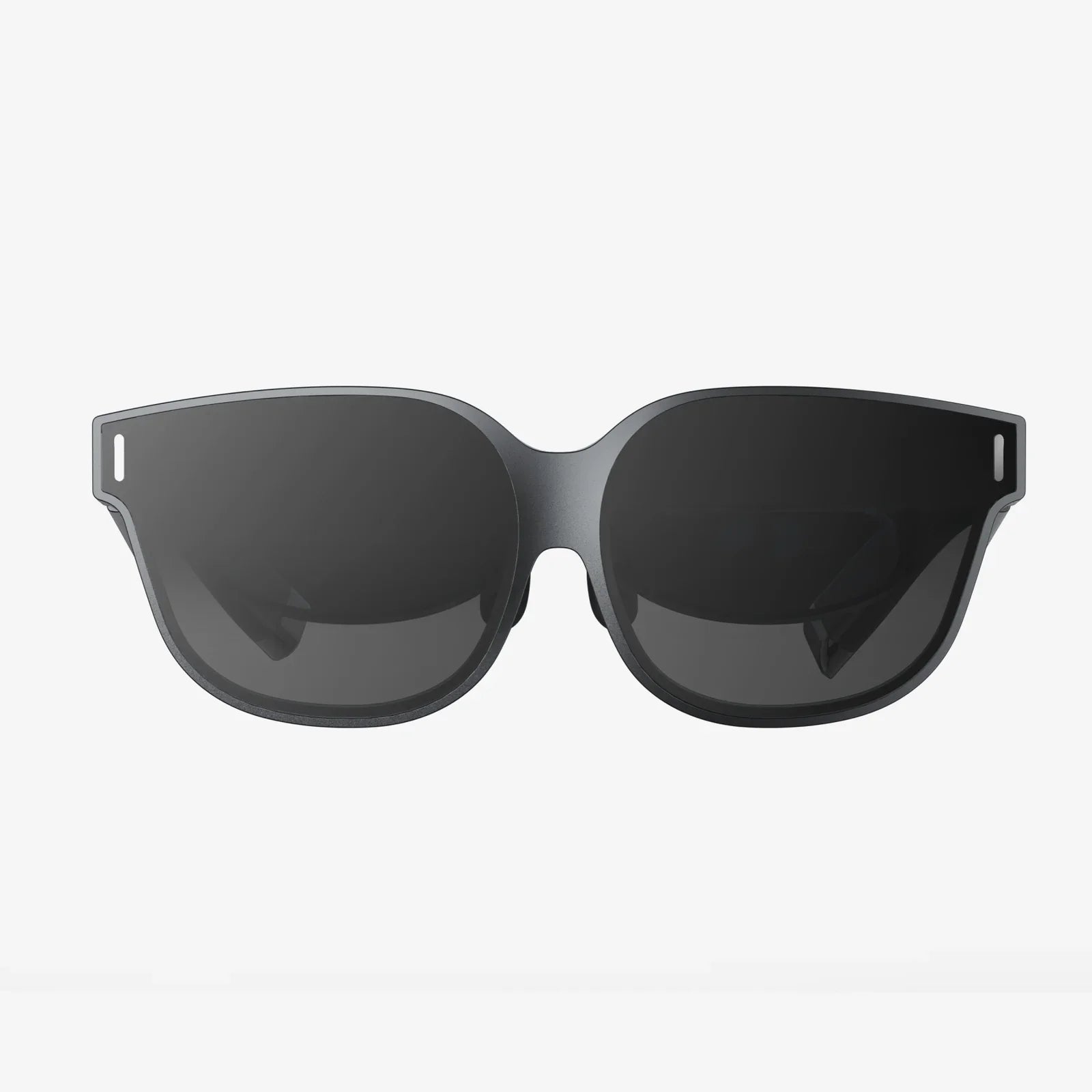
Imagine stepping through a portal into another world, where the lines between the digital and the physical blur into insignificance, where you can climb Himalayan peaks, design complex machinery with your hands, or stand on the surface of Mars—all from the comfort of your living room. This is the promise, and now the reality, of using a high-end VR headset for PCVR. This isn't just gaming; it's a paradigm shift in how we interact with technology, and it all starts with the powerful synergy between a capable computer and a sophisticated window into virtual spaces.
The Unmatched Power of the PC Platform
While standalone VR headsets offer convenience and accessibility, they are ultimately constrained by the need for miniaturization and battery life. A dedicated VR headset for PCVR, however, taps into the raw, untethered power of a modern gaming computer. This partnership unlocks a tier of experience that is simply unattainable elsewhere. We're talking about vastly superior graphics with higher resolution textures, more complex lighting and shadow effects, longer draw distances, and incredibly detailed 3D models. The graphical fidelity is often compared to the leap from a mobile game to a AAA desktop title—the difference is that profound. This computational muscle also fuels more advanced physics simulations, larger, more interactive environments, and a greater number of non-player characters on screen, creating worlds that feel truly alive and reactive to your presence.
Decoding the Specs: What Truly Matters in a PCVR Headset
Navigating the specifications of a VR headset can be daunting. Understanding a few key metrics will empower you to make an informed decision.
Resolution and Display Technology
This is often the first spec consumers look at, and for good reason. Resolution, stated in pixels per eye (e.g., 2160x2160), directly impacts the dreaded "screen door effect"—the visible gap between pixels. Modern high-end PCVR headsets have largely mitigated this with high-resolution displays, often using fast-switch LCD or vibrant OLED panels. LCDs typically offer a higher sub-pixel density (reducing screen door effect) and a lower cost, while OLEDs provide perfect blacks and richer colors, crucial for space or horror simulations. The refresh rate, measured in Hertz (Hz), dictates how smoothly the image updates. Standard rates are 90Hz or 120Hz, with some headsets pushing 144Hz or even 160Hz. A higher rate reduces perceived latency and motion blur, contributing significantly to comfort and immersion.
Field of View (FoV)
If resolution is the clarity of the window, the field of view is its size. Measured diagonally in degrees, FoV determines how much of the virtual world you can see without turning your head. A typical human FoV is roughly 220 degrees. Most consumer headsets range from 90 to 120 degrees. A wider FoV is a massive contributor to immersion, making you feel more "inside" the world rather than looking at a screen. It's a spec that is heavily influenced by the headset's design and lens technology.
Tracking: Inside-Out vs. External Sensors
How does the headset know where you are in your room? This is done through tracking. There are two primary methods:
- Outside-In Tracking: This traditional method uses external base stations or sensors placed around your play area. These devices emit signals (laser sweeps or infrared light) that are picked up by sensors on the headset and controllers, providing extremely precise, millimetre-accurate positional data. This is often considered the gold standard for competitive gaming and professional applications.
- Inside-Out Tracking: A more modern approach where cameras mounted on the headset itself observe the real-world environment and use it as a reference point to track its own movement. This eliminates the need for external sensors, making setup much easier and more portable. The technology has advanced tremendously and now offers excellent tracking quality for the vast majority of users.
Lenses and Optical Clarity
Positioned between your eyes and the screens are the lenses, arguably one of the most critical components for visual comfort. The goal of lens design is to provide a large, clear "sweet spot"—the area where the image is in sharp focus. Fresnel lenses, common in many headsets, are lightweight but can cause god rays (glare effects around high-contrast objects). Aspherical and pancake lenses are newer technologies that offer a larger sweet spot and reduced distortion but can present different engineering challenges. The ability to adjust the Interpupillary Distance (IPD)—the physical distance between the lenses—is crucial for aligning the headset's optics with your eyes for a clear and comfortable image.
The PC: The Beating Heart of the Experience
Your VR headset is only as good as the computer powering it. The demands are significant. At a minimum, you'll need a powerful multi-core processor, a generous amount of fast RAM, and, most importantly, a capable dedicated graphics card. This component bears the immense task of rendering two high-resolution images at a very high frame rate. Pushing pixels at 90 frames per second for a 4K-equivalent display is a task that would bring most computers to their knees, which is why specific GPU architectures are designed with VR performance in mind. A robust power supply and adequate cooling are also non-negotiable to maintain performance during extended sessions. Investing in a well-built PC is investing in the quality and stability of your entire virtual reality experience.
The Setup Process: From Box to Virtual Play Space
The journey to immersion involves a few key steps. First, you'll need to install the required software on your PC—this is the platform that will manage your headset, its drivers, your virtual library, and your social ecosystem. The physical setup depends on your tracking method. For inside-out, it's often as simple as plugging in the headset and defining your play area. For outside-in, you'll need to strategically place the base stations in the corners of your room, ensuring they have a clear line of sight to your play space. The final, and most important, step is defining your Guardian System or Chaperone Boundary. This is a digital wall that appears in your virtual view when you get too close to the real-world boundaries of your play area, preventing you from bumping into furniture or walls. It's a simple but vital safety feature.
A Universe of Experiences Beyond Gaming
While gaming is the most famous application, the utility of a PCVR headset extends far beyond.
The Apex of Interactive Entertainment
PCVR is the destination for the most ambitious and graphically intense VR games. From sprawling open-world RPGs and intense military simulators to rhythm games that give you a full-body workout, the depth and scope of titles available are staggering. The modding community further extends this value, often adding VR support to beloved flat-screen games, effectively giving you an entirely new way to experience classic titles.
Social VR and Metaverse Platforms
The concept of the "metaverse" finds its most tangible form in social VR. These are persistent virtual spaces where you can meet friends, attend live concerts, watch movies on a giant screen, or simply hang out. Using a personalized avatar, you can communicate through voice and nuanced hand gestures, creating a powerful sense of social presence that video calls cannot match.
Professional and Creative Applications
Architects walk clients through unbuilt designs. Medical students practice complex procedures on virtual anatomies. Artists sculpt 3D models in mid-air as if they were physical clay. Engineers collaborate on virtual prototypes from different continents. The ability to visualize and interact with 3D data at a 1:1 scale is revolutionizing numerous industries, making a PCVR headset a powerful professional tool.
Is PCVR Right For You? Weighing the Commitment
The unparalleled experience of PCVR comes with considerations. The financial investment is the most obvious, encompassing both the headset and a powerful enough computer. There is also a physical space requirement; you need a clear, safe area to move around in, preferably a dedicated room-scale space. For some, the tether—the cable connecting the headset to the PC—can be a minor immersion-breaker, though many enthusiasts manage it with overhead pulley systems. Finally, there is a learning curve involved in the setup and troubleshooting, which can be a barrier for the less technically inclined. However, for those who seek the highest fidelity, the most complex simulations, and the cutting edge of what virtual reality has to offer, these considerations are not obstacles but simply the price of admission to the premier league of immersive computing.
The world of high-fidelity virtual reality is waiting, and it's more accessible and breathtaking than ever before. The combination of relentless hardware innovation and a passionate developer community means the experiences are only getting richer, more realistic, and more transformative. Your journey to other worlds, and new ways of seeing our own, begins with a single decision to step through the looking glass. Are you ready to see what's on the other side?
Share:
An AR Headset Will Cease Function In: The Inevitable Sunset of Your Digital Eyes
Extended Reality Market Demand: The Next Digital Revolution is Here