


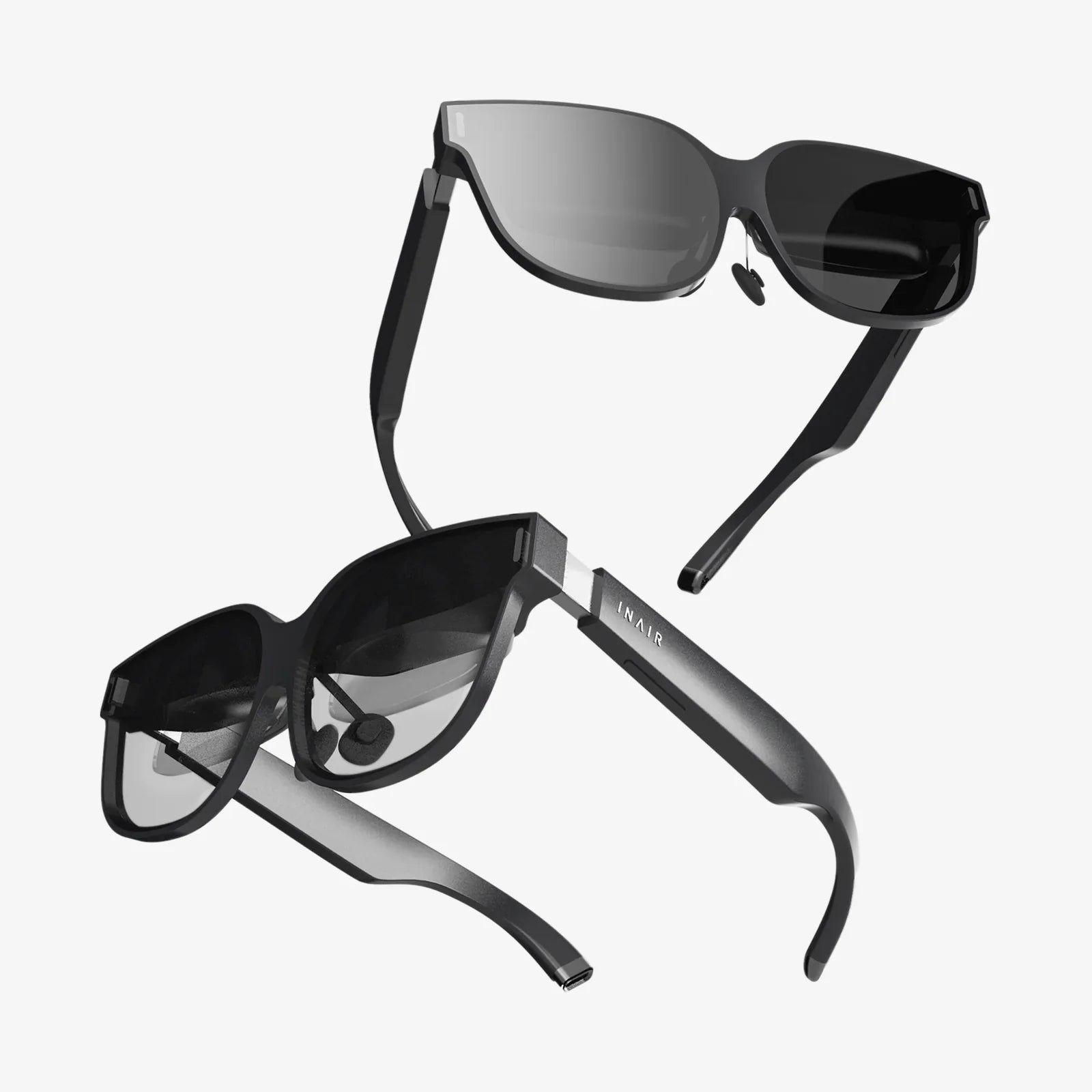
- by wangfred
VR Headset Hardware Requirements: The Ultimate Guide to a Flawless Immersive Experience
- by wangfred
You've just unboxed the future—a sleek, sophisticated VR headset promising digital frontiers and unimaginable adventures. But before you can step into another world, a critical question emerges: will your computer keep up, or will it shatter the illusion with a stuttering, jarring slideshow? Understanding VR headset hardware requirements isn't just about checking boxes on a spec sheet; it's the fundamental key to unlocking a truly seamless and breathtakingly immersive experience.
Think of the Central Processing Unit (CPU) as the master conductor of your entire VR orchestra. While the graphics card handles the visuals, the CPU is responsible for a multitude of simultaneous, critical tasks. It processes complex physics calculations—how objects fall, collide, and interact within the virtual space. It manages artificial intelligence for non-player characters, ensuring they react believably to your actions. It handles audio processing for spatial 3D sound, which is crucial for immersion, and it constantly feeds data to the graphics card to be rendered.
For a smooth VR experience, a modern, multi-core processor is non-negotiable. Entry-level VR may start with a quad-core CPU, but for high-fidelity experiences and future-proofing, six cores or more are highly recommended. Slower or older processors become a significant bottleneck, leading to a phenomenon known as "reprojection" or "asynchronous spacewarp," where the software tries to generate frames to fill in the gaps, often resulting in a ghosting effect that can induce discomfort. The raw clock speed (measured in GHz) also plays a vital role in ensuring each frame is calculated swiftly and efficiently.
If the CPU is the conductor, the Graphics Processing Unit (GPU) is the entire visual ensemble. This is, without a doubt, the single most important component for VR. The task it performs is Herculean: it must render two distinct, high-resolution images—one for each eye—at a minimum of 90 frames per second (FPS). For many modern headsets, the target is now 120Hz or even 144Hz.
To put this in perspective, a standard 4K monitor runs at 3840 x 2160 pixels. A high-resolution VR headset must render a combined resolution that often exceeds this, and it must do so at triple the framerate of a typical PC game. This requires immense graphical horsepower. A card labeled as "VR Ready" is the absolute baseline. For a truly high-fidelity experience with detailed textures, complex lighting, and shadows, a powerful modern GPU is essential. This component directly determines the clarity, detail, and smoothness of your virtual world. Compromising here means compromising on the very essence of the experience, trading crisp, fluid realism for a blurry, nauseating mess.
Random Access Memory (RAM) acts as the immediate workspace for your computer. It holds all the active data that the CPU needs quick access to—the game's assets, level data, and application code. Insufficient RAM forces the system to constantly read from the much slower storage drive (like an SSD or HDD), creating noticeable stutters and hiccups as it desperately swaps data in and out.
For most VR titles, 16GB of RAM is considered the sweet spot. This provides ample headroom for the VR application itself, the background processes of the operating system, and any other software running. While some less demanding experiences might run on 8GB, this can often lead to performance issues and is not recommended for a consistent experience. For users interested in content creation, streaming their VR sessions, or using complex simulation software, 32GB of RAM can provide valuable future-proofing and ensure buttery-smooth performance under heavy loads.
Your powerful components are useless if they can't talk to the headset quickly enough. This is where ports and cables become critically important. Most modern high-end headsets utilize a high-speed USB port for data and power, combined with a DisplayPort or HDMI cable for video. DisplayPort 1.4 is generally preferred for its high bandwidth, which is necessary to support the high resolutions and refresh rates of premium headsets.
It is absolutely vital to check your PC for the correct number and type of ports required by your specific headset. An adapter can sometimes be a solution, but it can also introduce compatibility problems or bandwidth limitations. Furthermore, the physical length and quality of the cables matter, especially for room-scale VR where you need freedom of movement without disconnecting. For wireless PCVR streaming, the requirements shift to having a top-tier Wi-Fi 6 or Wi-Fi 6E router dedicated to the headset and a perfectly configured network environment to minimize latency.
Two components that are often overlooked but have a tangible impact on the experience are storage and power.
Storage (SSD vs. HDD): A Solid-State Drive (SSD) is highly recommended for VR. While an older Hard Disk Drive (HDD) can store the games, an SSD drastically reduces loading times. The difference between a 30-second load screen on an HDD and a 3-second load on an SSD significantly enhances immersion and reduces downtime. Modern games are increasingly built with SSD speeds in mind, making them almost a de facto requirement.
Power Supply Unit (PSU): A high-quality power supply is the bedrock of a stable system. A VR setup with a powerful CPU and GPU draws a substantial amount of power. An underpowered or low-quality PSU can lead to system instability, crashes under load, or even hardware damage. Ensuring you have a PSU with enough wattage (a common recommendation is 100-200W above your estimated system draw) and from a reputable brand is a key part of a reliable VR-ready PC.
The hardware discussion extends beyond the computer case. The physical space you play in, known as the "play area," is a key requirement for room-scale VR. The recommended size is a clear, unobstructed space of at least 6.5 x 5 feet, though experiences can be tailored for smaller spaces or even seated play. Your own physical comfort is also a hardware requirement. Ensuring the headset is properly adjusted for eye distance (IPD) and fit is crucial for visual clarity and avoiding fatigue during longer sessions.
Every headset and VR application publishes two sets of specifications: Minimum and Recommended.
VR technology is advancing at a rapid pace. Headsets are pushing for higher resolutions, wider fields of view, and more advanced features like eye-tracking and foveated rendering (which dramatically reduces GPU load by rendering only the area you're looking at in full detail). When building or buying a PC for VR, it is wise to look beyond today's requirements. Opting for a more powerful GPU, a CPU with more cores, and faster RAM than is strictly necessary today will extend the lifespan of your system, allowing you to adopt new headsets and enjoy more demanding software for years to come without another major investment.
Your journey into virtual reality should begin with awe, not frustration. By meticulously aligning your system's capabilities with the demanding reality of VR headset hardware requirements, you build more than just a PC; you construct a direct portal to new realities, ensuring every adventure is defined by its wonder, not its limitations. The difference between a choppy demo and a life-changing simulation lies entirely in the silicon and circuitry waiting behind your headset.
Share:
AR Goggles for iPhone: Unlocking a New Dimension of Mobile Reality
How to Play VR Without a VR Headset: A Comprehensive Guide to Immersive Gaming