


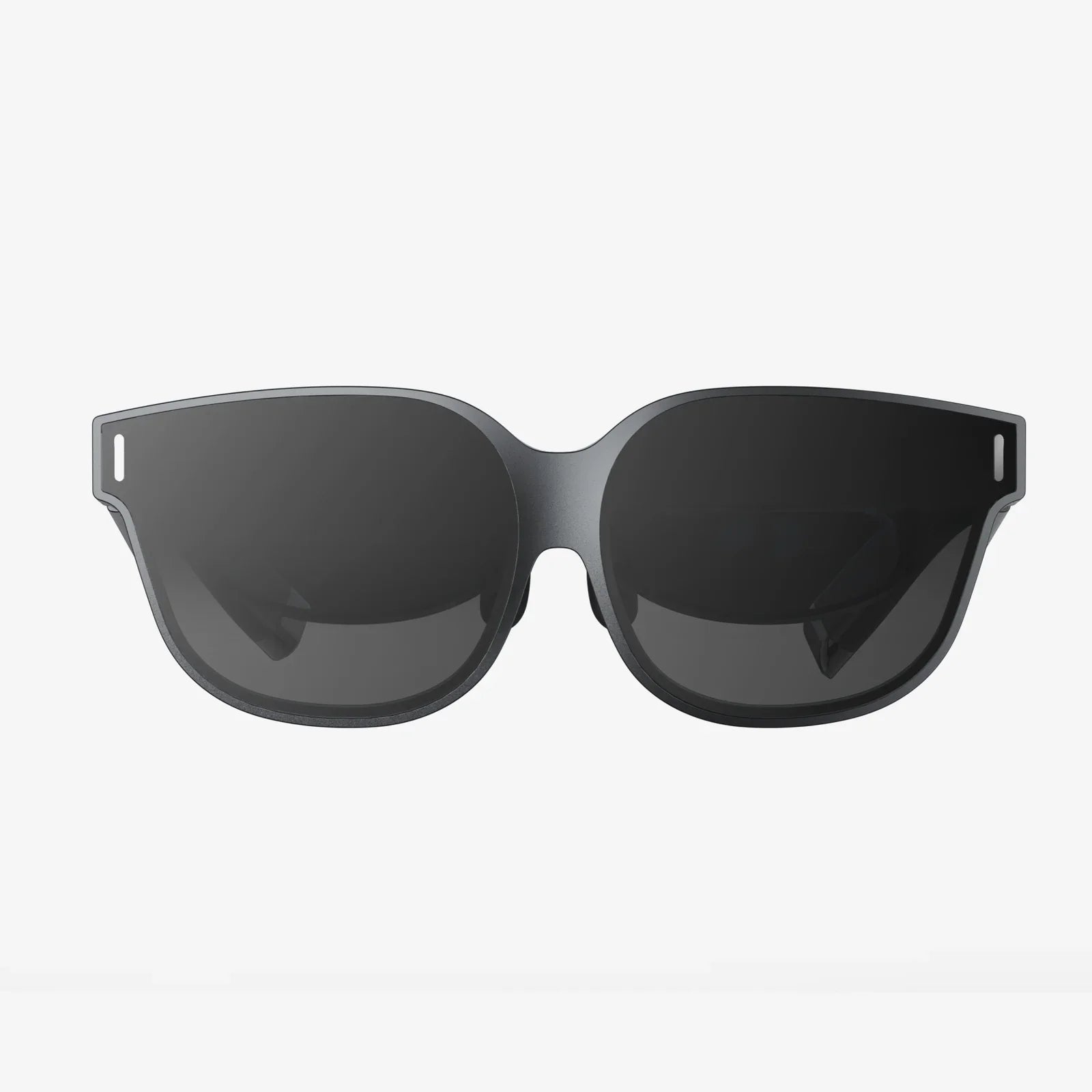
You strap on the headset, full of anticipation for the incredible digital worlds you're about to explore. The visuals are stunning, the immersion is absolute... and then it hits. That subtle, queasy feeling in the pit of your stomach, the slight disorientation, the cold sweat. Suddenly, the promise of virtual adventure turns into a very real physical ordeal. If this sounds familiar, you are far from alone. The phenomenon of a VR headset inducing feelings of nausea, often called VR sickness or simulator sickness, is one of the most significant barriers to widespread virtual reality adoption. But it is not an insurmountable one. This deep dive into the causes, science, and solutions will empower you to understand your body's reactions and, most importantly, get back to enjoying VR comfortably.
The Science Behind the Queasiness: A Clash of Senses
To understand why a VR headset can make you feel sick, we must first look at the fundamental disconnect it creates within your own body's sensory systems. This discomfort is a specific type of simulator sickness, a close relative of motion sickness. At its core, it's a conflict between what your eyes see and what your body feels.
Your brain relies on a constant stream of information from your eyes, your inner ear (vestibular system), and your muscles and joints (proprioception) to maintain a stable sense of orientation and movement. For millions of years, these systems have evolved in perfect sync. If your eyes see movement, your body feels it. This harmony is essential for balance and spatial awareness.
Virtual reality shatters this ancient pact. When you put on a VR headset, your visual system is bombarded with convincing signals of movement—you might be flying a spaceship, racing a car, or simply walking through a virtual corridor. Your eyes scream to your brain, "We are moving!"
However, your vestibular system and your proprioceptive senses tell a different story. You are standing still in your living room. Your inner ear detects no acceleration, no change in head position that corresponds to the violent maneuvers on screen. Your feet are planted firmly on the stationary ground.
This sensory mismatch is known as vestibular-ocular conflict. Your brain receives two contradictory reports about the state of your body. It cannot reconcile them. From an evolutionary standpoint, this kind of neurological discord is a major red flag; it's a classic symptom of having ingested a neurotoxin. Your brain's primitive defense mechanism kicks in: it assumes you have been poisoned and initiates a response to expel the supposed toxin. This means inducing nausea and vomiting.
It's a brutal, involuntary reaction, but it explains the biological purpose behind the misery. You aren't "weak" or "not cut out for VR"; you are experiencing a hardwired, prehistoric survival instinct.
Key Technical Culprits: Beyond the Sensory Conflict
While the sensory conflict is the root cause, several technical factors of the VR experience itself can dramatically exacerbate the problem. Understanding these can help you identify what specifically might be triggering your discomfort.
Latency: The Deadly Lag
Latency is the single most critical technical factor. It refers to the delay between when you move your head and when the image on the screen updates to reflect that movement. Even a delay of 20 milliseconds (ms) can be perceptible and problematic. High latency makes the virtual world feel sluggish, unresponsive, and disconnected from your physical actions. This lag directly worsens the sensory conflict—your body moves, but the visual feedback is late, constantly telling your brain that something is wrong. Modern hardware has made immense strides in reducing latency, but it remains a key differentiator between smoother and more nausea-inducing experiences.
Frame Rate: The Need for Speed
Closely tied to latency is frame rate, measured in frames per second (FPS). A low or inconsistent frame rate causes a stuttering, juddery image. For a comfortable VR experience, a high and stable frame rate (typically 90 FPS or higher for most headsets) is non-negotiable. This ensures smooth visual flow that your brain can more easily process. Dropped frames or reprojection techniques (where frames are artificially generated to fill gaps) can be particularly triggering for some users, as they introduce visual artifacts that don't match expected motion.
Field of View and Vergence-Accommodation Conflict
Most consumer VR headsets have a field of view (FOV) that is narrower than our natural human vision. This creates a binocular or "goggle" effect, reminding your peripheral vision that you are looking at a screen. Furthermore, VR presents a unique visual challenge called the vergence-accommodation conflict. In the real world, your eyes converge (cross or uncross) and their lenses accommodate (change focus) in perfect sync when you look at objects at different distances. In VR, the screen is at a fixed focal distance (usually around two meters), but virtual objects can appear much closer or farther away. Your eyes must converge to perceive the 3D depth of a nearby object, but they must still focus on the fixed screen plane. This conflict can cause significant eye strain and headaches, which often precede or accompany feelings of nausea.
Movement Mechanics: The Art of Artificial Locomotion
How you move through the virtual world is perhaps the most direct trigger for VR sickness. Artificial locomotion—using a thumbstick to move like in a traditional video game—is the biggest offender. Your eyes see smooth, continuous movement, but your body feels nothing. This is a direct and powerful instigator of sensory conflict. Other triggering movement types include:
- Camera shaking: Any violent or high-frequency camera movement.
- Unexpected drops or climbs: Like riding a virtual elevator or falling off a ledge.
- Rotation: Especially smooth, non-physical turning.
- Acceleration and deceleration: The feeling of speeding up or slowing down is often more nauseating than constant velocity.
Individual Susceptibility: Why Some Feel Fine and Others Don't
Not everyone gets sick in VR, and susceptibility varies wildly. This can be frustrating for those who are highly sensitive, but it's important to know that it's not a reflection of your "gaming skills." Several factors are at play:
- Age and Gender: Research suggests women and younger people may be slightly more susceptible on average, though the reasons are not fully understood and likely involve a complex mix of physiological and hormonal factors.
- Previous Experience: Frequent VR users often develop a level of tolerance, a process known as "getting your VR legs." The brain can, to some extent, learn to ignore the conflicting signals over repeated, controlled exposures.
- Genetic Predisposition: A natural susceptibility to motion sickness in the real world (e.g., in cars or on boats) is a very strong predictor of experiencing VR sickness.
- General Health and State of Mind: Being tired, dehydrated, stressed, or hungover can significantly lower your threshold for nausea in any context, including VR.
Building Your VR Legs: A Practical Guide to Acclimation
The good news is that for most people, VR sickness is a temporary and surmountable hurdle. The key is a careful and patient approach to acclimation. Think of it like building a muscle or learning to swim; you wouldn't jump into the deep end on your first day.
- Start Slow and Stop Immediately: Your first sessions should be brief, no longer than 10-15 minutes. The moment you feel any hint of discomfort—don't wait for full-blown nausea—stop immediately. Take off the headset. Pushing through the discomfort is the worst thing you can do, as it conditions your brain to associate VR with feeling ill.
- Choose Your Content Wisely: Begin with stationary experiences. These are applications or games where your virtual position remains fixed. This could be a puzzle game where you sit at a table, a painting app, a 360-degree video where you don't move, or a virtual cinema. This eliminates the artificial locomotion trigger entirely.
- Graduate to Comfort-Optimized Movement: Once you are comfortable with stationary apps, move on to experiences that use teleportation for movement. This method instantly jumps your viewpoint to a new location, avoiding the nauseating smooth acceleration of analog stick movement. Many games also offer comfort modes like vignetting (a subtle darkening of the peripheral vision during movement) and snap turning (turning in fixed increments instead of smooth rotation). Always enable these options.
- Use a Fan: A simple but remarkably effective trick is to place a fan blowing gently on your face and torso during your VR session. This provides a constant, cool airflow that helps with overheating and, more importantly, gives your body a stable physical directional cue for orientation, which can help reduce sensory conflict.
- Ginger is Your Friend: Studies have shown that ginger is an effective natural remedy for nausea. Consider drinking ginger tea or taking ginger supplements about 30 minutes before your VR session. It won't fix the root cause, but it can raise your threshold for discomfort.
- Focus on Breathing and a Stable Horizon: If you start to feel odd, try to focus on taking slow, deep breaths. In experiences with a vehicle or a stable horizon line (like the cockpit of a spaceship or car), focus your gaze on that stable element within the virtual world. This can provide a visual anchor for your brain.
The Future is Comfortable: How Technology is Evolving to Eliminate Sickness
The industry is acutely aware that simulator sickness is a major obstacle, and significant research and development is focused on solving it. Future advancements aim to minimize or even eliminate the sensory conflict at its source.
- Varifocal Displays and Eye-Tracking: Next-generation headsets are incorporating eye-tracking technology. This can be used to implement dynamic focal planes (varifocal displays), where the headset actually changes the focal distance of the lenses based on where your eyes are looking, finally resolving the vergence-accommodation conflict. This will drastically reduce eye strain.
- Higher Resolution, Refresh Rates, and FOV: As display technology improves, we will see headsets with higher resolutions (reducing the screen-door effect), faster refresh rates (120Hz, 144Hz, and beyond), and wider fields of view. All of these contribute to a more visually coherent and believable world that is easier on the brain.
- Advanced Haptics and Full-Body Tracking: The ultimate solution to sensory conflict is to give the body the motion cues it expects. Research into haptic suits and motion platforms that physically move your body in sync with the virtual world could one day provide the physical feedback needed to match the visual input. While currently niche, this technology holds the promise of a truly nausea-free experience for even the most intense simulations.
The journey from initial discomfort to confident exploration is a personal one, but it is a path well-traveled and thoroughly mapped. The queasy feeling a VR headset can induce is not a personal failing but a testament to the incredible, if sometimes clumsy, interplay between our ancient biology and cutting-edge technology. By respecting your body's signals, strategically choosing your experiences, and leveraging the comfort tools available, you can systematically dismantle the barrier of simulator sickness. A vast and breathtaking digital universe awaits, and with the right approach, you can step into it feeling perfectly fine.
Share:
What Is The Highest Resolution VR Headset - Pushing The Pixels Of Immersion
Advantages of VR Headset: Unlocking Immersive Digital Realms and Practical Applications