


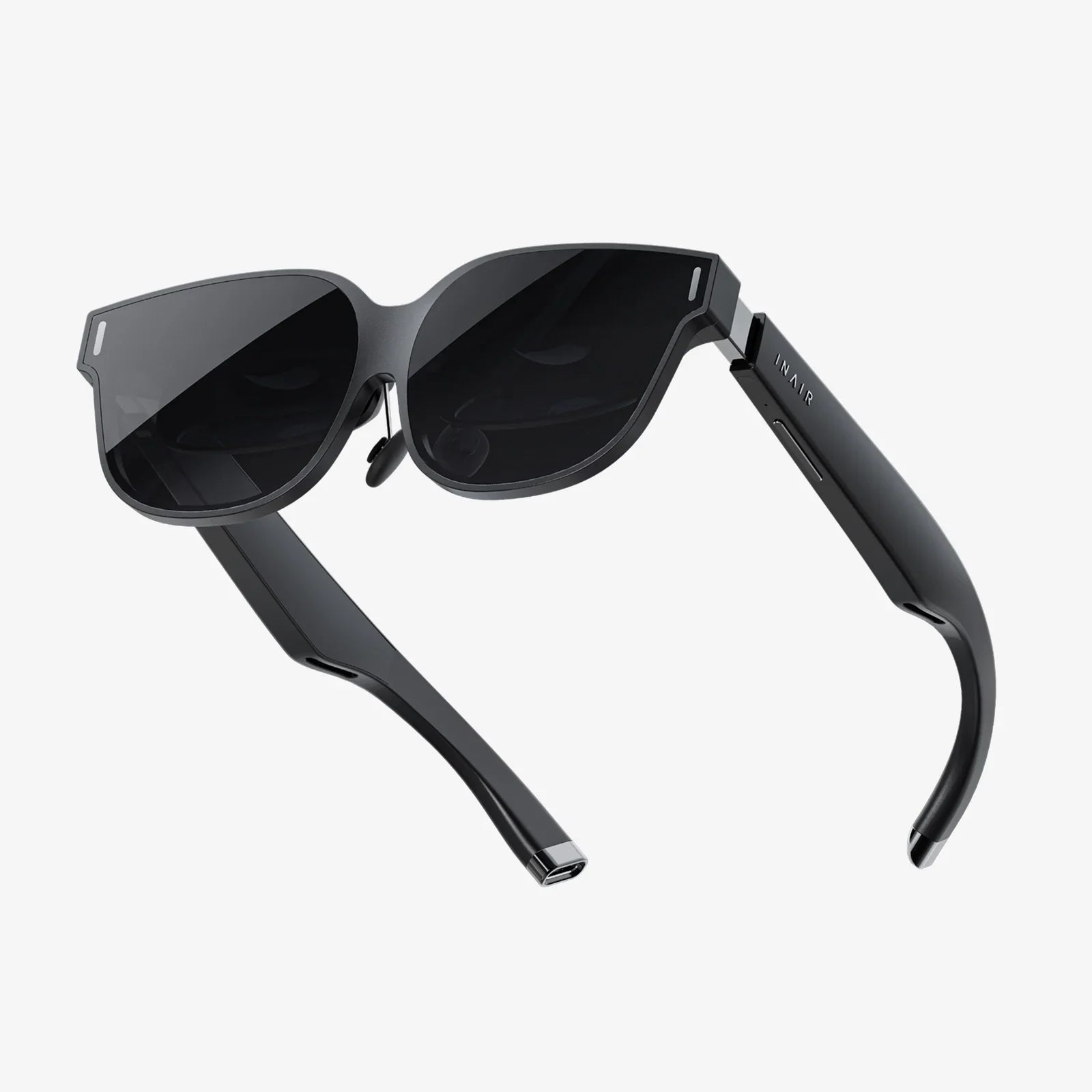
You’ve put on the headset, the virtual world springs to life around you, and within minutes, a creeping sense of discomfort sets in—a slight headache, a bit of eye strain, a feeling that something just isn’t right. The culprit? Often, it’s an often-overlooked but critically important specification: the refresh rate. While resolution and field of view steal the headlines, the refresh rate is the silent workhorse that dictates the very fluidity and comfort of your virtual experience. Understanding the nuances of VR headset refresh rate comparison is not just for tech enthusiasts; it's the key to unlocking a truly seamless and comfortable journey into virtual realms, and the difference between a world that feels real and one that feels jarringly artificial.
The Fundamental Pulse of Virtual Reality: What is Refresh Rate?
At its core, the refresh rate of a display, whether it's a television, a monitor, or a VR headset, refers to the number of times the screen updates with new images per second. It is measured in Hertz (Hz). A refresh rate of 90 Hz means the image you see is being redrawn 90 times every single second. This is fundamentally different from the frame rate produced by your computer's graphics card, which is the number of unique consecutive images (frames) it can generate each second, measured in frames per second (FPS). For an ideal, stutter-free experience, these two values must be perfectly synchronized.
In traditional flat gaming, a high refresh rate is desirable for smoother motion and reduced input lag. But in VR, its importance is magnified tenfold. You are not observing a world on a screen in front of you; you are visually and psychologically placed inside that world. Your brain is tricked into believing the digital environment is your physical reality. Any disconnect between your head movements, the expected visual feedback, and the fluidity of the world around you can break this delicate illusion, leading to the phenomenon known as simulator sickness.
Why Refresh Rate is the King of Comfort
The human vestibular system in your inner ear is responsible for balance and spatial orientation. When you move your head in the real world, this system and your vision work in perfect harmony. In VR, if there is a significant delay or judder between your head movement and the corresponding update on the screen (a delay known as motion-to-photon latency), a sensory conflict occurs. Your eyes report movement to your brain, but your vestibular system reports that you are stationary. This conflict is a primary trigger for VR-induced nausea, dizziness, and eyestrain.
A higher refresh rate directly combats this. By updating the image more frequently, the system drastically reduces motion-to-photon latency. The virtual world reacts to your movements almost instantaneously, preserving the crucial harmony between your visual and vestibular systems. The world doesn't just look smoother; it feels more solid, more responsive, and crucially, more comfortable for extended periods of use. This is the single most important reason why VR headset refresh rate comparison is so vital for both consumer comfort and widespread adoption of the technology.
Breaking Down the Numbers: Common Refresh Rate Tiers
VR headsets available today generally fall into several distinct refresh rate tiers, each offering a different balance of performance, hardware requirements, and cost.
72 Hz - 80 Hz: The Entry Point
This range was common in earlier-generation hardware and remains the baseline for some standalone and smartphone-based systems. While it can provide a functional VR experience, it sits on the lower threshold of comfort for many users. For passive experiences or slower-paced content, it may be sufficient, but any rapid movement can introduce noticeable flicker or judder, increasing the potential for discomfort. It is generally not recommended for action-packed games or experiences requiring rapid reflexes.
90 Hz: The Gold Standard for Comfort
For years, 90 Hz has been the sweet spot and the industry standard for high-quality PC-powered VR systems. It provides a significantly smoother and more comfortable experience than 72 Hz, effectively eliminating flicker for the vast majority of users and providing a low enough latency to minimize simulator sickness. It strikes an excellent balance between visual fluidity and the performance demands placed on the connected computer's GPU, which must render two high-resolution views (one for each eye) at a steady 90 FPS.
120 Hz: The High-Performance Tier
Stepping up to 120 Hz offers a perceptible and meaningful upgrade in smoothness and responsiveness. Motion becomes incredibly fluid, object persistence is reduced, and the virtual environment feels even more tactile and real. This tier is a significant advantage for competitive gaming and fast-paced simulators (like racing or flight sims), where every millisecond of latency matters. The trade-off is substantially higher GPU requirements; driving a high-resolution headset at a stable 120 FPS demands top-tier graphics hardware.
144 Hz and Beyond: The Cutting Edge
A new frontier is being explored with headsets pushing into 144 Hz, 160 Hz, and even higher experimental modes. At these levels, the concept of visual flicker becomes virtually nonexistent, and motion clarity approaches the natural smoothness of real life. The improvements in latency are measured in mere milliseconds, but they can be the difference between victory and defeat in high-stakes competitive VR esports. Currently, this tier represents the pinnacle of consumer VR performance but is accessible only to users with the most powerful computing systems available.
The Critical Link: Refresh Rate vs. Frame Rate
It is impossible to discuss refresh rate without addressing its inseparable partner: frame rate. As mentioned, the GPU's frame rate (FPS) and the headset's refresh rate (Hz) must be locked in step. Modern VR systems use a technology called reprojection (sometimes branded as ASW, Motion Smoothing, or SpaceWarp). This is a clever software technique that activates when the GPU cannot maintain the native frame rate.
For example, if your headset is set to 90 Hz but your GPU can only render 80 FPS in a demanding scene, reprojection kicks in. It takes the previous frame and warps it based on your latest head movement, synthesizing a new frame to fill in the gap and maintain the target 90 FPS output. This prevents the jarring effect of dropped frames, but it can introduce visual artifacts, especially around fast-moving objects or controllers. While it's a valuable comfort tool, native performance—where the GPU consistently delivers a frame rate that matches the headset's refresh rate—is always the ideal scenario. This interdependence is a central pillar of any meaningful VR headset refresh rate comparison.
Beyond the Number: Other Factors Influencing Perceived Smoothness
While the refresh rate is a paramount specification, it is not the only factor that determines how smooth a VR experience feels. A holistic comparison must consider these elements:
- Pixel Persistence: This refers to how long an individual pixel is illuminated each frame. Low-persistence displays (now standard in quality headsets) flash the pixels very briefly, reducing motion blur. A high refresh rate combined with low persistence is what creates crystal-clear imagery during motion.
- Panel Type: Different display technologies like Fast LCD and OLED have varying pixel response times—how quickly a pixel can change from one color to another. Slower response times can lead to ghosting or smearing, which can undermine the benefits of a high refresh rate.
- Software Optimization: The efficiency of the VR runtime software and the game engine itself plays a huge role in delivering consistent performance and minimizing latency throughout the pipeline.
Making the Choice: What Does This Mean For You?
So, how does this technical deep dive inform your decision? Your ideal refresh rate is a function of your hardware, your budget, and your use case.
- The Casual User / Media Consumer: If your primary use is watching 360-degree videos, exploring social spaces, or playing less intensive games, a solid 90 Hz headset will provide a very comfortable and high-quality experience without necessitating a prohibitively expensive GPU.
- The Enthusiast Gamer: For users who enjoy a wide range of VR games, including faster-paced titles, a headset capable of 120 Hz offers fantastic future-proofing and a tangible upgrade in immersion. Be prepared to invest in a powerful graphics card to leverage it fully.
- The Simulator Fanatic and Competitive Player: This group will benefit most from the highest refresh rates available—144 Hz and beyond. For flight sims, racing sims, and competitive shooters, the reduced latency and supreme motion clarity provide a real-world advantage and the highest level of immersion. This is the pinnacle, requiring a corresponding investment in top-end PC hardware.
Ultimately, the best practice is to buy a headset that offers a refresh rate higher than you think you need
Imagine a virtual world so impeccably responsive that your every glance, turn, and gesture is met with instantaneous, buttery-smooth visual feedback—a digital space that feels as solid and real as the room you're physically standing in. This is the promise fulfilled by the relentless pursuit of higher refresh rates. It’s not merely a numbers game for spec sheets; it’s the final, crucial barrier between you and true presence. By mastering the art of VR headset refresh rate comparison, you arm yourself with the knowledge to choose a gateway to virtual worlds that doesn’t just show you a new reality, but lets you truly live in it, free from the distractions of judder, latency, and discomfort. Your perfect, seamless adventure awaits, and it starts with understanding the pulse that brings it to life.
Share:
Do You Need a Headset for VR? The Ultimate Guide to Immersive Sound
VR Headset Vietnam: The Southeast Asian Nation's Rapid Ascent Into a Virtual Reality Powerhouse