


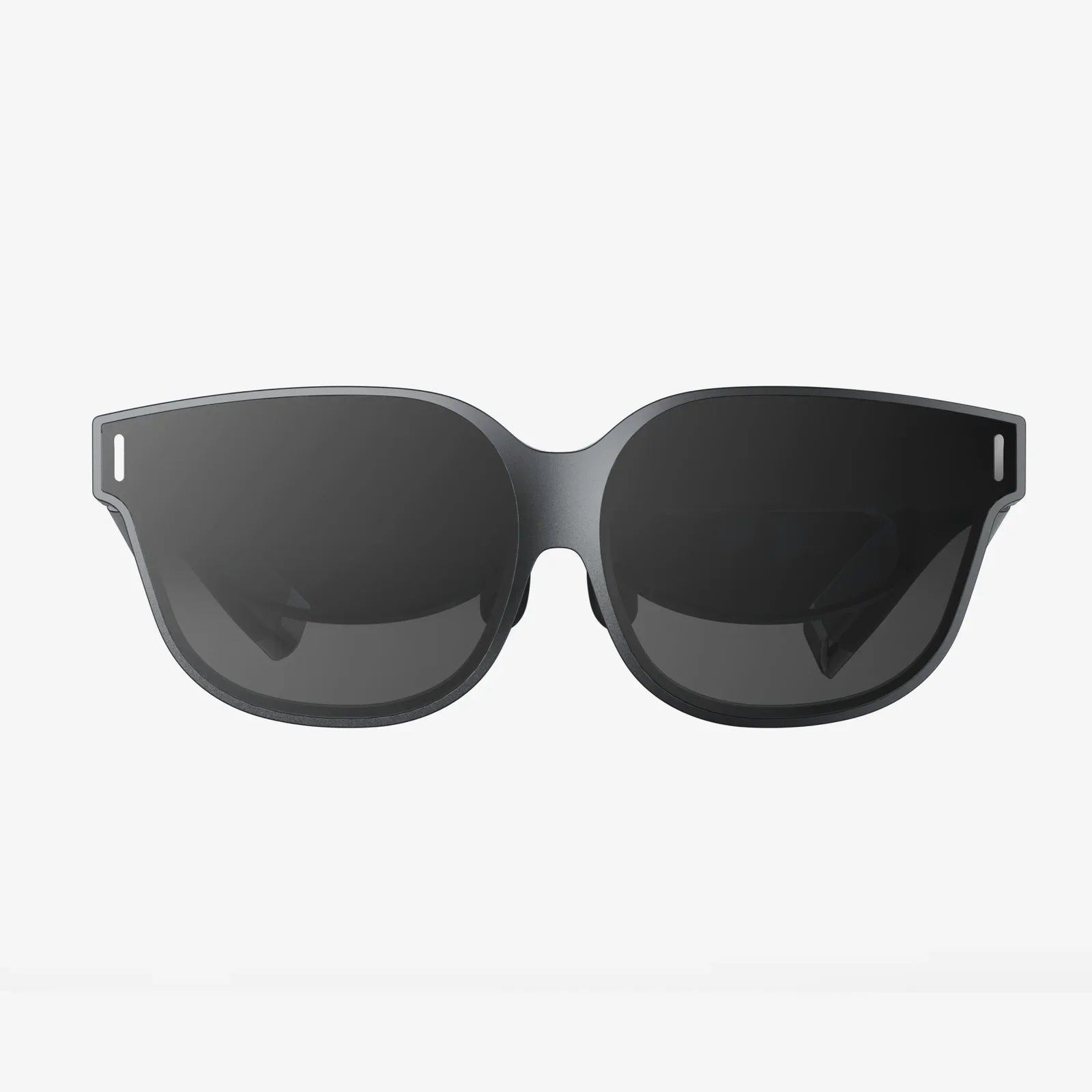
You’ve just powered on your new virtual reality headset, anticipation buzzing as you prepare to step into another world. The headset settles on your face, the screens flare to life, and instead of a crisp, immersive landscape, you’re met with a jarring, overlapping mess—two of everything. Your brain struggles to reconcile the images, a wave of discomfort washes over you, and the exciting journey into the metaverse is abruptly halted by a frustrating and nauseating reality: you’re VR headset seeing double. This experience, far from unique, is a significant barrier for many users, but understanding its roots is the first step toward conquering it and achieving the seamless immersion VR promises.
The Human Visual System: A Masterpiece of Binocular Vision
To comprehend why seeing double in VR is so problematic, we must first appreciate the marvel of human sight. Our eyes are spaced approximately two and a half inches apart, meaning each one captures a slightly different perspective of the world. This is known as binocular disparity. Your brain is a masterful synthesizer; it takes these two separate 2D images, compares the differences, and uses them to construct a single, coherent 3D model of your surroundings. This process, stereopsis, is what grants us depth perception, allowing us to judge distances, catch a ball, and navigate our environment with precision. It’s a seamless, unconscious process that we take for granted every waking moment.
When the Illusion Fails: The Mechanics of VR-Induced Diplopia
Virtual reality headsets are engineered to hijack this very system. They present a unique image to each eye, mimicking the natural binocular disparity we experience in the real world. The brain is tricked into perceiving depth on a flat screen, creating the illusion of a three-dimensional space. However, this delicate illusion is fragile. When the rendered imagery and the headset’s physical configuration are not in perfect harmony with the user’s physiology and the software’s execution, the brain’s synthesis process breaks down. Instead of fusing two images into one cohesive whole, it perceives them as distinct, leading to the unsettling and disorienting experience of diplopia, or double vision. This conflict is the core of the "VR headset seeing double" conundrum.
Technical Culprits: The Hardware and Software Behind the Blur
A multitude of technical factors can introduce this visual discord. One of the most critical is improper Interpupillary Distance (IPD) calibration. IPD is the distance between the centers of your pupils. Most higher-end headsets feature a physical or software-based IPD adjustment mechanism. If this setting is incorrect for your specific anatomy, the virtual cameras generating the left and right eye views are misaligned with your actual eyes. The images hit the wrong parts of your retinas, forcing your eye muscles to work overtime in an unnatural vergence-accommodation conflict as they struggle to align the pictures. Your brain, receiving conflicting signals, often fails to merge them, resulting in a persistent double image and significant eye strain.
Beyond IPD, software and performance issues are frequent offenders. A low or inconsistent frame rate can cause images to stutter and fail to line up correctly between frames. Latency, the delay between your head movement and the corresponding update on the screen, disrupts the vestibular-ocular reflex (the coordination between your inner ear and eyes), causing a sensory mismatch that can manifest as visual distortion. Furthermore, poorly optimized applications might render scenes with incorrect stereoscopic depth parameters or have bugs that misalign the two image planes entirely, creating a double vision effect that is baked into the software itself.
The Physiological Battle: Vergence-Accommodation Conflict
This is perhaps the most profound challenge in current VR technology and a primary source of visual fatigue. In the real world, the acts of vergence (your eyes rotating inward or outward to focus on near or far objects) and accommodation (the muscles in your eyes changing the shape of the lens to focus) are neurologically linked. When you look at a nearby object, your eyes converge and your lenses accommodate for near focus. They work in perfect unison.
In a VR headset, this natural link is broken. Regardless of whether a virtual object is one inch or one mile away, your eyes are always physically focused on the fixed focal plane of the screen, which is typically about two meters away. However, your eyes still need to verge (rotate) to align on the virtual object's apparent distance. This creates a sensory conflict: your vergence system says "focus near," but your accommodation system must remain fixed on the screen's distance. This Vergence-Accommodation Conflict places a constant, low-grade strain on your ocular muscles and visual processing centers. For many users, especially during extended sessions or when viewing objects at extreme virtual distances, this conflict can overwhelm the brain's ability to fuse the images, causing them to split into two—the definitive experience of a VR headset seeing double.
User-Centric Factors: It’s Not Always the Gear
While the technology bears much of the responsibility, the user’s own condition plays a substantial role. Pre-existing visual conditions like astigmatism, a strong prescription for neearsightedness or farsightedness, or even a minor, uncorrected strabismus (eye turn) can be amplified in the demanding visual environment of VR. The intense focusing required can expose weaknesses in binocular vision that go unnoticed in daily life. Furthermore, user fatigue is a massive contributor. Just as tired muscles perform poorly, tired eyes struggle with the demanding task of stereoscopic fusion. Starting a VR session after a long day of staring at computer screens is a recipe for eyestrain and diplopia. General physical fatigue, dehydration, and even stress can lower your threshold for experiencing these negative effects.
Reclaiming the Singular Vision: Practical Solutions and Adjustments
Fortunately, the problem of a VR headset seeing double is often solvable with careful attention to setup and usage habits. The first and most crucial step is to find and meticulously set your IPD. Don’t just use a generic average; use the headset’s calibration tool (if available) or manually adjust the slider while the headset is on until the image feels the clearest and most singular. Many setups include a guide with measurement lines—take the time to get this right. It is the single most impactful adjustment for visual comfort.
Secondly, ensure your headset is positioned correctly. The headset should sit snugly but comfortably on your face, with the lenses centered directly in front of your eyes. The top strap should bear most of the weight, and the side straps should be tightened to prevent the headset from sliding down your cheeks. Even a slight misalignment can blur the image and induce doubling. If you wear glasses, ensure they fit within the headset and that you are using the correct prescription; consider investing in custom prescription lens inserts for the best possible clarity and comfort.
On the software side, prioritize performance. Ensure your system meets or exceeds the recommended specifications for the content you are running. Close background applications on a PC to free up resources. If you experience stuttering, try lowering the graphical settings to maintain a high, stable frame rate—this is more important for comfort than high-resolution textures. Always start with shorter play sessions, perhaps 15-20 minutes, and gradually increase the duration as your "VR legs" develop. Take regular breaks, looking away into the distance to allow your eyes to reset their focus and vergence.
The Future is Clear: Evolving Beyond the Double Vision Problem
The industry is acutely aware of the vergence-accommodation conflict and its role in causing users to see double. The next frontier in VR hardware is focused on solving this fundamental problem. Technologies like varifocal displays are in active development. These systems use eye-tracking to determine exactly where you are looking in the virtual space and then physically move the displays or use liquid crystal lenses to dynamically adjust the focal plane to match the virtual distance. This would restore the natural link between vergence and accommodation, eliminating the primary source of strain. Other research into light field displays and holographic techniques aims to project light in a way that more closely mimics reality, allowing your eyes to focus naturally anywhere within the scene. These advancements promise a future where the jarring experience of double vision is a relic of the past, replaced by perfectly comfortable and photorealistic immersion.
That moment of disappointment, staring into a blurred and doubled virtual world, doesn’t have to be the end of your journey. It’s a solvable puzzle, a call to fine-tune your technology and understand your own physiology. By mastering IPD adjustments, optimizing your setup, and respecting your limits, you can dissolve those ghost images into a single, stunning, and stable reality. The path to perfect immersion is clearer than you think, and it leads through a world designed for your eyes alone.
Share:
Best VR for iPhone 13 Pro Max: The Ultimate Guide to Unlocking a New Reality
Most Advanced AR Headset - Blurring the Line Between Digital and Physical Realms