


You've finally decided to step into the immersive worlds of virtual reality, but there's one crucial factor standing between you and pure digital bliss that specs alone can't solve: the physical fit. It’s not just about pixel density or field of view; it’s about how the device feels on your head, a make-or-break element that can transform a mind-blowing experience into a literal headache. Forget what you know about one-size-fits-all; the quest for the perfect VR experience is deeply personal, and it starts with understanding VR headset size.
Why Size and Fit Are Non-Negotiable in Virtual Reality
Unlike a television or a monitor that you simply watch, a VR headset is an apparatus you wear. It becomes an extension of your body for the duration of your experience. This intimate relationship between user and device means that ergonomics and fit are not mere afterthoughts—they are foundational to the technology's functionality. A poorly fitting headset is a gateway to a subpar experience, characterized by discomfort, visual distortion, and even motion sickness.
The consequences of ignoring fit are immediate. A headset that is too heavy or poorly balanced will strain your neck and facial muscles. A strap system that is too tight will create painful pressure points on your cheeks, forehead, and the bridge of your nose, often leaving visible marks known as "VR face." Conversely, a headset that is too loose will constantly shift and slide, forcing you to readjust mid-game and breaking your precious immersion. Most critically, an improper fit misaligns the headset's lenses with your eyes. This misalignment can cause eye strain, blurry vision, and a reduced field of view, effectively negating the high-resolution displays inside the device.
Deconstructing Dimensions: Key Measurements That Matter
"VR headset size" is not a single number. It's a combination of several physical attributes that work together to determine how a device will sit on your head. To make an informed decision, you need to become familiar with these key metrics.
1. Interpupillary Distance (IPD)
This is arguably the most important technical measurement for visual comfort. IPD is the distance between the centers of your pupils, measured in millimeters. It varies significantly from person to person, typically ranging from about 58mm to 72mm for adults. VR headsets have lenses that are designed to focus the image correctly for a specific IPD range.
There are generally three types of IPD adjustment systems:
- Physical IPD Adjustment: This is the gold standard. The headset has a dial or slider that physically moves the lenses closer together or further apart. This allows for a precise, continuous adjustment across a wide range (e.g., 58mm-72mm), ensuring the sweet spot of the lenses is perfectly aligned with your eyes for the sharpest possible image.
- Software IPD Adjustment: The lenses are fixed in place. The software digitally shifts the rendered images on the screens to approximate a change in IPD. While better than no adjustment at all, this method does not physically realign the lenses, which can lead to a smaller usable "sweet spot" and potential geometric distortion or eyestrain for users whose IPD falls outside the average range.
- Fixed IPD: Some entry-level headsets have a fixed lens distance, optimized for an average IPD of around 63-64mm. Users with an IPD significantly different from this average will likely experience a blurrier image and more eye fatigue.
2. Face Interface Width and Height
This refers to the part of the headset that actually touches your face, often called the facial gasket or foam interface. Its dimensions determine how the weight and pressure of the headset are distributed across your face.
- A wider interface spreads the pressure over a larger surface area of your cheeks and forehead, reducing pressure points.
- A taller interface can help prevent the headset from pressing on your cheekbones or digging into your brow.
- The overall shape—whether it's more circular or oval—must accommodate the user's unique facial bone structure.
3. Head Strap Design and Adjustability
The strap is the backbone of the headset's support system. Its design dictates how the weight is balanced and secured.
- Standard Elastic Straps: Common on less expensive models, these often rely on tightness to hold the headset in place, leading to higher facial pressure.
- Rigid Halo Straps: Inspired by PlayStation VR, this design features a rigid band that circles the crown of your head. The front faceplate then pivots in front of your eyes. This system transfers most of the weight to your forehead and the back of your skull, greatly reducing pressure on your face.
- Elite-style Rigid Straps: Popularized by aftermarket accessories, these feature a rigid top strap and large, adjustable dials at the back for a secure and balanced fit. They often include a counterweight at the back to better balance the front-heavy nature of most headsets.
4. Weight and Weight Distribution
While the total weight in grams is a useful spec, the distribution of that weight is far more important. A heavier headset with excellent balance (like a halo strap) can feel lighter and more comfortable than a lighter headset that puts all its weight on the bridge of your nose. The goal is to have the center of mass as close to the center of your head as possible. A well-designed strap system is crucial for achieving this balance.
5. Nose Relief and Eyewear Accommodation
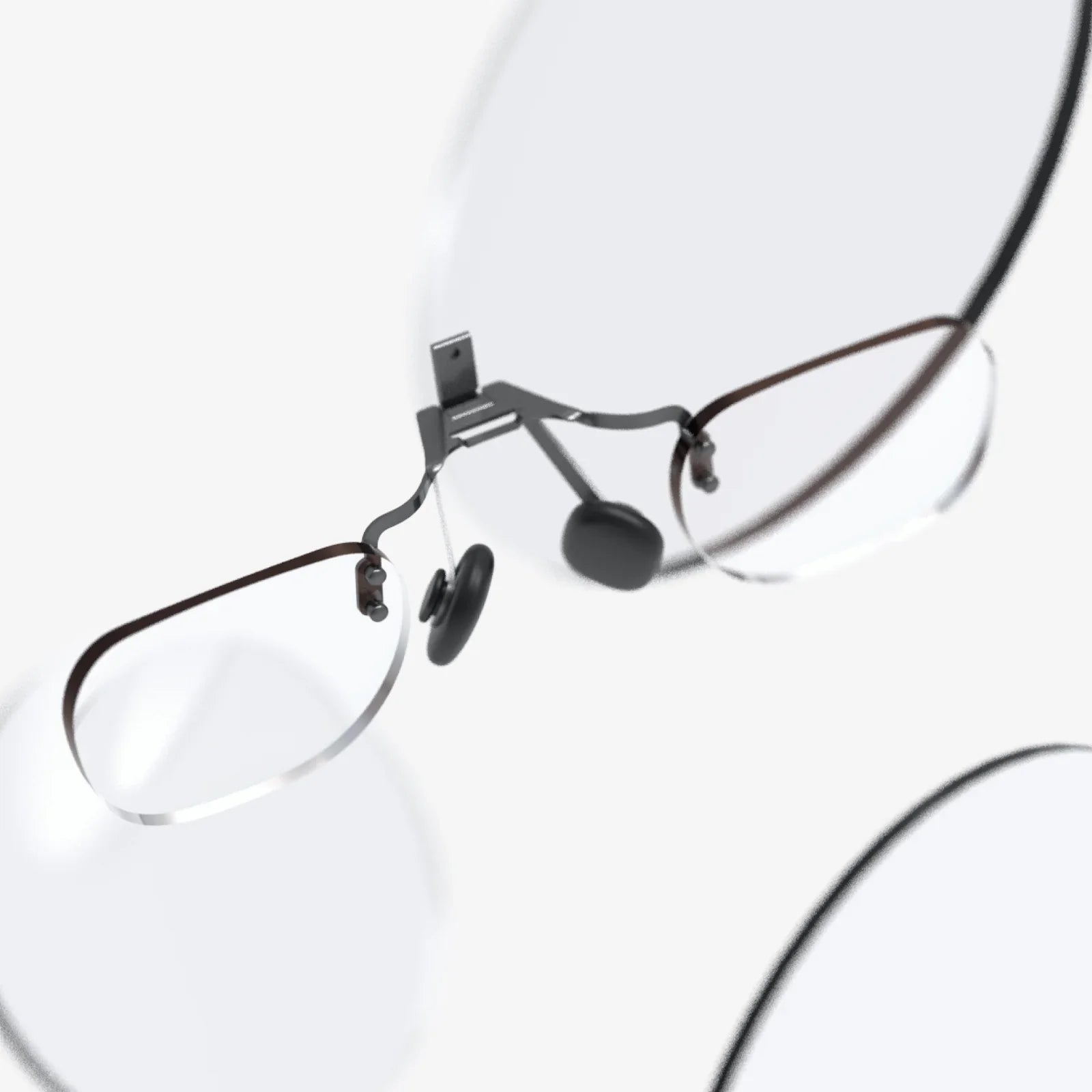
This is the cutout or design around the nose area. A good design will block out external light (preventing "light bleed") without pressing uncomfortably on the top of your nose. For users who wear glasses, the depth of the facial interface is critical. There must be enough space between the lens and your eye to comfortably fit your glasses frames without them scratching the headset's lenses. Many manufacturers offer optional prescription lens inserts, which are highly recommended for a permanent, comfortable solution for glasses wearers.
The Spectrum of Sizing: From One-Size-Fits-All to Custom Solutions
The market offers a range of approaches to accommodating different head sizes and shapes.
The Universal Fit (With Adjustability): Most consumer headsets fall into this category. They are designed with a wide range of adjustability (in straps, IPD, and sometimes the facial interface) to fit the vast majority of adults. They represent a compromise but aim for the widest possible appeal.
The Bespoke Fit: At the highest end, particularly in professional and enterprise settings, some solutions offer custom-fitted facial interfaces. These are 3D-scanned or molded to the user's specific facial contours, providing unparalleled comfort and weight distribution for long-duration use. This highlights the industry's recognition that optimal comfort is highly individual.
A Practical Guide to Measuring Yourself for a VR Headset
Before you buy, you can gather some key data about yourself to compare against a headset's specifications.
1. Measuring Your IPD:
- Professional Method: Ask an optometrist during your next eye exam. This is the most accurate method.
- Ruler Method: Stand in front of a mirror. Look straight ahead. Place a standard millimeter ruler on the bridge of your nose. Close your right eye and align the 0mm mark with the center of your left pupil. Then, without moving the ruler, close your left eye and open your right eye. The measurement directly over the center of your right pupil is your IPD.
- App Method: Several mobile apps use the front-facing camera to provide a rough estimate of your IPD. While convenient, their accuracy can vary.
2. Understanding Your Head Shape: Are your facial features more narrow or wide? Do you wear glasses? Have you had issues with hats or helmets fitting well in the past? This subjective understanding is just as important as numerical measurements.
Beyond the Spec Sheet: The Irreplaceable Value of Trying Before You Buy
Reading reviews and specifications can only tell you so much. Comfort is a profoundly subjective experience. If you have the opportunity, trying a headset before making a purchase is invaluable. Visit a friend who owns one, check out demo units at electronics stores, or attend a VR arcade. Pay attention to how it feels after 15-20 minutes, not just the first two. Notice where it presses, if it feels secure during movement, and if you can achieve a clear image easily.
The Future of VR Ergonomics: Where Are Headsets Heading?
The trend is overwhelmingly positive. Manufacturers are acutely aware that comfort is a primary barrier to adoption. We are seeing a clear evolution towards lighter materials, more sophisticated strap systems that prioritize balance over tightness, and a wider range of physical adjustments as standard features. The future likely holds more modularity—offering different sizes of facial interfaces and straps straight from the manufacturer. Furthermore, research into varifocal lenses and advanced eye-tracking could eventually lead to headsets that automatically adjust their optics to the user, making manual IPD adjustment a thing of the past.
Imagine a VR headset that feels as light and forgettable as a pair of sunglasses, a device that you can wear for hours on end without a single hint of discomfort. This isn't a distant dream; it's the clear direction of the industry. The relentless focus on refining VR headset size, weight, and balance is quietly engineering a revolution in comfort, ensuring that the only thing that takes your breath away in virtual reality is the breathtaking world in front of you, not the hardware on your face.
Share:
Desktop VR Headset: The Ultimate Gateway to Immersive Digital Realms
Smart Glasses That Have a Screen: The Invisible Revolution in Personal Computing