


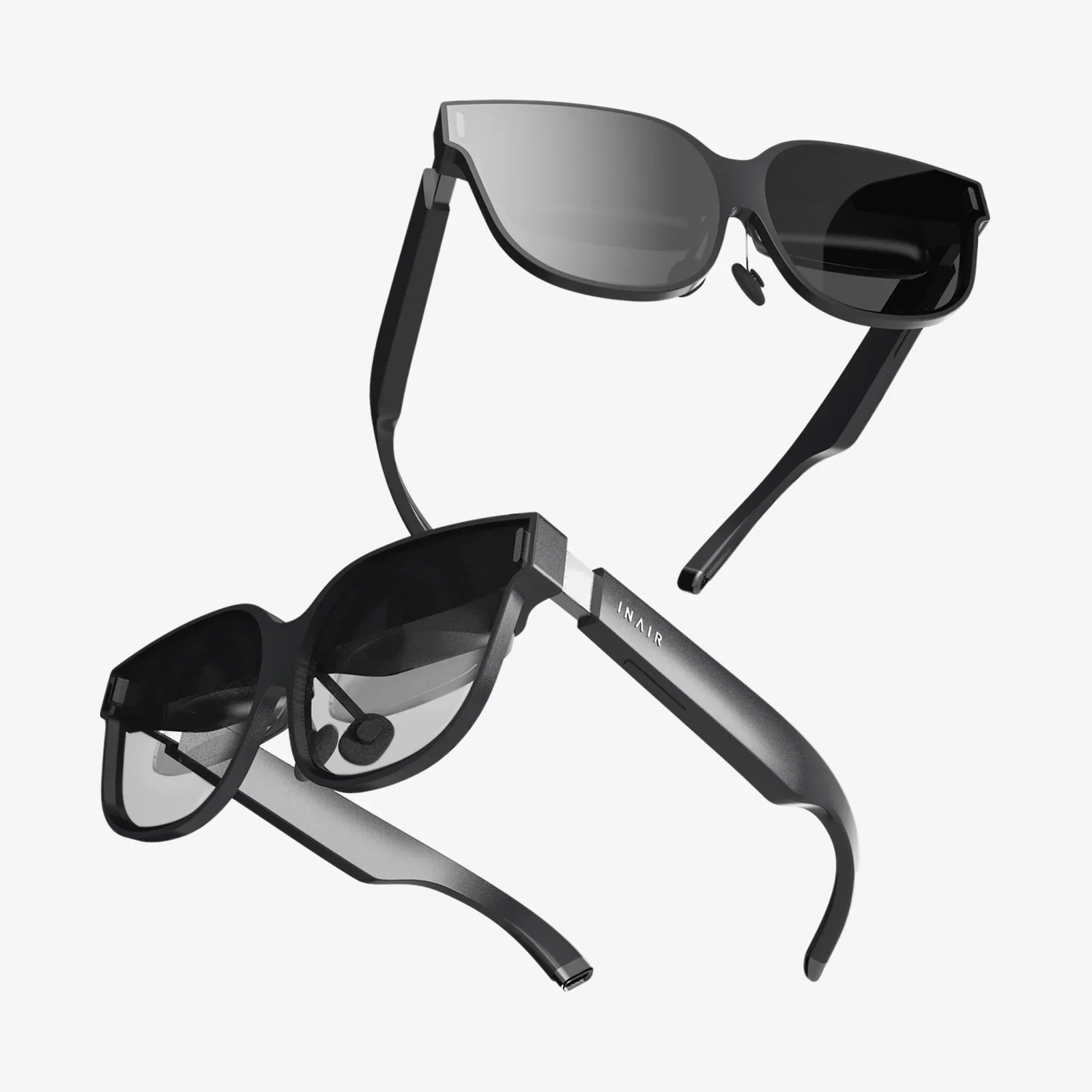
Imagine holding a portal to another dimension in your hands, a gateway to immersive worlds, heart-pounding games, and breathtaking educational journeys, all powered by the device already in your pocket. The fusion of a VR headset with controller for Android has democratized virtual reality, transforming powerful smartphones into the engines for incredible digital adventures. This isn't a distant sci-fi fantasy; it's accessible, affordable, and exploding with potential for anyone curious enough to take the plunge. Ready to step through?
The appeal of this setup is undeniable. Instead of investing in a costly standalone system or a high-end gaming computer, you leverage the sophisticated screen and processing power of your Android smartphone. The headset itself acts as an advanced viewing apparatus, with high-quality lenses that warp and magnify your phone's display into a wide, stereoscopic 3D field of view. The accompanying controller is the magic wand that brings it all to life, translating your real-world gestures and commands into intuitive interactions within the virtual space. This powerful combination unlocks a universe of content that is growing more sophisticated by the day.
Demystifying the Hardware: What You're Actually Getting
Before diving into the virtual deep end, it's crucial to understand the components that make the experience possible. A typical package includes two main pieces: the headset (or head-mounted display) and the motion controller.
The headset's primary job is housing your phone and providing an optically correct view of the content. Key features to look for include:
- Lens Quality: High-resolution, multi-element lenses are critical for reducing the "screen door effect" (seeing the pixels) and providing a clear, sharp image. Aspherical or Fresnel lenses are common in better models.
- Field of View (FoV): This measures how much of the virtual world you can see at once. A wider FoV (typically 90-110 degrees for mobile VR) increases immersion.
- Adjustability and Comfort: Look for adjustable head straps (over-the-head is best for weight distribution), interchangeable foam face pads, and adjustable pupilary distance (IPD) and focal dials. A comfortable headset is one you'll wear for longer sessions.
- Built-in Sensors: Some higher-end mobile headsets include additional sensors like gyroscopes and accelerometers to supplement your phone's own, leading to more accurate head tracking.
- Ventilation and Fog Resistance: Good airflow design prevents the lenses from fogging up during extended use.
The controller is your hand in the virtual world. Most are wireless and connect to your phone via Bluetooth. Standard features often include:
- A touchpad or joystick for navigation.
- Trigger buttons for selecting and interacting.
- Additional action buttons (A, B, etc.).
- Haptic feedback (vibration) to simulate touch.
- Internal gyroscopes and accelerometers for tracking its position and orientation in 3D space.
The Heart of the Experience: Your Android Phone
Not all Android phones are created equal in the realm of VR. The quality of your experience is directly tied to your device's capabilities.
- Processing Power (CPU/GPU): VR applications are demanding. A mid-to-high-range processor and a robust graphics processing unit (GPU) are essential for rendering smooth, stutter-free environments. Older or budget phones may struggle with more complex apps.
- Screen Resolution and Refresh Rate: This is arguably the most important factor. A high-resolution Quad HD (1440x2560) or higher display drastically reduces pixelation. A high refresh rate (90Hz or 120Hz), now common on many flagships, makes motion appear incredibly smooth and reduces motion sickness.
- Sensors: Your phone must have a high-quality gyroscope, accelerometer, and magnetometer to accurately track your head movements. This is non-negotiable for a comfortable VR experience.
A Universe of Content: What Can You Actually Do?
The true value of any platform lies in its software, and the Android VR ecosystem is surprisingly rich and diverse.
Gaming and Interactive Experiences
This is where the controller truly shines. From blasting alien invaders to solving intricate puzzles, the library is vast. You can find everything from casual arcade titles to deep, narrative-driven adventures. The controller allows for natural actions like swinging a sword, aiming a gun, or casting a spell, making you an active participant rather than a passive viewer.
360-Degree Videos and Virtual Travel
Platforms offer countless 360-degree videos that place you in the center of the action. Swim with sharks, attend a live concert from the front row, or stand on the surface of Mars. It's a powerful tool for empathy and education, offering perspectives that are otherwise impossible to achieve.
Social and Connected Experiences
VR is becoming increasingly social. Apps allow you to meet friends in virtual spaces, watch movies together in a simulated theater, or even attend live events. Your controller becomes your means of expression, letting you gesture and interact with others' avatars.
Productivity and Learning
Beyond entertainment, VR is a powerful tool. Imagine practicing a public speech in a virtual auditorium, learning human anatomy by walking through a giant, beating heart, or designing 3D models in a virtual space. The potential for immersive education and training is immense.
Setting Up Your Virtual Playground
Getting started is typically a straightforward process:
- Compatibility Check: Ensure your specific phone model is compatible with your chosen headset and the apps you want to run.
- App Installation: Download the necessary VR platform app (e.g., Google Cardboard or similar utility apps) from the Play Store. This app will often be your hub for discovering and launching content.
- Pair the Controller: Enable Bluetooth on your phone, put the controller into pairing mode, and connect the two devices.
- Prepare the Headset: Adjust all straps and lens dials to fit your head and eyesight. Ensure the interior is clean.
- Insert Your Phone: Secure your phone into the headset's compartment, making sure it's centered.
- Launch and Enjoy: Open your VR app, place the headset on your head, and you're ready to go. Most platforms will guide you through a quick calibration process.
Navigating the Potential Pitfalls
While incredible, mobile VR has its limitations. Being aware of them ensures realistic expectations.
- Battery Drain: VR is a power-intensive activity. Expect your phone's battery to deplete much faster than normal. Consider keeping a power bank handy for longer sessions.
- Potential for Overheating: The intense processing can cause your phone to heat up, which may trigger performance throttling or even a shutdown. Avoid direct sunlight and take breaks.
- Limited Graphical Fidelity: While impressive, mobile VR cannot match the visual fidelity of PC-powered systems. The graphics will be simpler.
- 3DoF vs. 6DoF: Most mobile VR setups offer 3 Degrees of Freedom (3DoF), meaning you can rotate your head but not physically move around in the virtual space (like leaning side-to-side). This is a limitation of the phone's tracking technology compared to external sensors used by premium systems.
The Future is in Your Pocket
The landscape of mobile VR is constantly evolving. With each new generation of Android phones boasting faster chips, better screens, and improved sensors, the quality of the experience continues to leap forward. The software library expands daily, with developers finding new and innovative ways to utilize the unique combination of a headset, controller, and smartphone. This isn't just a passing trend; it's a foundational step towards a future where virtual interactions are as commonplace as video calls are today.
You are standing at the threshold of a new reality, one where your commute becomes a deep-space dogfight, your living room transforms into an art studio, and the world's greatest landmarks are just a click away. The barrier to entry has never been lower, and the potential for wonder has never been higher. Your Android phone is the key, and a VR headset with controller is the door. All that's left to do is turn the handle and see what's on the other side.
Share:
How Long to Charge a VR Headset: A Complete Guide to Powering Your Virtual Adventures
VR Headset for Elderly: A New Frontier in Senior Wellness and Connection