


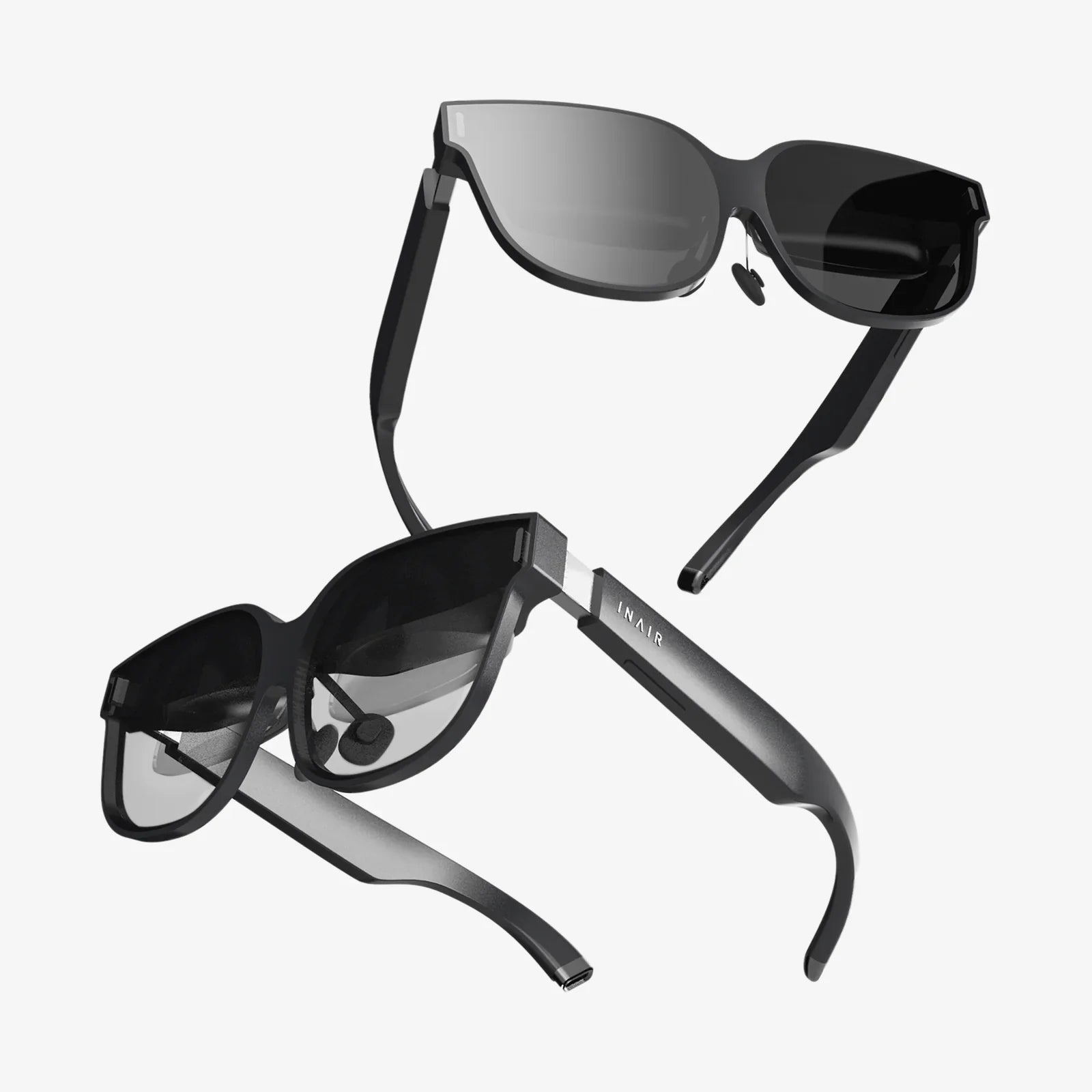
Imagine slipping a sleek, compact viewer onto your head and instantly being transported from your living room to the edge of a volcano, the front row of a concert, or the cockpit of a starship. This isn't science fiction; it's the accessible, often startlingly affordable reality offered by VR headsets for Android phones. This technology has quietly revolutionized the entry point into virtual worlds, turning the powerful computer you already own—your smartphone—into a gateway to immersive experiences that were once the exclusive domain of high-end, expensive hardware. The journey into virtual reality is no longer a distant dream but a download away, waiting in your pocket.
The Democratization of Virtual Reality
For years, virtual reality was a frontier reserved for tech enthusiasts with deep pockets. It required a formidable gaming computer, a labyrinth of cables, and a headset costing as much as a used car. This high barrier to entry kept VR a niche hobby. The advent of dedicated VR headsets for Android phones fundamentally changed this dynamic. By leveraging the sophisticated processors, high-resolution displays, and precise motion sensors already embedded in modern smartphones, these headsets eliminated the need for expensive internal hardware. Suddenly, the primary cost became the headset itself—often a simple, elegant shell of plastic, lenses, and straps. This shift didn't just make VR cheaper; it made it portable, approachable, and available to a global audience of Android users, effectively democratizing a technology that promises to reshape entertainment, education, and social connection.
How Does Mobile VR Actually Work?
At its core, the magic of this technology is its elegant simplicity. The principle is surprisingly straightforward. The Android handset acts as the brain and eyes of the operation. You download a compatible VR application, launch it, and securely place the phone into a compartment on the headset, just in front of two high-quality plastic or glass lenses.
These lenses are the true heroes. They perform two critical functions:
- Magnification: They enlarge the smartphone's screen, filling your entire field of vision.
- Refraction: They bend the light from the screen's two separate images (one for each eye) to create a stereoscopic 3D effect, providing the crucial depth perception that makes VR feel real.
Meanwhile, the phone's internal hardware springs into action. The gyroscope and accelerometer track the precise rotation and orientation of your head in real-time, allowing the software to adjust the virtual viewpoint instantly and seamlessly. This creates the fundamental illusion of being inside a digital space. More advanced units incorporate a separate wireless controller, which connects via Bluetooth and is tracked by the phone's sensors, allowing you to interact with the virtual environment, pointing, grabbing, and manipulating objects with your hands.
What to Look For in a Headset
Not all headsets are created equal. While the basic concept is simple, the experience can vary dramatically based on a few key factors. Knowing what to prioritize will ensure you get the most out of your investment.
Compatibility is King
This is the most crucial first step. Not every headset works with every phone. You must check two things:
- Phone Dimensions: The headset's tray must physically accommodate your phone's length, width, and, importantly, its thickness, especially if you use a protective case.
- Model Support: Some advanced features, particularly those requiring more precise tracking, may only be available on newer, high-end Android models with specific sensor suites.
The Lens Quality
The lenses are your window into the virtual world. Higher-quality lenses made from optical-grade materials will provide a sharper, clearer image with less distortion around the edges (a effect known as the "screen door effect") and a wider "sweet spot"—the area where the image is perfectly in focus. Cheap, plastic lenses can quickly lead to eye strain and a blurry experience.
Field of View (FoV)
Measured in degrees, the Field of View is how much of the virtual world you can see at once. A wider FoV (100 degrees or more is excellent) increases immersion by reducing the perception of looking through binoculars or a scuba mask. A narrow FoV can constantly remind you that you're wearing a headset.
Comfort and Adjustability
Immersion breaks the moment discomfort begins. Look for a headset with adequate padding, especially around the nose bridge and forehead. Adjustable straps—a top strap is particularly important—are essential for distributing the weight evenly across your head, preventing pressure on your face and making longer sessions enjoyable. If you wear glasses, seek out models with enough space or adjustable focus dials to accommodate them comfortably.
Input Methods: From Gaze to Controllers
The simplest headsets rely on a magnet or capacitive button on the side to provide basic input, often simulating a screen tap. For a truly immersive experience, a dedicated wireless controller is invaluable. It allows for intuitive interaction, from swinging a lightsaber to painting in 3D space. The quality of these controllers can vary, so look for ones with good ergonomics and reliable tracking.
A Universe of Experiences at Your Fingertips
The hardware is merely the vessel; the software is the journey. The digital storefronts for Android devices are brimming with VR content that showcases the surprising power of mobile-based virtual reality.
Gaming and Interactive Adventures
This is where mobile VR truly shines. The catalog ranges from simple, addictive experiences to rich, narrative-driven adventures. You can find yourself:
- Piloting a mech in a frantic battle for survival.
- Solving intricate puzzle rooms that surround you on all sides.
- Experiencing heart-pounding horror titles where the terror is literally in your face.
- Engaging in rhythm games where you slash notes to the beat in a dazzling visual spectacle.
Travel and Exploration
VR is arguably the most powerful travel tool ever invented. Through dedicated apps and immersive 360-degree videos, you can stand on the Great Wall of China, dive the Great Barrier Reef, or walk the streets of ancient Rome—all without leaving your home. These experiences are not just for entertainment; they are powerful educational tools, offering students virtual field trips to places they could never otherwise visit.
Social and Connected Experiences
Virtual reality is evolving into a social platform. Several apps allow you to create a cartoonish avatar and meet friends in virtual spaces to watch movies, play games, or simply hang out. While mobile social VR may not have the full fidelity of its computer-based counterparts, it offers a tantalizing glimpse into a future where physical distance is no barrier to meaningful social interaction.
Media Consumption: The Ultimate Big Screen
Your phone's screen transforms into a personal IMAX theater. Using cinema-style applications, you can watch Netflix, YouTube's vast library of 360-degree content, or your own movies on a giant virtual screen. It's a completely private, immersive viewing experience that is perfect for travel or when you want to block out the world.
Understanding the Limitations
While incredible, it's important to understand that VR headsets for Android phones exist at the more accessible end of the VR spectrum. They are not direct competitors to high-end, PC-powered systems. The primary constraints are:
- Processing Power: The phone's processor handles both the display and the tracking, which limits graphical complexity compared to a desktop GPU.
- Tracking:
Most mobile VR systems offer three degrees of freedom (3DoF), meaning they track your head's rotation—looking up, down, left, and right—but not your physical movement through space (like leaning forward or crouching). This is known as rotational tracking. More advanced systems may offer six degrees of freedom (6DoF), which tracks both rotation and positional movement, but this often requires external sensors or very advanced phone-based sensor fusion, making it less common in phone-based solutions.
- Battery Life: Running the screen, sensors, and processor at full capacity is a significant drain on your phone's battery. Long VR sessions will require a power bank or a nearby charger.
Setting Up for Your First Journey
Getting started is a straightforward process:
- Choose Your Headset: Select a model that fits your phone, your budget, and your desired feature set.
- Prepare Your Phone: Ensure your Android operating system is up to date. Free up storage space for what can be large application files. Fully charge your battery.
- Download a VR Platform: Install the main storefront application recommended for your headset. This will be your hub for discovering and downloading new experiences.
- Find Your Apps: Browse the store and download a few free apps to start—a roller coaster experience, a 360° video app, and a simple game are perfect introductions.
- Insert and Calibrate: Securely place your phone into the headset, put it on, and adjust the straps and lenses until the image is clear and comfortable. Most apps will begin with a quick calibration to center your view.
- Explore Safely: Ensure you are in a clear, open space free of obstacles. Sit down for your first few experiences to avoid any dizziness.
The Future of Mobile Virtual Reality
The trajectory of this technology is incredibly exciting. As Android phones continue to become more powerful, with better screens, faster processors, and more advanced sensors, the quality of mobile VR will rise in tandem. We are already seeing the lines blur with standalone VR headsets that operate independently but share much of the same mobile DNA. The future may bring advancements like improved inside-out tracking for true 6DoF on mobile devices, enhanced augmented reality (AR) passthrough capabilities, and even more seamless integration with our mobile ecosystems. The goal remains constant: to make immersive computing as ubiquitous and essential as the smartphone itself.
The world of virtual reality is no longer a distant, expensive fantasy. It’s a vibrant, accessible, and endlessly fascinating dimension waiting to be unlocked by the device in your pocket. From breathtaking games and global exploration to intimate social gatherings and private cinema screenings, VR headsets for Android phones offer a stunningly diverse portal to new experiences. This is your invitation to look closer, dive deeper, and see what happens when the digital and physical worlds collide right before your eyes. Your next great adventure is waiting—all you have to do is look up.
Share:
Canada Extended Reality Market: A Deep Dive into Innovation and Growth
VR Headset Won't Turn On: A Comprehensive Troubleshooting and Prevention Guide