


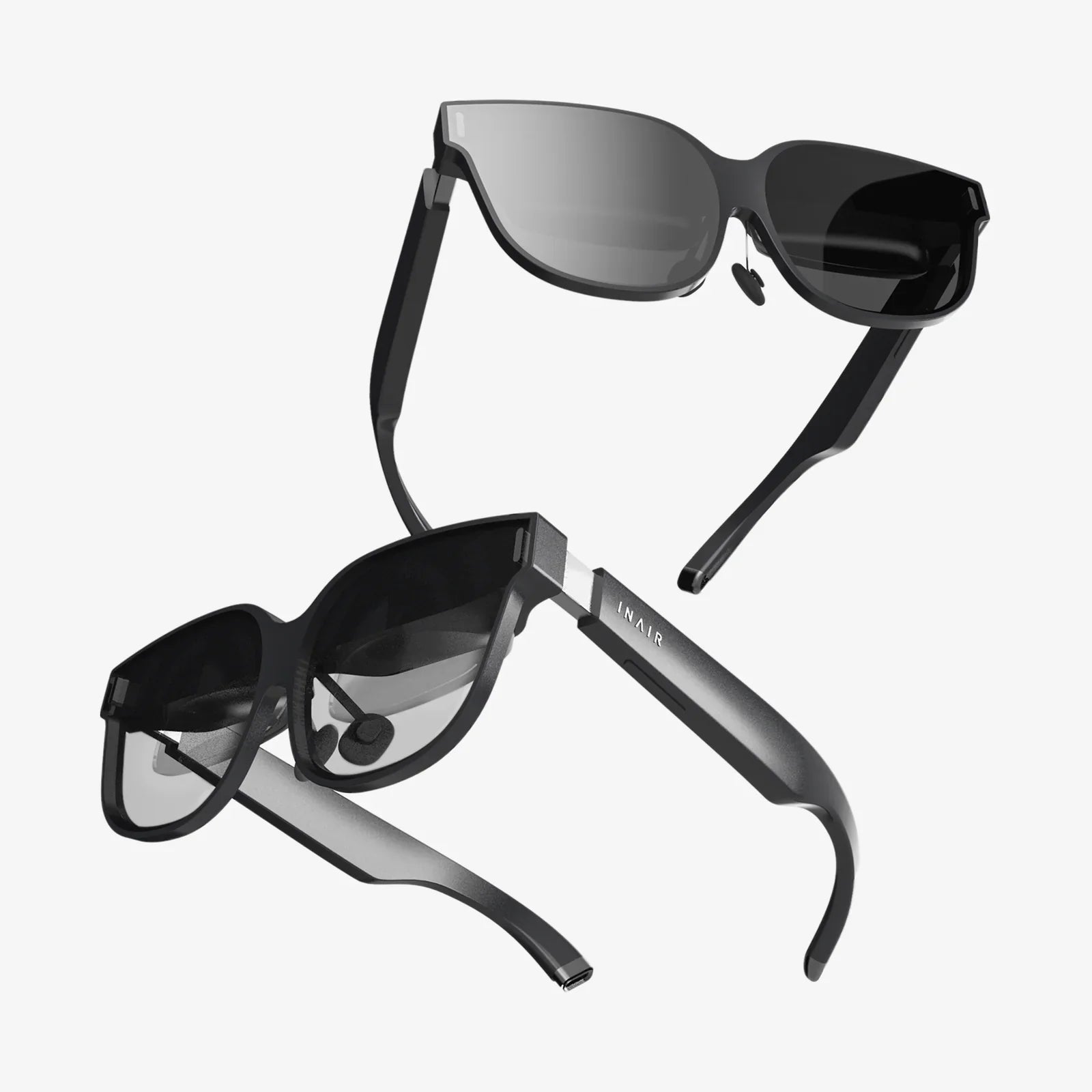
Imagine holding an entire universe in the palm of your hand. With the explosive growth of mobile technology, that sci-fi fantasy is now a tangible reality. Your Android smartphone, a device you use for calls, messages, and photos, is secretly a powerful gateway to immersive virtual worlds, waiting for the right key to unlock its potential. That key is VR programs for Android, a diverse and rapidly evolving ecosystem of applications that can transform your perception of entertainment, education, and connection. This isn't about distant future tech; it's about the experiences you can dive into today, with the device already in your pocket. The journey from a blank screen to a breathtaking virtual landscape is just a few taps away, and the possibilities are more accessible and astonishing than you might think.
The Foundation: Understanding the Android VR Landscape
The world of Android-based virtual reality is built on a foundation of accessibility and ingenuity. Unlike dedicated VR systems that require expensive, high-powered computers and standalone headsets, the Android approach leverages the sophisticated technology already embedded in modern smartphones. High-resolution displays, precise gyroscopes, and powerful processors combine to create a viable and compelling VR experience. The magic happens when these hardware components are paired with sophisticated software—the VR programs themselves. These applications interpret motion, render 3D environments in real-time, and create a convincing sense of presence, all while being mindful of the constraints of mobile processing power and battery life.
Experiencing the Virtual: Categories of VR Programs
The spectrum of VR programs available for Android is vast, catering to nearly every interest imaginable. They can be broadly categorized to help users navigate this exciting digital frontier.
360-Degree Video Players and Platforms
This is often the most accessible entry point into mobile VR. These programs allow users to experience videos recorded with omnidirectional cameras. You're no longer a passive viewer but placed at the center of the action. You can look up at the peak of Mount Everest, down into a bustling city street, or all around you at a live concert. These platforms host vast libraries of content, from documentaries and travelogues to music videos and short films, offering a powerful sense of teleportation to another place.
Interactive Games and Experiences
This category represents the heart of interactive virtual reality. From simple roller coaster simulators that provide quick thrills to deeply engaging puzzle games and atmospheric horror experiences, these programs are designed to make you an active participant in the virtual world. Developers have become exceptionally clever at designing gameplay that works within the mobile VR framework, often using a user's gaze as a primary control mechanism or integrating with simple Bluetooth controllers for more complex interactions.
Educational and Training Applications
VR has proven to be a revolutionary tool for learning. Android programs in this category allow students to take virtual field trips to historical sites, explore the human body from the inside, or manipulate complex molecular structures in 3D space. Beyond formal education, these apps provide training simulations for everything from public speaking to complex technical procedures, offering a safe and repeatable environment to practice and learn.
Social and Collaborative Spaces
One of the most exciting developments is the rise of social VR. These programs are not just about consuming content but about connecting with others inside a shared virtual space. Users can create avatars, meet with friends, watch movies together on a virtual screen, attend live events, or simply chat in imaginative environments. It represents a new paradigm for digital communication, moving beyond flat video calls into a shared dimensional experience.
Utility and Productivity Tools
While often associated with entertainment, VR on Android also has practical applications. Imagine reviewing 3D architectural models at life-size scale, visualizing complex data sets in an immersive 3D graph, or using virtual screens to create a portable cinema or workspace anywhere. These utility programs are expanding the definition of what a smartphone can do, transforming it into a window for professional-grade visualization.
Behind the Scenes: The Technology Powering the Experience
The seamless illusion of VR on an Android device is a marvel of software engineering. It relies on several key technological pillars. The most critical is low-latency head tracking. Using the phone's internal gyroscope, accelerometer, and magnetometer, the program must track the orientation of your head with extreme speed and precision. Any lag between your movement and the update of the visual scene can break immersion and cause discomfort. Furthermore, the rendering engine must maintain a high, consistent frame rate—typically 60fps or higher—to keep the virtual world feeling solid and real. Advanced techniques like Asynchronous Timewarp are often employed to compensate for missed frames, ensuring smooth performance even on less powerful devices. Finally, sophisticated lens distortion correction algorithms are applied to the rendered image to counteract the pincushion effect created by the simple lenses in most mobile headsets, ensuring straight lines in the virtual world appear straight to the user.
Getting Started: Your Hardware Setup
To embark on your VR journey, you need two core components: your Android phone and a headset. Most modern mid-range and flagship Android devices are VR-capable. Key specifications to consider are screen resolution (higher is better for reducing the "screen-door effect"), processor speed, and the quality of the internal sensors. The second component, the headset, ranges from incredibly affordable to more advanced. The simplest are made of cardboard or plastic and use lenses to focus your eyes on the phone's screen split into two images for stereoscopic 3D. These often rely on a physical magnet or capacitive touch button for input. More advanced headsets include features like a broader field of view, adjustable lenses, built-in headphones, and, crucially, a wireless controller for more intuitive interaction. The choice of headset will significantly influence the comfort and quality of your experience.
A World of Creation: Developing for Android VR
The flourishing ecosystem of Android VR isn't just for consumption; it's also a vibrant playground for creators. Powerful and accessible development platforms have lowered the barrier to entry for creating virtual experiences. These game engines provide templates, assets, and a comprehensive suite of tools specifically designed for building VR applications. They handle the complex underlying tasks like head tracking and stereoscopic rendering, allowing developers to focus on designing the experience itself. The development process typically involves designing 3D environments, programming interactivity, and rigorously testing for performance to ensure a comfortable experience across a range of Android devices. The finished application can then be distributed through major app stores, putting it directly into the hands of a global audience.
Challenges and Considerations for Mobile VR
While the accessibility of Android VR is its greatest strength, it also presents unique challenges. The primary limitation is hardware. Even the most powerful smartphone cannot match the rendering power of a dedicated desktop system, which places a cap on the graphical fidelity and complexity of virtual worlds. Developers must be masters of optimization. Another significant challenge is avoiding simulator sickness, a form of motion sickness caused by a disconnect between visual motion and physical stillness. Best practices in development, such as maintaining a high frame rate, providing comfort modes like "vignetting" during movement, and avoiding unnatural camera motions, are essential. Finally, interaction remains an area of intense innovation. Without standardised hand controllers, developers must design intuitive interfaces using gaze, head gestures, or limited external inputs, constantly striving for interactions that feel natural and magical.
The Horizon: The Future of Android VR
The future of VR on Android is inextricably linked to the evolution of mobile technology itself. As 5G connectivity becomes ubiquitous, its high bandwidth and low latency will enable incredibly complex cloud-based rendering. This means the graphical heavy lifting could be done on remote servers, streamed directly to a headset, bypassing the limitations of the phone's processor and allowing for photorealistic visuals on a mobile device. Furthermore, the integration of Augmented Reality (AR) features is creating a new hybrid paradigm often referred to as Mixed Reality (MR). Future Android programs will likely blend digital objects seamlessly with the real world, using the phone's camera for passthrough video. Advancements in inside-out tracking, where the phone uses its camera to understand its position in physical space without external sensors, will enable full six degrees of freedom (6DoF) experiences on mobile platforms, allowing users to physically walk around within a virtual space. These innovations promise to make the virtual experiences on our phones more immersive, more social, and more integrated into our daily lives than ever before.
The door to these incredible worlds isn't locked behind a high price tag or specialized hardware; it's swinging open right on your Android device. From the depths of the ocean to the surface of Mars, from architectural marvels to the intricacies of human anatomy, an entire universe of experience is waiting to be explored. The only thing standing between you and your next adventure is finding the right program to launch it. This is the true power of modern technology—not just in our pockets, but transforming our perception of reality itself. Your journey into the virtual realm starts now.
Share:
VR Doesn't Work on My iPhone: The Ultimate Troubleshooting and Compatibility Guide
Best VR Headset Battery Life: The Ultimate Guide to Uninterrupted Immersion