


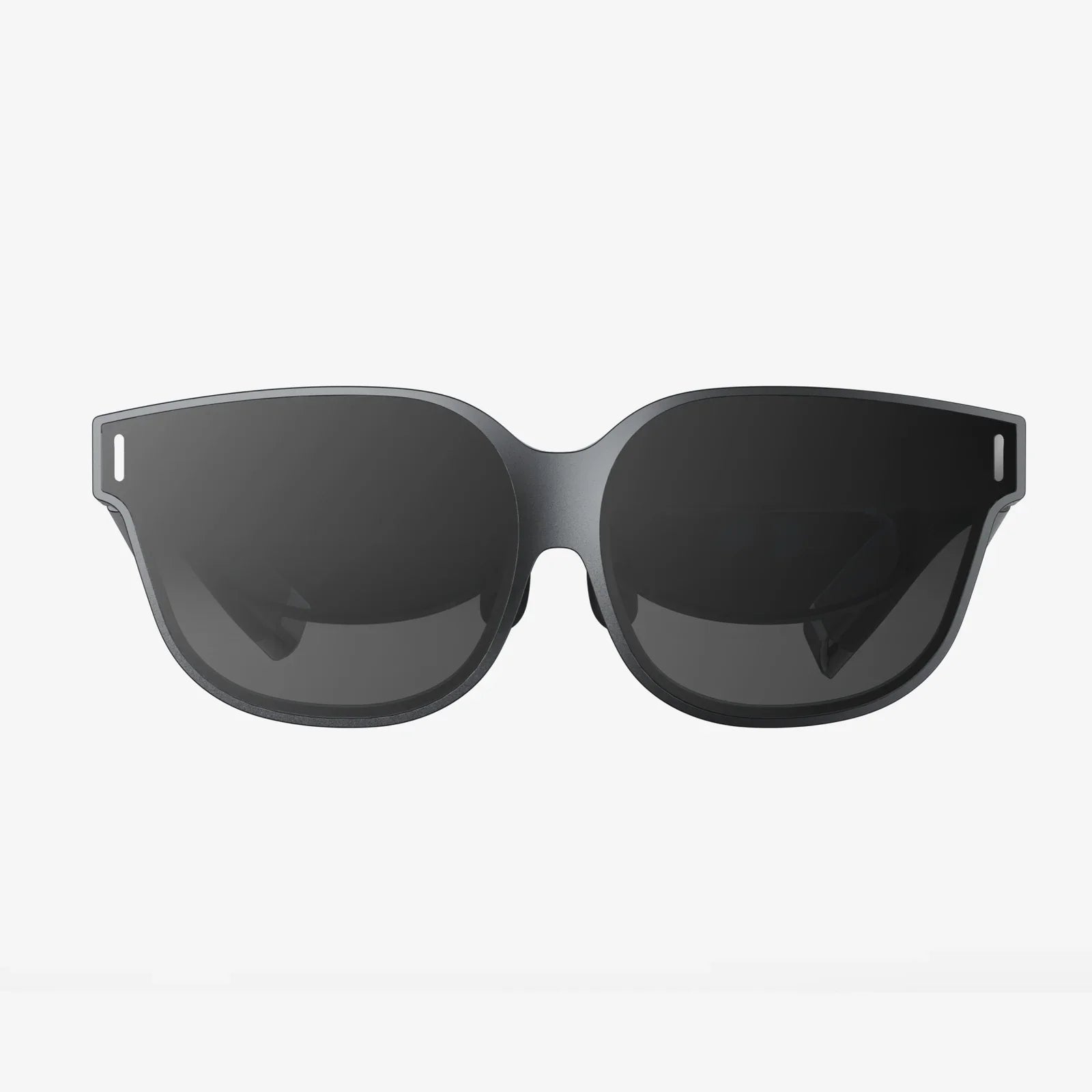
Imagine holding a portal to another world in your pocket. With your iPhone XR and the right virtual reality headset, that power is not just a fantasy—it's an accessible, breathtaking reality waiting to be unlocked. The journey into immersive digital realms no longer requires a high-end computer and a small fortune. Your smartphone, a device you use every day, is the key. This guide is your first step into a universe of boundless experiences, from scaling Everest to designing your dream home, all through the lens of a VR set for iPhone XR.
The iPhone XR: A Surprisingly Capable VR Powerhouse
Before diving into the world of headsets, it's crucial to understand why the iPhone XR is a fantastic candidate for mobile VR. Launched in 2018, it may not be the latest model, but its specifications are more than sufficient to deliver a smooth and compelling virtual reality experience.
The iPhone XR features a Liquid Retina HD display, which, while not an OLED panel, offers excellent color accuracy and brightness. Its resolution of 828 x 1792 pixels provides a pixel density sharp enough to prevent the dreaded "screen door effect" when viewed through a quality optical lens system in a headset. Furthermore, its powerful A12 Bionic chip, with its advanced Neural Engine, handles the complex graphical rendering and motion tracking required for VR with impressive efficiency, ensuring minimal lag and a comfortable experience.
The single-lens rear camera is more than adequate for the inside-out tracking used by some advanced mobile VR systems, and its gyroscope and accelerometer are precision-tuned for accurately translating your head movements into the virtual world. In essence, the iPhone XR represents a sweet spot of performance, affordability, and compatibility in the mobile VR ecosystem.
Demystifying Mobile VR Headsets: What to Look For
Not all VR headsets are created equal. When searching for the perfect companion for your iPhone XR, you'll encounter a range of designs, features, and price points. Understanding the key differentiators will help you make an informed decision.
Type of Headset: From Simple Viewers to Advanced Systems
Mobile VR headsets generally fall into two categories:
- Basic VR Viewers: These are the most affordable and common options. They consist of a housing, a pair of lenses, and a head strap. Your iPhone XR acts as both the screen and the processor. You slide the phone into the headset, launch a VR app, and the experience begins. Interaction is typically limited to a magnetic or capacitive trigger on the headset itself or a simple Bluetooth controller. These are perfect for consuming 360-degree videos, simple games, and virtual tours.
- Advanced Standalone & Tethered Systems: This category is blurring the lines with PC-based VR. Some higher-end mobile headsets incorporate their own sensors, cameras for positional tracking, and sophisticated controllers. These offer a much more immersive and interactive experience, allowing you to move around in a virtual space and manipulate objects with your hands. While less common for smartphones now due to the rise of fully standalone headsets, some hybrid models still offer enhanced tracking capabilities for mobile devices.
Key Features to Consider
- Field of View (FoV): Measured in degrees, FoV determines how much of the virtual world you can see at once. A wider FoV (100-110 degrees is standard for good headsets) increases immersion and reduces the feeling of looking through binoculars.
- Lens Quality: High-quality, multi-element aspherical lenses are essential for a clear, sharp image with minimal distortion, especially towards the edges of your vision. Look for adjustable lenses to match your interpupillary distance (IPD).
- Comfort and Fit: A VR session can last from a few minutes to over an hour. A padded faceplate, adjustable straps (often a three-point system for stability), and balanced weight distribution are crucial for long-term comfort. Consider whether the material is breathable and easy to clean.
- Input and Controls: Does the headset come with a dedicated controller? Is it compatible with standard Bluetooth gamepads? A good controller significantly enhances interactivity beyond just gazing at menus.
- Ventilation: Your iPhone XR will generate heat during extended VR use. A headset with adequate ventilation will help prevent the phone from overheating and throttling its performance.
Curating Your Virtual Reality: Must-Try Apps and Experiences
The hardware is just the vessel; the software is the soul. The App Store is home to a vast library of VR content designed specifically for the iPhone. Here’s a curated selection of experiences that showcase the potential of your iPhone XR and VR headset.
Gaming and Interactive Adventures
Step into the game like never before. Mobile VR gaming has evolved far beyond simple tech demos.
- End Space: A thrilling space combat game that puts you in the cockpit of a starfighter. Dodge asteroids, track enemy ships, and fire missiles by looking at your targets.
- Vendetta Online: A massively multiplayer space epic. Explore a persistent universe, trade goods, mine asteroids, and engage in player-versus-player combat, all in full VR.
- Spider-Man: Homecoming – Virtual Reality Experience: Swing through a stylized New York City as the friendly neighborhood Spider-Man. This experience perfectly captures the sensation of web-slinging.
Travel and Exploration
See the world without leaving your home. VR is the ultimate tool for virtual tourism.
- Google Earth VR: Soar over cities, stand atop mountains, and fly through canyons. While a simplified version, the mobile experience is still breathtakingly vast.
- Wander: This app lets you drop into Street View data from around the globe. Walk down foreign streets, visit historical sites, and even travel back in time to see locations from years past.
- Within: A platform for curated, high-quality VR films and experiences. Witness documentaries, animated stories, and artistic performances from a first-person perspective.
Productivity and Creativity
VR isn't just for play; it's a powerful tool for work and creation.
- Anamorphic: A creative app that allows you to draw and paint in three-dimensional space around you. Create sculptures made of light and explore your art from every angle.
- Virtual Desktop: While more common on PC VR, some apps allow you to project your iPhone's screen into a virtual environment, creating a private cinema for watching videos or a massive display for browsing the web.
Optimizing Your iPhone XR for the Best VR Experience
A few simple tweaks can ensure your journey into VR is as seamless and enjoyable as possible.
1. Free Up Storage and RAM: VR apps and 360-degree videos can be large files. Ensure you have ample free storage space. Before launching a VR app, close other applications running in the background to dedicate the A12 chip's full power to the experience.
2. Maximize Battery Life: VR is a power-intensive activity. Enable Low Power Mode before you begin, but be aware it may slightly throttle performance. For longer sessions, consider connecting your phone to a power bank while it's in the headset, if the headset design allows for a pass-through cable.
3. Ensure a Stable Environment: Use VR in a clear, open space to avoid bumping into furniture. Good, even lighting helps with headsets that use camera-based tracking, though it's less critical for basic headsets that rely solely on the phone's internal sensors.
4. Manage Screen Brightness and Volume: Set your screen brightness to auto or a comfortable level to save battery and reduce eye strain. Using headphones will provide a much more immersive audio experience than the phone's speakers.
Beyond Entertainment: The Practical Applications of Mobile VR
The value of a VR set for iPhone XR extends far beyond games and videos. It's a tool with serious practical applications.
Education: Students can take virtual field trips to the Louvre, the International Space Station, or ancient Rome. Complex subjects like human anatomy or molecular structures become interactive 3D models they can walk around and explore.
Real Estate and Architecture: Realtors can offer virtual property tours to remote clients. Architects and interior designers can use VR to walk clients through a proposed design long before construction begins, making changes in real-time.
Training and Simulation: From practicing public speaking in front of a virtual audience to simulating dangerous procedures for medical or industrial training, VR provides a safe, controlled, and repeatable environment for skill development.
Therapy and Wellness: VR is being used for exposure therapy to treat phobias, for meditation apps that transport users to serene environments, and for physical therapy exercises that are made more engaging through gamification.
Navigating the Limitations and Future of Mobile VR
It's important to have realistic expectations. Mobile VR, while incredible, has its constraints compared to premium PC-based systems. The graphical fidelity is lower, and the experiences are generally less physically interactive. The iPhone XR's screen, while good, cannot match the ultra-high resolution and pixel density of dedicated VR displays. You may also experience a phenomenon called "latency," a slight delay between your head movement and the screen updating, which can cause motion sickness in some users. Starting with shorter sessions and choosing stationary experiences can help mitigate this.
However, the future is bright. The line between mobile and standalone VR continues to blur. Technologies like 5G promise to stream incredibly high-fidelity VR experiences directly to phones without local processing constraints. As smartphones become even more powerful and screens more advanced, the quality of mobile VR will only improve, making your iPhone XR headset an investment that continues to pay off with new and better content.
The barrier to entering these vast virtual worlds has never been lower. Your iPhone XR is a ticket waiting to be punched, and a thoughtfully chosen VR headset is the gate. It’s a combination that unlocks limitless potential for exploration, creation, and connection. This isn't just about the future of technology; it's about expanding the horizons of your reality, today.
Share:
Best VR Headset to Buy: The Ultimate 2024 Guide for Immersive Reality
Best VR Headset to Buy: The Ultimate 2024 Guide for Immersive Reality