


- by wangfred
VR Set for PC: The Ultimate Guide to High-Fidelity Immersive Computing
- by wangfred
Imagine stepping through a portal into another world, one where the boundaries of physics, geography, and imagination are yours to command. This is not a glimpse into a distant future; it's the reality available today to anyone with a powerful computer and the right peripheral. The journey into true high-fidelity virtual reality begins not with a standalone device, but with a sophisticated VR set for PC, a gateway to experiences of unparalleled depth and clarity that are redefining entertainment, creativity, and human connection.
While mobile and standalone VR solutions offer convenience and accessibility, they operate within strict thermal and power constraints. A VR set designed for a desktop computer, however, taps into a different league of processing power. This symbiotic relationship between headset and PC is what enables the most breathtaking and believable virtual environments.
The primary advantage is raw graphical fidelity. A high-end graphics card, paired with a capable CPU and sufficient RAM, can render complex scenes with vast draw distances, high-resolution textures, advanced lighting effects like real-time ray tracing, and incredibly detailed character models. This results in a significantly higher pixel-per-degree density, drastically reducing the "screen door effect" and making the virtual world feel solid and tangible. The experience shifts from observing a simulation to feeling present within it.
Furthermore, this computational overhead allows for more sophisticated physics simulations, complex artificial intelligence for non-player characters, and larger, more interactive environments. Every leaf on a tree can react individually to the wind, every object can have realistic weight and momentum, and every enemy can employ advanced tactics. This depth of simulation is a key differentiator, making worlds feel alive and responsive to your actions.
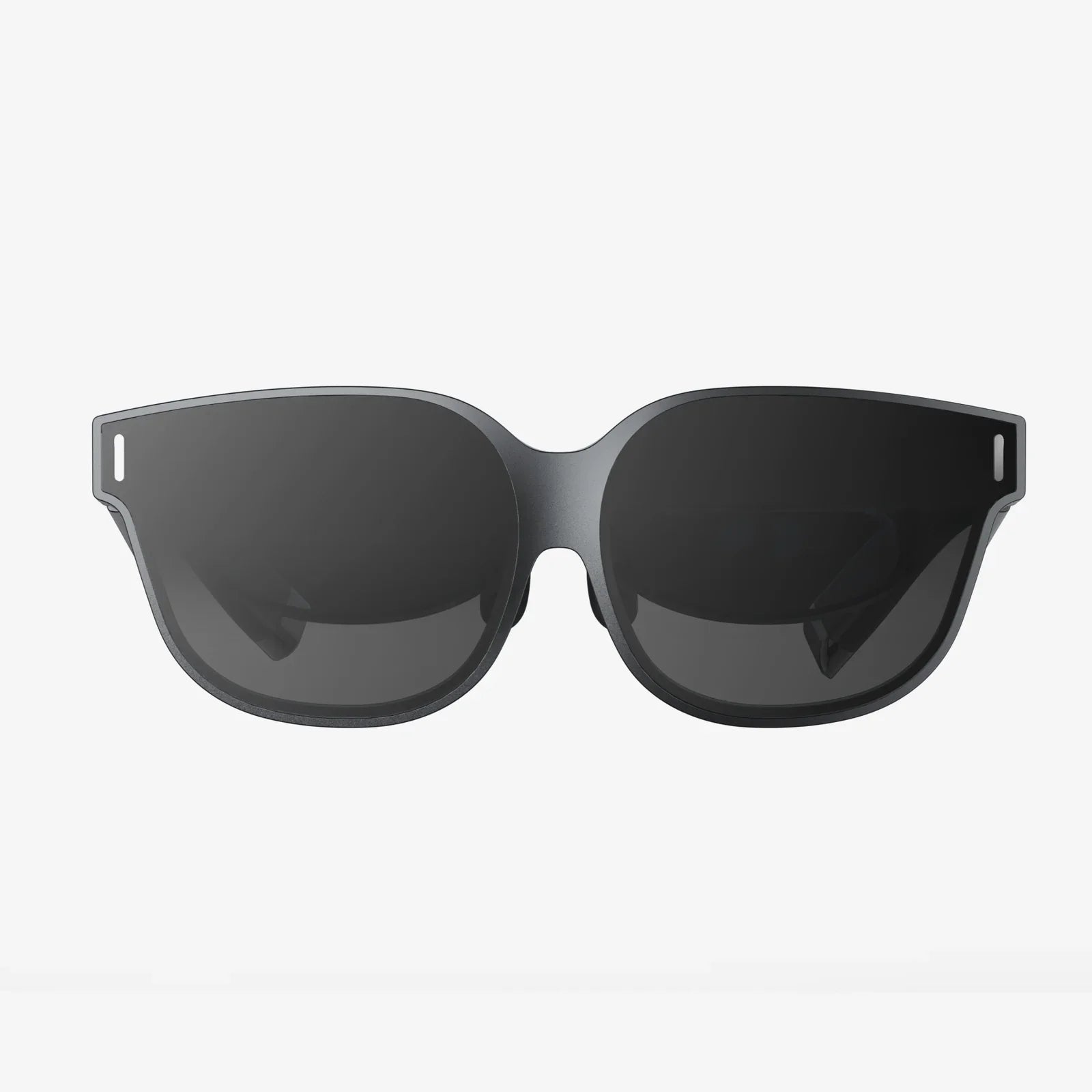
Understanding the components of a modern PC-connected headset is crucial to appreciating its capabilities. These devices are marvels of optical and electronic engineering, each part working in concert to trick your senses.
At the heart of every headset are its displays. Modern units typically feature two high-resolution Liquid Crystal Display (LCD) or Organic Light-Emitting Diode (OLED) panels, one for each eye. LCDs are more common in current generations, offering high resolution and reduced screen door effect, while OLEDs are celebrated for their perfect blacks and vibrant contrast, though often at a slightly lower subpixel density. The resolution is paramount; look for terms like 4K+ or specifications like 2160x2160 per eye or higher. The refresh rate, measured in Hertz (Hz), is equally critical. Standard rates start at 90Hz, but high-end headsets offer 120Hz or even 144Hz, resulting in smoother motion and a significant reduction in motion-induced discomfort.
These displays are viewed through a series of specialized lenses that focus your eyes on the screen mere centimeters away. Fresnel lenses, common in earlier designs, use concentric ridges to be thin and light but can introduce god rays—glare around high-contrast objects. Aspheric and pancake lenses are newer technologies that offer a clearer image with better edge-to-edge clarity and a reduced footprint, allowing for more compact headset designs.
For you to move freely in virtual space, the headset must constantly track its own position and orientation. This is achieved through a combination of gyroscopes, accelerometers, and external or internal cameras.
The controllers are your conduit for interaction. Ergonomically designed to fit naturally in your hands, they are packed with technology. They feature analog sticks, buttons, and triggers for traditional input, but their magic lies in their ability to be tracked in 3D space, translating your real-world gestures into the game. Haptic feedback provides subtle vibrations that simulate touch, from the recoil of a weapon to the gentle patter of virtual rain on your hands. Finger-tracking technology on some advanced models can even detect individual finger movements, allowing for expressive gestures like pointing, thumbs-up, or making a fist, enabling a new level of social and immersive interaction.
Your headset is only as good as the computer powering it. A "VR-ready" PC is a must, but this term encompasses a range of performance tiers.
The GPU is the undisputed workhorse of a VR setup. It is responsible for rendering two high-resolution perspectives (one for each eye) at a very high frame rate. A mid-range to high-end modern graphics card is essential. It handles the complex shading, lighting, and texturing that bring a world to life. The CPU, while less burdened by rendering, is critical for feeding the GPU with data, running the game's logic, physics, and AI. A modern multi-core processor ensures that the virtual world remains complex and responsive without becoming a bottleneck.
16 gigabytes of RAM is the comfortable standard for a VR system, ensuring that assets can be loaded quickly and that the system can run the VR software alongside background processes smoothly. Storage speed is a often-overlooked hero. A fast Solid State Drive (SSD) drastically reduces loading times. Waiting minutes to load a VR environment shatters immersion, while an SSD can often cut this down to seconds, maintaining the magic of the experience.
Most modern PC VR headsets connect via a high-speed USB port for data and a DisplayPort or HDMI 2.0+ cable for video. The latest generation is beginning to embrace USB-C with DisplayPort Alt Mode, which can consolidate both data and video into a single, sleek cable. It is vital to check your PC's available ports against the headset's requirements. Additionally, a stable and strong wireless internet connection is necessary for downloading often massive VR game files and for engaging in online multiplayer experiences.
The hardware is a canvas, but the software is the art. The PC VR landscape is incredibly diverse, offering experiences that cater to every possible interest.
Gaming remains the primary driver of VR adoption, and the PC platform hosts its most ambitious titles. Here, you can find:
The application of PC VR extends far beyond entertainment. Creative professionals are using VR as a revolutionary tool.
A proper setup is key to a comfortable and safe experience. Begin by designating a clear play area, free of obstacles, pets, and trip hazards. This is your playspace. Most inside-out tracking systems will have you define a digital boundary—called a Guardian or Chaperone system—that appears as a grid when you get too close to the real-world boundaries, preventing collisions.
Adjusting the headset for a clear picture is a critical step. Use the adjustable straps to find a secure but comfortable fit. The headset should feel stable without being overly tight. Then, use the IPD (Interpupillary Distance) adjustment, if available, to slide the lenses horizontally to match the distance between your pupils. This ensures a clear, coherent image and reduces eye strain. Finally, familiarize yourself with the software platform that manages your VR library, friends list, and settings. This hub is your launching point into countless virtual worlds.
The pursuit of high-end immersion comes with important considerations. The initial investment is the most significant barrier. A capable gaming PC represents a substantial cost, to which the price of a high-end headset is added. This positions PC VR as a premium tier within the VR market.
Comfort during extended sessions is another factor. Even the best-designed headsets have weight. Managing cable tension (for tethered headsets), taking regular breaks, and ensuring a proper fit are essential practices. Some users may also experience simulation sickness initially, a disconnect between what the eyes see and what the inner ear feels. This can almost always be overcome by starting with comfortable, stationary experiences and gradually building up a tolerance.
Despite these considerations, the value proposition is clear. For those who already own a powerful gaming PC, adding a headset unlocks an entirely new dimension of computing. For those building a system from scratch, they are investing in the highest-fidelity portal to virtual experiences available to consumers, a platform that continues to evolve and astonish.
The world of PC-powered virtual reality is a testament to the relentless pursuit of immersion. It’s a realm where the processing might of a desktop computer transforms into breathtaking landscapes, heart-pounding adventures, and powerful creative tools. It’s more than just playing a game; it’s about stepping inside it, feeling its scale, and interacting with its world in a fundamentally human way. This is the promise that beckons—a promise waiting for you to log in, power up, and dive headfirst into the ultimate simulation.
Share:
Bluetooth LED Glasses: The Ultimate Fusion of Audio and Illuminated Style
Smart Contact Lenses The Invisible Future of Personal Technology and Healthcare