


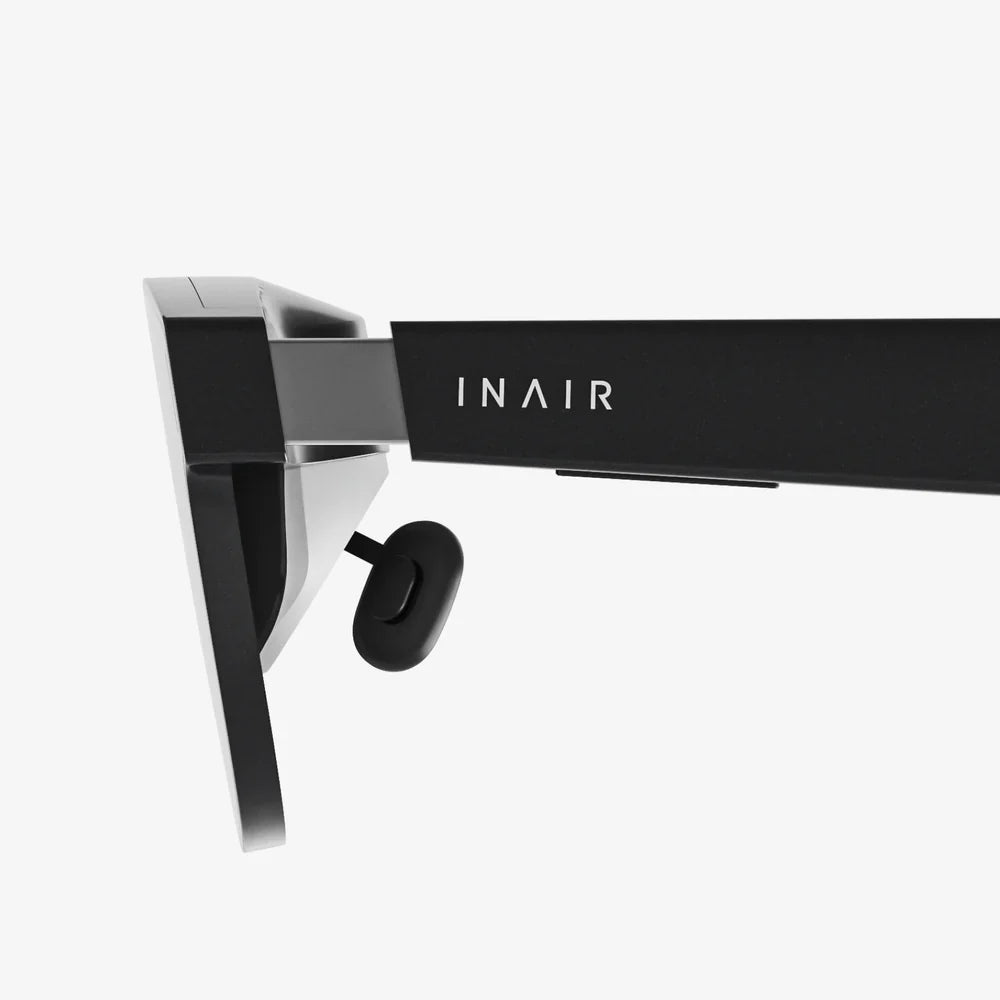
- by wangfred
VR Virtual Screen The Ultimate Guide to Your Personal Infinite Desktop
- by wangfred
Imagine closing your eyes and, when you open them, your entire digital world is laid out before you—not on a slab of glass on your desk, but floating in the serene expanse of a mountain summit, the quiet hum of a starship bridge, or a minimalist void where your focus is absolute. This is the promise, and increasingly the reality, of the VR virtual screen. It’s a concept that shatters the physical and financial constraints of traditional monitors, offering not just more screen real estate, but a fundamentally new way to interact with our computers. The quest for the perfect desktop setup is evolving from finding a bigger physical monitor to crafting your perfect digital environment.
At its core, a VR virtual screen is a software-simulated display rendered within a virtual reality environment. Using a VR headset, users can project the video output from their computer, gaming console, or even a cloud machine into a 3D space. These are not static images; they are fully functional, interactive windows into your computer's operating system. You can watch movies, write code, design 3D models, or browse the web on screens that can be any size, shape, or curvature you desire, all while being completely untethered from the physical limitations of your desk.
The magic lies in the combination of several key technologies. The headset's high-resolution displays and precise lenses are the canvas. Inside-out tracking technology monitors the position of your head and hands, allowing the virtual screens to remain locked in place in your environment or follow your gaze. Sophisticated software then captures your computer's desktop, streams it into the VR environment with low latency, and translates your controller or hand-tracking inputs into mouse and keyboard commands. This seamless integration is what transforms a novel tech demo into a viable productivity tool.
The applications for VR virtual screens are as diverse as the users who adopt them. They cater to a growing desire for immersive, flexible, and deeply personalized computing.
For knowledge workers, the appeal is undeniable. Imagine replacing a costly multi-monitor setup with a seamless, virtual crescent of displays. You can have your email client open on one screen, a research paper on another, a video conference call on a third, and your primary work document on a massive central display—all without turning your head. The ability to create bespoke workspaces for specific tasks is a game-changer. A developer can have their code editor, terminal, and browser preview arranged perfectly for a programming session, and with a click, switch to a completely different layout for data analysis or design review.
For entertainment, a VR virtual screen is your personal IMAX theater. You can watch films, sports events, or your favorite shows on a screen that feels 100 feet wide, all from the comfort of your couch, bed, or even a virtual movie theater populated with friends' avatars. For gamers, it offers a incredibly large, responsive display for traditional flat-screen games, providing a level of immersion that even the best physical monitors cannot match, especially when combined with high-quality spatial audio headphones.
This technology is a potential godsend for remote workers and travelers. The entire concept of a "portable desktop" is redefined. Instead of hunched over a small laptop screen in a coffee shop or hotel room, a user can don a headset and instantly be surrounded by their ideal multi-screen setup. It effectively decouples the quality of your computing experience from your physical location, offering consistency and power wherever you go.
Creating a compelling virtual screen experience requires a symphony of hardware and software working in concert.
The VR headset is the most critical component. Key specifications include:
The software is the brain of the operation. It can be broadly categorized into:
While the technology is incredibly promising, it is not yet a perfect replacement for every user or every task. There are significant hurdles that developers continue to overcome.
Despite improvements, visual clarity remains the single biggest challenge. Even with high-resolution headsets, rendering text and fine details with absolute crispness is difficult. Factors like lens glare, chromatic aberration, and the need for a perfectly calibrated fit can impact the experience. For prolonged text-heavy work, some users may still prefer the razor-sharp precision of a high-DPI physical monitor.
Wearing a headset for an eight-hour workday is a different proposition than a one-hour gaming session. Issues like facial pressure, heat buildup, and general fatigue are real concerns. The industry is moving towards lighter, more breathable designs, but it remains a barrier to mass adoption for all-day computing.
How do you interact with your virtual PC? Using VR controllers as a laser pointer mouse can feel imprecise and cumbersome. The most effective solution today is to simply use your physical Bluetooth mouse and keyboard, with their positions tracked by the headset's cameras for passthrough visibility. Advanced hand-tracking, which allows you to manipulate screens with gestures, is rapidly improving but is not yet robust enough for primary input.
Being immersed in a headset cuts you off from your immediate physical environment. You can't easily see your coffee cup, your colleague tapping you on the shoulder, or your phone notifications. While passthrough AR features are solving this by overlaying virtual screens onto a camera feed of the real world, the quality and latency of this video feed are still developing.
The trajectory of VR virtual screens points toward a future where the line between physical and digital workspace is not just blurred, but erased. We are moving towards a paradigm of true spatial computing.
The next generation of headsets will be lighter, have even higher resolution displays, and feature advanced varifocal lenses that mimic the natural focusing ability of our eyes, drastically reducing eye strain. They will seamlessly blend high-fidelity video passthrough with virtual elements, allowing your real desk, keyboard, and colleagues to coexist with your floating virtual displays.
Artificial intelligence will play a huge role, intelligently arranging windows, surfacing relevant information contextually, and managing notifications based on your activity and focus. We will see the rise of persistent virtual workspaces—your perfect office layout, saved in the cloud and accessible from any headset, anywhere in the world. Collaboration will be transformed, with colleagues able to join your virtual space as avatars, interacting with shared screens and 3D models as if they were physically present.
This evolution will culminate in the eventual replacement of the physical monitor for many use cases. Why buy a large, fragile, and static piece of hardware when you can summon a better, more flexible version that exists only in light? The monitor, a technology that has dominated computing for decades, may become a peripheral, not the centerpiece.
The door is now open to a world where your workspace is limited only by your imagination. The constraints of physics, cost, and location are melting away, offering a glimpse into a future where we don't just use computers—we inhabit them. The journey beyond the bezel has just begun, and the destination is an infinite desktop waiting to be explored.