


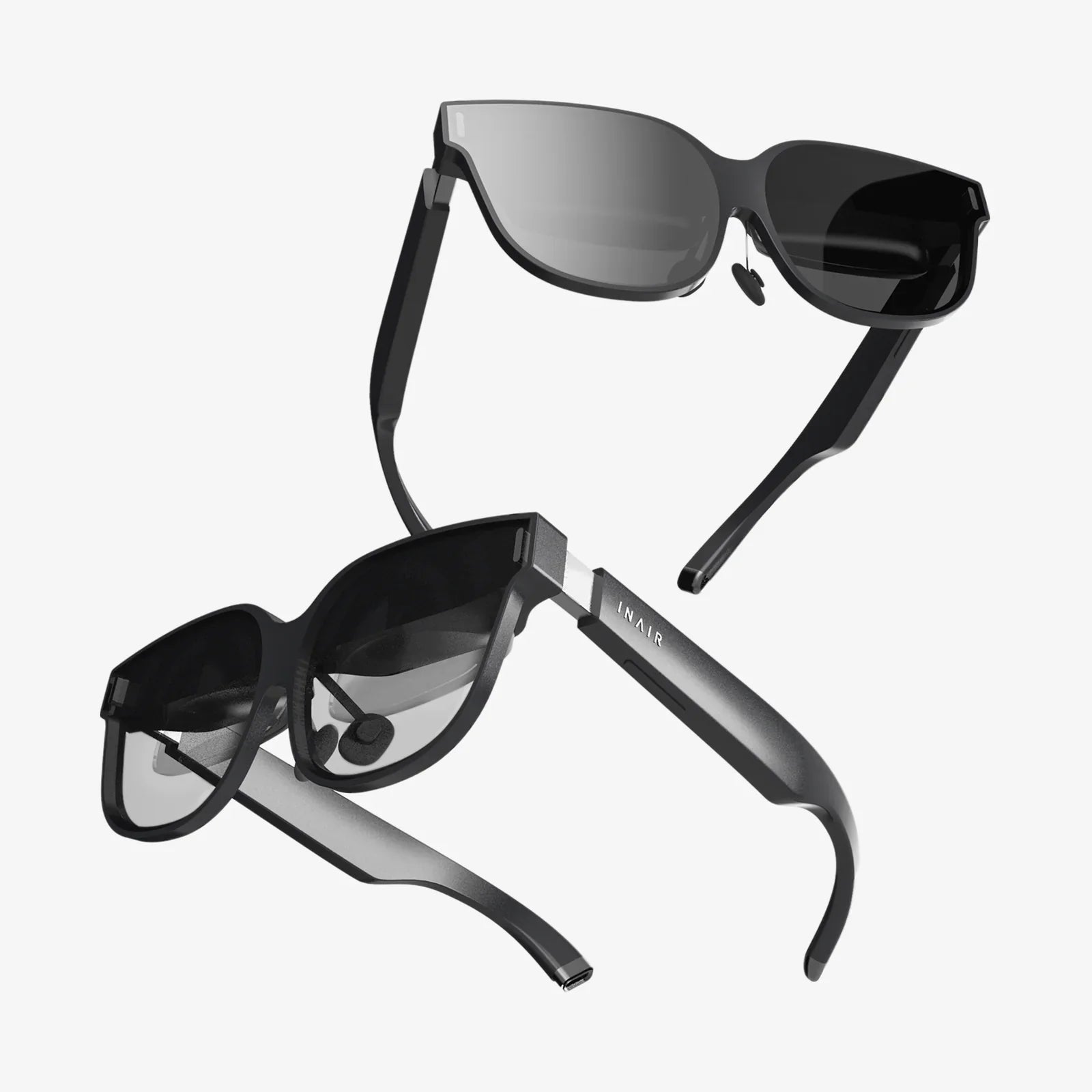
The glowing, otherworldly allure of virtual reality is undeniable. From exploring the depths of the ocean to walking on the surface of Mars, VR headsets promise adventures limited only by imagination. For parents, educators, and curious adults, this incredible technology brings with it a pressing, fundamental question: what age is this experience truly appropriate for? The answer is far more nuanced than a simple number on a box, weaving together threads of developmental psychology, ocular science, and digital literacy.
The Official Stance: Manufacturer Guidelines and Warnings
If you were to pick up a mainstream VR headset and examine the fine print, you would immediately encounter a consistent and clear warning. The majority of manufacturers explicitly state that their devices are not to be used by children under the age of 13. This is not a casual suggestion; it is a firm safety guideline. The primary reason cited is the unknown long-term impact of VR on developing visual systems. Children's eyes are still maturing, and the interpupillary distance (the space between the pupils) is narrower than in adults. VR headsets create a stereoscopic 3D effect by presenting slightly different images to each eye, tricking the brain into perceiving depth. For a visual system that is still learning to focus and converge correctly in the real world, this artificial stimulation could potentially interfere with natural development, leading to issues like stereopsis dysfunction (impaired depth perception) or strabismus (eye misalignment). Furthermore, the weight and design of most headsets are engineered for adult-sized heads, posing a physical comfort and potential neck strain issue for smaller children.
Beyond the Number: Developmental Stages and Considerations
While the "13+" guideline is a crucial starting point, it is a one-size-fits-all approach to a deeply individualized matter—child development. A more insightful method is to consider a child's stage of development rather than their chronological age alone.
Early Childhood (Ages 0-6): A Hard Pass
For toddlers and young children, the consensus among experts is unequivocal: VR is inappropriate. Their visual systems are at their most plastic and vulnerable stage. The sensory input from a VR headset is overwhelmingly intense and can be frightening or confusing for a brain that is still learning to process the real world. The line between fantasy and reality is already blurry at this age; immersive VR could exacerbate this, potentially leading to anxiety or difficulty distinguishing virtual experiences from actual memories. The physical world, with its tactile feedback and motor skill challenges, is the essential playground for development at this stage.
Middle Childhood (Ages 7-12): Proceed with Extreme Caution
This is the most debated and grayest area. Some children in this age group may be technologically savvy and eager to engage with VR. However, the core physiological warnings remain. If a parent chooses to allow limited, supervised exposure, it must be treated with the utmost care. Sessions should be incredibly short (5-10 minutes maximum), infrequent, and consist of only the mildest, most passive experiences. The content must be carefully vetted to avoid anything scary, violent, or overstimulating. It is also a critical time to teach digital hygiene: the importance of taking breaks, reporting any feelings of eye strain or nausea, and understanding that the virtual world is not real. Parental supervision is non-negotiable, not just for content but to observe the child's physical and emotional reactions.
Teenagers (Ages 13-18): Guided Exploration
This age group aligns with the official manufacturer guidelines, but that doesn't mean a free-for-all. Teenagers' visual systems are more mature, reducing (but not eliminating) the risk of long-term ocular issues. However, they are navigating complex social and psychological landscapes. VR offers powerful social connection through multiplayer platforms and virtual spaces, which can be positive for socialization but also carry risks like cyberbullying and exposure to inappropriate content. This is the age for establishing firm rules: time limits (e.g., 30-minute sessions with substantial breaks), strict privacy settings, and open conversations about online behavior and digital citizenship. Parents should co-experience content when possible and maintain an active interest in their teen's virtual activities.
Adulthood (18+): Responsible Use
For adults, the primary physical concerns shift from development to comfort and safety. Issues like VR-induced motion sickness, eye fatigue, and tripping over real-world obstacles become the main focus. Adults must practice self-regulation, taking breaks every 30 minutes to rest their eyes and reorient themselves to their physical surroundings. The content considerations are more about personal preference and mental well-being, though intensely realistic or disturbing simulations can still have a psychological impact.
The Content is King: It's Not Just About the Hardware
Discussing age appropriateness without considering content is like rating a movie based solely on the projector. A serene, educational tour of the Louvre is a world apart from a hyper-realistic horror game or a intense social battle arena. The experience is defined by the software. For any user, but especially for younger ones, content must be carefully curated. Look for experiences that are:
- Educational: Virtual field trips, scientific simulations, and historical recreations.
- Creative: Applications that allow for drawing, sculpting, or music-making in 3D space.
- Passive and Calm: 360-degree videos of nature or space that don't require intense movement.
- Age-Rated: Pay close attention to content ratings, just as you would for a film or video game.
It is the parent's responsibility to be the curator and gatekeeper, ensuring the virtual experiences align with their child's maturity and sensitivity.
Establishing a Family Framework for Safe VR Use
Adopting VR into family life requires a proactive strategy, not a reactive one. Here are key pillars for a healthy approach:
- Time Limits: Enforce strict, non-negotiable session times. Use a timer. Long, uninterrupted immersion is where most physical discomfort and dissociation from reality occur.
- Supervised Space: VR should be used in a common area, not a child's bedroom. This allows for supervision and ensures the play space is clear of hazards like pets, toys, and furniture.
- Open Dialogue: Talk to your children about what they are experiencing. Ask them how it made them feel. Teach them to recognize and verbalize feelings of nausea, eye strain, fear, or confusion.
- Lead by Example: Model good behavior by taking breaks yourself and respecting the same rules you set for your children.
The Future is Now: Evolving Research and Ethical Considerations
The landscape of VR is evolving faster than long-term academic studies can keep up. While initial research is ongoing, the definitive longitudinal studies on VR's impact on the developing brain are still years away. This means current guidelines are based on a prudent application of known principles of pediatric health and neurology. The ethical considerations are also profound. How do we protect children's privacy in these immersive environments? How is their data being collected and used? As the technology becomes more pervasive and social, these questions will become increasingly urgent for policymakers, tech companies, and parents alike.
The shimmering portal to virtual worlds sits in your living room, promising both wonder and worry. Navigating this new frontier isn't about finding a single magic number, but about becoming an engaged guide for the young explorers in your life. By prioritizing their developing vision, curating their digital experiences, and fostering open communication, you can ensure their journey into virtual reality is not only safe but truly magical. The headset is just the tool; the wisdom to use it responsibly is the real game-changer.
Share:
What Characteristic Best Describes an AR Headset: The Definitive Guide to Immersive Reality
Windows MR Headset Comparison: A Comprehensive Guide to Choosing Your Virtual Reality Portal