


So, you've seen the breathtaking trailers, watched friends disappear into digital worlds, and felt that pull of curiosity. The world of virtual reality is calling, promising adventures, social connections, and experiences beyond the confines of your living room. But before you can slay dragons, paint in 3D, or explore the human bloodstream, there's a crucial question you need to answer: what do I actually need for a VR headset? The journey to a perfect VR setup is more than just picking a device off a shelf; it's about understanding the ecosystem of hardware, software, and physical space that turns a piece of technology into a portal to another dimension. This guide will walk you through every single requirement, from the obvious to the often-overlooked, ensuring your first step into VR is a confident and breathtaking one.
The Foundation: Understanding the Three Types of VR Headsets
Your entire shopping list and setup process hinges on one fundamental choice: the type of headset you select. Each category has vastly different requirements.
1. Standalone VR Headsets
These are the all-in-one devices. The processing power, display, sensors, and battery are all contained within the headset itself. They are designed for maximum convenience and accessibility, requiring no external devices to function.
What You Need:
- The Headset: This is your one-stop shop. Everything is integrated.
- A Charging Cable & Power Adapter: They have built-in batteries that need regular charging.
- A Wi-Fi Connection: Essential for downloading games, apps, and receiving updates. A 5GHz connection is highly recommended for smoother gameplay in cloud-based or social apps.
- A Smartphone (Initial Setup Only): Most standalone headsets require a companion app on a smartphone for the initial device setup, linking your account, and sometimes casting the VR view to your phone screen.
- Optional: Link Cable or Wireless Streaming Software: Many modern standalone headsets can also double as PC-powered headsets. To unlock this high-end content, you'll need a high-quality data cable (often sold separately) and a VR-ready computer, or a strong Wi-Fi 6/6E network for wireless streaming.
2. PC-Powered VR Headsets
These headsets act as a display and input device for a powerful desktop computer. They offer the highest fidelity graphics, the most complex simulations, and the widest range of hardcore gaming content. The trade-off is a more complex setup and a higher cost of entry.
What You Need:
- A VR-Ready Gaming PC: This is the absolute core requirement. We will delve into the detailed PC specifications in the next section.
- The Headset: This contains the displays and sensors but relies on the PC for processing.
- Tracking Base Stations (For Some Models): Some PC headsets use external sensors (called Lighthouses or base stations) that you mount in the corners of your room to provide millimeter-perfect tracking of your headset and controllers.
- The Right Cables: These headsets typically use a thick, high-bandwidth cable that connects to your PC's graphics card and USB ports. Managing this cable is part of the experience.
- Available USB Ports: You will need at least one free USB port (often USB 3.0 or better) and one free DisplayPort (or sometimes HDMI) on your graphics card.
- PC VR Software Platform: You will need to install a client like SteamVR or the headset manufacturer's own platform on your computer.
3. Console-Powered VR Headsets
This category is currently niche, essentially referring to headsets designed to work exclusively with a specific video game console. They offer a plug-and-play experience that sits between the simplicity of standalone and the power of PC VR.
What You Need:
- The Compatible Gaming Console: The headset is an accessory for the console and will not work without it.
- The Headset: Often sold separately from the console.
- The Console's Controllers: Some systems use the standard console controllers, while others have bespoke VR motion controllers.
- TV & Console Setup: Your console needs to be set up and updated as normal.
The Heart of the Matter: Demystifying PC Hardware Requirements
For PC VR, your computer is the engine. Putting a high-end headset on a weak PC is like putting a jet engine on a go-kart—it simply won't work. Here’s a breakdown of what to look for.
Graphics Card (GPU)
This is the most critical component. The GPU renders two high-resolution screens (one for each eye) at a very high frame rate (typically 72Hz, 90Hz, or even 120Hz). Stuttering or low frames per second (FPS) is the primary cause of VR motion sickness.
- Minimum: An older, higher-end card. These will run simpler VR titles but will struggle with more demanding games, often requiring you to lower the rendering resolution, which makes the image blurry.
- Recommended (The Sweet Spot): A powerful modern GPU. This tier will provide a smooth experience in the vast majority of VR games at good fidelity. It allows you to enjoy the full resolution of your headset without compromise.
- High-End: The absolute top-tier GPUs. This is for enthusiasts who want to max out every graphical setting, use super-sampling (rendering at higher than native resolution for a crisper image), and play the most demanding simulations.
Always check the specific requirements for the headset you are interested in, as they provide detailed minimum and recommended specs.
Processor (CPU)
While the GPU does the heavy lifting of rendering, the CPU is responsible for the game's logic, physics, and AI. A modern mid-range CPU is typically sufficient for most VR games, but it must not bottleneck the GPU. Pairing a top-tier GPU with a budget CPU from five years ago will hold back performance.
Memory (RAM)
16GB of RAM is the standard recommended amount for a smooth PC VR experience today. 8GB is considered absolute minimum and will likely cause hiccups. 32GB is becoming more common for high-end systems and those who multitask heavily.
Ports & Connectivity
Your PC must have the correct physical connections. Most modern PC VR headsets require:
- One DisplayPort 1.2+ (or sometimes Mini DisplayPort) port: This is the preferred video connection for its high bandwidth. Some headsets may also use HDMI 2.0.
- One USB 3.0+ port (Type-A): Used for data and power. Some headsets may require multiple USB ports for external sensors.
- Note on Laptops: Not all gaming laptops are created equal. The HDMI/DisplayPort must be connected directly to the discrete GPU (dedicated graphics card), not the integrated GPU (the weaker graphics built into the processor). This is called "direct mode" or "Optimus" bypass. Many laptop manufacturers now label VR-ready models clearly.
Claiming Your Territory: The Critical Importance of Play Space
VR isn't a sedentary experience. You will be moving, ducking, swinging your arms, and possibly even crawling. You must plan for this physically.
Stationary vs. Room-Scale
Most modern VR systems support two modes:
- Stationary/Standing: You play while standing in one spot or sitting in a chair. This is sufficient for racing games, flight simulators, and some puzzle games.
- Room-Scale: The system defines a virtual boundary (called a Guardian or Chaperone) that appears as a grid when you get too close. This allows you to physically walk around within your play area. This is essential for full immersion in exploration and action games.
How Much Space Do You Really Need?
The official minimum is often a small clear area of 2m x 1.5m (6.5ft x 5ft). However, more is always better.
- Minimum: Enough space to swing your arms in a full circle without hitting anything. This is functional but restrictive.
- Ideal: A clear area roughly the size of a small rug. This gives you room to take a step or two in any direction, dodge obstacles, and engage more physically with the virtual world.
-
Considerations:
- Ceiling Height: If you're tall or your play space has a low ceiling, be mindful of light fixtures and ceiling fans. Swinging your hands upward is a common action.
- Flooring: A soft rug can help you tactilely feel the center of your space. Avoid hard floors if you plan to be active.
- Breakables: Move valuable vases, television sets, and other fragile items well outside your play boundary. Controllers and headsets are harder than they look.
- Lighting: Some headsets use external cameras for tracking. They often work best in a well-lit, consistent environment. Avoid direct sunlight, as it can damage the internal lenses, which act like a magnifying glass.
- Mirrors & Windows: Large reflective surfaces can confuse the tracking cameras of inside-out tracking headsets. You may need to cover them with a sheet or blinds.
The Digital Storefront: Accounts, Platforms, and Content
Your hardware is useless without software. The digital ecosystem is where you'll live.
Essential Accounts
- Headset Manufacturer Account: For standalone headsets, you will need an account with the device maker to access their exclusive store and social features.
- Steam Account: For PC VR, a Steam account is almost mandatory. SteamVR is a universal platform, and Steam hosts the largest library of VR games and experiences.
- Meta Account: If you choose a headset from the leading standalone provider, you will need a Meta account to use the device.
Software Platforms
You will need to install the relevant software on your PC or phone:
- Oculus PC App / SteamVR: For PC VR headsets, these applications manage your device, its settings, and your library.
- Headset Companion App (on phone): For setup, casting, and social features.
The Cost of Content
Budget for games! While there are free experiences and apps, the major titles typically cost between $20 and $60. PC VR games are frequently discounted during major Steam sales.
Comfort and Hygiene: The Often-Forgotten Essentials
You can have the most powerful setup in the world, but if the headset is uncomfortable, you won't want to use it.
Comfort Mods
- Counter-Weights: Some headsets are front-heavy. A small counter-weight on the back of the strap can balance it perfectly, relieving pressure on your face.
- Alternative Facial Interfaces: The standard foam that rests on your face can get sweaty and irritate skin. Many companies sell interfaces made of silicone or pleather that are easier to wipe clean and more comfortable for long sessions.
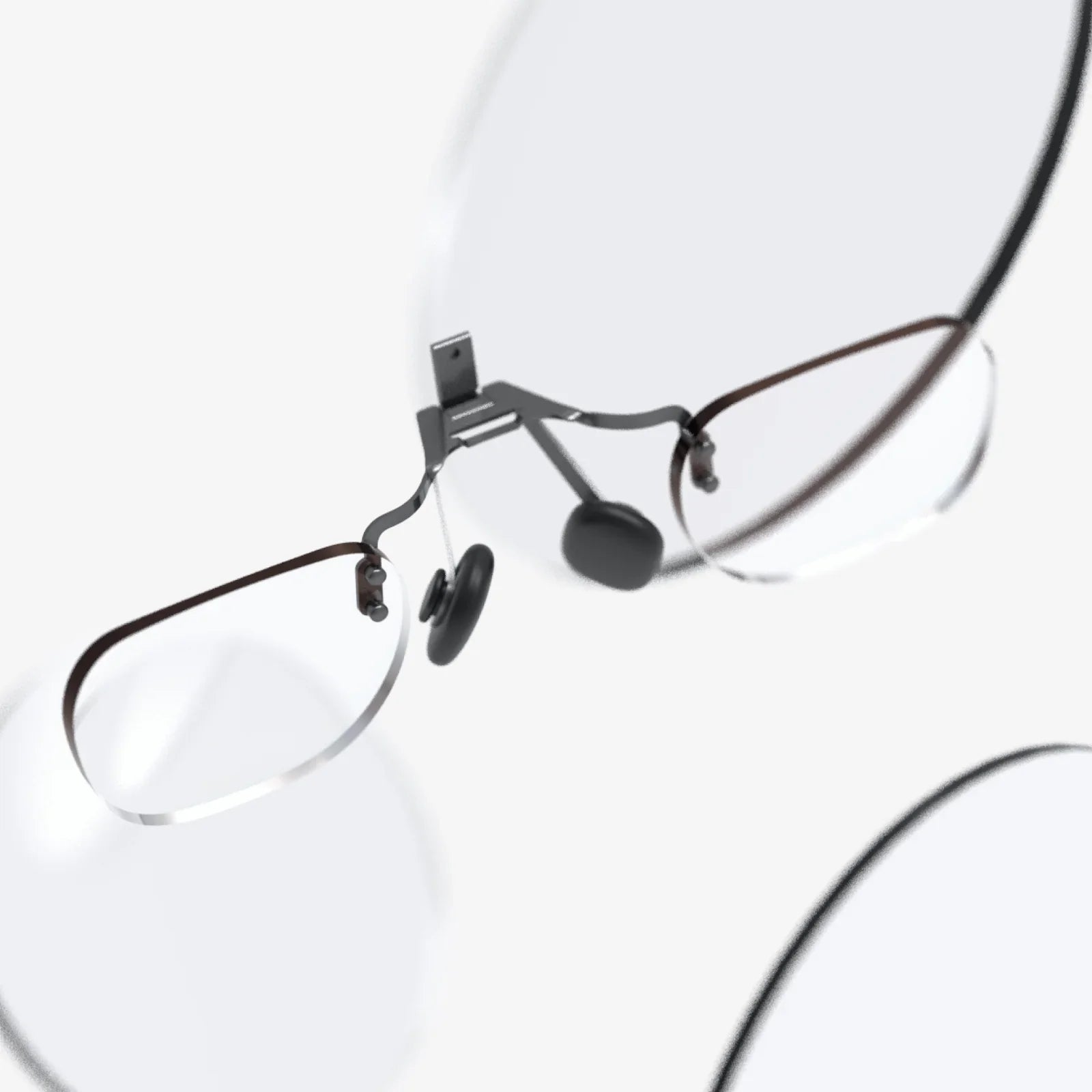
- Prescription Lens Inserts: If you wear glasses, struggling to fit them inside a headset is a nightmare. Companies sell custom magnetic prescription lenses that clip inside the headset, saving your glasses and providing a perfect field of view.
Hygiene
- Microfiber Cloths: Essential for keeping the headset's lenses smudge-free. Never use window cleaner or alcohol wipes, as they can damage special lens coatings.
- Headset Stand: Provides a safe, dedicated home for your headset and controllers, keeping them off the floor and away from dust and potential damage.
Beyond the Basics: The Extras That Elevate the Experience
Once you have the core setup, these accessories can deepen your immersion.
- VR Cover: A simple cloth cover for the facial interface that can be washed regularly.
- Controller Grips/Sleeves: These make the controllers more comfortable to hold and provide a safety strap, making them harder to throw across the room accidentally.
- Wireless Adapters: For PC headsets that support it, cutting the cable is the ultimate freedom, but it requires a strong wireless network and adds cost.
- Force Feedback Vests/Haptics: Specialized vests that simulate the impact of bullets, punches, or other environmental effects through vibrations.
- Dedicated VR Router: For wireless PC VR streaming, a dedicated Wi-Fi 6 router connected directly to your PC can provide a flawless, low-latency connection.
The path to your perfect virtual reality setup is a checklist of compatibility, power, and space. It's not just about the headset in the box; it's about the capable computer humming on your desk, the clear, safe space you've carved out in your environment, and the digital library waiting to be explored. By meticulously addressing each of these requirements—from the raw processing power of your GPU to the comfort of a silicone face cover—you're not just buying a gadget. You're engineering an experience. You're ensuring that the moment you first power on your headset, the real world doesn't just fade away; it's replaced by something truly magical, without a single technical hiccup or uncomfortable distraction to pull you back. Your portal to other worlds is waiting; you now have the exact blueprint to build its foundation.
Share:
Augmented Reality Skills: The Essential Toolkit for the Next Digital Revolution
VR Headset Dimensions: The Ultimate Guide to Size, Weight, and Fit