


You've just unboxed your sleek new portal to other worlds, but before you can scale mountains, battle space pirates, or create art in three dimensions, you need to answer one crucial question: what do you actually need to make this thing work? The journey from a silent piece of hardware to a fully immersive experience requires a few key components, and getting it right is the difference between a jittery, frustrating novelty and a seamless, breathtaking adventure. This isn't just about plugging in a cable; it's about building your gateway.
Let's demystify the entire process, breaking down the absolute essentials into a clear, actionable checklist. We'll move beyond the obvious to explore the powerful computing core, the often-overlooked environmental factors, and the crucial software that breathes life into the device. Prepare to transform your room into a launchpad for infinite experiences.
The Core Components: The Headset and Its Control System
At the heart of every virtual reality setup is, unsurprisingly, the headset itself. But this device is more than just a screen you strap to your face. It's a sophisticated package of technology designed to track your movement and immerse your senses.
The Head-Mounted Display (HMD)
This is the primary unit that contains the high-resolution displays (one for each eye), the lenses that focus and shape the image, and a variety of sensors. These sensors are critical—gyroscopes, accelerometers, and magnetometers work together to understand your head's orientation: where you're looking, how quickly you're turning, and the angle of your gaze. Modern systems often include outward-facing cameras that act as positional trackers, mapping your physical room to create a safe virtual boundary.
The Input System: Controllers and Beyond
Your hands are your primary tools in most VR experiences, and the controllers are their digital extensions. These are not standard gamepads; they are ergonomic devices tracked by the system, allowing the software to know their precise location in 3D space. They typically feature analog sticks, buttons, triggers, and haptic feedback motors to simulate touch. For an even deeper level of immersion, some advanced setups support specialized equipment like motion-tracked gloves, treadmills for natural locomotion, and haptic vests that let you feel impacts and sensations throughout your body.
The Brain: Choosing Your Computing Powerhouse
This is where the requirements diverge most significantly. The choice between a tethered and a standalone headset dictates everything about your setup's complexity and cost.
The Standalone (All-in-One) VR Experience
For those seeking a streamlined, wire-free entry into virtual reality, standalone headsets are the answer. These devices have all the necessary computing hardware built directly into the headset. There is no external computer required. What do you need for a VR headset of this type to work? The list is refreshingly short:
- The Headset Itself: Fully charged.
- A Power Source: Either its internal battery for mobile use or a power cable for extended play sessions.
- A Wi-Fi Connection: Essential for initial setup, downloading applications, games, and experiences from its dedicated digital storefront.
- A Smartphone App (Often): Many systems use a companion application on a mobile device for initial configuration and social features.
The beauty of this system is its simplicity and portability. You can be watching a giant virtual screen on an airplane or practicing a rhythm game in your living room within minutes of putting it on. The trade-off is raw processing power; these mobile chipsets cannot match the graphical fidelity and complexity of experiences possible on a high-end gaming computer.
The Tethered (PC-Powered) VR Experience
This path is for those who demand the highest possible fidelity, the most graphically intense games, and the fullest sensory immersion. A tethered headset acts as a sophisticated peripheral to a powerful computer, which does all the heavy lifting of rendering two high-frame-rate, high-resolution images simultaneously.
Here’s what you need for a VR headset of this type to work:
1. A VR-Ready Computer
This is the single most important and costly component. Not just any old laptop or desktop will suffice. The machine must meet or exceed the recommended specifications, which typically include:
- Powerful Graphics Processing Unit (GPU): This is the non-negotiable cornerstone of PC VR. The GPU must render two detailed views at a super-smooth 90 frames per second or higher to prevent motion sickness and maintain immersion. Integrated graphics found in standard office computers are completely insufficient.
- Capable Central Processing Unit (CPU): A modern, multi-core processor is needed to handle game physics, artificial intelligence, and overall system coordination.
- Ample RAM: 16GB is the current comfortable standard for a smooth experience with modern titles.
- Available Ports: The correct number and type of ports are vital. Most headsets require multiple USB ports (often specific, high-speed USB 3.0 types) and a DisplayPort or HDMI 2.0 port on the GPU itself, not the motherboard.
2. The Tether (Link Cable)
This is the thick, high-bandwidth cable that connects the headset to the computer, carrying data, power, and the video signal. Some systems offer wireless adapter kits that use a high-quality Wi-Fi 6/6E connection to cut the cord, but this requires a dedicated wireless card in your PC and a clear line of sight to the router.
3. External Sensors (For Some Systems)
While many modern headsets use "inside-out" tracking via onboard cameras, some older or high-fidelity systems use external sensors or "base stations" that you mount in the corners of your play space. These devices emit lasers or infrared light that is picked up by sensors on the headset and controllers, providing ultra-precise, millimeter-accurate positional tracking. These require their own power outlets and USB connections to the computer.
The Foundation: Preparing Your Physical Space
Virtual reality is a physical medium. Your body will be moving, so your environment must be prepared to accommodate it safely.
Defining Your Play Area
There are two primary types of play spaces:
- Seated/Stationary Experience: Perfect for flight simulators, racing games, or cinematic viewing. This requires minimal space—just enough room to sit and move your arms without hitting anything.
- Room-Scale Experience: This is the gold standard for immersion, allowing you to physically walk around, duck, and dodge within a defined area. You need a clear, open space, ideally at least 6.5 by 5 feet (2m by 1.5m), free of obstacles like coffee tables, chairs, low-hanging light fixtures, or curious pets.
Safety and Practicalities
Before every session, ensure your space is clear. Use the built-in "Guardian" or "Chaperone" system—a virtual boundary wall that appears when you get too close to the edge of your play area. This is your most critical safety feature. Also, consider a dedicated VR mat or rug with a different texture underfoot; this provides a physical tactile cue that you are centered in your safe space without needing to break immersion to look.
The Soul: Software and Connectivity
Hardware is useless without the software to command it.
The Platform Software
Every major headset requires you to install its proprietary platform software on your computer or smartphone. This application is your hub for everything: it manages device drivers, firmware updates for the headset and controllers, and most importantly, it hosts the store where you purchase and download games and applications. It also provides the core interface you see inside the headset, your virtual home, and your social space.
A Robust Internet Connection
A fast and stable internet connection is crucial. You will be downloading enormous game files, often 10-50GB or more. A wired Ethernet connection to your PC is ideal for these large downloads and for wireless VR streaming. Furthermore, online multiplayer games require a low-latency connection to avoid lag, which can quickly ruin the experience and induce discomfort.
The Final Checklist: Before You Dive In
So, to bring it all together, here is your ultimate pre-flight checklist:
- For Standalone: Charged Headset, Controllers, Clear Play Space, Wi-Fi Password, Smartphone (if required).
- For Tethered PCVR: VR-Ready Computer (GPU, CPU, RAM, Ports), Headset & Link Cable, Controllers, Platform Software Installed, Updated GPU Drivers, Clear Play Space, External Sensors Set Up (if applicable).
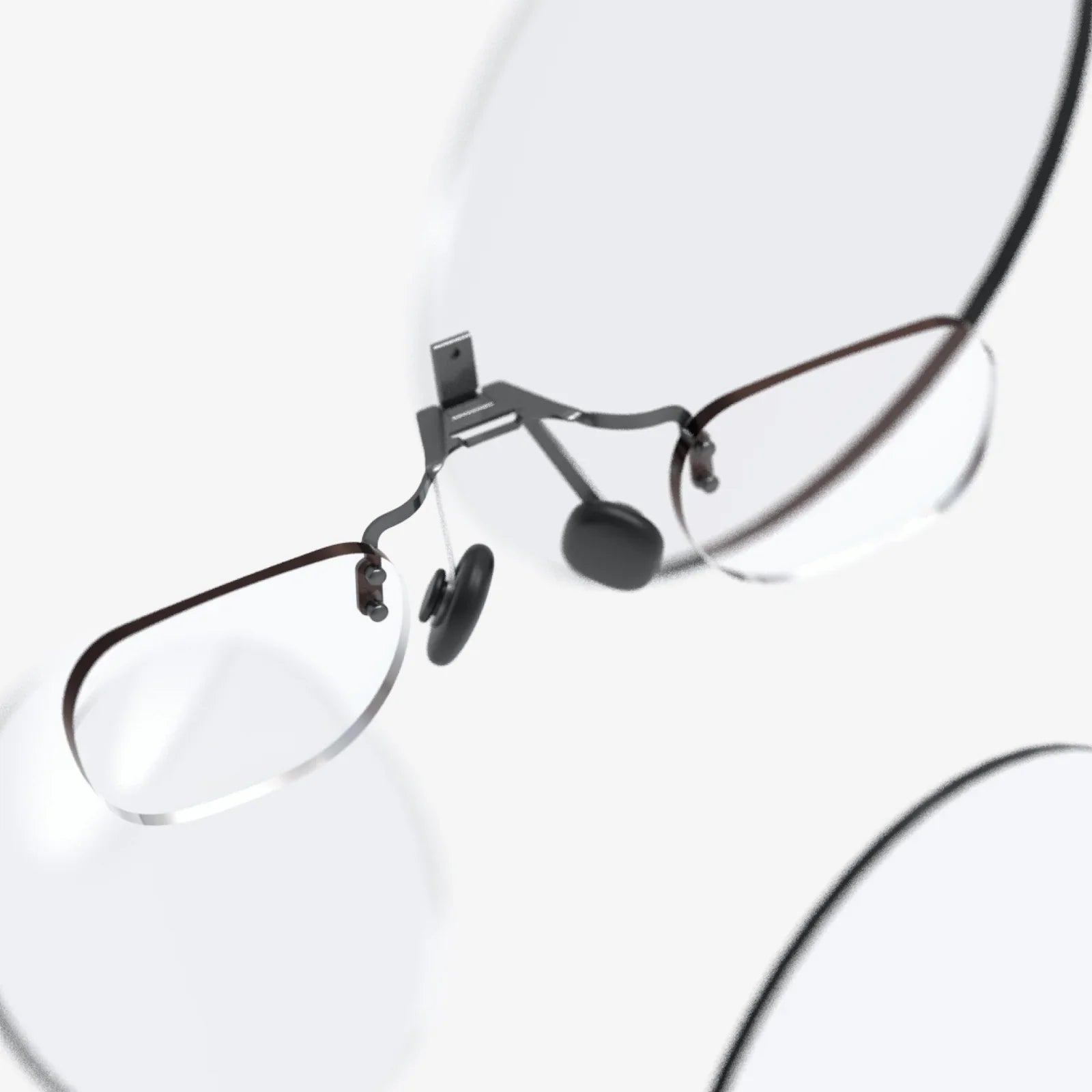
Don't forget the less technical but equally important items: wearing comfortable clothing, having glasses inserts if you wear prescription lenses, and keeping a microfiber cloth handy to keep the lenses smudge-free. Finally, remember to take regular breaks, especially when first starting out. Ease into experiences to allow your body to acclimate to the incredible sensation of virtual reality.
The shimmering gateway sits idle on your desk, but not for long. With the right combination of raw power, intelligent software, and a safely mapped physical domain, you are moments away from stepping through. This isn't just about meeting system requirements; it's about forging a key. That key unlocks not just a library of games, but new ways to connect, create, and explore limited only by the imagination of developers and the strength of your GPU. Your journey into the virtual awaits—and now, you have the perfect map to begin.
Share:
Headphones to Wear with Glasses: The Ultimate Guide to Uncompromised Comfort and Audio
When Was the VR Headset Invented? The Complete History of Virtual Reality