


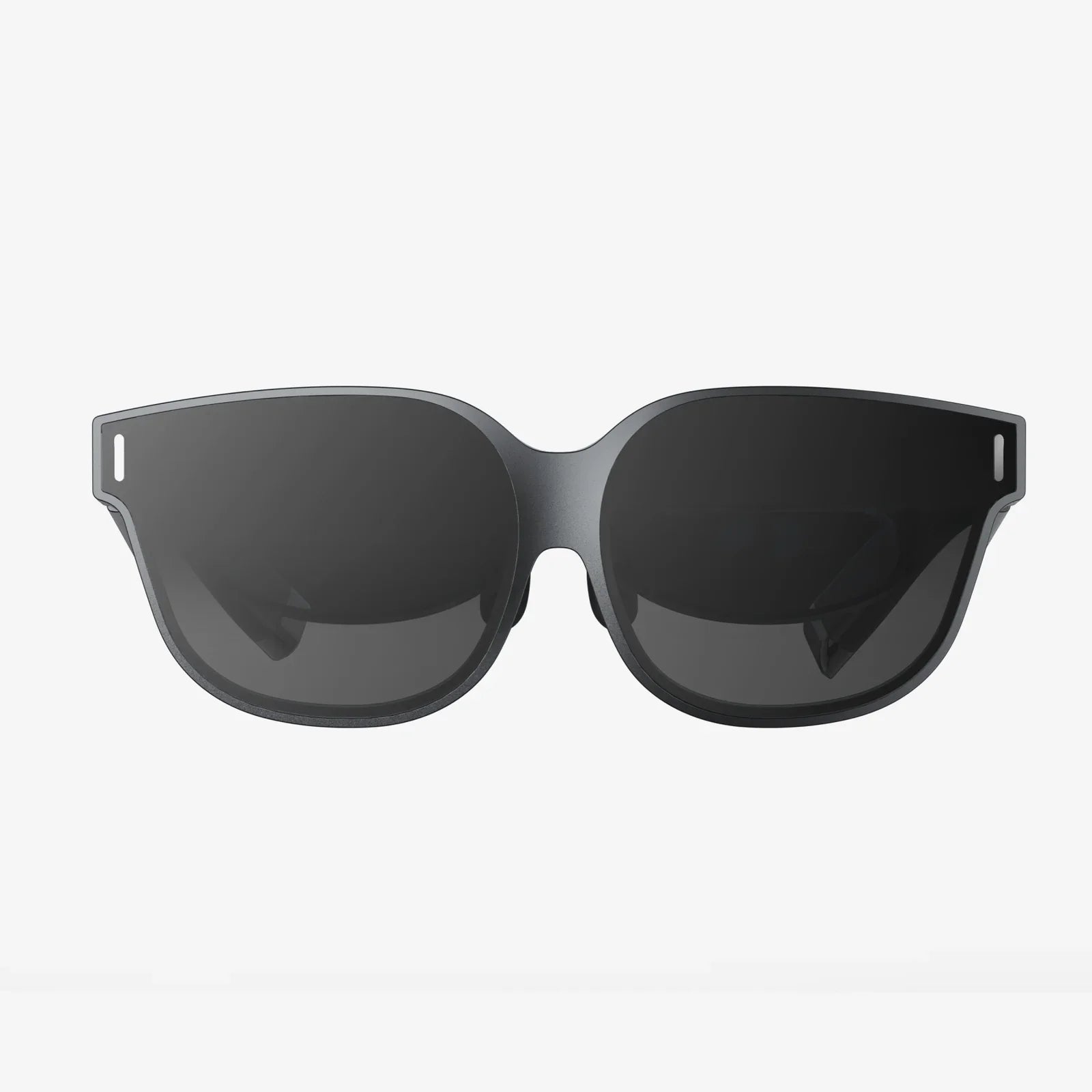
Stepping into another world, feeling the adrenaline of a high-speed race, or walking on the surface of Mars—this is the promise of virtual reality. But before you can don a headset and escape reality, you need to understand the ecosystem required to make it all work. The journey to immersion is more than just purchasing a device; it's about building a complete system tailored to your desires and space. This guide will demystify the requirements, breaking down exactly what is needed for a virtual reality headset to transport you from your living room to limitless digital realms.
The Core Hardware: The Brain and Senses of the Operation
At the heart of any VR experience is the hardware. This isn't a single device but a symphony of components working in unison to create a believable illusion.
The Headset Itself: Your Portal to Another Dimension
The head-mounted display (HMD) is the most visible piece of the puzzle. It's your window into the virtual world, but its capabilities vary dramatically. Key specifications to consider include:
- Display Resolution and Refresh Rate: A high resolution (often referred to as per-eye resolution) is crucial for eliminating the "screen door effect," where users can see fine lines between pixels, breaking immersion. A higher refresh rate, measured in Hertz (Hz), is equally critical. 90Hz is considered the baseline for comfort, with 120Hz or even 144Hz becoming the new standard for high-end devices. This ensures smooth motion and drastically reduces the risk of simulation sickness, a type of motion sickness induced by VR.
- Field of View (FoV): This is the extent of the virtual world you can see at any given moment, measured diagonally in degrees. A wider FoV (110 degrees or more) feels more natural and immersive, closely mimicking human binocular vision, while a narrow FoV can feel like looking through a pair of binoculars.
-
Tracking Technology: How the headset understands its position in physical space is fundamental. There are two primary methods:
- Inside-Out Tracking: Cameras mounted on the headset itself look outward to track its position relative to the room. This method is convenient and requires no external hardware, making setup easier and more portable.
- Outside-In Tracking: External sensors or base stations are placed around the room to precisely track the position of the headset and controllers. This method is often considered the gold standard for accuracy and latency, especially for competitive experiences, but requires a more permanent and involved setup.
- Lenses and Adjustments: Quality lenses are vital for visual clarity across the entire display. Features like mechanical IPD (Interpupillary Distance) adjustment allow you to physically shift the lenses to match the distance between your eyes, providing a sharper image and greater comfort.
The Controllers: Your Virtual Hands
VR is not a passive viewing experience. It's an interactive one, and that's where motion-tracked controllers come in. These are not standard gamepads; they are engineered to be an extension of your hands. They feature:
- Precise Tracking: They are tracked by the same system (inside-out cameras or external base stations) as the headset, allowing for one-to-one movement of your hands in the virtual space.
- Haptic Feedback: Subtle vibrations provide tactile feedback, simulating the sensation of touching a virtual object, firing a weapon, or interacting with an interface.
- Ergonomic Design and Inputs: Buttons, triggers, thumbsticks, and touch-sensitive pads are designed to allow for complex interactions, from gently picking up a object to engaging in intense combat.
The Computing Power: The Unseen Engine
Rendering two high-resolution displays at an exceptionally high frame rate is an immensely demanding task. This processing can be handled in one of two ways:
- A Powerful Gaming Computer: For a high-fidelity, tethered VR experience, a capable computer is non-negotiable. Key components include a powerful graphics processing unit (GPU) that is specifically certified for VR workloads, a capable central processing unit (CPU) to handle physics and AI, and sufficient RAM. Using an underpowered system will result in low frame rates, stuttering, and a uncomfortable experience that can quickly lead to nausea.
- Standalone Processing: Many modern headsets have all the necessary computing hardware built directly into the device itself. These standalone systems offer incredible convenience and wireless freedom, sacrificing some graphical fidelity for accessibility and ease of use. Their performance is constantly improving, blurring the line between tethered and standalone.
The Software Ecosystem: The Worlds You'll Inhabit
Hardware is nothing without software. The virtual worlds, applications, and games are what you ultimately experience.
- Platform and Storefront: Most headsets are tied to a specific software platform or digital storefront. This is where you will purchase, download, and manage your VR applications. The library available on your chosen platform is a critical consideration.
- Content Library: The value of a VR system is directly linked to the experiences available for it. This includes not only games across all genres but also creative applications like 3D painting and sculpting, social platforms where you can meet others, fitness apps, and immersive educational or cinematic experiences.
- System Software and Features: The underlying operating system of the headset manages everything from the home environment to critical features like boundary system setup (guardian), voice commands, social features, and streaming capabilities to other screens.
The Physical Space: Your Launchpad and Play Area
Unlike traditional computing, VR has physical requirements that must be met for both safety and enjoyment.
- Room-Scale vs. Seated/Stationary: VR experiences are often categorized by the space they require. Seated or stationary experiences are perfect for simulations (racing, flying) or media consumption. Room-scale VR requires a cleared, defined play area (e.g., 2m x 2m or larger) that allows you to physically walk around, duck, and dodge within the virtual world.
- Safety Considerations: This is paramount. The area must be free of obstacles, tripping hazards, pets, and low-hanging light fixtures. Using the built-in boundary system is essential; it creates a digital wall that appears in your view when you get too close to the edge of your safe zone.
- Lighting and Reflection: For headsets that use external sensor tracking or even some inside-out tracking systems, lighting conditions matter. Avoid direct sunlight on the play area or the headset's lenses, as it can damage the internal screens. Highly reflective surfaces like mirrors or glossy floors can also confuse tracking cameras.
Connectivity and Extras: Tying It All Together
The final pieces of the puzzle involve how all these components communicate and are enhanced.
- Wired vs. Wireless: Tethered headsets connect to a computer via a high-speed cable, which can be a tripping hazard and limit freedom but provides the highest bandwidth for data. Wireless options, either through a standalone headset or a wireless adapter for a PC-based system, offer unparalleled freedom of movement, which is a massive boost to immersion.
- Audio: High-quality, spatial audio is half of the immersion. Many headsets come with built-in headphones or directional audio solutions. Using a good pair of over-ear headphones can greatly enhance the sense of presence, allowing you to hear sounds directionally—from above, behind, or to the side.
- Battery Life: For standalone and wireless systems, battery life is a key practical consideration. Most offer 2-3 hours of continuous use, so having a charging routine or an external battery pack for extended sessions is a common practice.
The Human Element: The Most Important Component
Ultimately, the success of a VR setup depends on the user.
- Physical Comfort and Ergonomics: Headsets must be adjusted correctly to fit your head shape. Factors like weight distribution, foam padding, and even the material of the facial interface can affect comfort during long sessions. For users who wear glasses, checking for compatibility or investing in prescription lens inserts is often necessary.
- VR Legs: susceptibility to simulation sickness varies greatly between individuals. It's a skill that can be acquired over time. The key is to start with comfortable experiences (rated as such on platforms) and take frequent breaks. Never try to "power through" feelings of nausea.
- Purpose and Budget: Your intended use dictates your needs. A user interested in social and fitness applications has different requirements than a user seeking the highest-fidelity combat simulator. This, in turn, dictates the budget, which can range from a very accessible entry point to a significant investment for an enthusiast-grade setup.
The magic of virtual reality isn't found in a single box; it's woven from the intricate interplay of cutting-edge hardware, immersive software, a thoughtfully prepared space, and a willing participant. By carefully considering each element—from the pixel density of the displays and the raw power of the processor to the clear floor space in your room and your own physical comfort—you assemble more than just a system. You construct a gateway. This gateway, when all its parts are in harmony, has the power to not just show you another world, but to make you believe, even for a moment, that you are truly there. The question is no longer if you can access these worlds, but which one you will choose to explore first.
Share:
3D Spatial Mapping: The Invisible Digital Fabric Reshaping Our Reality
Is Personalised Spatial Audio Good? An In-Depth Exploration of Immersive Sound