


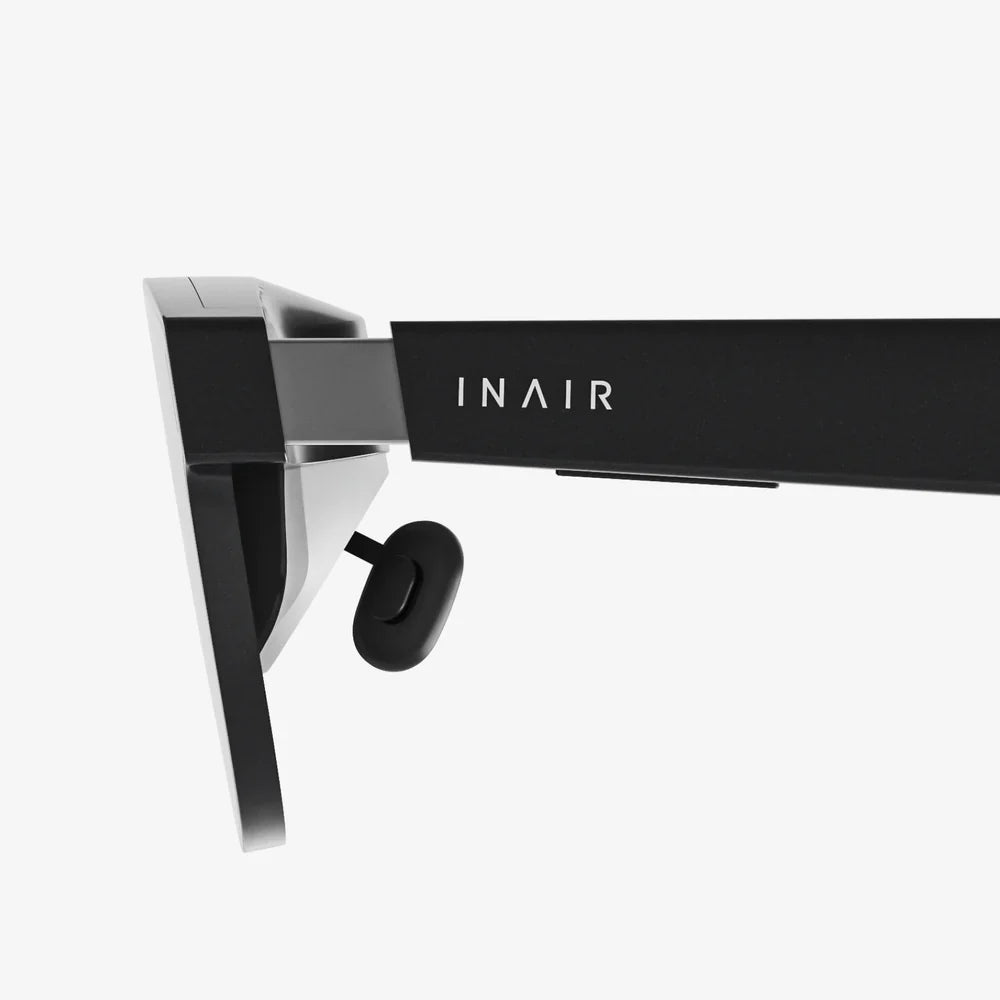
Imagine a world where your morning run is guided by digital arrows floating on the sidewalk, where complex engine repairs are visualized through your smart glasses, and historical figures seemingly step out of museum exhibits to tell their stories. This is the promise of augmented reality (AR), a technology not of distant science fiction but of our rapidly approaching tomorrow. The magic of seamlessly blending digital content with our physical environment feels almost effortless to the user, but behind that simplicity lies an incredibly complex and sophisticated stack of interdependent technologies. The creation of a convincing, interactive, and useful AR experience is a monumental feat of engineering, requiring a precise symphony of hardware sensors, powerful processors, advanced display systems, and robust connectivity. Unpacking this toolkit is essential to understanding not just how AR works today, but the breathtaking direction it's headed.
The Foundation: Sensing and Perceiving the Real World
Before any digital object can be placed into your environment, the AR system must first understand that environment in intricate detail. This is the primary and most critical task. Without a accurate spatial model, virtual objects would drift, float incorrectly, or fail to interact with physical surfaces. This perception is achieved through a suite of sensors that act as the eyes and ears of the device.
Computer Vision: The Brain Behind the Eyes
At the heart of environmental understanding is computer vision, a field of artificial intelligence that enables computers to derive meaningful information from visual inputs. It’s the technology that allows an AR system to identify a flat surface, recognize a specific image, or track a person’s hand. Key computer vision techniques for AR include:
- Simultaneous Localization and Mapping (SLAM): This is the cornerstone technology for most modern AR. SLAM algorithms allow a device to simultaneously map an unknown environment while tracking its own location within that map in real-time. It does this by identifying unique feature points in the environment—corners, edges, patterns—and tracking their movement relative to the device's own motion. This creates a persistent 3D point cloud map, enabling digital content to be anchored to specific real-world locations.
- Object and Plane Detection: Beyond just mapping points, the system needs to understand the geometry of the space. Plane detection identifies horizontal surfaces (like floors and tables) and vertical surfaces (like walls), providing a stage upon which digital objects can be placed. Object recognition takes this further, identifying specific items—be it a sofa, a coffee mug, or a complex machine part—allowing for context-aware interactions.
- Depth Sensing: Understanding how far away objects are is crucial for occlusion (where a real object should appear in front of a virtual one) and accurate placement. This is achieved through dedicated depth sensors, like time-of-flight (ToF) cameras, which emit infrared light and measure the time it takes to bounce back, creating a precise depth map of the scene.
The Sensor Suite: Hardware for Perception
Computer vision algorithms are useless without raw data. This is provided by a sophisticated array of hardware sensors:
- Cameras: High-resolution RGB cameras capture the color and texture of the world, feeding visual data to the computer vision algorithms.
- Inertial Measurement Units (IMUs): These are combinations of accelerometers, gyroscopes, and magnetometers that track the device's movement, rotation, and orientation with high speed and precision. While they can drift over time, they provide crucial high-frequency data that complements the slower, more accurate visual data from the cameras, creating a smooth and responsive tracking experience.
- LiDAR Scanners: More advanced than standard ToF sensors, Light Detection and Ranging (LiDAR) systems project a grid of thousands of invisible laser dots to create a highly detailed 3D depth map of the environment almost instantaneously. This technology, once reserved for autonomous vehicles, is now a key feature in high-end AR-capable devices, drastically improving spatial awareness.
The Engine: Processing and Computation
All the data captured by the sensors is meaningless without immense computational power to process it. The AR device must perform billions of calculations per second to fuse sensor data, run SLAM algorithms, render complex 3D graphics, and handle user input—all in real-time to maintain the illusion. This processing happens across a hierarchy of computing units.
Central Processing Unit (CPU)
The CPU acts as the central nervous system, managing the overall operations of the device, running the operating system, and orchestrating the flow of data between different components. It handles the logical operations for applications and manages system resources.
Graphics Processing Unit (GPU)
If the CPU is the manager, the GPU is the artist. It is arguably the most critical component for a visually compelling AR experience. GPUs are massively parallel processors designed specifically for rendering high-fidelity 3D graphics at high frame rates (typically 60fps or higher to avoid user discomfort). They are responsible for shading, lighting, texturing, and drawing every pixel of the virtual object, ensuring it blends believably with the real-world video feed or optical view.
Neural Processing Unit (NPU) / AI Accelerators
Modern AR relies heavily on machine learning for tasks like object recognition, gesture tracking, and semantic understanding of scenes. Running these complex AI models on a general-purpose CPU or GPU is inefficient and power-hungry. Dedicated NPUs are designed to handle these tasks with extreme power efficiency, enabling features like real-time translation of text in the world or accurate tracking of a user's hand gestures for interaction without draining the battery.
Cloud Computing
For the most computationally intensive tasks—such as creating a persistent, shared world map for multiple users or running incredibly complex AI simulations—the processing can be offloaded to powerful remote servers in the cloud. This cloud-offloading architecture allows smaller, lighter wearable devices to tap into near-limitless computational power, receiving the results over a network connection. The evolution of 5G technology, with its high bandwidth and low latency, is making this seamless cloud integration a tangible reality.
The Canvas: Display and Projection Systems
Once the world is understood and the digital object is rendered, it must be presented to the user's eyes. The display technology is the final, crucial link in the chain, and it represents one of the biggest challenges in AR hardware design. The goal is to create bright, high-resolution, and convincing visuals that appear to coexist with the real world.
Optical See-Through Displays
Used in smart glasses and headsets, these displays allow users to look directly at the real world through optical combiners—special lenses that reflect digital images into the user's eyes while letting environmental light pass through. This creates a more natural and comfortable view as the user's eyes remain focused on the real world. Technologies here include:
- Waveguide Displays: Light from a micro-display is coupled into a thin piece of glass or plastic and "guided" through internal reflections until it is directed out towards the eye. This allows for a very sleek and lightweight form factor, making it the preferred method for consumer-grade smart glasses.
- Birdbath Optics: A compact design where light from a micro-display is reflected off a curved mirror (the "birdbath") and into the user's eyes through a beamsplitter. This can offer a wider field of view but often results in a bulkier design.
Video See-Through Displays
Common in AR experiences on smartphones and some headsets, this method uses outward-facing cameras to capture the real world. The video feed is then combined with the digital graphics on a standard screen (like a phone display or an internal headset screen), which the user looks at. This allows for perfect blending and occlusion but can suffer from latency and a reduced sense of immersion due to the mediated view.
Retinal Projection
An emerging and futuristic technology, retinal projection systems aim to scan images directly onto the user's retina using low-power lasers. This could potentially allow for incredibly high-resolution images regardless of the user's eyesight and could lead to extremely small and efficient display systems, though the technology is still in its early stages.
The Interaction: Interfaces and Input Modalities
How does a user manipulate and interact with the digital elements they see? Traditional input methods like a mouse and keyboard are impractical. AR demands intuitive, natural interfaces that feel like an extension of our own bodies.
- Touch and Gesture: On smartphones and tablets, touchscreens remain the primary method. For wearable devices, hand-tracking and gesture recognition are key. Cameras and depth sensors track the position and movement of the user's fingers, allowing them to push, pull, rotate, or select virtual objects with natural motions.
- Voice Control: Voice assistants provide a powerful hands-free way to issue commands, search for information, or control interfaces within an AR experience, making it ideal for industrial or professional settings where a user's hands are occupied.
- Gaze and Eye-Tracking: By tracking where a user is looking, an AR system can enable context-aware menus that appear where you look or select items simply by gazing at them. This also enables advanced rendering techniques like foveated rendering, where the highest detail is only rendered in the central area of vision where the eye's fovea can perceive it, saving immense computational power.
- Haptic Feedback: To make interactions feel tangible, haptic feedback provides a sense of touch. This can range from simple vibrations in a controller to more advanced wearable devices that use ultrasonic waves or electrostimulation to simulate the feeling of touching a virtual object.
The Connective Tissue: Networking and Connectivity
For AR to reach its full potential as a collaborative and context-aware tool, it cannot exist in a vacuum. It needs to be connected.
- 5G and Wi-Fi 6/6E: High-speed, low-latency wireless connectivity is non-negotiable for cloud processing, streaming rich 3D models, and enabling multi-user experiences. 5G's ultra-reliable low-latency communication (URLLC) is particularly crucial for ensuring that shared AR experiences are synchronized perfectly between users, with no perceptible delay.
- Edge Computing: To mitigate latency even further, compute resources can be placed at the "edge" of the network, geographically closer to the user. This allows for rapid processing of sensitive data (like SLAM calculations) without a round-trip to a distant cloud data center.
The journey from a simple idea to a digital object sitting convincingly on your kitchen table is a testament to human ingenuity. It's a dance of photons and processors, algorithms and actuators, all working in concert to expand our perception of reality. We are moving beyond clunky prototypes and toward elegant, integrated systems where the technology itself fades into the background, leaving only the magic of an augmented world. The next time you see a digital dinosaur in your living room or follow a navigation arrow painted on the street, take a moment to appreciate the invisible orchestra of technology making it all possible—an orchestra that is only getting more powerful, more efficient, and more astonishing with every passing day.
Share:
How Can Augmented Reality Be Used in the Future: A Glimpse into a Digitally-Enhanced World
How Can Augmented Reality Be Used in the Future: A Glimpse into a Digitally-Enhanced World