


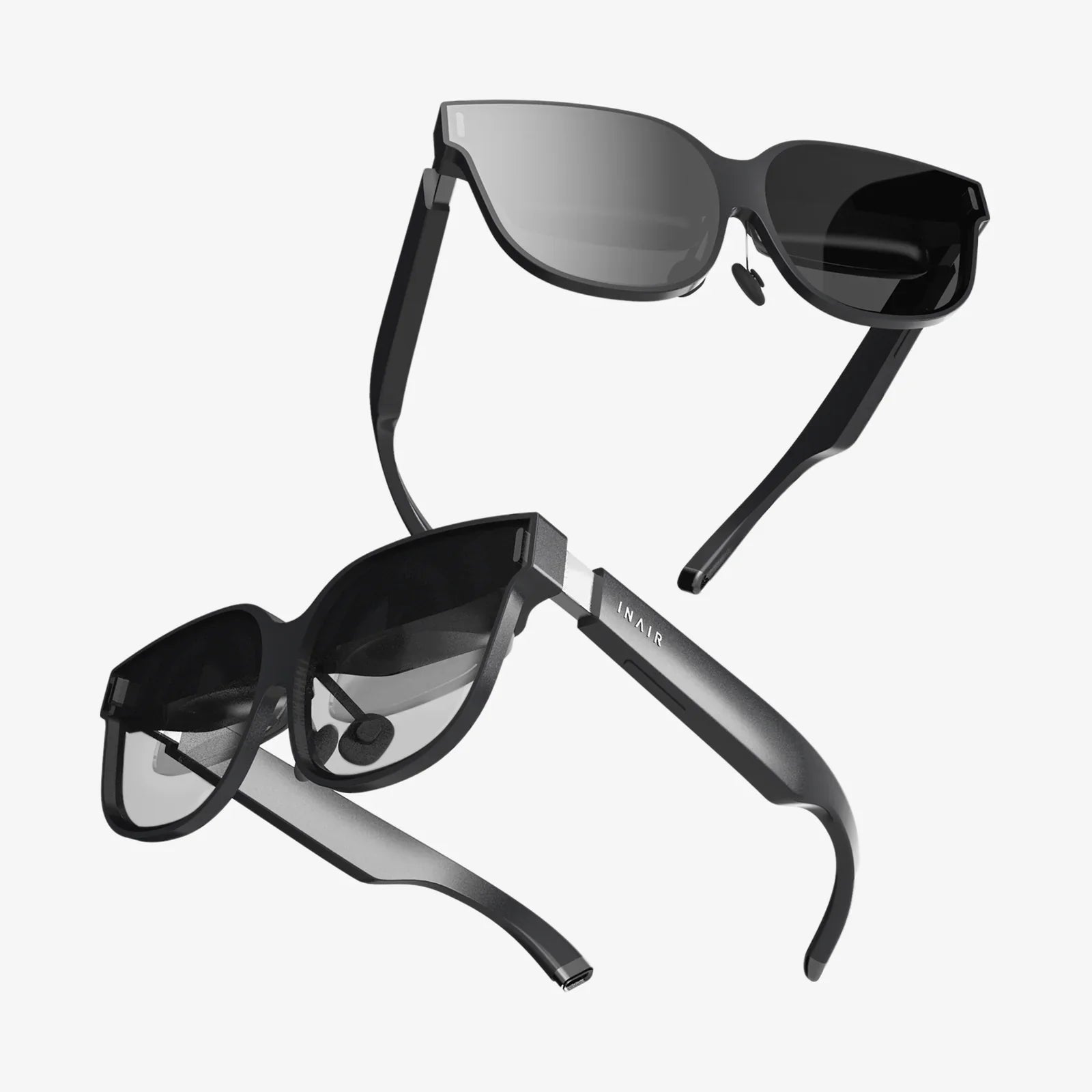
Stepping into the boundless realms of virtual reality is no longer a distant sci-fi fantasy; it’s an accessible, awe-inspiring experience waiting at your fingertips. But with a rapidly evolving market flooded with options, the excitement of purchasing a VR headset can quickly turn into a confusing maze of technical jargon and competing specs. The choice you make will become your gateway to other worlds, your new fitness coach, your immersive cinema, and your social hub. Making the wrong one can lead to a costly piece of hardware gathering dust in a closet. This isn't just about buying a gadget; it's about selecting a portal, and knowing exactly what to consider when buying a VR headset is the key to unlocking its full potential without any buyer's remorse.
The Foundation: Understanding the Three Main Headset Types
Before diving into specifications, the first and most crucial decision is to understand the different categories of headsets available. Your choice here will dictate everything from your required budget to the physical space you need and the experiences you can access.
Standalone (All-in-One) Headsets
These are the most accessible and user-friendly options on the market. A standalone headset has all the necessary computing hardware built directly into the device. There are no wires tethering you to a powerful computer or games console, offering complete freedom of movement.
Key Considerations:
- Pros: Wireless and portable, easy to set up, generally more affordable upfront, perfect for beginners and social VR.
- Cons: Processing power is limited compared to tethered systems, meaning graphics are less complex and detailed. The library of available software, while growing rapidly, may not include the most graphically intensive titles.
- Ideal For: New users, families, those without a powerful computer, and anyone who values convenience and wireless freedom above ultra-high-fidelity graphics.
Tethered (PC-Powered) Headsets
These headsets act as a high-resolution display and sensor package but must be connected via a cable to a high-end gaming computer that does the actual processing. They represent the current pinnacle of consumer VR visual fidelity and performance.
Key Considerations:
- Pros: Delivers the highest possible graphical quality, most detailed environments, and the broadest access to cutting-edge VR software and mods.
- Cons: Requires a significant additional investment in a capable computer. The tether cable can be immersion-breaking and a tripping hazard. Setup is more complex.
- Ideal For: PC gaming enthusiasts who already own a powerful rig, developers, and users who prioritize graphical performance above all else.
Console-Based Headsets
This category functions similarly to a tethered headset but is designed to work exclusively with a specific games console. It offers a middle ground between the plug-and-play simplicity of standalone and the high performance of PC VR.
Key Considerations:
- Pros: Offers a curated, high-quality experience optimized for the console's hardware. Generally more affordable than building a VR-ready PC. Simple setup.
- Cons: Library is limited to what is available on that platform. You are locked into a single ecosystem. Upgrades are tied to new console generations.
- Ideal For: Owners of the specific console who want a premium, hassle-free VR experience with high-quality exclusive titles.
Visual Immersion: Display and Lens Technology
Once you've chosen your headset type, the next critical factor is the quality of the visual hardware. This is what your eyes will be looking at for hours, so it demands careful attention.
Resolution and Pixel Density
Resolution is measured in pixels per eye (e.g., 1832 x 1920). Higher numbers generally mean a sharper, clearer image with less visible "screen door effect" (the fine grid-like lines between pixels). However, resolution isn't everything. Pixel density, often referred to as Pixels Per Degree (PPD), is a more accurate measure of perceived sharpness, as it accounts for the field of view.
Refresh Rate
Measured in Hertz (Hz), the refresh rate is how many times the image on the screen updates per second. A higher refresh rate (90Hz and above) is crucial for a smooth, comfortable experience. Low refresh rates can cause judder and are a primary contributor to VR-induced motion sickness for many users. Most modern headsets target 90Hz, 120Hz, or even 144Hz for ultra-smooth gameplay.
Field of View (FoV)
This is the extent of the observable world seen at any given moment, measured diagonally in degrees. A typical human FoV is around 210°. Most consumer headsets range from 90° to 120°. A wider FoV increases the feeling of immersion and presence but requires more processing power to render. A narrow FoV can feel like looking through binoculars.
Lens Type and Adjustments
The lenses are responsible for focusing the screen's image for your eyes. Fresnel lenses are common but can cause god rays (glare effects around high-contrast objects). Aspherical and pancake lenses are newer technologies that offer better clarity and reduced distortion but can be more expensive. Crucially, look for headsets with:
- IPD Adjustment: Interpupillary Distance is the distance between your pupils. Physical IPD adjustment (moving the lenses themselves) is superior to software adjustment for achieving a clear, comfortable image and avoiding eye strain.
- Eye Relief/Face Interface: The ability to bring the lenses closer to or farther from your eyes can improve FoV and comfort, especially for glasses wearers.
Tracking and Controllers: How You Interact With the Virtual World
Tracking technology defines how the headset and controllers understand their position in space. There are two primary methods, each with its strengths.
Inside-Out Tracking
Cameras mounted on the headset itself look outward to track the position of the controllers and map the room. This is the standard for standalone and most modern headsets.
- Pros: No external sensors to set up, highly portable, easier to use in different spaces.
- Cons: Tracking can be lost if controllers are held directly behind your back or occluded from the headset's cameras for too long. It can be less precise for high-speed competitive play.
Outside-In Tracking
External sensors or base stations are placed around the room to track the position of the headset and controllers. This was the traditional method for PC-powered headsets.
- Pros: Extremely precise, low-latency tracking with full 360-degree coverage, even behind the user's back. The gold standard for professional and competitive use.
- Cons: Requires setting up external hardware, which must be plugged into power and positioned correctly. Less portable and more cumbersome.
Controller Design
Controllers are your hands in VR. Their design profoundly impacts immersion. Look for ergonomic controllers that feel natural to hold. Features like haptic feedback (subtle vibrations), finger tracking (the ability to detect individual finger movements), and force sensors add layers of realism to interactions, from feeling the trigger of a virtual gun to gesturing naturally to other players.
The Unseen Essentials: Performance, Comfort, and Audio
Specs on a page are meaningless if the headset is unbearable to wear or doesn't have the software to back it up.
Comfort and Ergonomics
You might wear this device for extended periods. Comfort is non-negotiable.
- Weight Distribution: A well-designed headset uses a counterbalanced strap (like a halo design or rigid strap) to distribute weight across the front and back of your head, not just on your face.
- Face Interface Material: Look for replaceable, breathable foam or silicone gaskets. These should be soft, easy to clean, and designed to accommodate glasses if needed.
- Battery Life (for standalone): Most offer 2-3 hours of continuous use. Consider external battery packs if you plan on longer sessions.
Audio Solution
3D spatial audio is critical for immersion. Some headsets have built-in directional speakers that don't cover your ears, offering situational awareness of your real environment. Others have high-quality built-in headphones or a standard audio jack for you to use your own. Off-ear speakers are often preferred for social settings, while over-ear headphones provide deeper immersion for solo experiences.
The Software Ecosystem and Content Library
The hardware is useless without great software. Research the platform (store) the headset uses. Is it an open platform like SteamVR, which gives access to a massive library, or a closed, curated walled garden? Check for the must-have games and apps you want to use. Are they exclusive to one platform? Also, consider social features, parental controls, and media consumption apps like video players.
Making Your Final Decision: A Practical Checklist
Before you click "buy," run through this final checklist to ensure your choice aligns with your reality.
- Budget Realistically: Account for the total cost. For a tethered headset, this includes the PC. For all headsets, factor in the cost of games ($20-$60 each), optional accessories (extra face interfaces, prescription lens inserts, upgraded straps), and potential subscription services.
- Check Your PC's Specs (For Tethered VR): Do not guess. Use a compatibility checker tool provided by headset manufacturers. The most important component is the graphics card (GPU).
- Measure Your Play Space: Use the setup guidelines for your chosen headset type. Inside-out tracking requires a clear, well-lit (but not overly bright) space. Outside-in tracking requires permanent mounting of sensors.
- Try Before You Buy: If possible, demo a headset at a friend's house or a tech showroom. How it feels on your head is the most subjective and important factor.
- Read Recent Reviews: The VR landscape changes fast. A headset reviewed a year ago may have received significant software updates that improved its tracking, performance, or features.
- Future-Proofing: While technology evolves quickly, consider if a headset has features that will remain relevant, like a high-resolution display, high refresh rate, and a robust software ecosystem that will continue to be supported.
Your journey into virtual reality should begin with wonder, not frustration. By moving beyond the flashy marketing and focusing on these core considerations—your preferred platform, the clarity of the display, the precision of the tracking, and, above all, the comfort during long adventures—you transform a complex decision into a clear path forward. The perfect headset isn't the one with the highest number on a spec sheet; it's the one that seamlessly disappears on your head, whisking you away to new experiences without a second thought, and ultimately, that's the only spec that truly matters.
Share:
How Much Will Android XR Cost: A Deep Dive into the Future of Affordable AR
Most Popular VR Headset: A Deep Dive into the Market Leader