


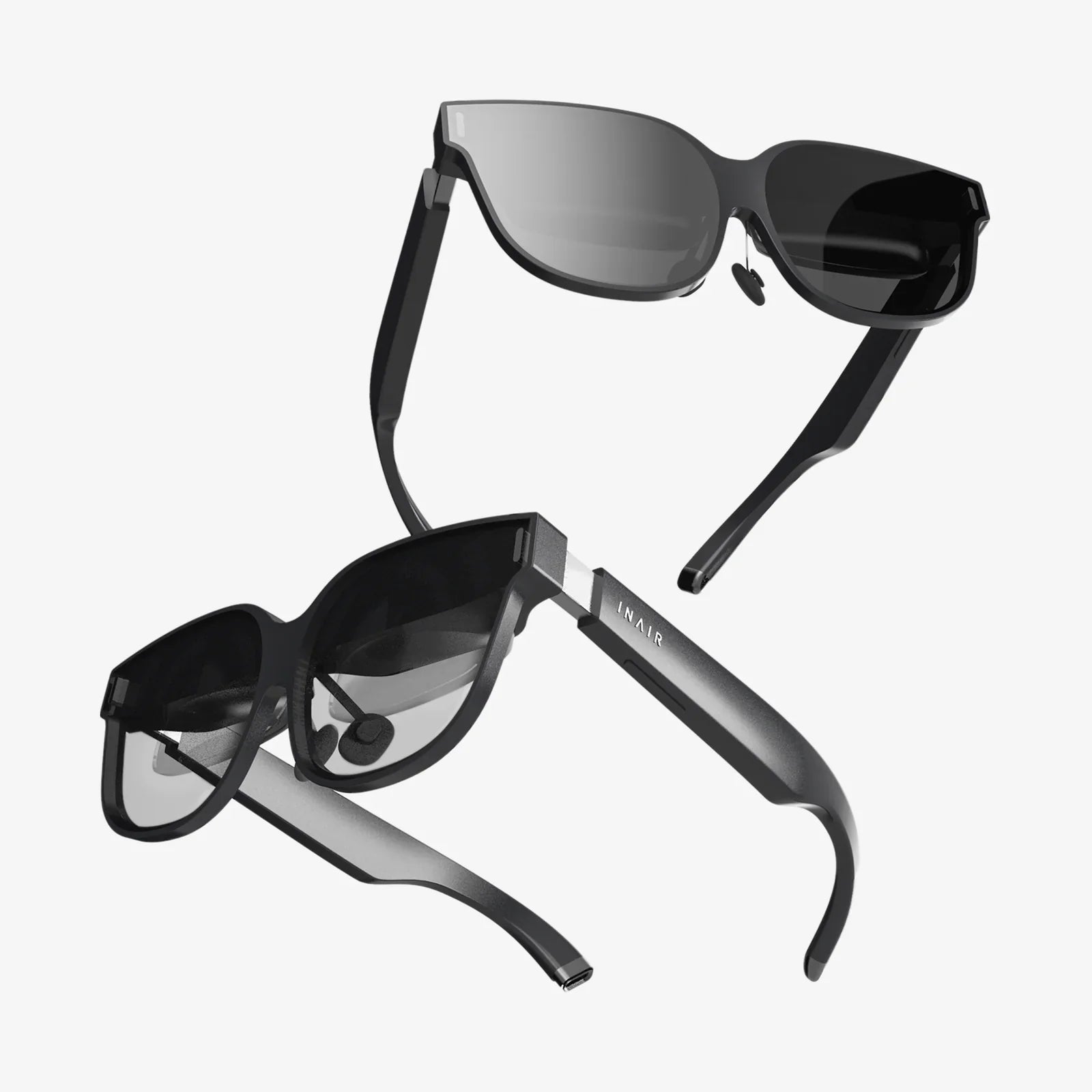
You've built a powerhouse PC, its graphics card capable of rendering entire worlds, its processor waiting to crunch immense simulations. Now, the final frontier awaits: a portal into those digital realms. But with a market flooded with options, from sleek new entrants to established powerhouse models, the question isn't just about entering virtual reality—it's about finding the perfect key to unlock your PC's true potential. Choosing the wrong headset can mean a world of frustration, from blurry visuals that betray your hardware's power to cumbersome setups that gather dust in a closet. This decision is the bridge between your raw computing power and pure, unadulterated immersion. Let's build that bridge together, ensuring your journey into VR is nothing short of spectacular.
Before You Dive In: Understanding the PC VR Landscape
The first step in your journey is understanding the battlefield. Not all headsets are created equal, and they primarily differ in how they connect to your computer and how they track your movement in the physical world.
The Connection Conundrum: Wired vs. Wireless
This is one of the most fundamental divides in the PC VR ecosystem.
- Wired (DisplayPort/HDMI + USB): Traditionally, the gold standard for PC VR. A direct physical connection ensures the highest possible bandwidth, translating to pristine, uncompressed image quality and the absolute lowest latency. This is crucial for fast-paced games and simulators where every millisecond counts. The main drawback is, of course, the cable itself, which can be a tripping hazard and break immersion as you feel its tug during intense sessions.
- Standalone with PC Link (Wireless/USB-C): A newer and incredibly popular category. These devices are all-in-one systems that can operate independently, but they can also connect to a gaming PC to access its vast library of high-end titles. The connection can be made via a high-speed USB-C cable (which often charges the headset while in use) or, more impressively, wirelessly over a dedicated Wi-Fi 6/6E network. Wireless PC VR offers unparalleled freedom of movement, but it requires a robust, uncongested network setup to minimize compression and latency.
Tracking Technologies: Inside-Out vs. External Sensors
How does the headset know where it is in your room? That's the job of the tracking system.
- Inside-Out Tracking: Cameras mounted on the headset itself look outward to track your environment and the controllers. This method is incredibly user-friendly, requiring no external hardware to set up around your play space. It's the standard for most modern headsets. The tracking is generally excellent, though it can sometimes lose controller tracking when they are held directly behind your back or too close to the headset.
- External Sensor Tracking (Outside-In): This older method uses laser-emitting base stations or cameras placed in the corners of your room to track sensors on the headset and controllers. It is widely considered the pinnacle of tracking accuracy and latency, especially for competitive play or full-body tracking applications. The trade-off is a more complex setup process involving mounting hardware and running cables across your room.
Deciphering the Spec Sheet: What Really Matters
Specifications can be overwhelming. Here’s what you need to focus on to understand what you’re getting for your money.
Display and Optics: The Window to Another World
This is arguably the most important category, as it directly defines your visual experience.
- Resolution and Pixels-Per-Degree (PPD): Measured by the combined resolution of each display (e.g., 2160 x 2160 per eye). Higher numbers generally mean a sharper, clearer image with less noticeable "screen door effect" (the fine mesh-like lines between pixels). However, a more meaningful metric is PPD, which factors in the field of view. A higher PPD means a denser, sharper image.
- Panel Type (LCD vs. OLED): LCD panels are more common and offer higher resolutions and sub-pixel density, reducing screen door effect. They can struggle with true blacks, often displaying them as dark grey. OLED panels offer perfect blacks and incredibly vibrant colors, which can greatly enhance immersion in dark games, but they can sometimes have a softer image due to lower sub-pixel density and may exhibit "black smear" in fast-moving scenes.
- Refresh Rate: Measured in Hertz (Hz), this is how many times the image updates per second. Standard rates are 90Hz, 120Hz, and now even 144Hz. A higher refresh rate provides a smoother, more comfortable experience and can be critical in fast-paced games. Your PC's GPU needs to be powerful enough to render frames at this high rate.
- Lens Technology (Fresnel vs. Pancake): Traditional Fresnel lenses are lighter and cheaper but can cause god rays (glare and artifacts around high-contrast objects). The newer Pancake lenses are a game-changer. They are more compact, allow for a slimmer headset design, and provide a much larger "sweet spot"—the area where the image is perfectly in focus—with dramatically reduced god rays.
- Field of View (FoV): This is the angular extent of the world you can see, like looking through a scuba mask. A wider FoV (110+ degrees is great) increases immersion by reducing the binocular effect. It's often a trade-off with other factors like form factor and performance.
Performance and Comfort: The Long-Haul Experience
VR is physically engaging. A headset that is uncomfortable or difficult to run will not get used.
- PC Hardware Requirements: This is non-negotiable. Every headset has minimum and recommended PC specs. Pay close attention to the recommended specs, especially for the GPU. A headset with a very high resolution will demand a top-tier graphics card to run well. Pushing your PC beyond its limits leads to low framerates, which is the fastest way to induce VR motion sickness.
- Ergonomics and Weight Distribution: How the headset feels on your head is paramount. Look for designs that use a counterweight at the back to balance the front-heavy display. Elite-style straps with a top strap and dial-adjustment systems are almost always superior to simple elastic straps, especially for longer sessions.
- IPD Adjustment: Interpupillary Distance is the distance between your pupils. A headset must have a physical or software-based mechanism to adjust for this. Incorrect IPD can lead to eye strain, headaches, and a blurry image. Physical adjustment is typically more precise and effective.
Matching a Headset to Your Profile and Budget
There is no single "best" headset. The best headset is the one that best fits your specific needs, PC, and wallet.
The High-End Enthusiast: No Compromises
You have a top-tier GPU (think RTX 4080/4090 or equivalent), budget is not your primary constraint, and you demand the absolute pinnacle of visual fidelity, performance, and tracking accuracy. You're likely a serious flight or racing sim enthusiast or a competitive player.
What to look for: The highest resolution panels available, a high refresh rate (120Hz+), and premium comfort features like built-in audio and advanced strap systems. You may also be interested in niche features like eye-tracking, which enables foveated rendering (a massive performance booster) and advanced social features. For this user, external sensor tracking might still be the preferred choice for its un-matched precision.
The Balanced Adventurer: The Best All-Rounder
You have a powerful, but not necessarily top-of-the-line, GPU (e.g., RTX 3070/4070 or equivalent). You want a fantastic, high-fidelity experience that balances cutting-edge features with sensible value. You play a wide variety of games, from atmospheric adventures to active shooters.
What to look for: This is the most competitive category. Focus on headsets with strong resolution and modern lens technology (like Pancake lenses) for a large, clear sweet spot. Inside-out tracking is a must for convenience. A high refresh rate is a nice bonus. Wireless PC VR capability is an incredibly attractive feature for this group, offering freedom without a significant visual compromise if your network is up to the task.
The Value-Seeking Pioneer: Entry to Mid-Range
You're new to PC VR or working with a more modest GPU (e.g., RTX 3060 or equivalent). You want to step into the medium without breaking the bank, prioritizing a solid, functional experience over bleeding-edge specs.
What to look for: Older, but still very capable, wired headsets can represent incredible value on the second-hand market. Alternatively, a newer standalone headset with PC linking capabilities offers a dual-purpose device. Don't chase the highest resolution; instead, prioritize a headset with good comfort, reliable inside-out tracking, and low system requirements to ensure a smooth experience on your hardware.
Setting Up Your PC VR Sanctuary
Once you've chosen your hardware, proper setup is key to a great experience.
- Play Space: Define your area. VR systems use either a stationary guardian (for standing in place) or a room-scale boundary that you trace out. Ensure you have enough clear space to move your arms without hitting furniture or walls.
- Software Platforms: The two main storefronts for PC VR content are SteamVR and the proprietary store of the headset's manufacturer. You will likely need to install specific software for your headset to act as the bridge between the hardware and these platforms.
- Wi-Fi for Wireless: If you opt for wireless PC VR, a direct line of sight between your PC and your play space is ideal. For the best experience, a dedicated Wi-Fi 6/6E router is highly recommended, connected to your PC via Ethernet, and set to a clear channel to avoid interference.
The Future is Already Here
The pace of innovation in VR is breathtaking. We are already seeing the next wave of technologies trickling down from professional markets. Micro-OLED displays promise the perfect blacks of OLED with the sharpness and high resolution of LCD. Varifocal lenses, which dynamically adjust focus based on where you are looking, could finally solve the vergence-accommodation conflict that can cause eye strain. As these technologies become more affordable, the level of immersion and comfort will only continue to skyrocket, making now an incredibly exciting time to invest in a portal to other worlds.
Your powerful PC is the engine, but the right headset is the steering wheel, the windshield, and the open road all rolled into one. It's the difference between simply seeing a game and truly living inside it. By weighing the crucial factors of display technology, tracking, comfort, and how they align with your own hardware and desires, you're no longer just buying a peripheral—you're making a calculated investment in countless future adventures. The realms of fantasy, sport, simulation, and social connection are waiting. All that remains is to strap in, clear your play space, and take that first, breathtaking step through the looking glass. Your reality is about to get a serious upgrade.
Share:
Extended Reality XR Trends: The Future of Immersive Technology is Here
Is VR Headset OK for Kids? A Comprehensive Guide for Parents