


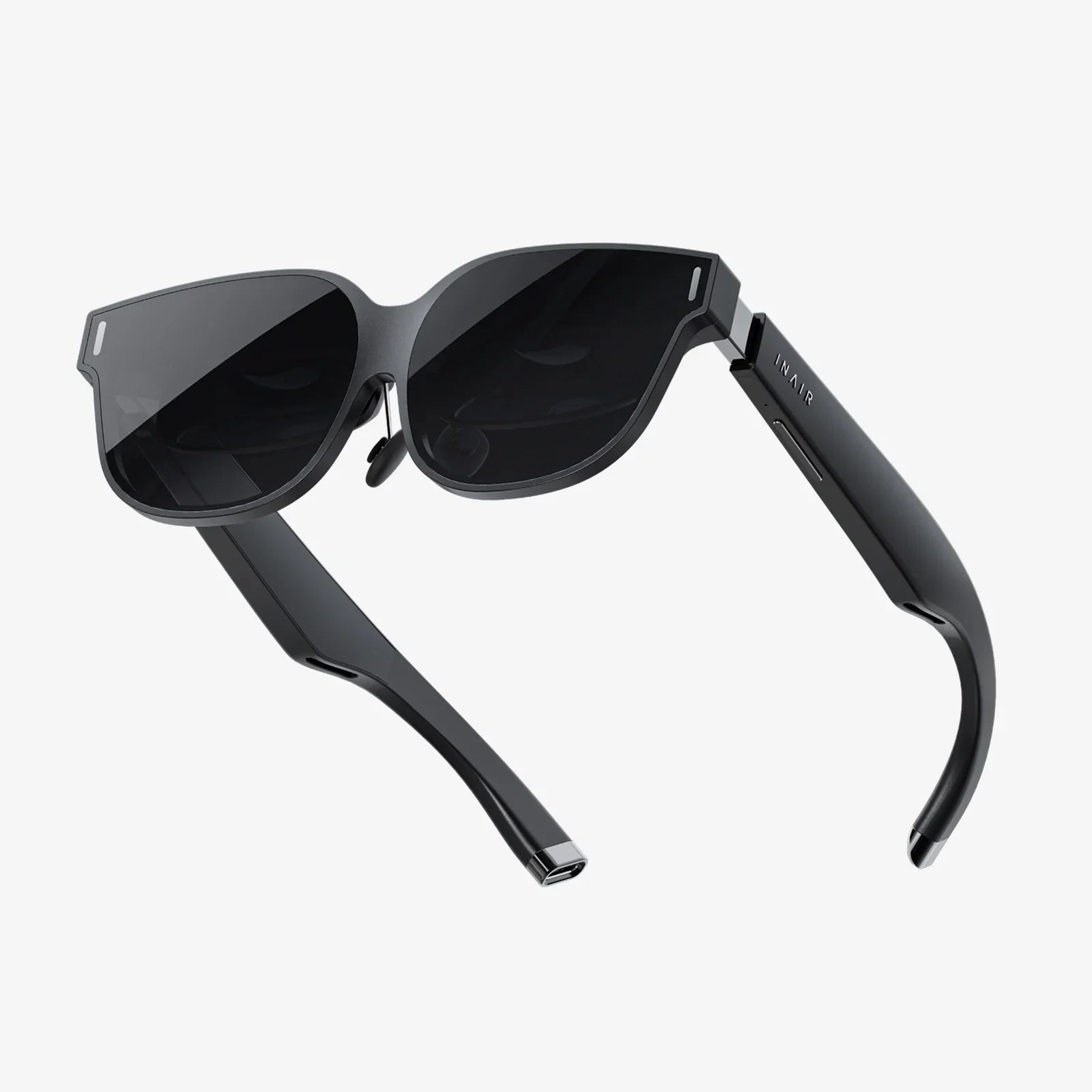
You've built a powerful gaming rig, a monument to processing power and graphical fidelity, and now you're ready to take the next leap—into the immersive, world-bending realm of virtual reality. But a critical question halts your journey before it even begins: with so many options on the market, from established giants to exciting newcomers, what's the best VR headset for PC? The answer isn't a simple one-size-fits-all product name. The "best" headset is a deeply personal equation, a perfect alignment of your PC's capabilities, your budget, your desired experiences, and even the physical space you inhabit. This definitive guide will cut through the marketing jargon and technical specifications to provide you with the knowledge and framework necessary to make an informed decision and invest in the virtual reality that's right for you.
Beyond the Hype: Defining Your "Best"
Before we dive into lenses and lighthouse tracking, it's crucial to define what "best" means for you. Are you a competitive sim-racer seeking the absolute highest resolution and field of view to shave milliseconds off your lap time? Or are you a creative professional looking for a comfortable, high-resolution display for immersive 3D design? Perhaps you're a newcomer to VR, eager to experience beloved classics and social games without breaking the bank. Your priorities will dramatically shape the ideal headset. We'll categorize the contenders not by a numbered ranking, but by the user profiles they serve best.
The Pillars of PC VR Performance
To understand what makes a headset great, you must first understand the core technologies at play. These are the pillars that define the quality of your virtual experience.
Display and Visual Fidelity
This is often the first specification users look at, and for good reason. The display is your window into the virtual world.
- Resolution and PPD: While raw resolution (e.g., 2880 x 1600) is important, the more critical metric is Pixels Per Degree (PPD). PPD accounts for the lens magnification and field of view, giving a truer sense of clarity and the dreaded "screen door effect." Higher PPD means a sharper, more lifelike image.
- Refresh Rate: Measured in Hertz (Hz), this determines how many times the image updates per second. A higher refresh rate (90Hz, 120Hz, and now even 144Hz) leads to smoother motion, reduced latency, and a significantly lower chance of motion-induced discomfort. Your PC's GPU must be powerful enough to render complex scenes at these high framerates.
- Lens Technology: Fresnel lenses have been the standard for years, but they can cause god rays and glare in high-contrast scenes. The latest generation of headsets is moving to pancake lenses or aspherical elements, which offer a dramatically clearer picture edge-to-edge with virtually no glare, though they can be more demanding on brightness.
- Field of View (FoV): This is the extent of the observable world seen at any given moment, measured diagonally. A wider FoV (110 degrees and above) increases immersion by reducing the binocular-like "goggle" effect. It's a trade-off, however, often requiring more rendering power and complex, expensive optics.
Tracking: Inside-Out vs. Outside-In
How does the headset know where you are and what you're doing? This is the domain of tracking systems.
- Outside-In (or Lighthouse) Tracking: This system uses external sensors or base stations placed around your room. These stations emit lasers that sweep the room, which are picked up by sensors on the headset and controllers to triangulate their position with sub-millimeter precision. It is widely considered the gold standard for accuracy and latency, especially critical for competitive gaming and full-body tracking. The downside is the setup process and requirement for clear, permanent mounting spots.
- Inside-Out Tracking: Modern headsets have cameras mounted on the headset itself. These cameras look outward, tracking the environment and the controllers simultaneously. This method is incredibly convenient—there are no external sensors to set up, making it more portable and user-friendly. While its accuracy has improved tremendously and is more than sufficient for most users, it can sometimes struggle with controller tracking directly above the headset or behind the back, areas outside the cameras' field of view.
Controllers and Input
Your hands in VR are your controllers. Their design, ergonomics, and haptic feedback are paramount to immersion.
- Ergonomics: They should feel like a natural extension of your hands, comfortable for long sessions.
- Input Fidelity: High-quality analog sticks, triggers, and buttons with precise actuation are non-negotiable for serious gaming.
- Haptics: Beyond simple rumble, advanced haptic feedback can simulate the feeling of drawing a bowstring, the recoil of a weapon, or the subtle texture of a virtual object.
- Tracking: As mentioned, their tracking is tied to the headset's overall system (lighthouse or inside-out).
Comfort and Ergonomics
A headset can have the best specs in the world, but if it's a pain to wear, it will gather dust. Comfort is a performance feature.
- Weight Distribution: Is the weight front-heavy? A good counter-balancing strap system is crucial. Elite-style straps that cup the back of the head are generally superior to the simple elastic straps common on older models.
- Facial Interface: The material that touches your face (the foam or silicone gasket) should be breathable, hygienic, and comfortable. Many companies now offer optional interfaces made of materials like pleather or faux leather for easier cleaning.
- IPD Adjustment: Interpupillary Distance (IPD) is the distance between your pupils. A headset with physical IPD adjustment (sliding the lenses horizontally) allows you to perfectly align the lenses with your eyes, maximizing clarity and reducing eye strain. Software-based IPD adjustment is less ideal.
The Contenders: A Headset for Every Profile
Now, let's apply these pillars to the current landscape of PC VR headsets. Remember, we are focusing on their value proposition, not naming specific brands.
The High-Fidelity Enthusiast's Choice
This category is for the user who has a top-tier GPU and will accept no compromises. The priority here is absolute visual supremacy, expansive field of view, and the most precise tracking available.
- Visuals: Expect dual high-resolution displays, often Mini-LED or OLED, with local dimming for incredible contrast and black levels. The FoV is among the widest available, and pancake lenses provide edge-to-edge clarity.
- Tracking: This domain almost exclusively uses outside-in lighthouse tracking, the undisputed champion for unwavering accuracy. This also opens the door to a vast ecosystem of peripherals, including full-body tracking pucks and specialized controllers for flight sims or racing.
- Trade-offs: The price is the highest of any category. The setup is more involved due to the external base stations. These headsets are also often heavier, though their premium strap systems do an excellent job of distributing the weight.
- Ideal For: Hardcore sim enthusiasts (flight, race, space), competitive VR gamers, professionals in architectural visualization or CAD, and anyone for whom budget is no object and peak performance is the only goal.
The All-Rounder King
This is perhaps the most popular category, representing a headset that strikes a remarkable balance between high-end features, user-friendly convenience, and a more accessible price point. It's the jack-of-all-trades that truly is a master of many.
- Visuals: Features a very sharp LCD display with a high refresh rate. While it may not have the perfect blacks of OLED, its clarity and pixel density are exceptional, eliminating the screen door effect for most users. It uses advanced inside-out tracking with multiple cameras for robust environmental and controller tracking.
- Tracking: The inside-out system means you can be up and running in minutes. There are no external sensors to plug in or mount. The tracking is superb for 99% of games and applications.
- Ecosystem:
This is a key strength. It has access to two massive content libraries: its own curated, walled-garden store and the open, sprawling universe of PC VR content through a wired or high-quality wireless connection. This dual-access is a huge advantage.
- Trade-offs: The compressed video signal sent wirelessly, while excellent, is not a perfect 1:1 representation of a raw DisplayPort signal. The battery life for wireless play is a factor to consider (typically 2-3 hours). The default comfort strap is often criticized and usually necessitates an aftermarket upgrade.
- Ideal For: The vast majority of PC VR users. It's perfect for those who want a premium experience without the complexity of external sensors, value wireless freedom highly, and want the maximum amount of content available to them.
The Next-Generation Standalone Hybrid
A newer category that blurs the line between a standalone mobile headset and a serious PC VR peripheral. It's designed to be brilliant on its own but can also connect to a PC to deliver a high-fidelity experience.
- Visuals: Boasts a stunning display with pancake lenses, offering incredible clarity and color vibrancy with no glare. The resolution is often the highest in its class. The combination of the high-resolution panel and the advanced lenses creates arguably the sharpest image currently available in consumer VR.
- Tracking: Uses a highly refined inside-out tracking system that is best-in-class, with deep learning algorithms that can even predict controller positions when they briefly leave the cameras' sight.
- Ecosystem: Its standalone library is immense and growing, featuring exclusive, high-quality titles. Its PC VR connection is solid, though it functions as a video receiver, meaning it relies on data compression over a USB cable or Wi-Fi, which can introduce slight latency and artifacting compared to a direct display connection.
- Trade-offs: The compression used for PC VR means it doesn't quite deliver the pure, uncompressed signal of a native DisplayPort headset, which can be noticeable to enthusiasts with a critical eye. Its default link cable is often sold separately.
-
Ideal For: Users who want the flexibility of a fantastic standalone headset for travel or casual use but also want to dip into PC VR. It's also ideal for those who prioritize the visual clarity offered by its lens and screen combo above all else.
The Value Champion
This category proves that you don't need to spend a fortune to get a genuinely great PC VR experience. These headsets often come from companies with a long history in the space and offer remarkable performance for their price.
- Visuals: Features a solid LCD display that, while not class-leading, is more than sufficient for a deep and engaging experience. The refresh rate is high enough (90Hz) to ensure comfort.
- Tracking: Employs a reliable outside-in tracking system using external sensors. While the setup is more involved than inside-out, the tracking accuracy is excellent and reliable.
- Value: The main attraction is the price. It offers a complete package—headset, controllers, and sensors—for a fraction of the cost of other systems. It's a proven, reliable workhorse.
- Trade-offs: The design is older. The resolution is lower than modern headsets, so the screen door effect is more noticeable. The controllers are functional but lack the advanced features and ergonomics of newer designs.
- Ideal For: Budget-conscious buyers, VR beginners who want to test the waters without a massive investment, and those with older or mid-range PCs that might struggle to run the highest-resolution headsets.
The Final Decision: Matching Your Rig to Your Reality
Your search doesn't end with choosing a headset category. You must ensure your PC can power it. A flagship high-fidelity headset is a waste of money if your GPU can only run it at half-resolution. Check the recommended specifications for any headset you're considering carefully. A good rule of thumb is to aim for a GPU that is at least one tier above the minimum spec to ensure a smooth, enjoyable experience at that headset's native resolution and refresh rate.
Ultimately, the question of what's the best VR headset for PC is a puzzle where the pieces are your desires, your budget, and your hardware. There has never been a better time to dive in, with options catering to every conceivable need. Whether you demand no-compromise precision, seamless wireless liberty, cutting-edge clarity, or simply the most bang for your buck, your perfect portal to another world is waiting. The real adventure begins the moment you stop wondering and start experiencing.
Share:
VR Headset That Doesn't Need a Phone or PC: The Ultimate Guide to Untethered Freedom
Best VR Headset for Small Space - Immersive Adventures in Compact Living