


You’ve finally decided to take the plunge into virtual reality, imagining yourself exploring fantastical worlds, conquering new frontiers, and experiencing entertainment like never before. But then, a mere twenty minutes into your first session, a familiar ache begins to creep in—a heavy pressure on your cheeks, a dull throb across your forehead, the uncomfortable warmth of a screen just inches from your eyes. This is the moment a dream of immersion crashes into the painful reality of poor ergonomics. The single most important question for any aspiring VR user isn’t about resolution or processing power; it’s which vr headset has the best comfort features for you. The answer is more complex and nuanced than a simple product name, and it’s the key to unlocking not just play sessions, but truly getting lost in another world.
The Pillars of VR Comfort: It's More Than Just Padding
When evaluating the comfort of any head-mounted display, experts and seasoned users alike point to a combination of fundamental design principles. A headset that excels in one area but fails in another will ultimately disappoint. True comfort is a holistic achievement.
Weight and Its Distribution: The Battle Against Gravity
Perhaps the most obvious factor is mass. A lighter headset is generally easier to wear for extended periods. However, weight alone is a deceptive metric. A heavier headset with impeccable weight distribution can feel significantly lighter and more comfortable than a lighter one that places all its mass on the bridge of your nose.
The gold standard for managing this is a counterbalance system. Some designs incorporate a battery pack at the back of the headstrap, which serves a dual purpose: it powers the device and acts as a counterweight, pulling the center of mass back to align with the center of your head. This eliminates the constant need to readjust or tighten the strap to fight the front-heavy pull, a primary source of neck strain and facial pressure.
The Headstrap: A Foundation of Support
The humble headstrap is the unsung hero of VR comfort. The basic elastic or Velcro straps found on entry-level kits are a primary culprit for discomfort, requiring overtightening to maintain a stable image.
Superior designs utilize rigid, molded plastic that forms a halo or a similar structure around the cranium. This type of strap:
- Distributes Pressure Evenly: Instead of concentrating force on the face, it spreads the weight across the crown and back of the head.
- Enables Precise Adjustment: A dial or knob at the back allows for micro-adjustments to achieve a secure, yet gentle, fit.
- Improves Stability: During active experiences with rapid movement, a rigid strap prevents the headset from shaking or slipping, which is crucial for both immersion and visual clarity.
The Facial Interface: Where the Headset Meets the Face
This is the foam or rubber gasket that surrounds the lenses and makes direct contact with your skin. Its design and material are critical for comfort and hygiene.
Cheap foam can become a sponge for sweat and oils, becoming unpleasant quickly and degrading over time. Premium options use materials like hypoallergenic leather or antimicrobial silicone, which are not only softer but are also easily wipeable. The shape of the interface, or the "light seal," is also vital. A deeper gasket that blocks all external light (preventing "light bleed") can actually increase comfort by allowing you to relax your eyes in a truly dark environment, reducing eye strain.
Lens Quality and Adjustment: For the Sake of Your Eyes
Visual discomfort is a fast track to overall discomfort. Two key features are non-negotiable for extended use:
- Interpupillary Distance (IPD) Adjustment: This is the ability to physically or digitally move the lenses closer together or further apart to match the exact distance between your pupils. An incorrect IPD setting can cause eye strain, headaches, and a blurry image. Mechanical IPD adjustment, where the lenses themselves move, is often considered superior for achieving a precise, optically correct alignment.
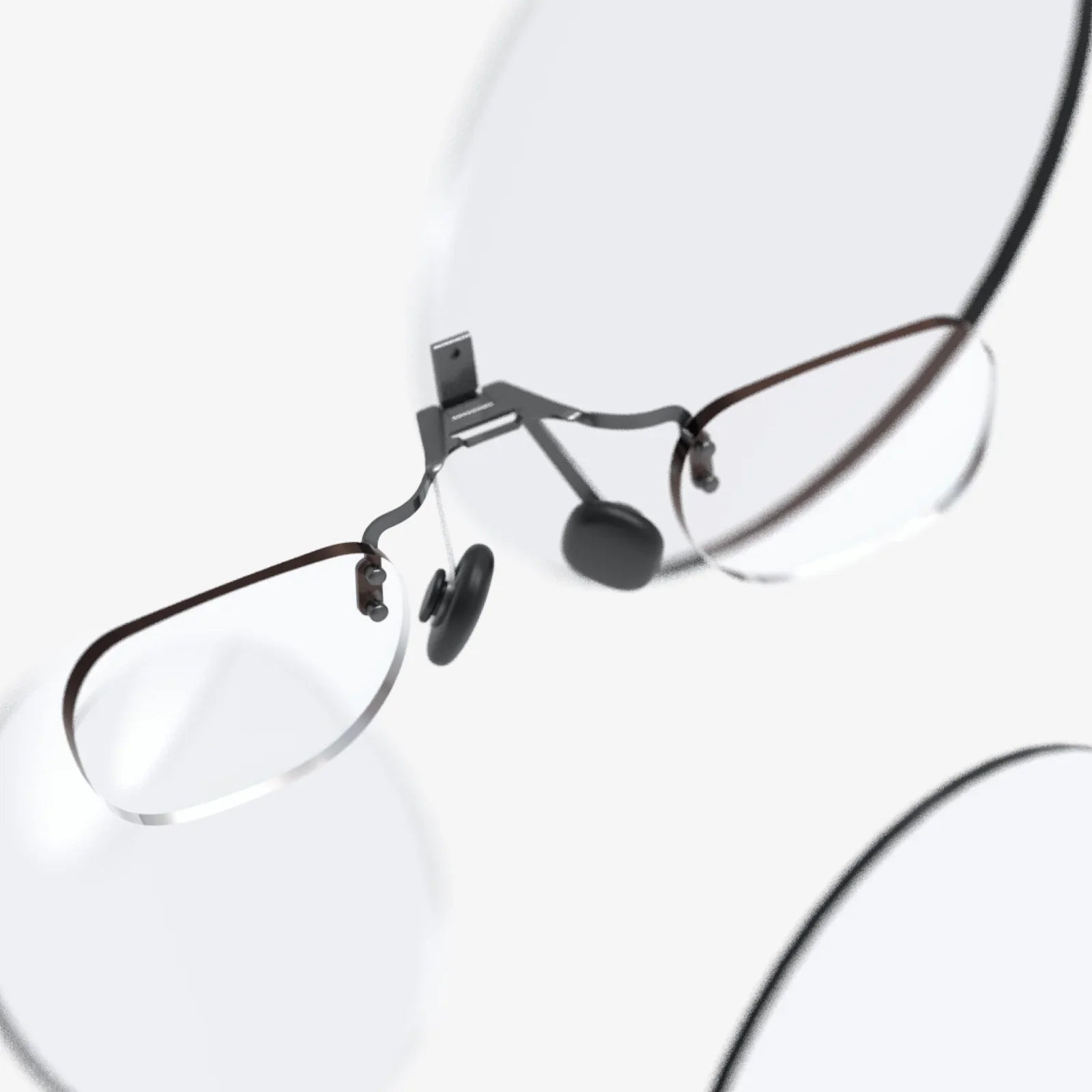
- Diopter Adjustment: Some newer headsets are beginning to incorporate built-in diopter dials, allowing users with mild near- or farsightedness to experience a clear image without the need to wear their glasses inside the headset. This is a monumental leap forward for accessibility and comfort, eliminating the cramped, awkward feeling of squeezing spectacles under the face gasket.
Thermal Management and Ventilation
A less discussed but critically important aspect of comfort is heat. A sealed headset traps body heat, causing the lenses to fog up and the user to overheat—a phenomenon often called the "VR sauna effect." Advanced designs incorporate passive ventilation channels or even active cooling systems that circulate air around the face and across the lenses without letting external light in. This prevents fogging and keeps the user cool, dramatically improving comfort during physically intense or lengthy sessions.
Wireless Freedom: The Ultimate Comfort Feature?
There is an argument to be made that the single greatest comfort feature is the absence of a wire. Tethered headsets, while often offering the highest graphical fidelity, come with a constant, subconscious awareness of the cable. It tangles, it tugs, it restricts full 360-degree movement, and it can be a trip hazard. The mental burden of "cable management" while immersed in a virtual space is a significant detractor from comfort and presence.
Standalone and wireless-capable headsets eliminate this entirely. The freedom to move, spin, crouch, and dodge without a second thought is a form of psychological comfort that is as impactful as any physical design element. For many users, this untethered experience is the defining factor of a comfortable VR system.
The Human Factor: Why Your Head Shape Is the Final Variable
Here lies the most crucial truth of this entire discussion: comfort is subjective. The perfect ergonomic design for one person may be agony for another. This is due to the vast diversity of human anthropometry—the size and shape of our heads, the width of our faces, the distance between our eyes, and even the shape of our noses.
A headset with a rigid halo strap might fit a perfectly round head wonderfully but put uncomfortable pressure on the occipital bone of someone with a more elongated skull. A facial interface that perfectly seals for one user might press uncomfortably on the cheekbones of another. This is why the aftermarket for custom-fit VR facial interfaces and headstrap pads is so vast; users are seeking that perfect, personalized fit that the manufacturer couldn't possibly provide for everyone.
Beyond the Hardware: The Role of Content in Comfort
Comfort isn't solely dictated by hardware. Software plays a massive role in your physical well-being in VR. Applications with poor performance, resulting in low frame rates or latency, are a leading cause of simulator sickness (nausea, dizziness, eyestrain).
Furthermore, game and app developers implement a variety of comfort settings to help users adapt. These include:
- Locomotion Options: Teleportation vs. smooth continuous movement.
- Snap-Turning vs. Smooth-Turning: Instant, discrete turns versus a continuous rotation.
- Tunnel Vision (Vignetting): Dimming the periphery of the screen during movement to reduce motion sickness.
A headset can be physically perfect, but if the software running on it is poorly optimized, the experience will be deeply uncomfortable.
The Pursuit of Personalized Comfort
The quest to find which vr headset has the best comfort features is not a search for a single, universal winner. It is a journey of matching a headset's ergonomic philosophy to your unique physical profile and intended use case. The best headset for long-term comfort is the one you forget you're wearing. It’s the device that disappears on your face, allowing you to focus entirely on the virtual world it grants you access to, whether you're spending an hour in a productivity app, two hours in a cinematic experience, or an entire afternoon exploring vast, open worlds. It’s the headset that understands comfort isn't a luxury—it's the very foundation of immersion itself.
Ultimately, the crown for comfort isn't held by one device, but by a set of principles: impeccable balance, plush yet secure support, crystal-clear optics tailored to your vision, and the liberating cut of a digital tether. Finding your perfect fit means looking beyond specs on a page and understanding how these elements come together to create an experience that feels, quite simply, made for you. The most immersive world is the one you can comfortably stay in long enough to truly believe.
Share:
Best VR Headset for iPhone SE: Your Ultimate Guide to Mobile Immersion
Can We Watch Movies in VR Headset? The Ultimate Guide to Cinematic Immersion