


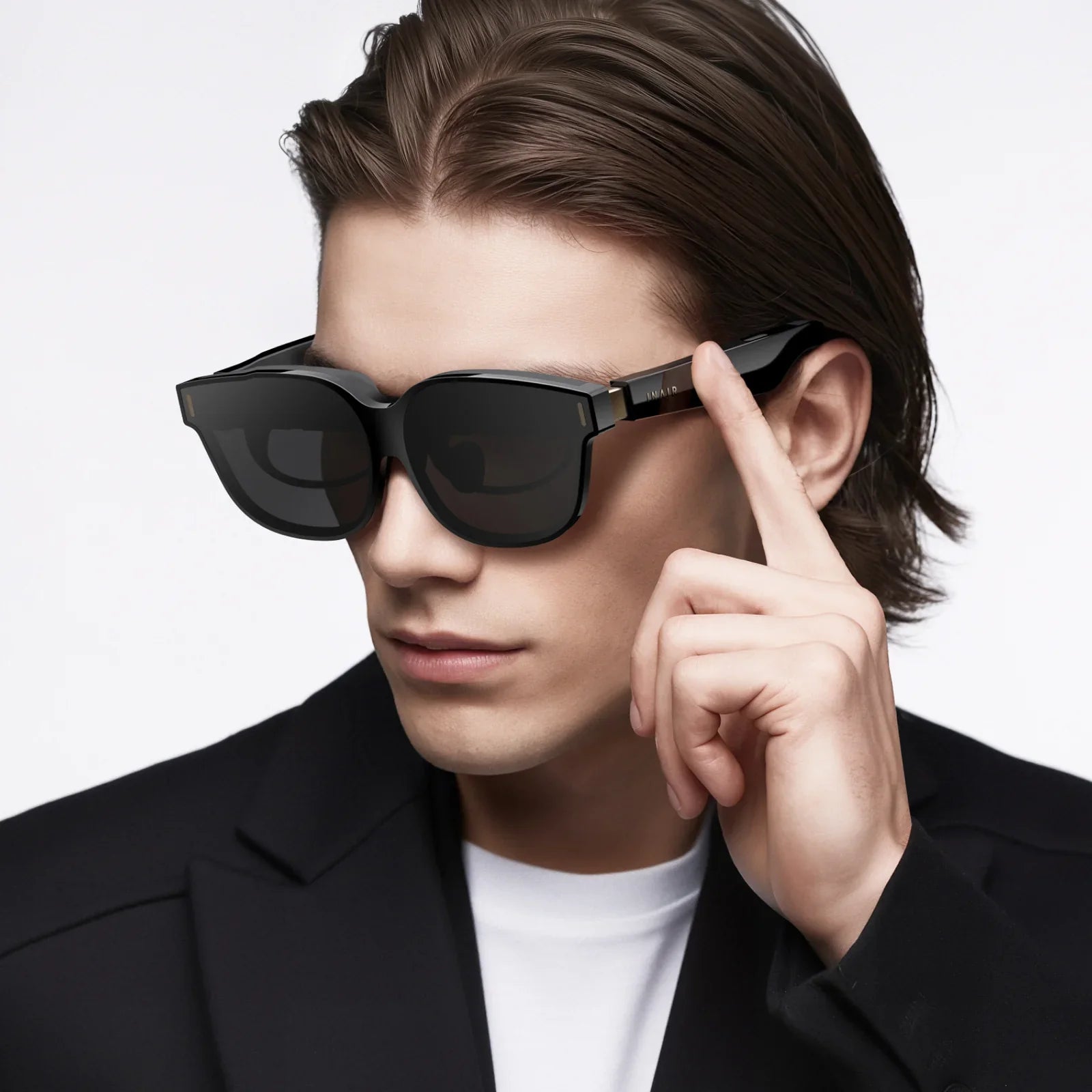
Imagine holding a portal to another world in the palm of your hand. Your iPhone SE, a device celebrated for its powerful performance in a compact form, is secretly a key that can unlock breathtaking virtual reality experiences, from the front row of a concert to the surface of Mars. The magic, however, isn't in the phone alone; it's in the gateway you choose—the headset. Selecting the best VR headset for your iPhone SE isn't just about buying an accessory; it's about discovering the perfect lens to fundamentally alter your perception of reality, all powered by the device you already own. This journey will guide you through every consideration to ensure your dive into the virtual is nothing short of spectacular.
Understanding the iPhone SE's Place in the VR Landscape
The iPhone SE, particularly the 2nd and 3rd generation models, is a fascinating contender in the mobile VR space. It packs the processing punch of its more expensive siblings (the A13 Bionic in the 2nd Gen and the A15 Bionic in the 3rd Gen) into a classic, smaller form factor. This raw power is crucial for VR, as it ensures smooth rendering of complex environments and minimizes the motion latency that can cause discomfort. However, its smaller screen size and resolution, compared to modern flagship phones, present unique considerations. You won't be getting the absolute highest pixel density available, but the trade-off is a device that remains lightweight and comfortable for extended VR sessions, all while delivering a genuinely impressive and fluid experience that early VR pioneers could only dream of.
Key Features to Look For in a Mobile VR Headset
Not all headsets are created equal, especially when paired with a specific phone. Here are the critical factors to weigh when searching for your ideal companion.
Field of View (FoV)
Measured in degrees, the Field of View is how much of the virtual world you can see without turning your head. A wider FoV (aim for 90 degrees or more) is essential for immersion, making you feel like you're inside the environment rather than looking through a pair of binoculars. A narrow FoV can constantly remind you that you're wearing a headset, breaking the sense of presence.
Lens Quality and Adjustments
The lenses are the windows to the virtual soul. High-quality, multi-element lenses are vital for reducing distortion, chromatic aberration (color fringing), and the dreaded "screen-door effect" (where you can see the lines between pixels). Look for headsets with adjustable IPD (Interpupillary Distance)—the distance between your pupils. This adjustment ensures the image's center aligns perfectly with your eyes, providing a sharper picture and reducing eye strain. If a headset lacks physical IPD adjustment, ensure it has a sufficiently large "/sweet spot/" where the image remains clear.
Comfort and Weight Distribution
Immersion evaporates the moment you become aware of a heavy, awkward contraption strapped to your face. The best VR headset for iPhone SE will prioritize comfort through padded, breathable materials, an adjustable head strap (over-the-head straps are generally better than face-mounted designs for weight distribution), and balanced ergonomics. The relatively light weight of the iPhone SE is an advantage here, preventing the front of the headset from becoming too heavy and cumbersome.
Ventilation and Fog Prevention
This is an often-overlooked but critical feature. As you get immersed in an intense game or experience, your body heat can cause the lenses to fog up, ruining the moment. Some headsets incorporate clever ventilation channels or anti-fog coatings on the lenses to combat this, ensuring a clear view from start to finish.
Controller Compatibility
While many basic experiences can be navigated with a magnetic or Bluetooth-connected clicker, or even just by gazing at menus, true interactive VR requires a proper controller. Many headsets now bundle or are explicitly compatible with advanced Bluetooth gamepads that feature gyroscopes for motion tracking. This allows for intuitive interactions like swinging a sword, drawing a bow, or manipulating virtual objects, elevating the experience far beyond simple 360-degree video viewing.
Top Headset Design Types for the iPhone SE
Mobile VR headsets generally fall into two categories, each with its own pros and cons.
The All-in-One Universal Holder
This is the most common and affordable design. It's essentially a sophisticated shell with lenses and a universal clamp that holds your phone in place. Its greatest strength is its flexibility; it can accommodate a range of phone sizes, making it a great future-proof option if you upgrade your phone later. Setup involves placing the iPhone SE into the tray and securing it. The potential downside is that the experience can feel a bit generic, as the headset isn't specifically tuned for one device's screen.
The Precision-Tuned Model
Some manufacturers design headsets with precise compartments for specific phone models. While less common for the iPhone SE specifically, some universal models have adjustable inserts or trays that can create a more snug and optimized fit. The benefit is perfect alignment with the lenses, potentially offering a better visual experience. The obvious drawback is a lack of flexibility for other devices.
Setting Up Your iPhone SE for a Flawless VR Experience
Preparation is key to ensuring your first foray into VR is smooth and stunning.
- Free Up Space: VR apps and especially 360-degree videos can be large. Ensure you have several gigabytes of free storage.
- Close Background Apps: Before launching a VR app, close all other applications. This frees up the A-series chip's full power and RAM, minimizing the risk of stuttering or crashes.
- Maximize Brightness: Set your screen brightness to maximum. The lenses will dim the light significantly, so starting at full brightness ensures a vibrant, well-lit image. Remember to disable auto-brightness.
- Enable Do Not Disturb: There's nothing more immersion-breaking than a notification popping up in the middle of your virtual world. Enable Do Not Disturb to ensure a distraction-free experience.
- Pair Your Controller: If your headset includes or recommends a specific Bluetooth controller, pair it with your iPhone SE in the Settings app before placing it into the headset.
The Best VR Experiences for Your iPhone SE
Your hardware is nothing without compelling software. The App Store is home to a vast library of VR content perfectly suited to the power of the iPhone SE.
Gaming and Interactive Adventures
Dive into action-packed shooters, intricate puzzle rooms, and thrilling roller coaster simulators. The iPhone SE's powerful processor handles 3D graphics with ease, providing a responsive and engaging gaming experience. Look for titles that support external controllers for the most intuitive gameplay.
360-Degree Videos and Travel
This is where mobile VR truly shines. Platforms dedicated to VR video offer thousands of free experiences. You can stand on a glacier in Antarctica, swim with whales, attend a famous music festival, or take a guided tour of ancient ruins—all from your living room. It's a powerful tool for education and armchair travel.
Social and Collaborative Spaces
Enter virtual meeting rooms where you and friends, represented by avatars, can watch movies together on a giant screen, play social games, or simply hang out and chat as if you were in the same physical space. It’s a novel way to connect with people across the globe.
Maintaining Your Headset and iPhone
To preserve your experience, keep the headset's lenses clean using only a microfiber cloth to avoid scratches. Store the headset in a cool, dry place away from direct sunlight, which can damage the lenses and interior materials. Be mindful of your iPhone SE's battery life, as VR is a power-intensive activity. Consider connecting to a power source for longer sessions, though this may limit mobility.
Looking to the Future
The world of VR is evolving rapidly. While your iPhone SE and a compatible headset offer a fantastic entry point, technologies like standalone headsets with their own displays and processors are becoming more accessible. However, the convenience and low cost of entry of mobile VR make it a perpetually appealing option. The ecosystem of apps continues to grow, ensuring that your investment in a headset will provide new and exciting experiences for years to come.
Your iPhone SE is a pocket-sized ticket to adventure, waiting for the right viewer to bring its potential to life. By prioritizing a comfortable, high-quality headset with a wide field of view and crisp lenses, you are not just buying plastic and glass; you are investing in countless hours of exploration, excitement, and awe. The virtual frontier is vast, uncharted, and incredibly personal—your journey into it starts with a single, deliberate choice. Ready to see what your phone can really do?
Share:
How to Set Up Phone for VR Headset: The Ultimate Guide to a Flawless Immersive Experience
Which VR Headset Has The Best Comfort Features: An In-Depth Ergonomics Analysis