


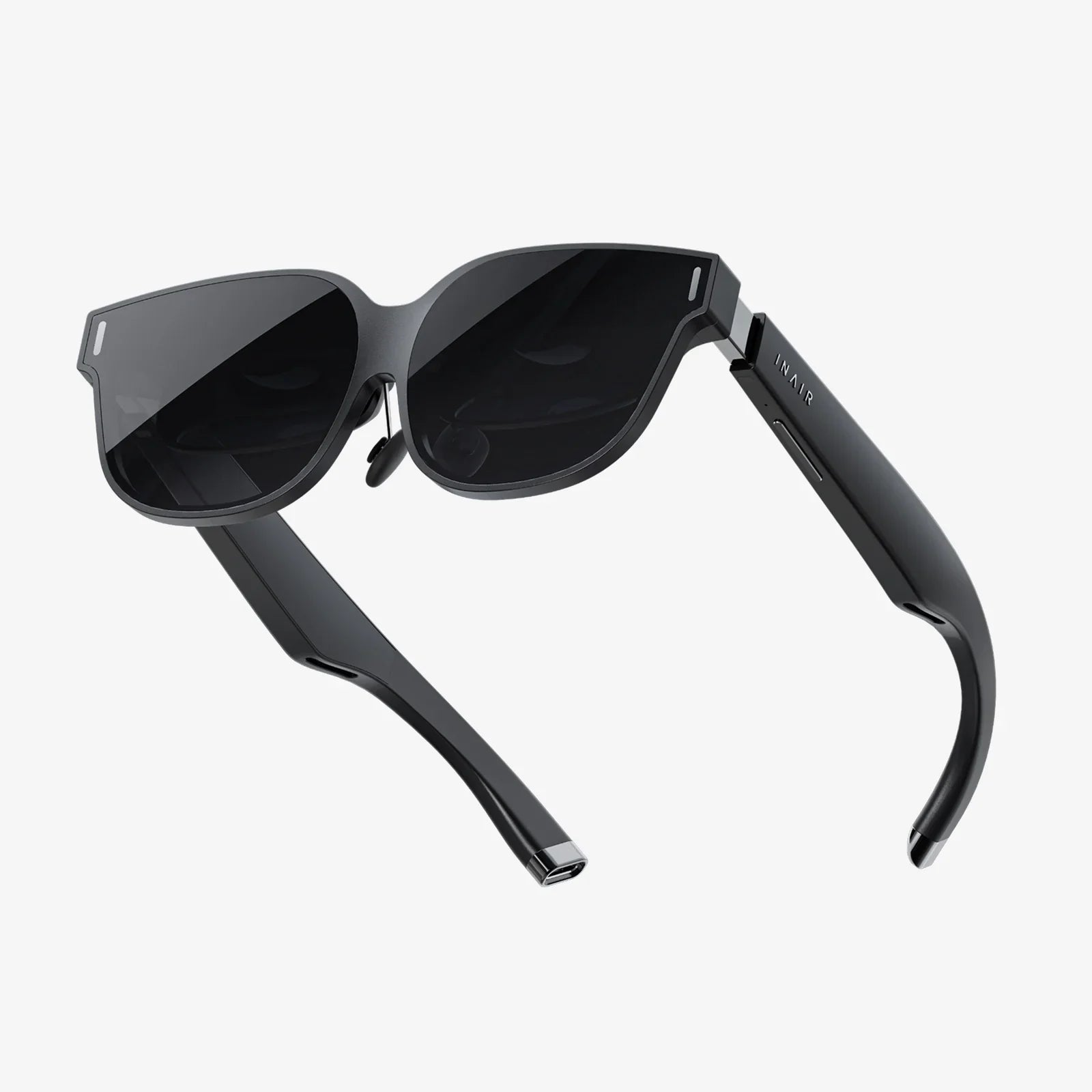
You’ve just strapped into your favorite virtual world, the controller is in your hand, and you’re ready for an epic adventure. But then, the dreaded low battery warning flashes before your eyes, shattering the immersion and cutting your journey short. If this frustrating scenario sounds all too familiar, you’re not alone. The question "why is my VR headset battery draining so fast?" is one of the most common grievances in the VR community. It’s a complex issue with a multitude of culprits, but understanding them is the first step to reclaiming your playtime and staying in the game longer.
The Heart of the Matter: Demystifying Power Consumption
At its core, a modern VR headset is a marvel of miniaturization, packing the equivalent of a high-performance computer and a sophisticated cinema into a device on your face. This incredible feat of engineering comes with a significant energy cost. The primary power draws include the high-resolution displays, which need to refresh at extremely high rates to prevent motion sickness; the powerful processor that renders two distinct, complex images in real-time; a suite of sensors and cameras for tracking your every movement; and wireless communication modules for connecting to your device or network. It’s a constant, energy-intensive ballet of technology, and even small inefficiencies can lead to a rapidly depleting battery.
The Usual Suspects: Common Causes of Rapid Battery Drain
Pinpointing the exact reason for fast battery drain can be tricky, but several factors are almost always involved. Let's break down the most common offenders.
1. Display and Performance Settings: The Biggest Power Hogs
This is, without a doubt, the largest drain on your battery. The screen is the single most power-hungry component.
- Screen Brightness: This is the most straightforward setting. Max brightness consumes vastly more power than a medium or low setting. The difference can be as much as 30-40% of your total battery life.
- Refresh Rate: A higher refresh rate (e.g., 90Hz, 120Hz, or even 144Hz) provides a smoother, more immersive experience by reducing motion blur and latency. However, driving the displays at these incredible speeds forces the processor to work much harder, generating more frames per second and consuming a disproportionate amount of power. Dropping from 120Hz to 90Hz can yield a substantial boost in battery longevity.
- Resolution and Graphical Fidelity: Pushing more pixels requires more processing power. Games and experiences set to ultra-high resolutions or maximum graphical settings will drain the battery much faster than more conservative options.
2. Environmental and Usage Factors
How and where you use your headset plays a massive role.
- Temperature Extremes: Lithium-ion batteries, which power most headsets, are notoriously sensitive to temperature. Using your headset in a very cold environment can temporarily reduce battery capacity, making it appear to drain faster. Conversely, using it in a hot environment or allowing it to overheat due to intense processing can cause permanent damage and accelerate long-term degradation.
- Active vs. Standby Time: Many users leave their headset on between sessions, assuming it’s effectively "off" when not in use. However, most headsets enter a standby or sleep mode, not a full shutdown. In this state, background processes, checking for updates, or maintaining a Bluetooth connection can still slowly siphon power.
- Controller Usage: The motion controllers, with their haptic feedback, LEDs, and internal sensors, also draw power. Intensive games with constant rumble will contribute to the overall energy drain.
3. Wireless Connectivity: The Silent Power Drain
Staying connected is essential but costly.
- Wi-Fi and Bluetooth: If your headset is wirelessly streaming data from a PC or console, the Wi-Fi radio is working continuously at high bandwidth, consuming significant power. Similarly, maintaining a constant Bluetooth connection to controllers and other accessories requires energy. The stronger and more stable the signal, the less power is wasted searching for a connection, so a good router placement can indirectly help battery life.
- Background Data and Updates: Your headset may be searching for Wi-Fi networks, downloading updates, or syncing data in the background without you realizing it. This silent activity can be a major culprit.
4. Software and Background Processes
What’s running on your headset matters just as much as the hardware.
- Open Applications: Failing to fully close applications and games means they continue to run processes in the background, consuming CPU resources and draining the battery. Always properly quit out of experiences when you’re done.
- System Software Bugs: Occasionally, a firmware or software update can introduce a bug that causes a specific process to behave erratically and consume excessive CPU cycles, leading to unexpected battery drain. These are usually addressed in subsequent patches.
5. The Inevitable: Battery Health and Age
All rechargeable lithium-ion batteries have a finite lifespan. This is measured in charge cycles (a cycle being a full 0% to 100% charge). Over time, through regular use and the natural chemical aging process, the battery’s maximum capacity diminishes. A two-year-old headset will simply not hold the same charge as it did when it was new. It’s a gradual process, but you’ll eventually notice that even with all settings optimized, your play sessions are getting shorter. This is normal wear and tear.
Your Action Plan: Practical Tips to Extend Battery Life
Now that we understand the "why," let's focus on the "how to fix it." Implementing even a few of these strategies can lead to dramatically longer play sessions.
1. Tame the Display and Performance Beast
- Lower Brightness: Find the lowest comfortable brightness level for your play environment. You often don’t need it at 100%.
- Reduce Refresh Rate: For less intensive games or experiences where ultimate smoothness isn’t critical, dial down the refresh rate in your headset’s settings. The difference in power savings is often more noticeable than the difference in visual smoothness.
- Adjust In-Game Settings: Look for graphics options within games. Lowering textures, shadows, anti-aliasing, and environmental detail can reduce the processing load significantly.
2. Master Your Connectivity
- Enable Airplane Mode: If you’re playing a standalone game that doesn’t require an internet connection, switch on Airplane mode (if available) to disable Wi-Fi and Bluetooth. Remember to turn it off afterwards to re-enable controller connections.
- Manage Bluetooth: Unpair any accessories you aren’t actively using.
- Close Unused Apps: Get into the habit of fully quitting applications instead of just taking the headset off. Use your device’s menu to force-close apps running in the background.
3. Adopt Better Charging Habits
- Avoid Extreme Depletion: Try not to regularly run your battery down to 0%. Lithium-ion batteries prefer shallow discharge cycles. Charging from 20% to 80% is less stressful on the battery than always going from 0% to 100%.
- Unplug When Full: While modern devices have safeguards, consistently leaving your headset plugged in at 100% charge for days on end can contribute to long-term degradation.
- Use the Right Charger: Always use the official charger and cable that came with your device. Third-party chargers may not deliver power correctly and can potentially harm the battery.
4. General Maintenance and Awareness
- Power Down, Don’t Standby: If you know you won’t be using the headset for several hours or more, perform a full shutdown instead of letting it sleep.
- Keep It Cool: Store and use your headset in a cool, dry place. Avoid direct sunlight and don’t cover it while it’s charging, as heat is a battery’s worst enemy.
- Stay Updated: Regularly check for and install system updates. These often include performance optimizations and bug fixes that can improve power management.
When to Seek Help: Signs of a Failing Battery
If you’ve tried all the software and settings tweaks and your battery life is still abysmal, or if you notice any of the following, you may be dealing with a hardware issue:
- The headset powers off suddenly at a certain percentage (e.g., 30%) and will not turn back on until plugged in.
- The battery percentage fluctuates wildly or is inaccurate.
- The headset or battery gets unusually hot during charging or use.
- There is visible physical damage to the headset or battery compartment.
In these cases, your best course of action is to contact the manufacturer’s official support service. They can run diagnostics and advise on repair or replacement options if your device is still under warranty.
Conquering poor battery life is the key to unlocking truly limitless VR adventures. By understanding the complex dance of technology on your face and taking control of the settings within your reach, you can silence those low battery warnings for good. Imagine a future where your only limit is your own stamina, not a percentage bar—a future where you step into your virtual world with the confidence that it will last as long as your imagination does. That power is now in your hands.
Share:
How to Use Android Phone as PC VR - A Complete Guide to Wireless Immersion
Most Comfortable Phone VR Headset - The Ultimate Guide to Ergonomic Immersion