


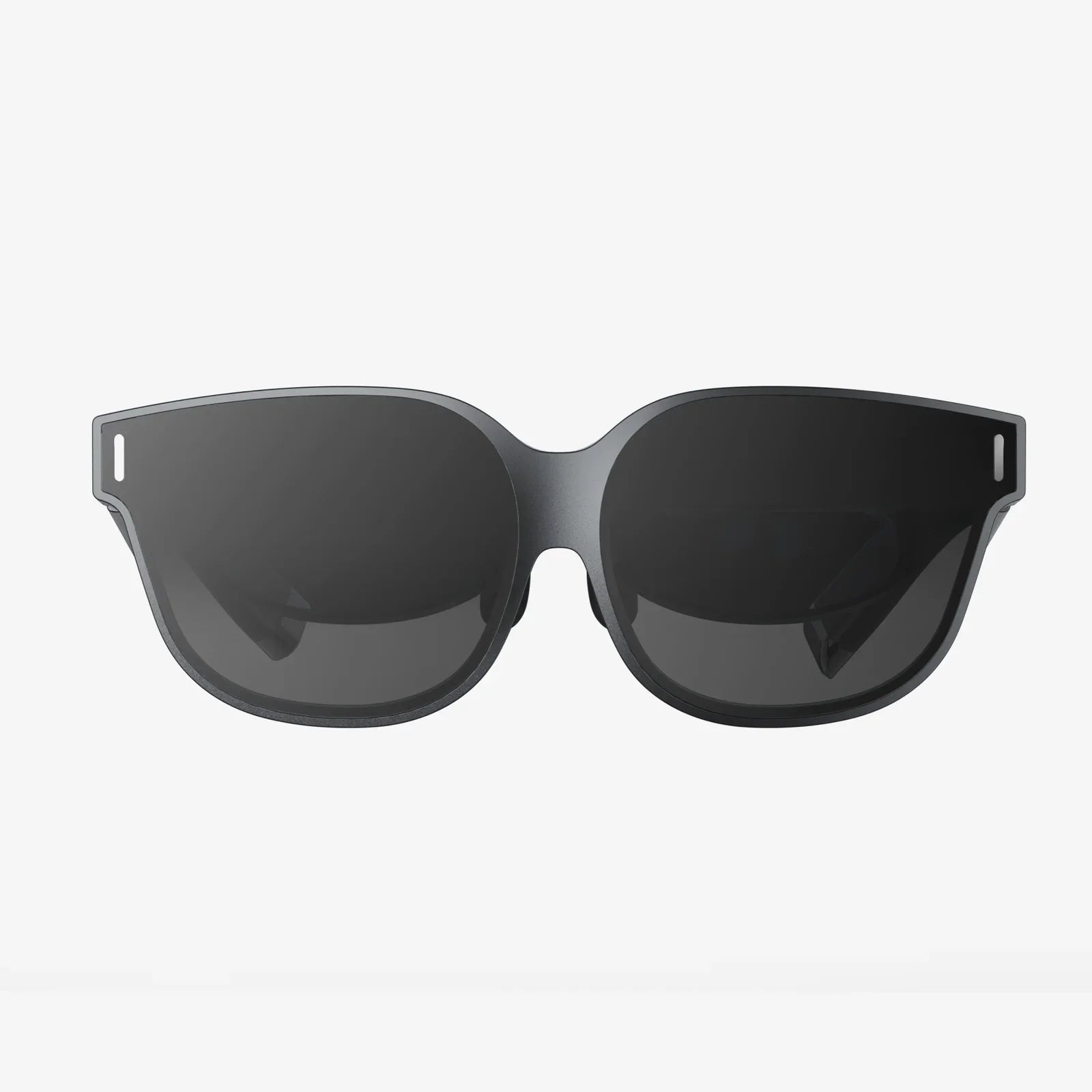
- by wangfred
Wireless PC VR Streaming The Ultimate Guide to Cutting the Cord
- by wangfred
Imagine stepping into your virtual world, completely untethered, with the full graphical might of your high-end gaming rig powering the experience directly to your headset. This is no longer a glimpse into a distant future; it’s the present reality of wireless PC VR streaming, a technological leap that is fundamentally reshaping how we interact with digital spaces. The promise of true freedom of movement, unencumbered by a trailing cable, is the final piece in the immersion puzzle, and it’s now within reach for millions of users. This revolution is dismantling the last major physical barrier between us and the virtual worlds we love to explore.
At its core, wireless PC VR streaming is a feat of modern engineering that replaces a physical DisplayPort or HDMI cable with a high-speed, low-latency wireless link. The process is deceptively complex, involving several critical steps that must occur in near-instantaneous succession to maintain the illusion of reality.
The journey begins on your desktop computer. A specialized software application, often referred to as a server, captures the rendered VR frames from your GPU. This is far more sophisticated than simple screen mirroring. The software understands it's preparing a stereoscopic 3D image for a VR headset, capturing the correct perspective for each eye.
This raw video data is immense—far too large to transmit over standard home networks without significant compression. Here, powerful video encoders, typically leveraging technologies like H.264 or the more efficient H.265 (HEVC), spring into action. The GPU performs this encoding on a dedicated hardware section, minimizing the performance impact on your actual game. The goal is to drastically reduce the file size while preserving as much visual fidelity as possible, a constant balancing act between quality and latency.
Once compressed, this data stream is packetized and beamed from your PC’s Wi-Fi adapter to your wireless router. For the best experience, this router should then communicate directly with the headset's own receiver over a clean, dedicated frequency band, most commonly the uncrowded 5 GHz or, ideally, the 6 GHz band (Wi-Fi 6E). The router acts as a dedicated bridge, not a traffic cop directing general internet data.
Inside the headset, a complementary decoder chip receives these packets, reassembles them, and swiftly decodes the video stream. The decoded frames are then displayed on the headset's screens. Crucially, the headset simultaneously sends its own tracking data—the precise position and orientation of your head and controllers—back to the PC via the same wireless link. This constant, bidirectional communication, known as pose data, allows the PC to render the next frame from your correct perspective, closing the loop. The entire round trip, from rendering to display, must happen in under 20 milliseconds to avoid inducing motion sickness or breaking presence.
Success in wireless VR is built upon a foundation of capable hardware. Compromising on any one of these three pillars will directly compromise your experience.
Your GPU is doing double duty. First, it must render the incredibly demanding VR environment, often at resolutions exceeding 4K and at a unwavering 90 frames per second or higher. Second, it must handle the real-time video encoding for streaming. This requires significant overhead. A powerful, modern GPU is not a luxury; it is a necessity. It should feature a robust hardware encoder (like NVENC on modern cards) to ensure the encoding process adds minimal latency and has a negligible impact on game performance.
This is perhaps the most misunderstood component. The router supplied by your internet service provider is almost never sufficient. You need a high-quality, consumer-grade router that supports at least Wi-Fi 5 (AC) but ideally Wi-Fi 6 (AX) or Wi-Fi 6E. Key features to look for include:
Obviously, you need a headset that supports wireless connectivity. This functionality is either built-in natively or added through a proprietary wireless adapter. The headset must have a competent receiver and decoder to handle the incoming stream efficiently.
Even with perfect hardware, two inherent challenges remain: latency and compression. Understanding them is key to managing expectations.
Latency is the delay between your physical movement and the corresponding visual update in the headset. High latency is the primary cause of simulator sickness. The wireless streaming process adds several milliseconds of latency compared to a direct cable connection. This comes from the time taken to encode the video, transmit it, receive it, and then decode it. Modern solutions have gotten this additional latency down to a barely perceptible level, often under 5ms, but it will always be a critical metric.
Compression is necessary to make wireless transmission feasible, but it is a lossy process. Artifacts can appear, especially in complex, high-detail scenes or during rapid motion. You might notice slight blurring, color banding, or a "smearing" effect called macroblocking. The better your encoder (GPU) and the cleaner your wireless signal, the less noticeable these artifacts will be. For most users in fast-paced games, they become invisible, but those looking for them in static, high-detail scenes may spot the difference from a native displayport signal.
Once your hardware is set, fine-tuning your setup can elevate your experience from good to exceptional.
The trajectory of wireless PC VR streaming points toward a future where the cable will be utterly forgotten. The adoption of Wi-Fi 6E and the forthcoming Wi-Fi 7 standard will be transformative, offering wider channels, higher speeds, and even lower latency in the pristine 6 GHz spectrum. This will allow for higher resolutions, higher refresh rates, and visually lossless streaming.
Furthermore, we will see deeper integration at the silicon level. GPUs and networking chips will be designed with this specific use case in mind, featuring dedicated pathways and co-processors to make encoding and decoding even more efficient. The software will also become smarter, using AI-driven encoding to predict frames and dynamically adjust bitrates on a per-scene basis, maximizing quality without ever dropping a packet.
This technology is also the key to unlocking more social and shared VR experiences. Without cables, users can move freely around a large physical space, making location-based entertainment and multi-user home setups far more practical and safe. It democratizes high-fidelity VR, removing the trip hazard and setup complexity of a cable, making it more accessible and appealing to a broader audience.
The cord has been the most tangible reminder that you are, in fact, still anchored to the physical world. Wireless PC VR streaming severs that anchor, delivering on the original promise of virtual reality: total immersion and absolute freedom. The barrier between the real and the virtual has never been thinner, and it’s fading fast with every wireless frame rendered. The question is no longer if you should cut the cord, but how soon you can experience the liberation for yourself.
Share:
Expand Drawing: Unlocking Creative Potential Through AI-Powered Image Generation
Leaders in AR Glasses: Pioneering the Next Era of Human-Computer Interaction