User Spotlights
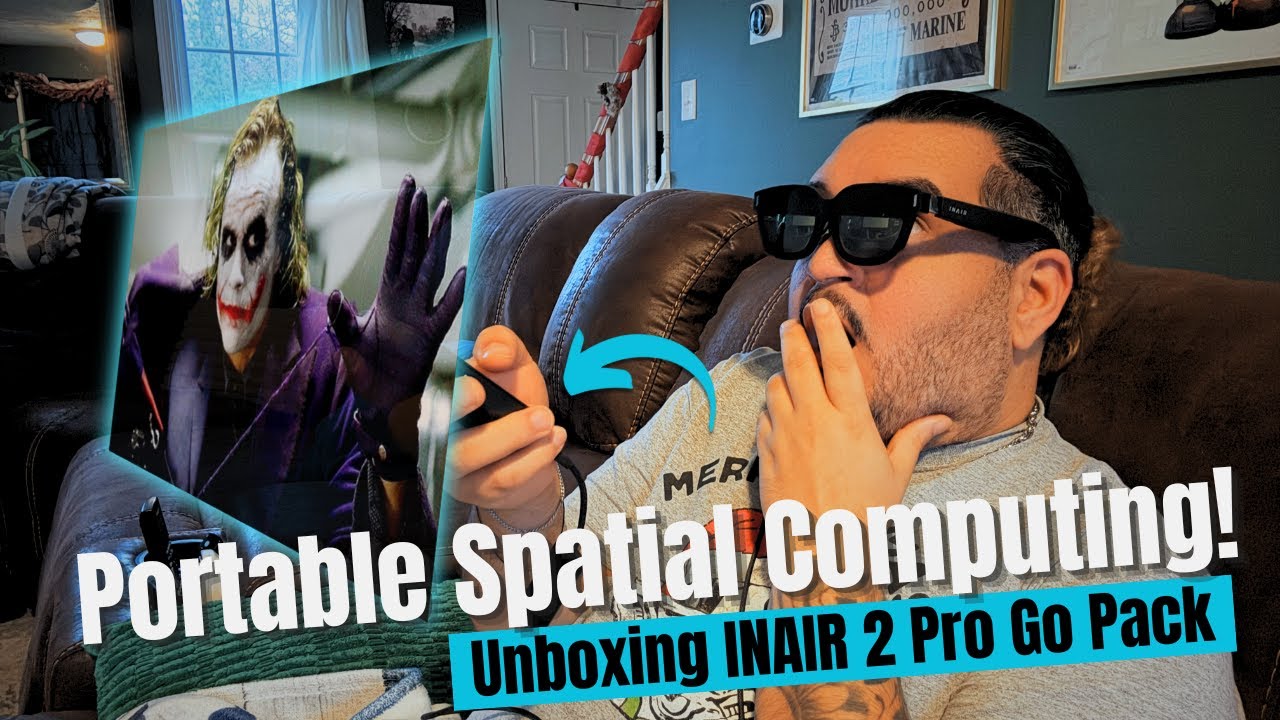
These AR Glasses Surprised Me! INAIR Pro 2 Go Pack Unboxing
Unboxing the INAIR Pro 2 Go Pack: Get a first look and honest first impressions of these AR glasses. This video covers everything inside the kit, build quality, comfort, features, and early performance thoughts. Perfect for anyone researching lightweight wearable displays, portable entertainment, or travel-friendly screen alternatives.
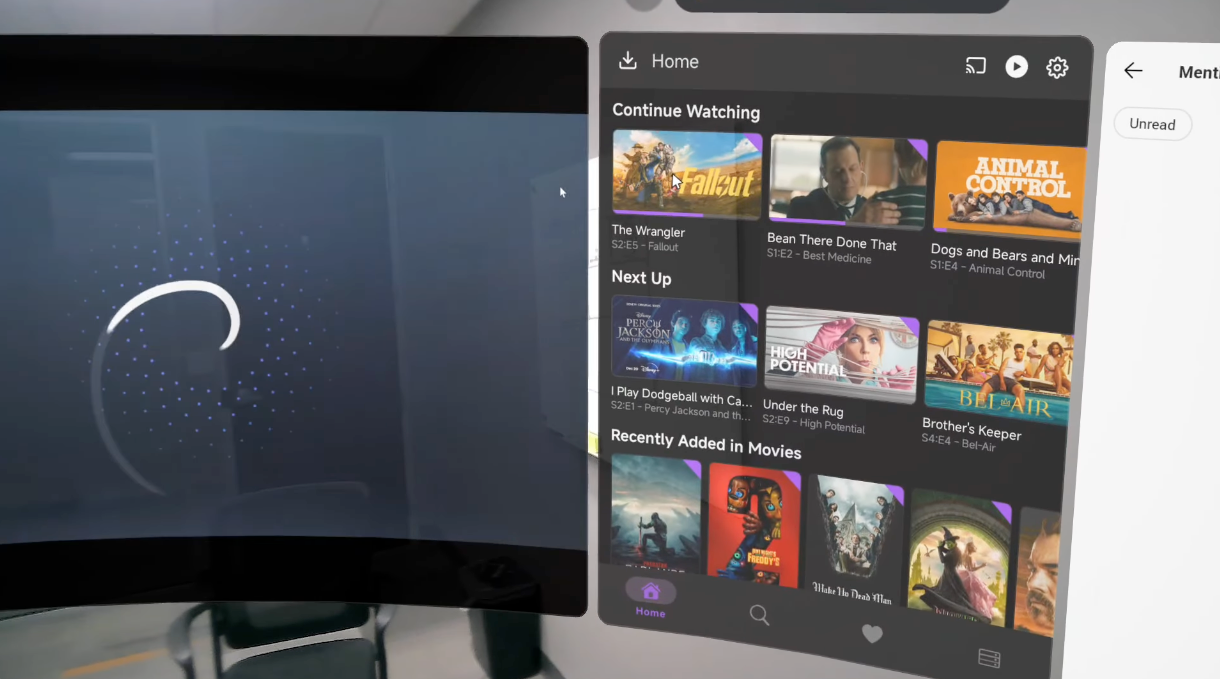
INAIR + Viture LUMA Pro 6DoF beta Video
With the ability to have way more apps open and 6DoF this will be a game changer for the AR community.
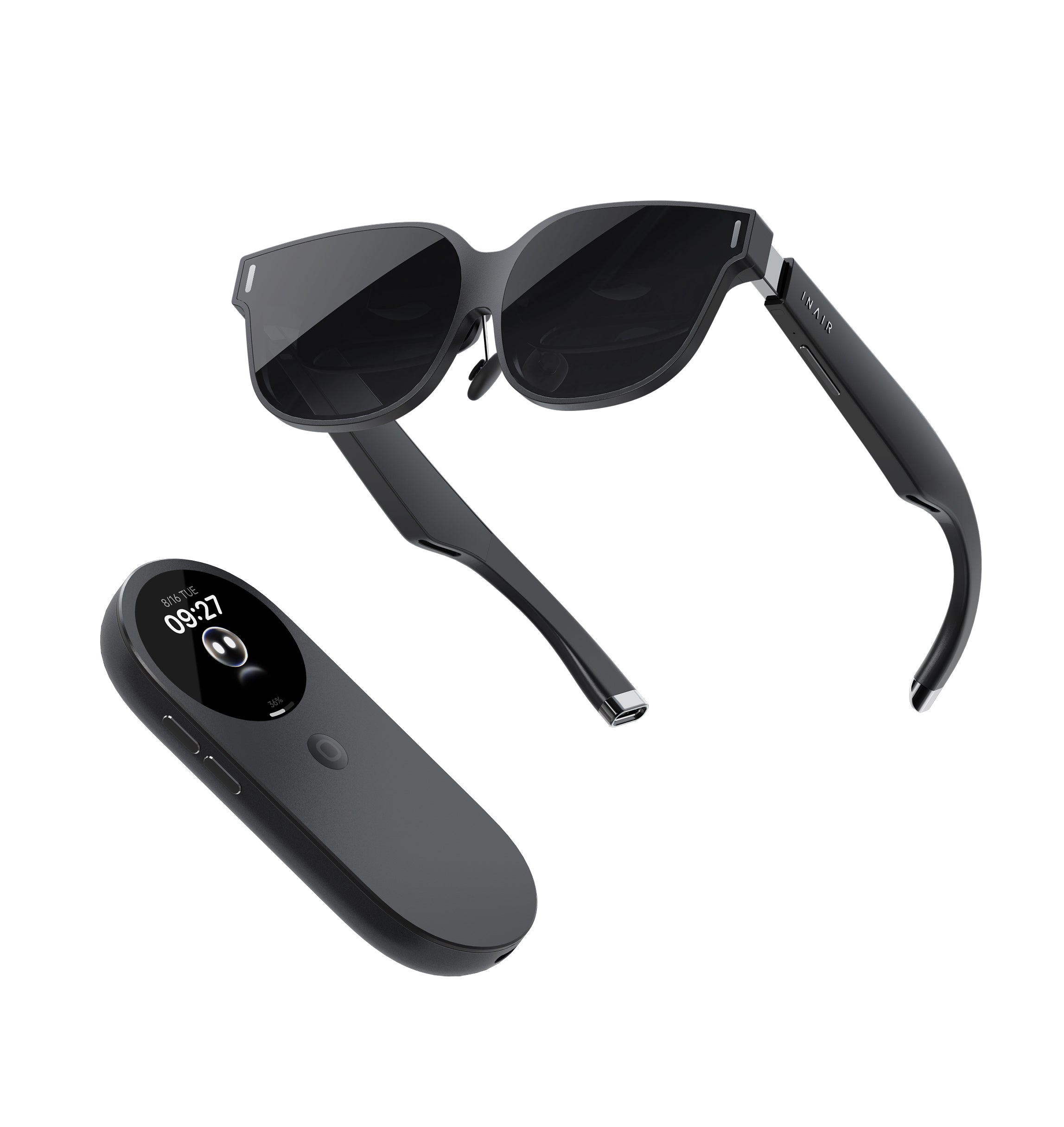
The author personally tried various virtual productivity solutions, including remote desktop, Meta Quest 3, and XReal One AR glasses, and finally achieved portable multi-screen AR office work through INAIR Pod. This article shares real experiences, advantages and disadvantages, and usage scenarios, providing references for tech enthusiasts who pursue efficient mobile office work.
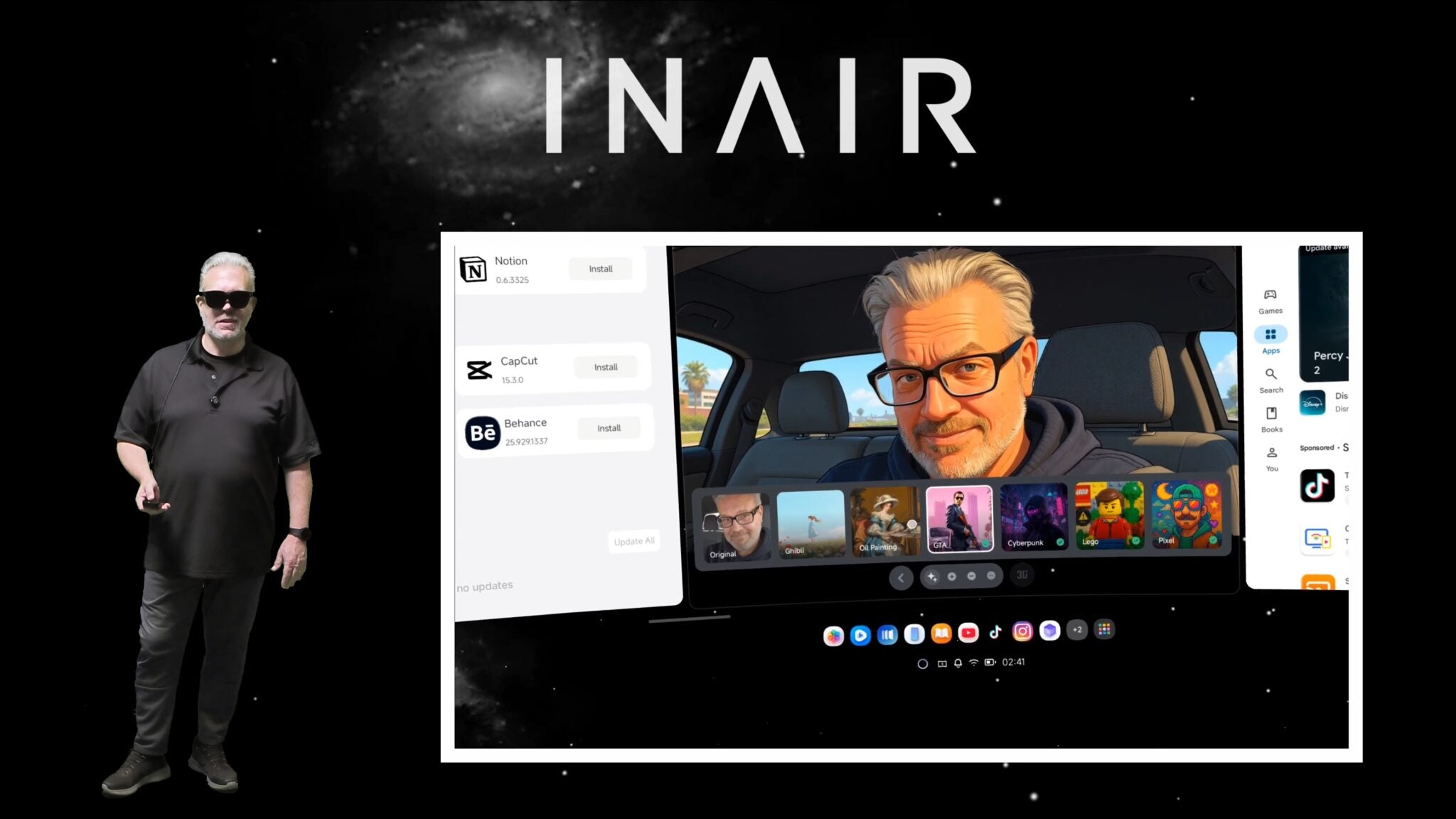
Taking An Inside Look At The INAIR OS
Experience the INAIR spatial operating system: supports six freely arranged screens, system-level 2D-to-3D conversion, and a stable, drift-free immersive workspace. Emphasizes practical design and smooth interaction, suitable for long-term use rather than just demonstrations.
INAIR Insights
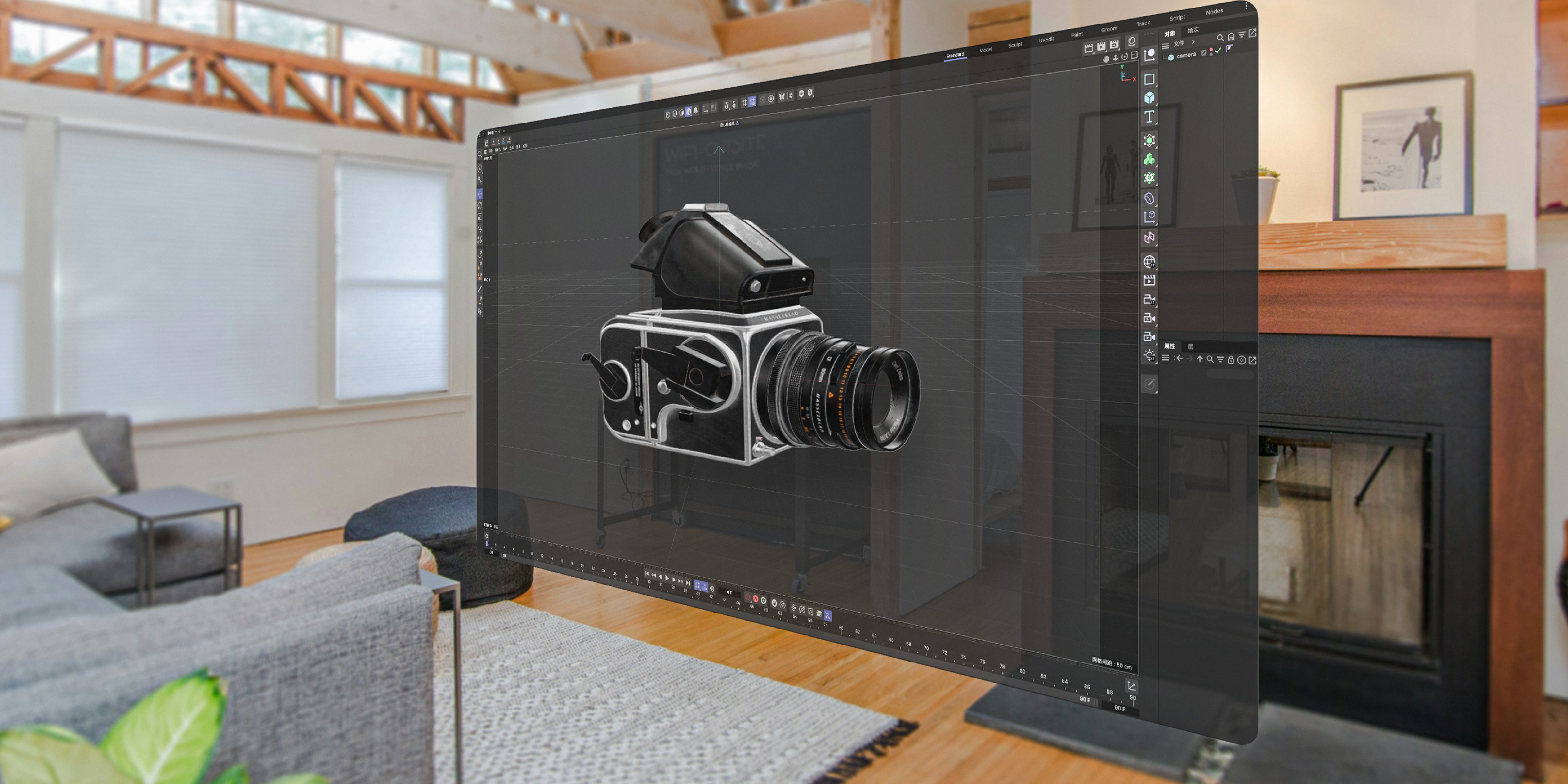
Magic Moment: I Turned My Entire Screen Into a 3D World | Experiencing INAIR's Real-Time 2D-to-3D
This article provides a firsthand experience and technical breakdown of INAIR's revolutionary real-time 2D-to-3D conversion technology. It explores how the AI-powered spatial rendering engine transforms everyday flat content—from TikTok and YouTube to web browsers and phone interfaces—into immersive, volumetric experiences, fundamentally shifting how we interact with our digital world.
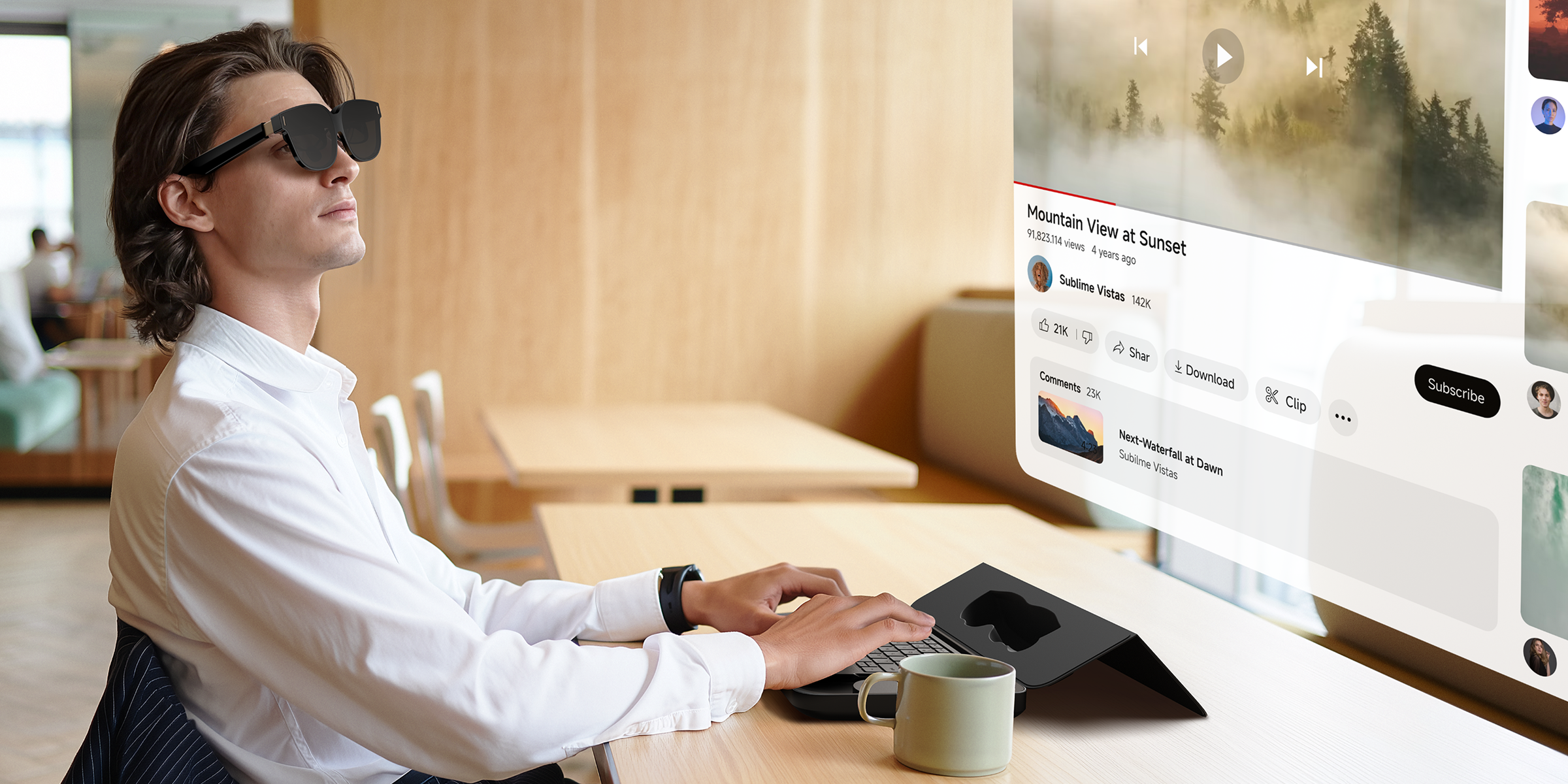
This blog explains why you need the INAIR AI Spatial Computer—a revolutionary portable AR spatial computing device that blurs the lines between work and play.
If you're frustrated by small screens, struggle to work efficiently in cafes or hotels, constantly switch between windows, or already own AR glasses like XREAL, RayNeo, or Viture but find them limited, INAIR is the ideal upgrade. It delivers a 135-inch virtual giant screen and real-time 2D-to-3D conversion technology, instantly transforming ordinary videos into immersive 3D experiences—perfect for watching Netflix, YouTube, or TikTok while traveling.
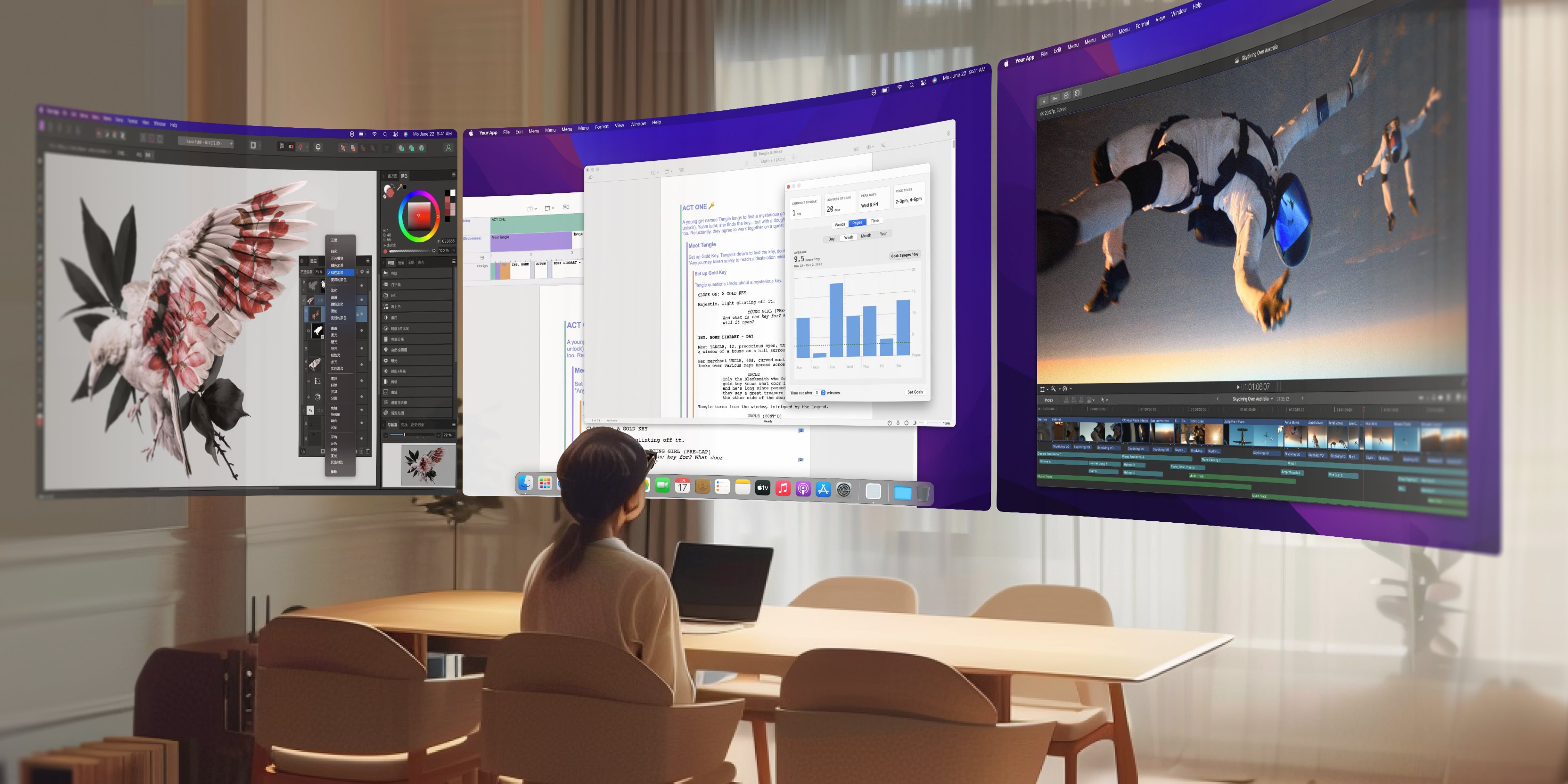
INAIR OS: Breaking Free from Flat Screens – The Ultimate Productivity Boost in Spatial Computing
INAIR OS is a revolutionary spatial operating system designed specifically for AR glasses, transforming traditional 2D desktops into immersive 3D spatial work environments. It supports opening up to six virtual windows simultaneously, allowing users to freely adjust their position, size, and depth for true spatial multitasking.
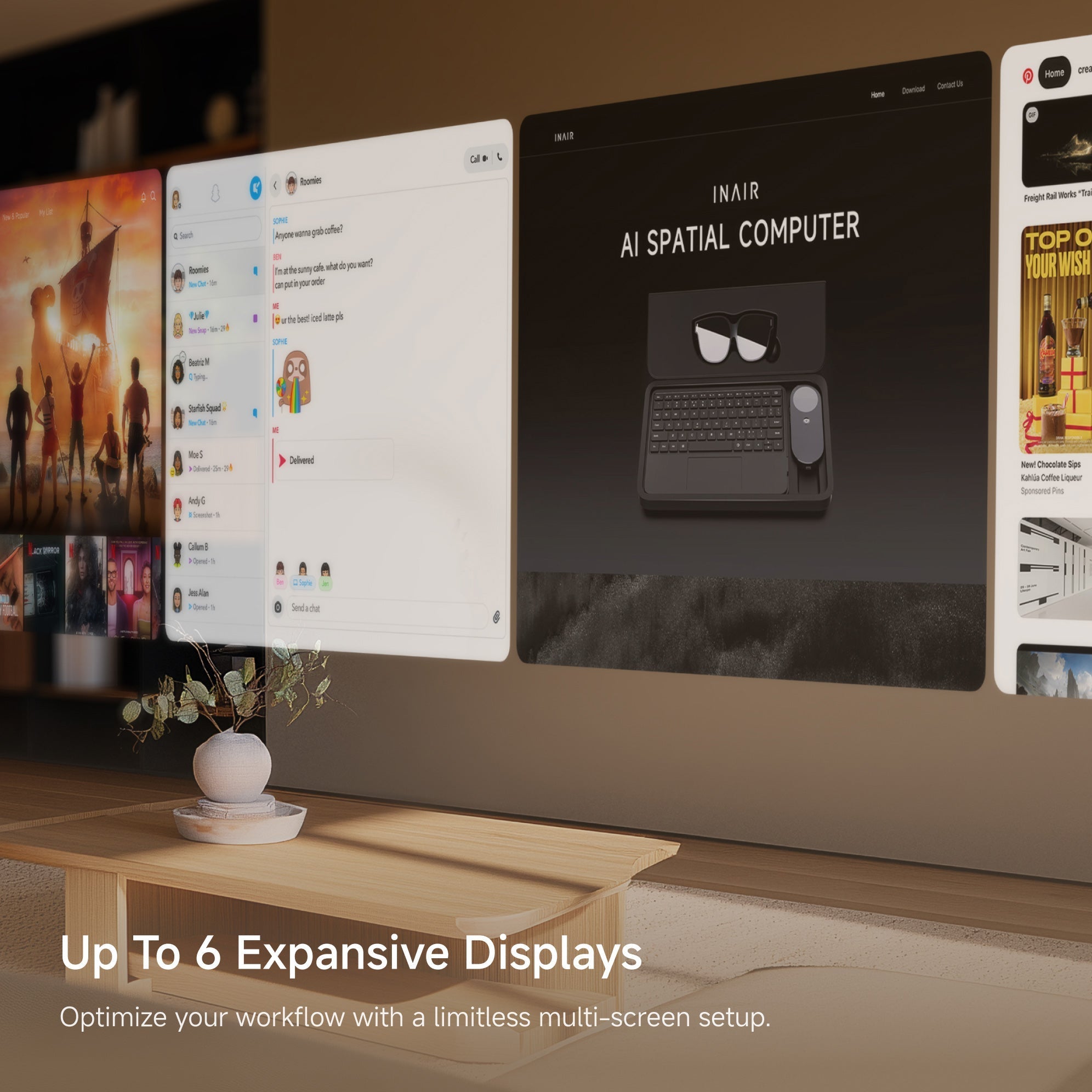
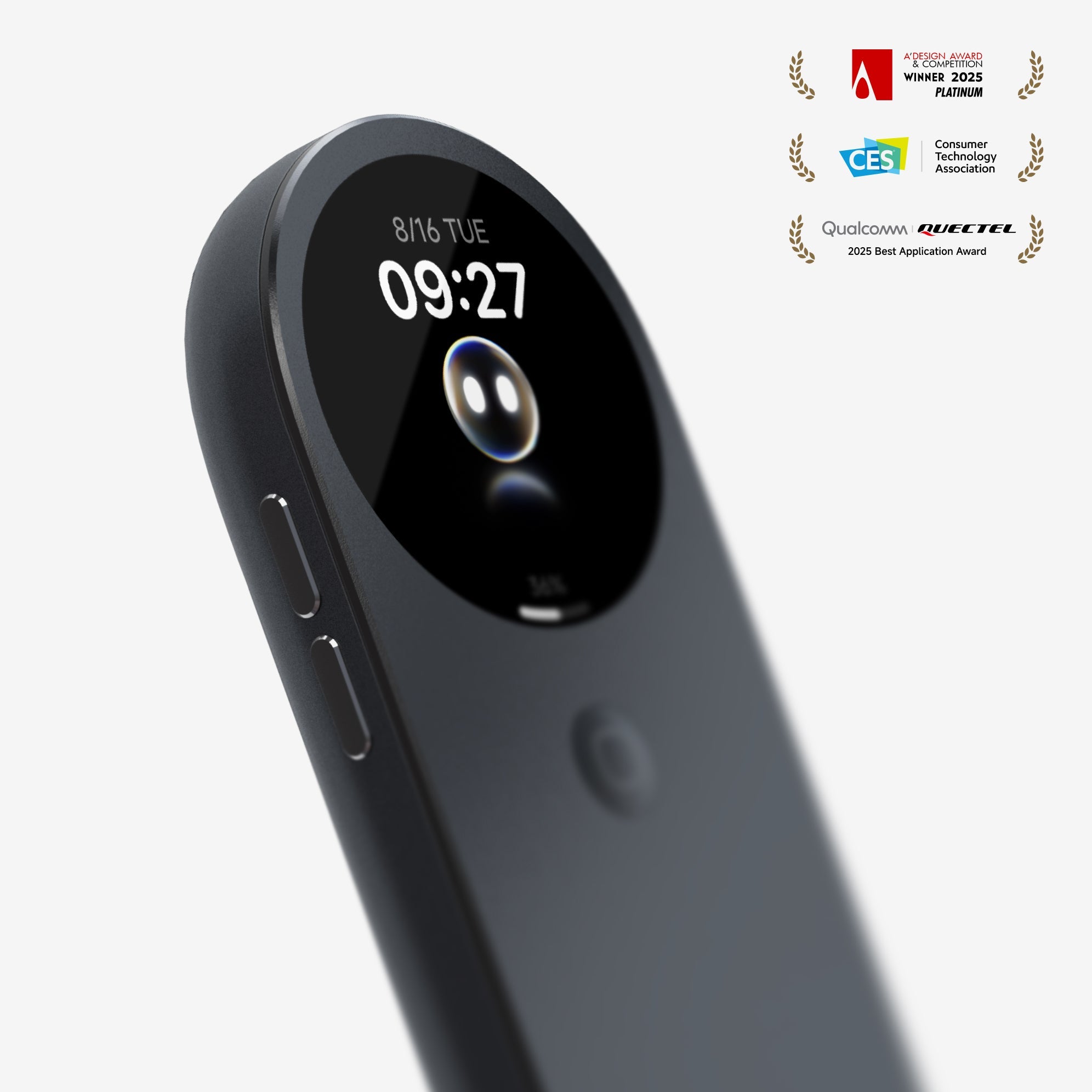
The INAIR Pod serves as a spatial computing hub that upgrades third-party AR glasses (such as XREAL, Rayneo, and Viture) into powerful devices capable of real-time 2D-to-3D conversion, multi-screen collaboration, and standalone app functionality. This article explains how it enhances entertainment experiences, boosts mobile productivity, and unlocks the potential of existing hardware.
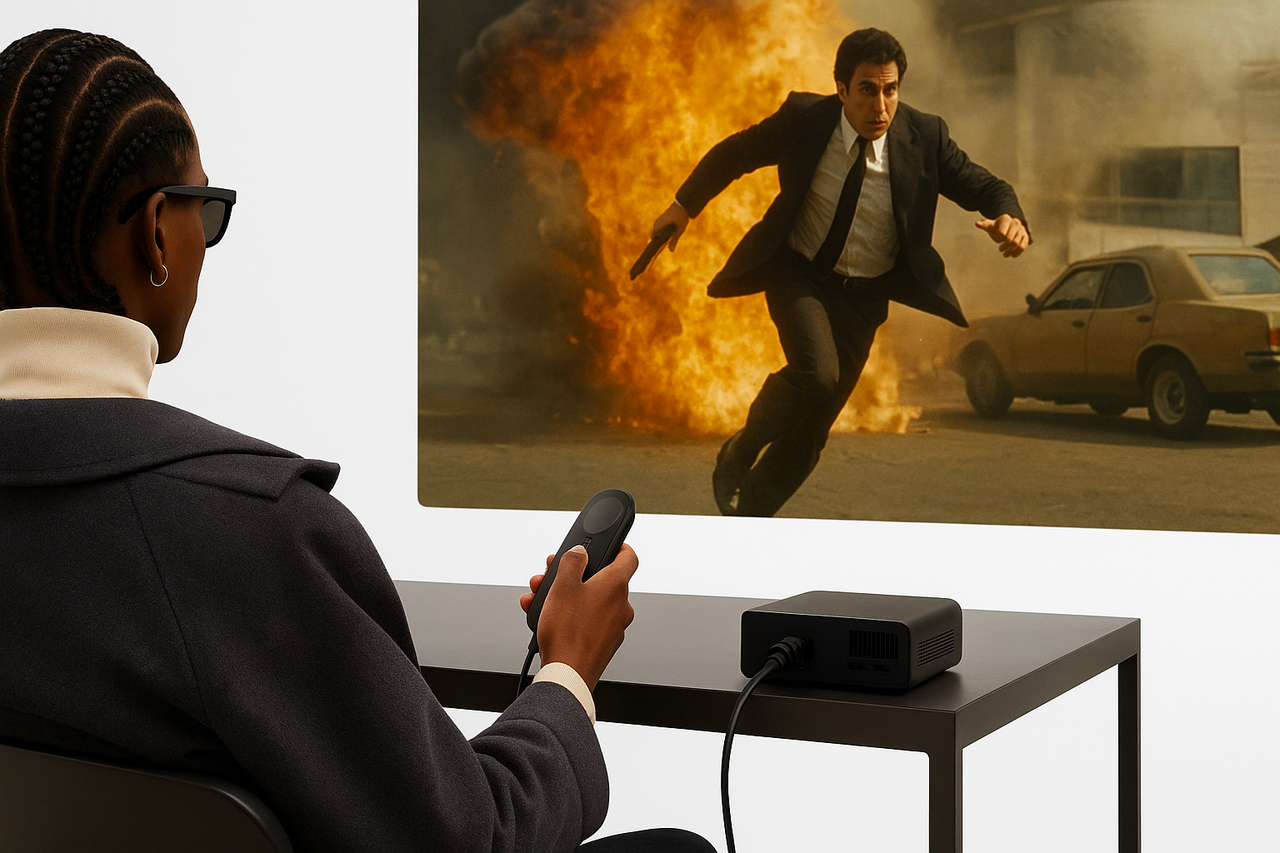
Meet the brand-new INAIR 3D Kit (for Projector) – a palm-sized hockey puck that plugs into any projector and instantly turns EVERY 2D video into jaw-dropping, real-time AI 3D. Zero lag. 4K passthrough. Works with the whole family’s active-shutter glasses. And yes – it’s also a full-blown spatial computing hub for your AR glasses.
Learn with INAIR