


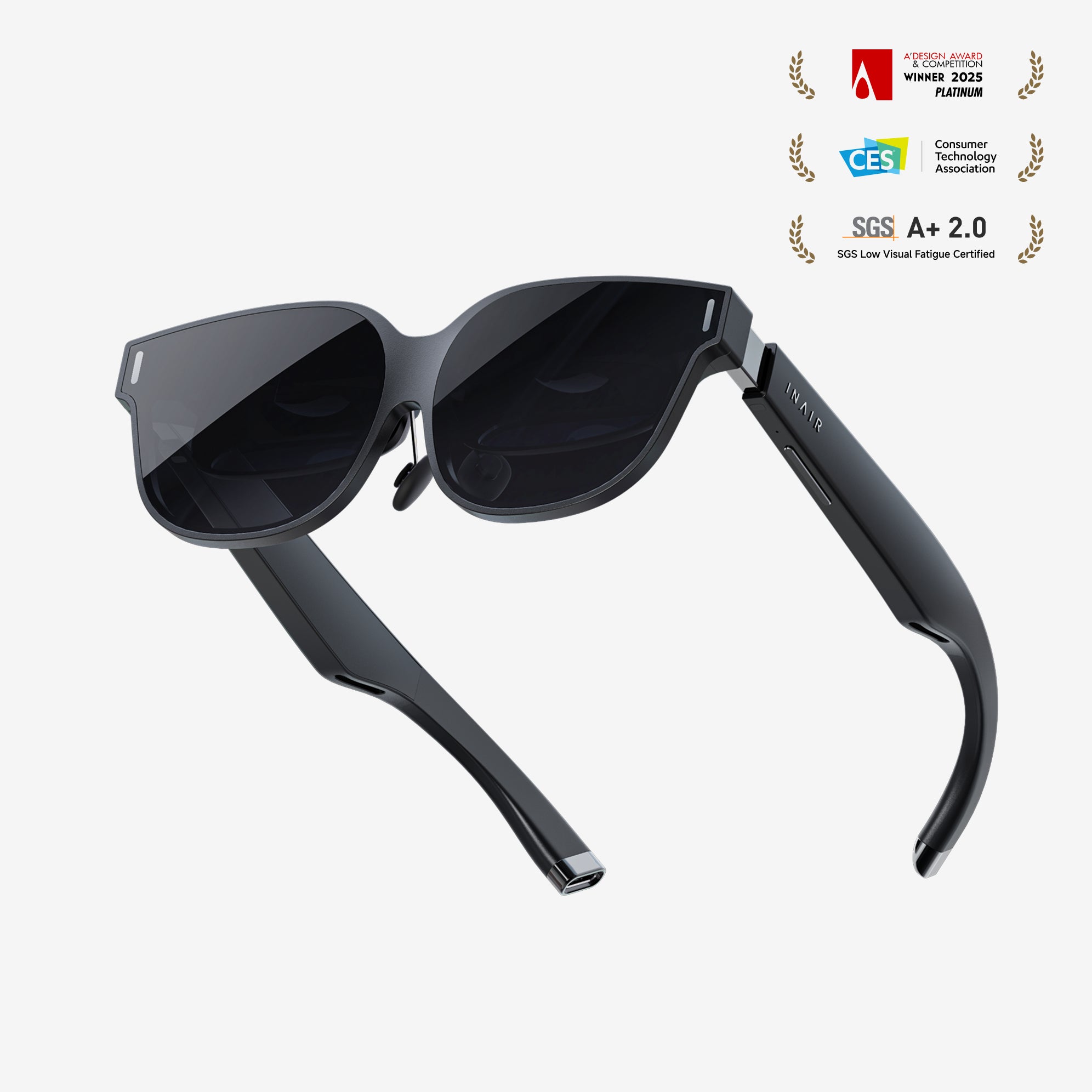



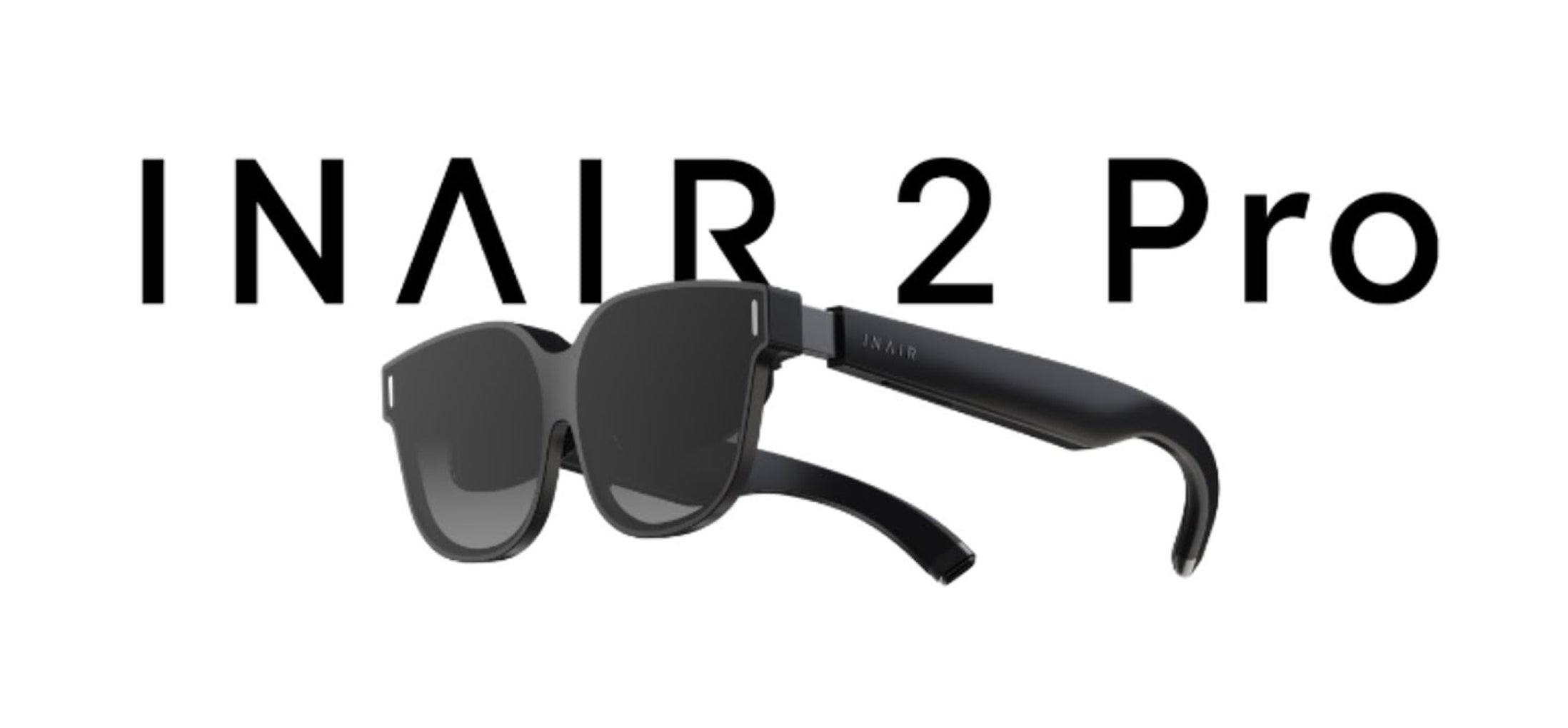
INAIR 2 Pro

Buy Now, 30 Days Price Guaranteed!
30 Days Price Guaranteed!
If our price drops within 30 days of purchase, we'll refund the difference.
If our price drops within 30 days of purchase, we'll refund the difference.
Guarantee Period
- The guarantee applies to eligible orders placed during the promotion period.
- Price protection is valid for 30 days from the date your order is placed.
- The promotion is available through the end of our Black Friday sale.
How to Claim
If you see a lower eligible price on the website, simply email our Customer Support team with your order number and details of the lower price.
- Our team will verify your request.
- Once approved, we'll refund the difference.
Refund Method
Approved price adjustments will be refunded to your original payment method.
- Credit card → refunded to the original credit card
- PayPal → refunded to the original PayPal account
- Other payment methods → refunded through the original payment method where supported
• 30 days from your order date.
• Refund to your original payment method.
• Email us with your order number to claim.
• Valid through the end of Black Friday.
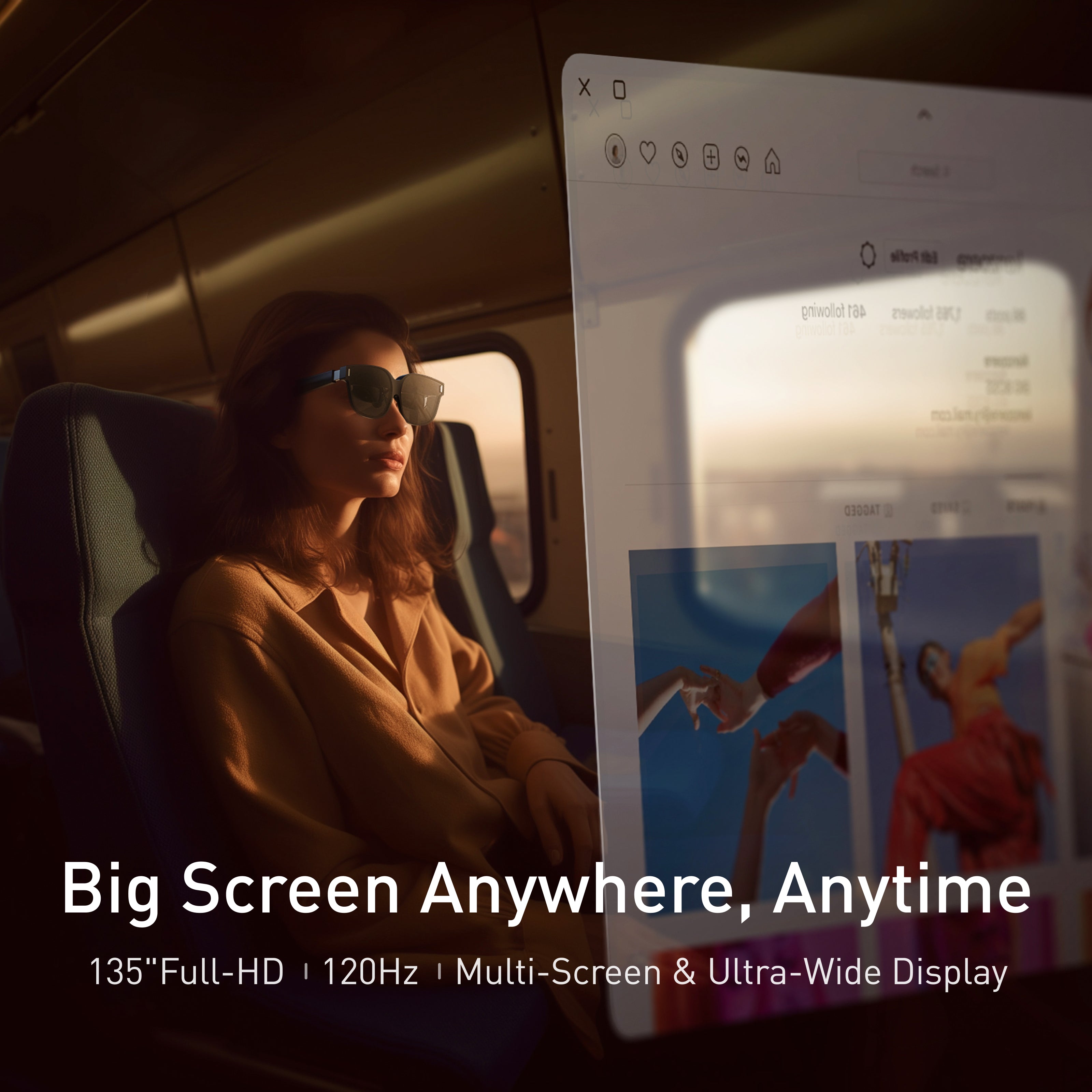
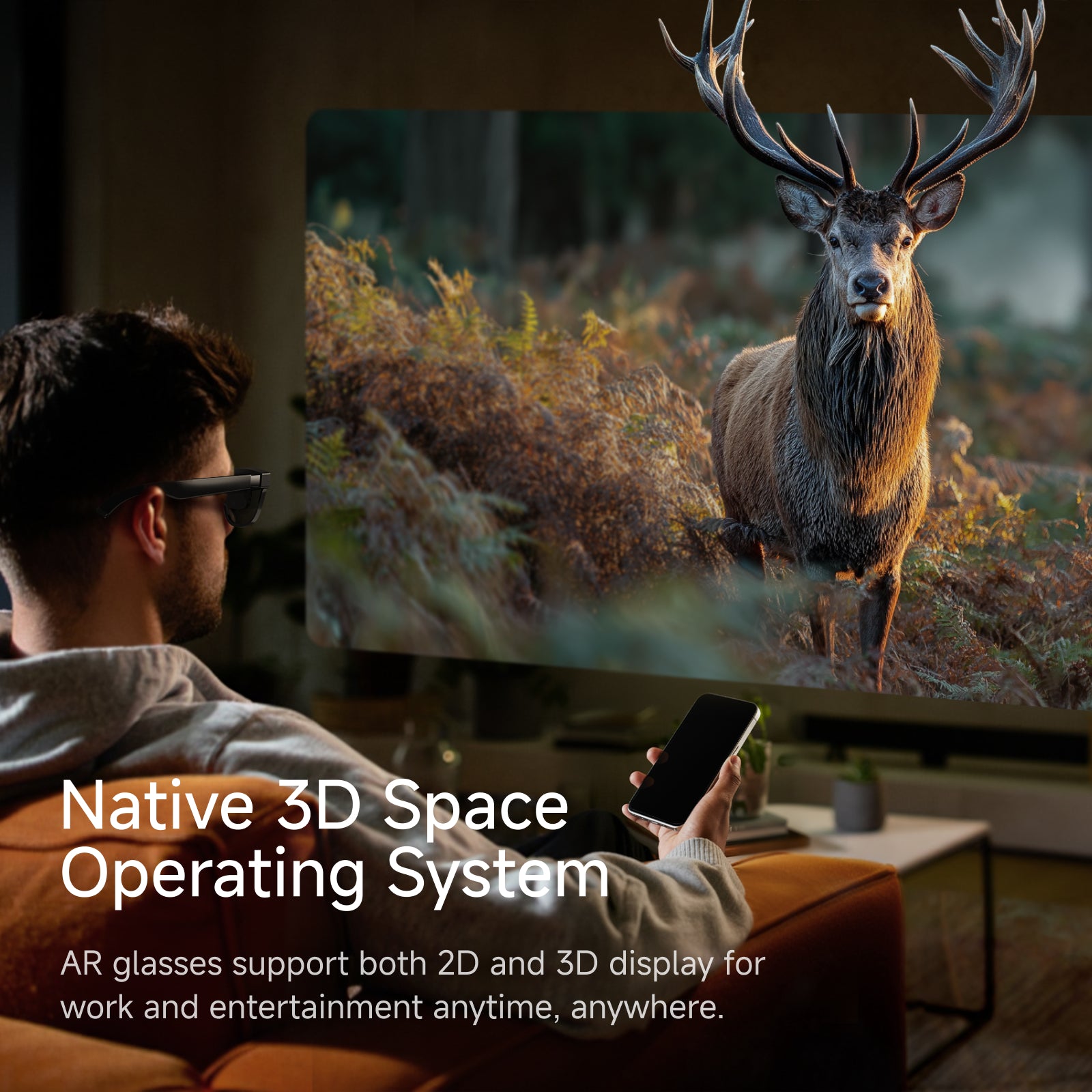
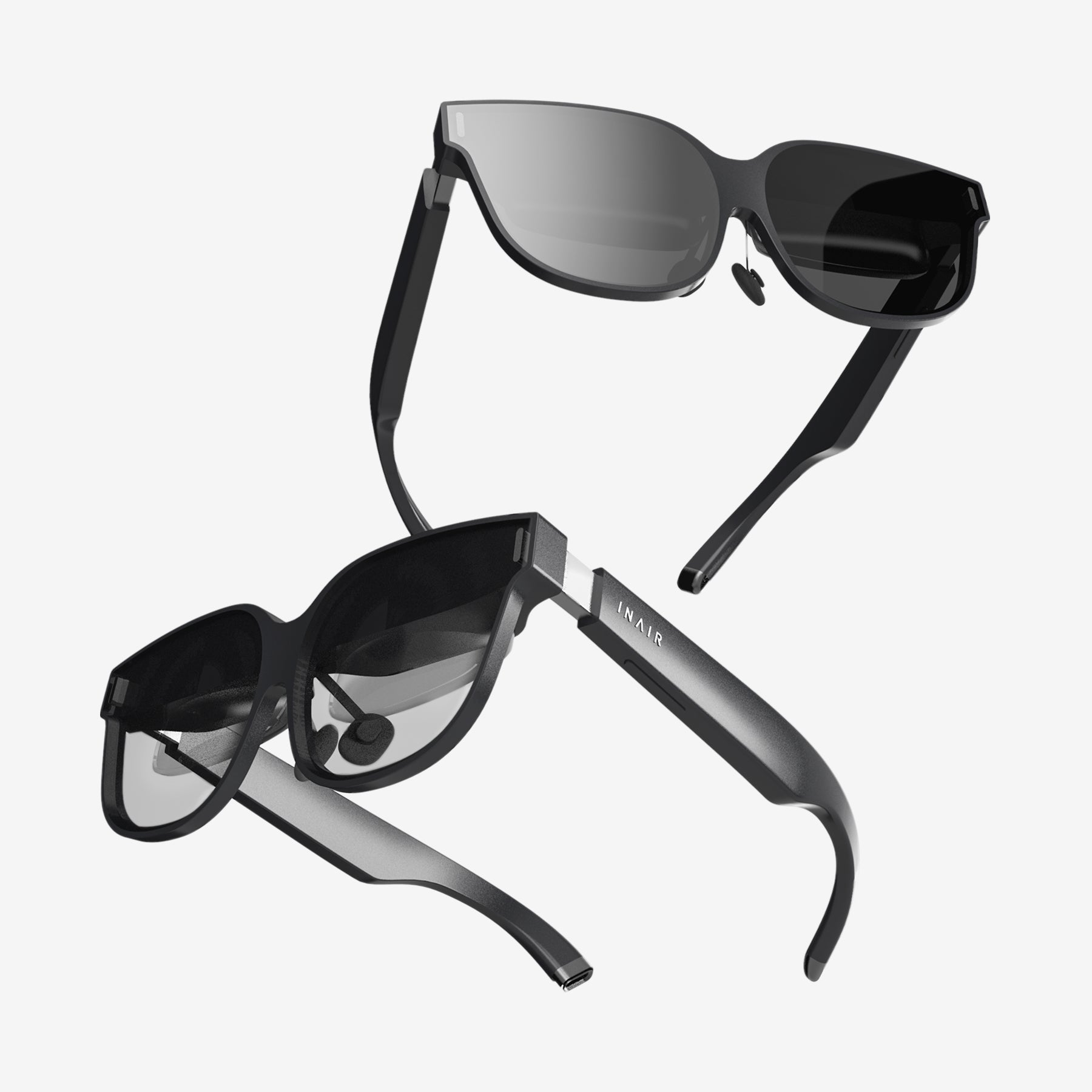
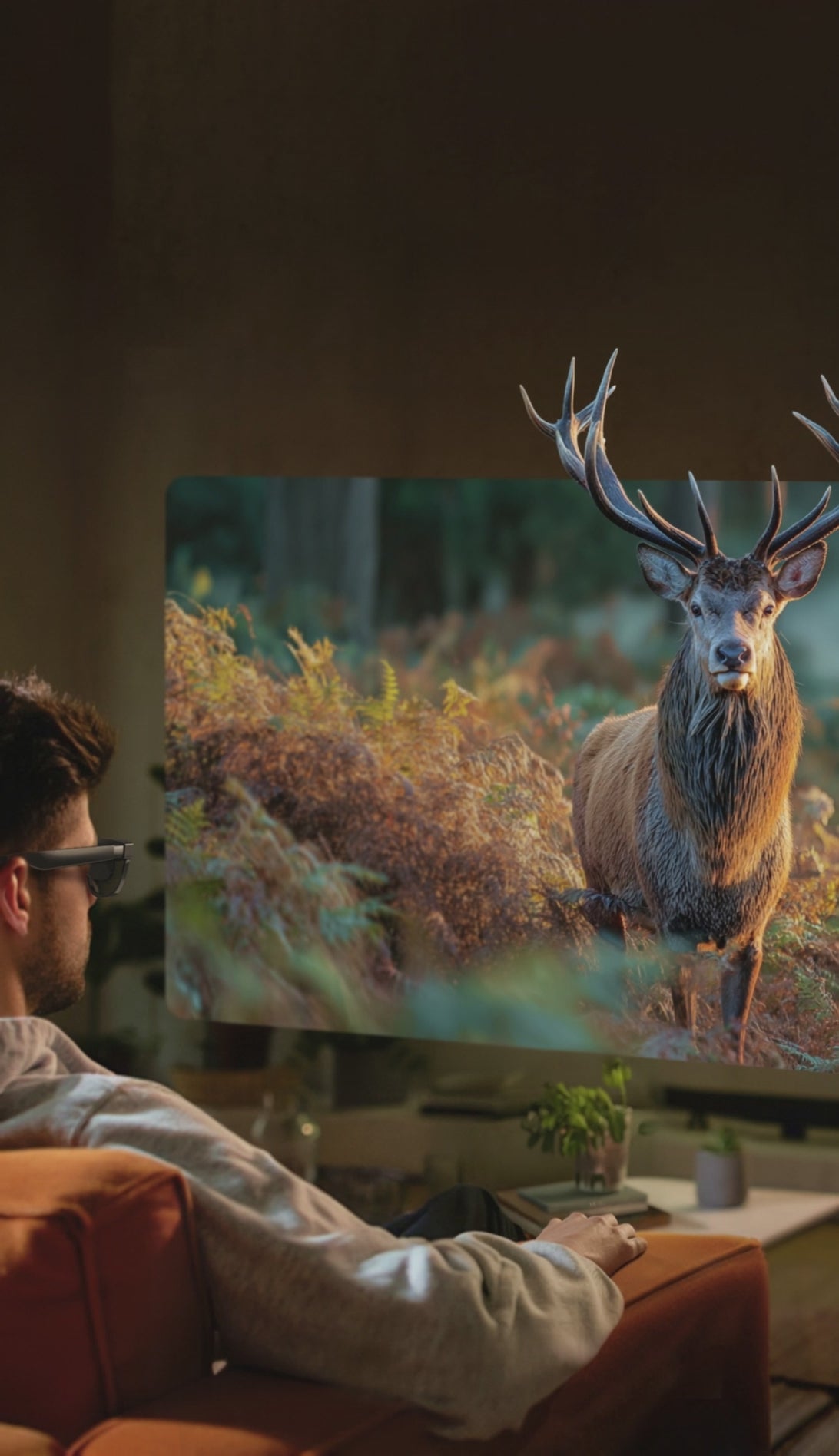
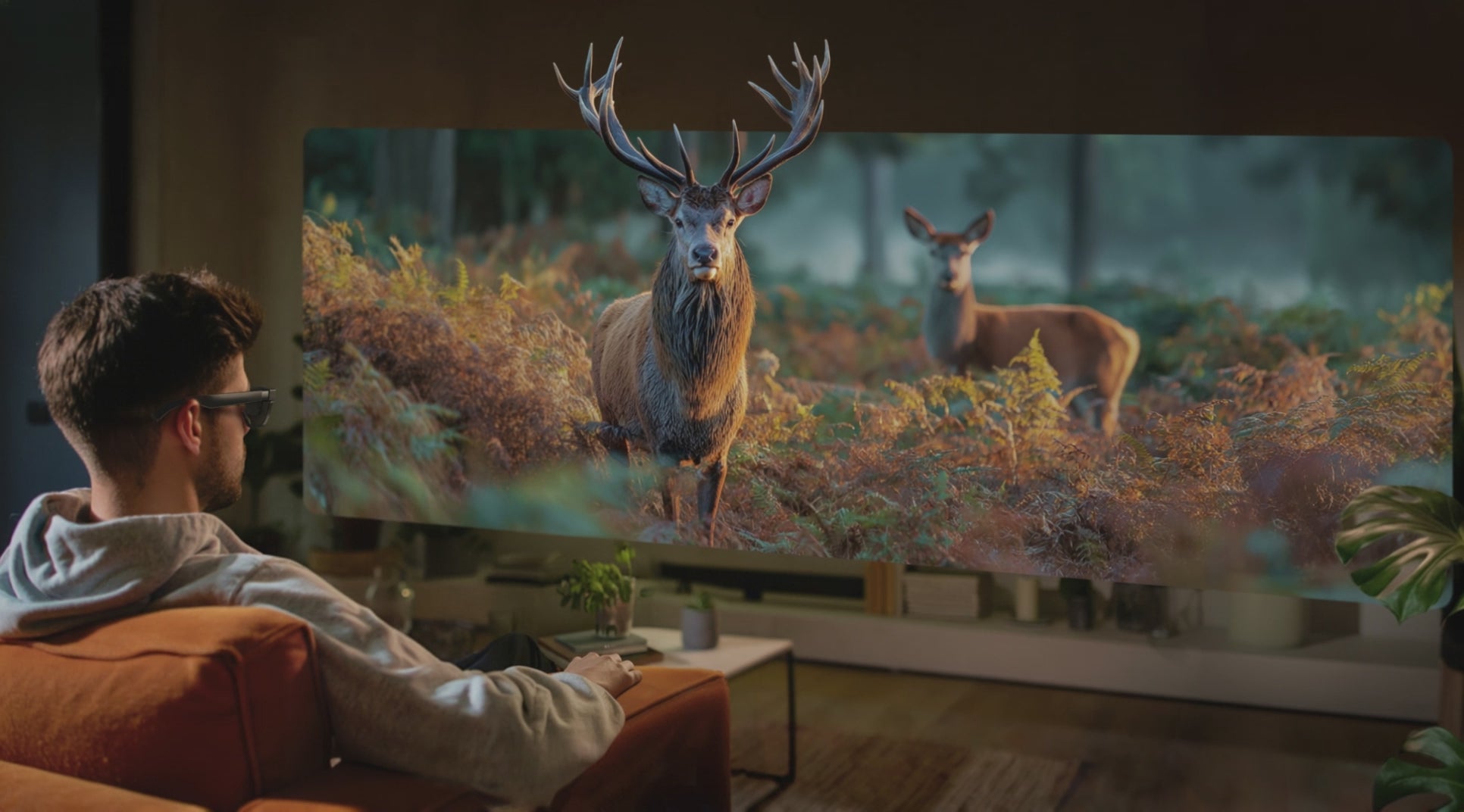
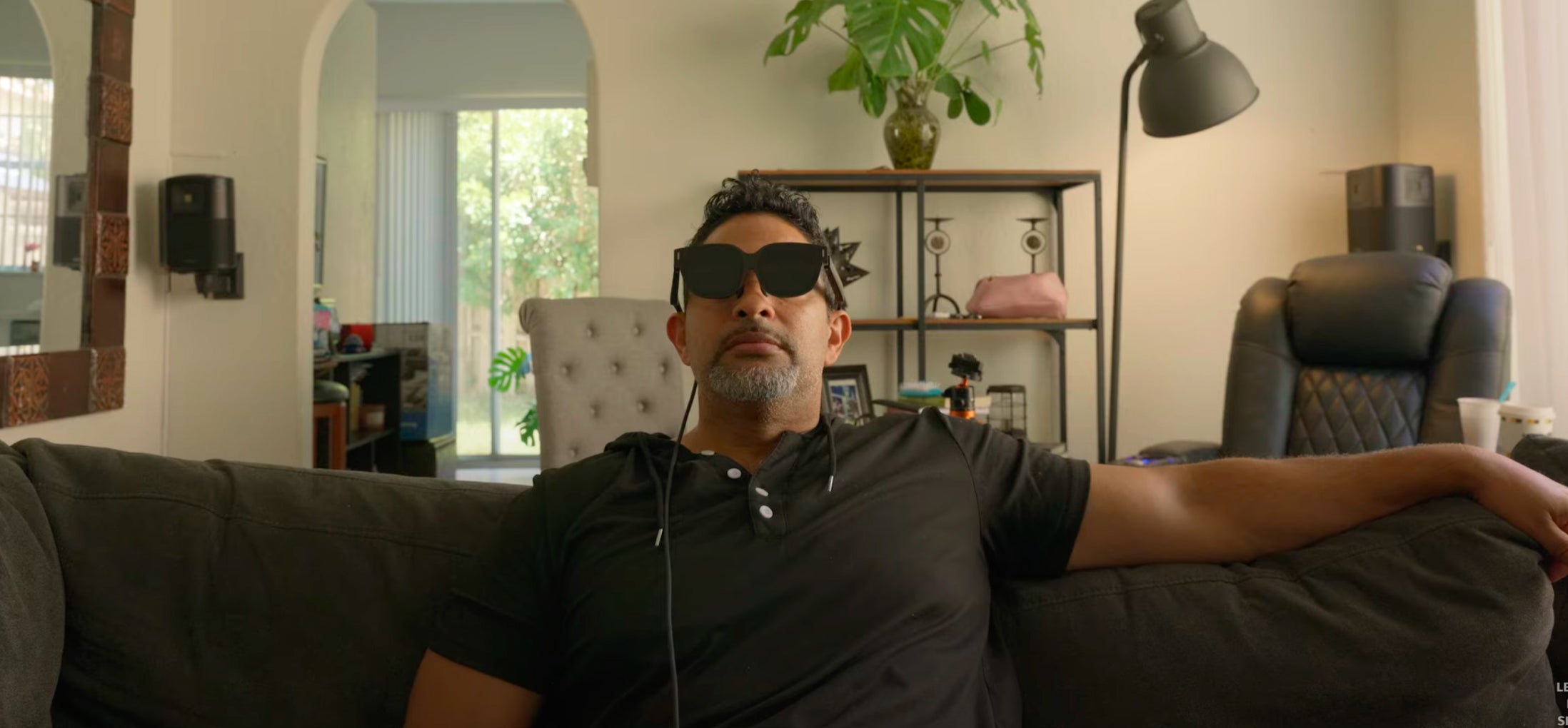
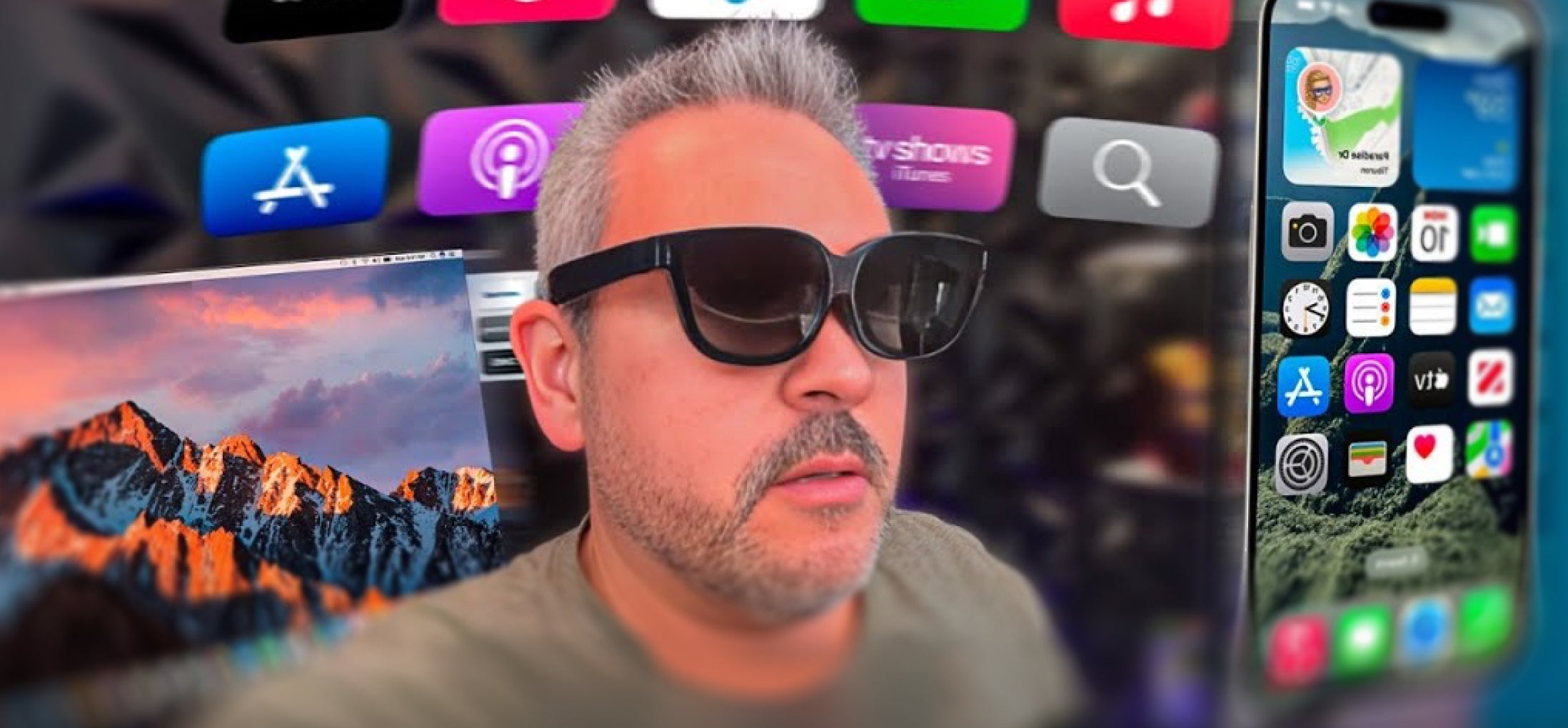
[ANYWHERE BIG SCREEN, MULTIPLE VIRTUAL SCREENS]: Whether you’re connected to a smartphone or PC, unlock a stunning 135-inch, 120Hz ultra-high-definition personal display anytime, anywhere.

Free Shipping

30-Day Return

1-Year Warranty

Pay with Ease


Recommended accessories
Pairs well with
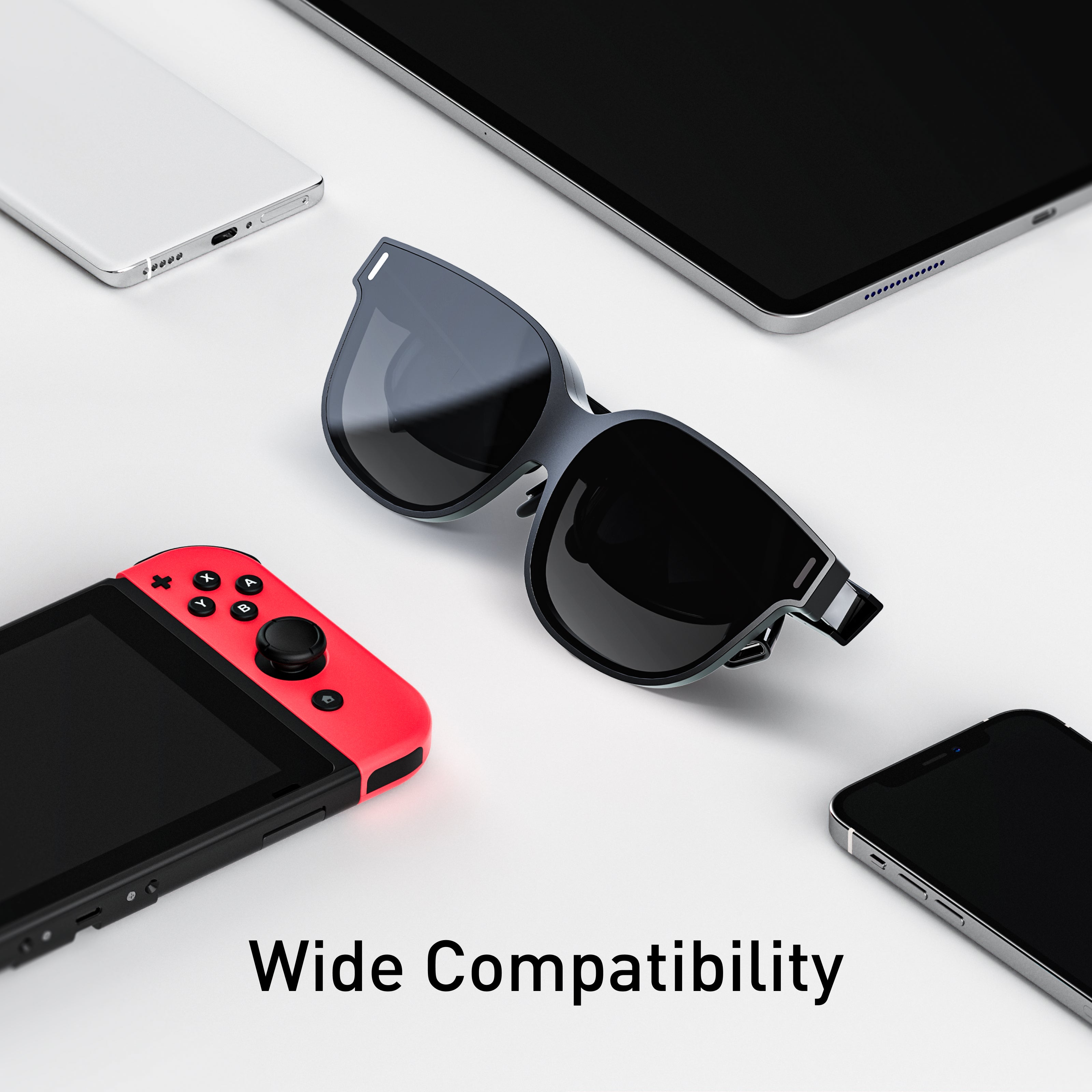
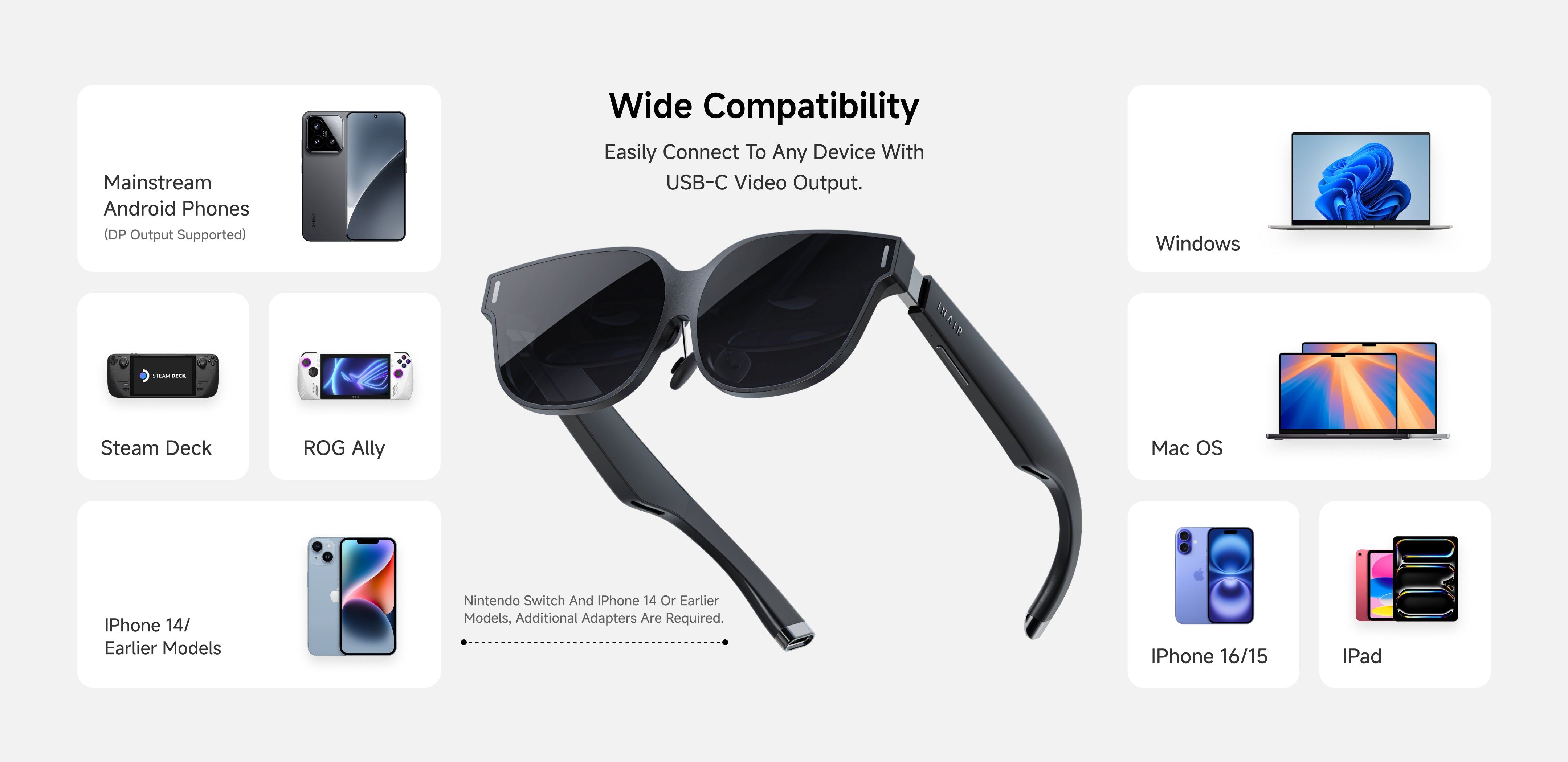
Compatibility
INAIR 2 Pro Compatibility
Android Devices with USB-CDP Port
Android phones/tablets equipped with a USB-C port that supports DisplayPort (DP) output can directly connect to INAIR2/INAIR2Pro.
Brand Models:
HUAWEI: Mate60 Pro, Mate50, Mate50 Pro, P50 Pro, P50E, P50 Pocket, Mate 40, Mate40 Pro, P40, P40 Pro, Mate30, Mate30E 5G, Mate30 Pro 5G, P30, P30 Pro, Mate20, Mate20 Pro, Mate20X, P20, P20 Pro, MateX, MateX2, MateXs, P60 Pro, Pocket S, Pocket 2, Pura 70, Pura 70 Pro, Pura 70 Pro+, Pura 70 Ultra, Pura 80 Ultra
HONOR: Magic5 Pro, Magic5 Pro+ Ultimate Edition, Magic 4, Magic4 Pro, Magic5 Pro+ Ultimate Edition, MagicV, MagicVs, MagicVs Ultimate Edition, Magic3, Magic3 Pro, Magic3 Pro+ Ultimate Edition
vivo: X80 Pro, X Find, X90 Pro+, XNOTE
OPPO: FindX6 Pro, FindX5, FindX5 Pro, FindX3, FindX3 Pro, FindX2, FindX2 Pro
SAMSUNG: Galaxy Z Fold4, Galaxy Z Fold3 5G, Z Fold2 5G, Galaxy S23, Galaxy S23+, Galaxy S23 Ultra, Galaxy S22, Galaxy S22+ 5G, Galaxy S22 Ultra 5G, Galaxy S21 5G, Galaxy S21+ 5G, Galaxy S21 Ultra 5G, Galaxy S20 5G, Galaxy S20+, Galaxy S20 Ultra 5G, Galaxy W22 5G, Galaxy S10, Galaxy S10+, Galaxy S9, Galaxy S9+, Galaxy S8, Galaxy S8+, Galaxy Note20, Galaxy Note20 Ultra 5G, Galaxy Note 10, Galaxy Note10+, Galaxy Note 9, Galaxy Note 8, Galaxy Fold, Galaxy A90, Galaxy S23 FE, Galaxy S24, Galaxy S24+, Galaxy S24 Ultra, Galaxy S24 FE, Galaxy S25, Galaxy S25+, Galaxy S25 Ultra, Galaxy S25 Edge, Galaxy Z Fold5, Galaxy Z Fold6, Galaxy Z Fold7, Galaxy Z Flip7, Galaxy Z TriFold
LG: V50S ThinQ 5G, V60 ThinQ 5G, V20, V35 ThinQ, V40 ThinQ, V50 ThinQ 5G, V30, V30S+ ThinQ, Wing 5G, G8X ThinQ
SONY: Xperia 10 II, Xperia 5, Xperia 5 II, Xperia 5 III, Xperia 5 IV, Xperia 1, Xperia 1 II, Xperia 1 III, Xperia 1 IV, Xperia Pro, Xperia Pro-I
OnePlus: 9, 9 R, 9 Pro, 8, 8T, 8 Pro, 7, 7T, 7 Pro
ASUS: ROG Phone 5, ROG Phone 5s, ROG Phone, ROG Phone III, ROG Phone 3, ZenFone 3 Ultra, ZenFone AR
MOTOROLA: Edge X30, Edge S30, Edge S Pro, G200
ZTE: ZTE Axon 30 Pro 5G, ZTE Axon 40 Pro, ZTE Axon 40 Ultra
Xiaomi flagship series:
- Includes: Xiaomi 14 / 15 / 17 series
- Excludes: most Redmi / POCO models
Apple Devices with USB-CDP Port
Brand Models:
iPad mini:
- iPad mini 6
- iPad mini A17 Pro
- Excludes: iPad mini 5 and earlier
iPad Air:
- iPad Air 4
- iPad Air 5
- iPad Air 11-inch / 13-inch M2
- iPad Air 11-inch / 13-inch M3
- Excludes: iPad Air 3 and earlier
iPad Pro 11-inch:
- 11-inch iPad Pro 1st generation
- 11-inch iPad Pro 2nd generation
- 11-inch iPad Pro 3rd generation
- 11-inch iPad Pro 4th generation
- 11-inch iPad Pro M4
- Excludes: older Lightning-port iPad Pro models
iPad Pro 12.9-inch / 13-inch:
- 12.9-inch iPad Pro 3rd generation
- 12.9-inch iPad Pro 4th generation
- 12.9-inch iPad Pro 5th generation
- 12.9-inch iPad Pro 6th generation
- 13-inch iPad Pro M4
- Excludes: 12.9-inch iPad Pro 1st / 2nd generation
iPhone 15 / 16 / 17 series(Excludes: iPhone 14 and earlier, iPhone SE, iPhone 16e, iPhone Air)
Apple MacBook DevicesMacBook series models with M-seriesor newer Apple Silicon chips chips can directly connect to INAIR2/INAIR2Pro
Brand Models:
- Includes: MacBook Air, MacBook Pro, Mac mini, iMac, Mac Studio
- Excludes: older Macs without USB-C / Thunderbolt video output
Gaming Devices:
- Handheld Gaming Consoles: Steam Deck and Windows handheld gaming consoles can directly connect to INAIR2/INAIR2Pro.
- Gaming Consoles: Nintendo Switch requires an INAIR Hub adapter to connect to INAIR2/INAIR2Pro.
Brand Models:
- Handheld Gaming Console: Steam Deck
- Gaming Consoles: Nintendo Switch, Switch OLED
- PC
Windows Laptops
Windows laptops equipped with a USB-C DP output port can directly connect to INAIR2/INAIR2Pro.
Brand Models:
- Windows Laptops (with DP-enabled USB-C port)
Tech Specification
INAIR 2 Pro
- Field Of View: 46° FOV
- Clarity: 49 PPD / 120 Hz Refresh Rate
- Display: Immersive 135-Inch Virtual Screen
- Weight: 80 G Lightweight Design
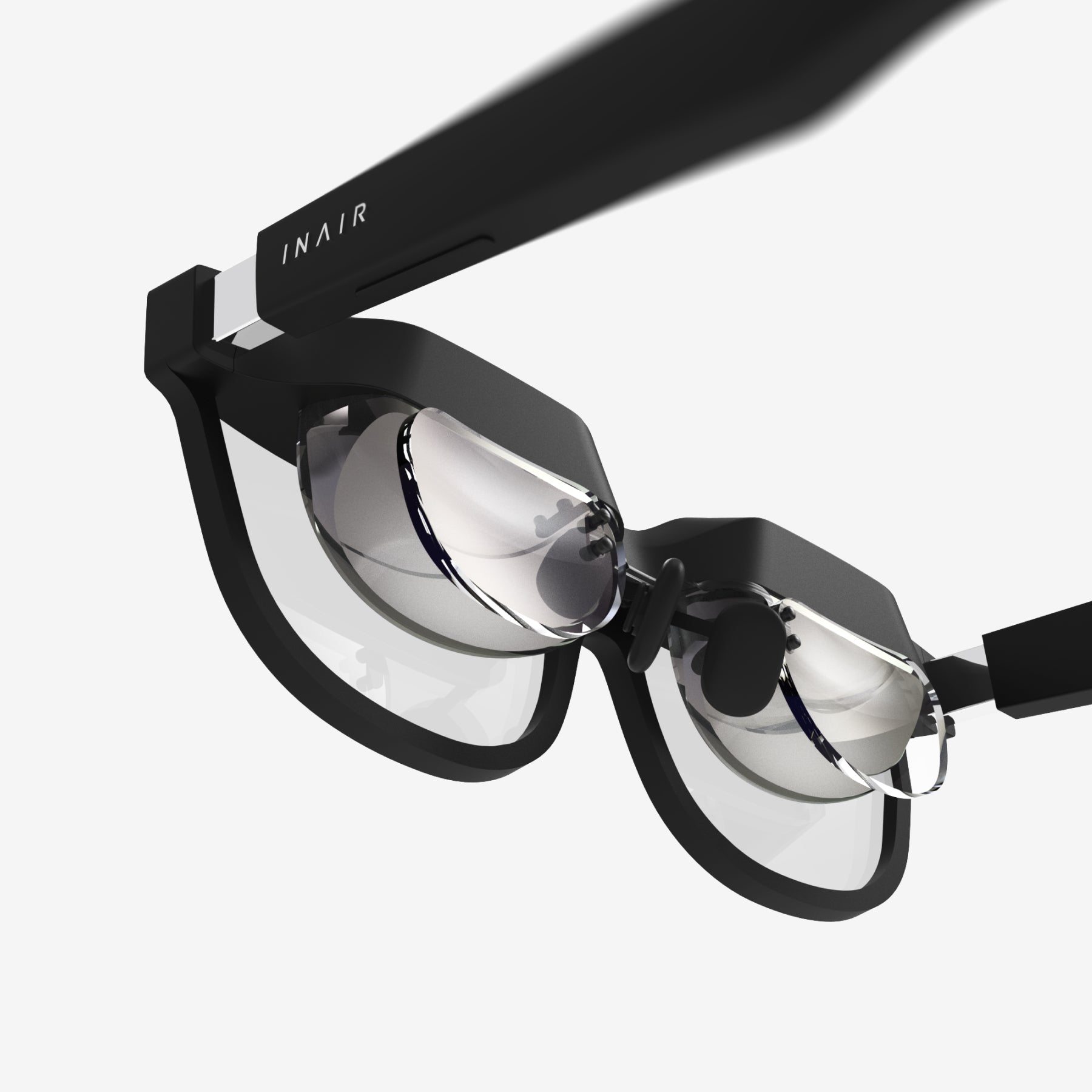
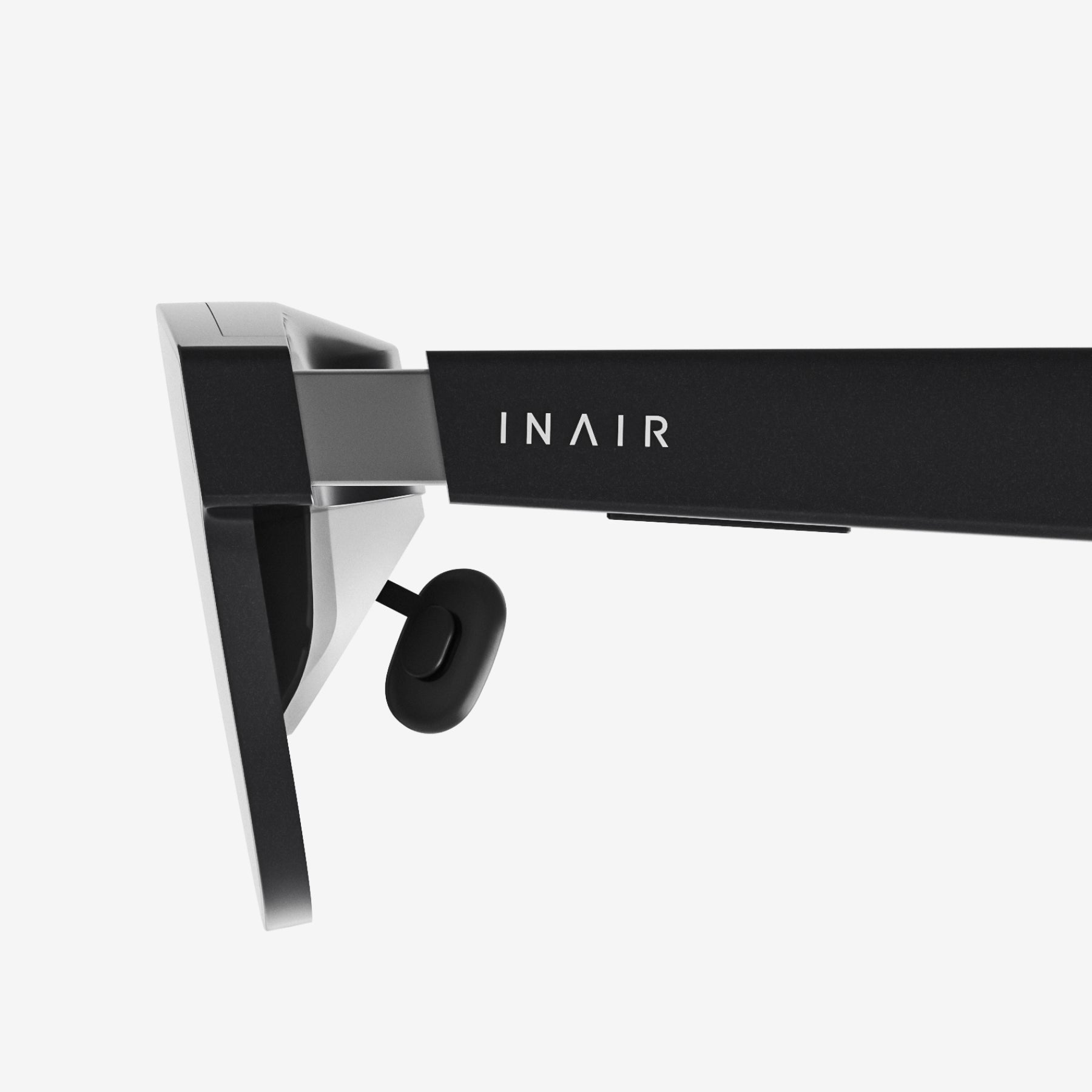
- Interaction: Adjustable Temples And Nose Pads
- Comfort: SGS Low Visual Fatigue Certified
What's Included
INAIR AR Glasses × 1
Portable Glasses Case × 1
Microfiber Cleaning Cloth × 1
User Manual × 1
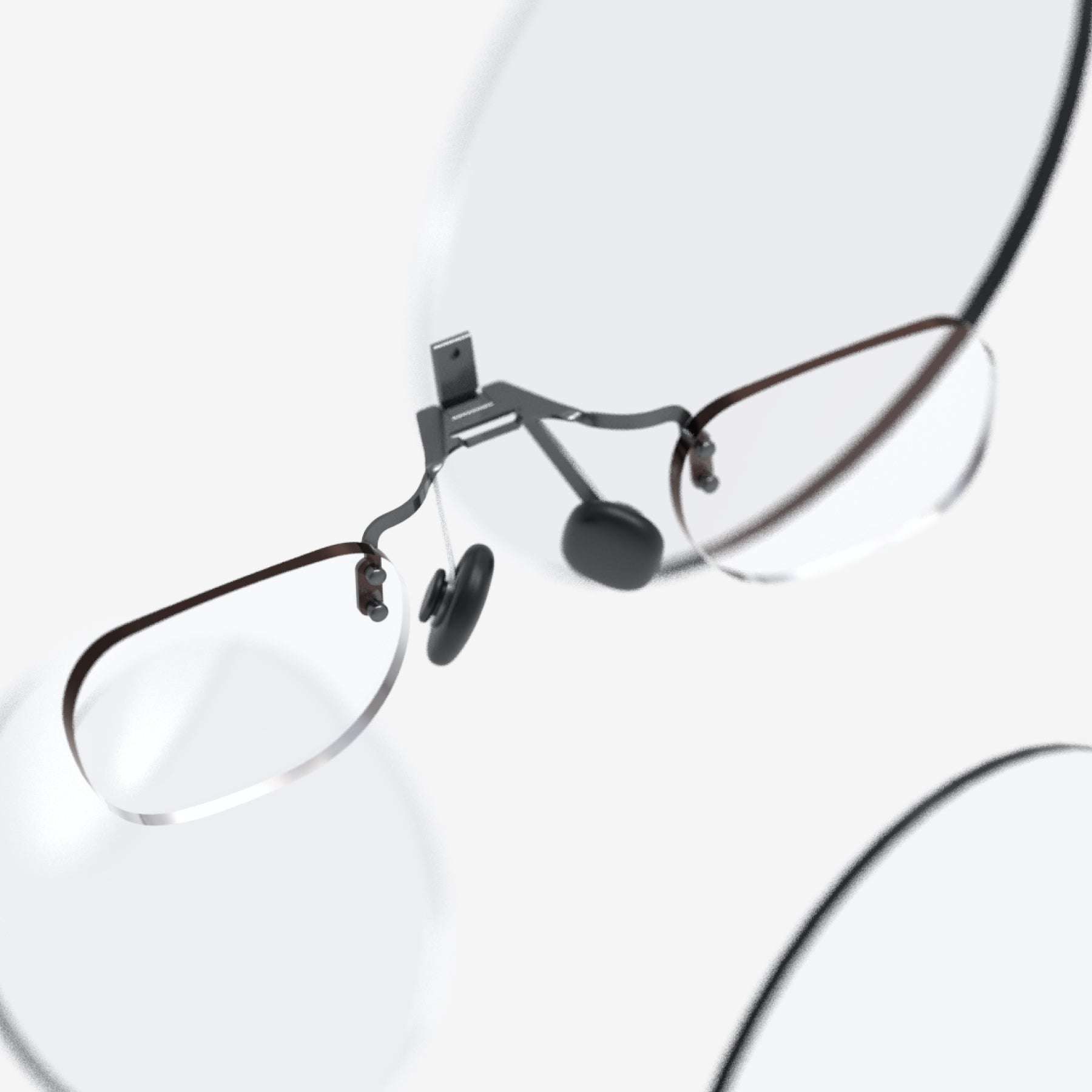
Uncut Lenses × 1
Nose Pads (Different Sizes) × 2
Type-C Cable × 1
Shipping, Duties & Returns
Delivery & Shipping
US Free Shipping (2-8 Business Days)
Worldwide Shipping available. Enjoy Shipping(2-8 Business Days)after shipped out, and shipping time depends on your Destination.
Notes: Customized lenses ship separately and arrive in 6–12 business days. Please note: Customized products are non-refundable and non-exchangeable.
Duties
Import duties and taxes are determined by each country's customs authority and may vary by region.
• International Orders: Additional duties or taxes may apply and are collected by local customs authorities if required.
• We are continuously working to expand duty-included shipping to more regions.
Returns
- Free 30-Day Returns for your peace of mind.
- For complete details, please refer to our full Shipping & Return Policy.












Tech Specification


FAQs
Is INAIR 2Pro universally compatible?
Tip: Our glasses require a device with Type-C video output. Since compatibility varies by brand and model, we can’t guarantee every device will work. To be sure, please check your device’s specifications on the official website or with the manufacturer’s support team.
INAIR 2 Series Compatibility List:
Android Devices with USB-C DP Port
Android phones/tablets equipped with a USB-C port that supports DisplayPort (DP) output can directly connect to INAIR2/INAIR2Pro.
Brand Models:
- HUAWEI: Mate60 Pro, Mate50, Mate50 Pro, P50 Pro, P50E, P50 Pocket, Mate 40, Mate40 Pro, P40, P40 Pro, Mate30, Mate30E 5G, Mate30 Pro 5G, P30, P30 Pro, Mate20, Mate20 Pro, Mate20X, P20, P20 Pro, MateX, MateX2, MateXs, P60 Pro
- HONOR: Magic5 Pro, Magic5 Pro+ Ultimate Edition, Magic 4, Magic4 Pro, Magic5 Pro+ Ultimate Edition, MagicV, MagicVs, MagicVs Ultimate Edition, Magic3, Magic3 Pro, Magic3 Pro+ Ultimate Edition
- vivo: X80 Pro, X Find, X90 Pro+, XNOTE
- OPPO: FindX6 Pro, FindX5, FindX5 Pro, FindX3, FindX3 Pro, FindX2, FindX2 Pro
- SAMSUNG: Galaxy Z Fold4, Galaxy Z Fold3 5G, Z Fold2 5G, Galaxy S23, Galaxy S23+, Galaxy S23 Ultra, Galaxy S22, Galaxy S22+ 5G, Galaxy S22 Ultra 5G, Galaxy S21 5G, Galaxy S21+ 5G, Galaxy S21 Ultra 5G, Galaxy S20 5G, Galaxy S20+, Galaxy S20 Ultra 5G, Galaxy W22 5G, Galaxy S10, Galaxy S10+, Galaxy S9, Galaxy S9+, Galaxy S8, Galaxy S8+, Galaxy Note20, Galaxy Note20 Ultra 5G, Galaxy Note 10, Galaxy Note10+, Galaxy Note 9, Galaxy Note 8, Galaxy Fold, Galaxy A90
- LG: V50S ThinQ 5G, V60 ThinQ 5G, V20, V35 ThinQ, V40 ThinQ, V50 ThinQ 5G, V30, V30S+ ThinQ, Wing 5G, G8X ThinQ
- SONY: Xperia 10 II, Xperia 5, Xperia 5 II, Xperia 5 III, Xperia 5 IV, Xperia 1, Xperia 1 II, Xperia 1 III, Xperia 1 IV, Xperia Pro, Xperia Pro-I
- OnePlus: 9, 9 R, 9 Pro, 8, 8T, 8 Pro, 7, 7T, 7 Pro
- ASUS: ROG Phone 5, ROG Phone 5s, ROG Phone, ROG Phone III, ROG Phone 3, ZenFone 3 Ultra, ZenFone AR
- MOTOROLA: Edge X30, Edge S30, Edge S Pro, G200
- ZTE: ZTE Axon 30 Pro 5G, ZTE Axon 40 Pro, ZTE Axon 40 Ultra
- MI: Xiaomi 14
Apple Devices with USB-C DP Port
iPads equipped with a USB-C port and M1/M2 chips can directly connect to INAIR2/INAIR2Pro.
Brand Models:
- iPad mini 6
- iPad Air 4/5
- 11-inch iPad Pro 1/2/3
- 12.9-inch iPad Pro 3/4/5
- iPhone 15 series and above are supported (all models)
Apple MacBook DevicesMacBook series models with M-series chips can directly connect to INAIR2/INAIR2Pro.
Brand Models:
- M1/M2 chip MacBook Series
Gaming Devices
- Handheld Gaming Consoles: Steam Deck and Windows handheld gaming consoles can directly connect to INAIR2/INAIR2Pro.
- Gaming Consoles: Nintendo Switch requires an INAIR Hub adapter to connect to INAIR2/INAIR2Pro.
Brand Models:
- Handheld Gaming Console: Steam Deck
- Gaming Consoles: Nintendo Switch, Switch OLED
- PC
Windows Laptops
Windows laptops equipped with a USB-C DP output port can directly connect to INAIR2/INAIR2Pro.
Brand Models:
- MacBook (Intel chip models)
- Windows Laptops (with DP-enabled USB-C port)
How’s the battery life?
Here's a breakdown of the battery life forINAIR 2 Pro AR Glasses:No Built-in Battery in the Glasses Themselves. The INAIR 2 Pro AR Glasses do not have their own internal battery. They require a connection to a compatible device that can supply both power and video output. To use them, you'll need a device that supports DisplayPort over USB-C.
What should I do if I see content blurry as well as have a need for optical correction?
You can customized your lenses here.
Why do I see double vision (ghosting) through the glasses?
Our IPD (interpupillary distance) range is 57mm–70mm. If your IPD is outside this range, ghosting may occur. In addition, the temples have a 3-level vertical adjustment. If the left and right screens are not aligned at the same height, it can also cause ghosting.
Why do apps randomly appear on the glasses screen in ultra-wide mode, causing display issues?
Use three-finger swipe up, tap the “+” in the top right corner to create a new desktop, then right-click the app icon → Options → Assign to “Desktop of Monitor 1”. This will keep apps on the main desktop.

