

INAIR 2 Elite Suite
World's First And Finest AI Spatial Computer
"Great!!Good quality and first impression is it'sa great product."


Transportation services to the UAE, Bahrain, Kuwait, Qatar, and Israel are currently suspended. We will notify you immediately once services resume.
Have questions about buying?
Consult with INAIR Specialist↗
30-Day Return

1-Year Warranty

Pay with Ease
Description
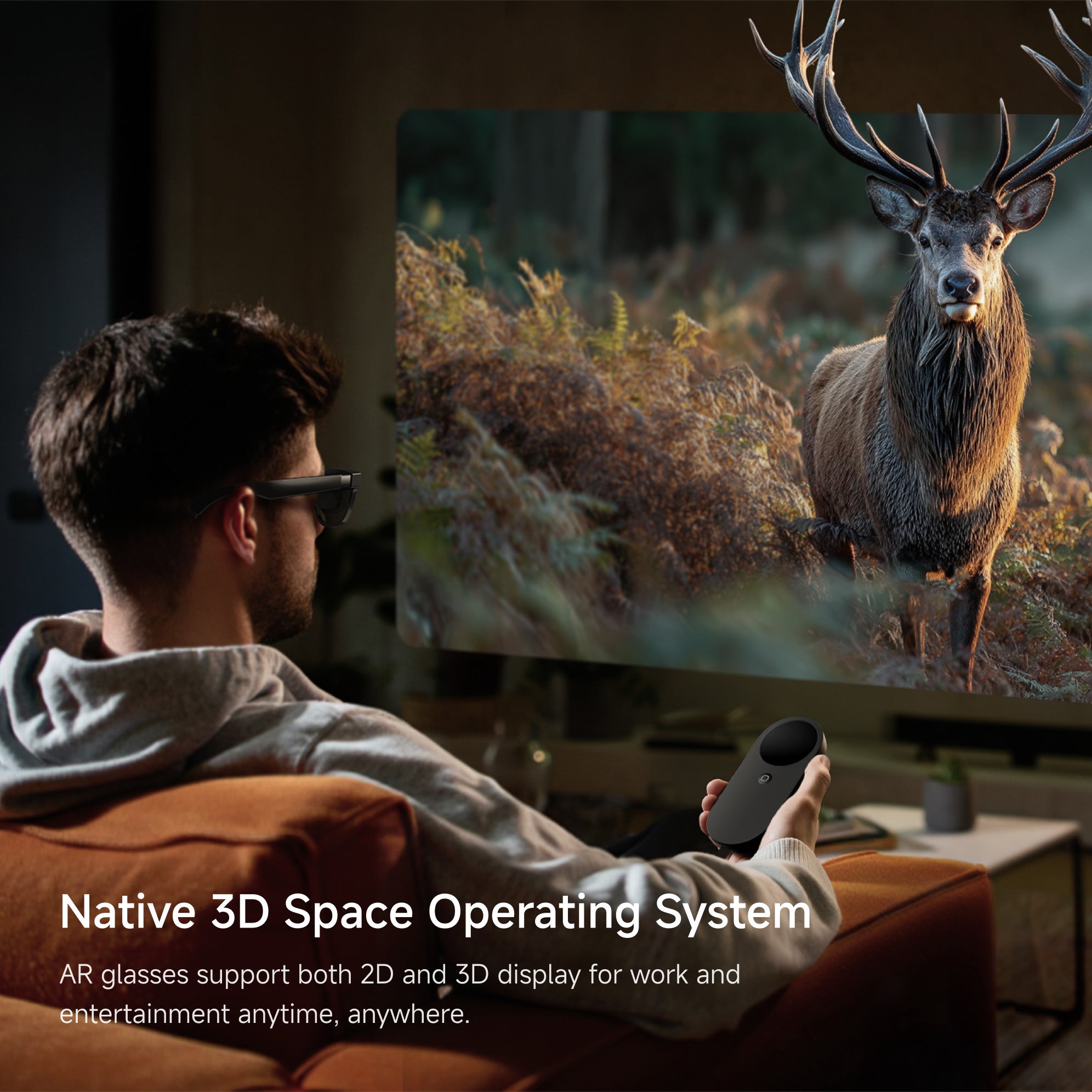
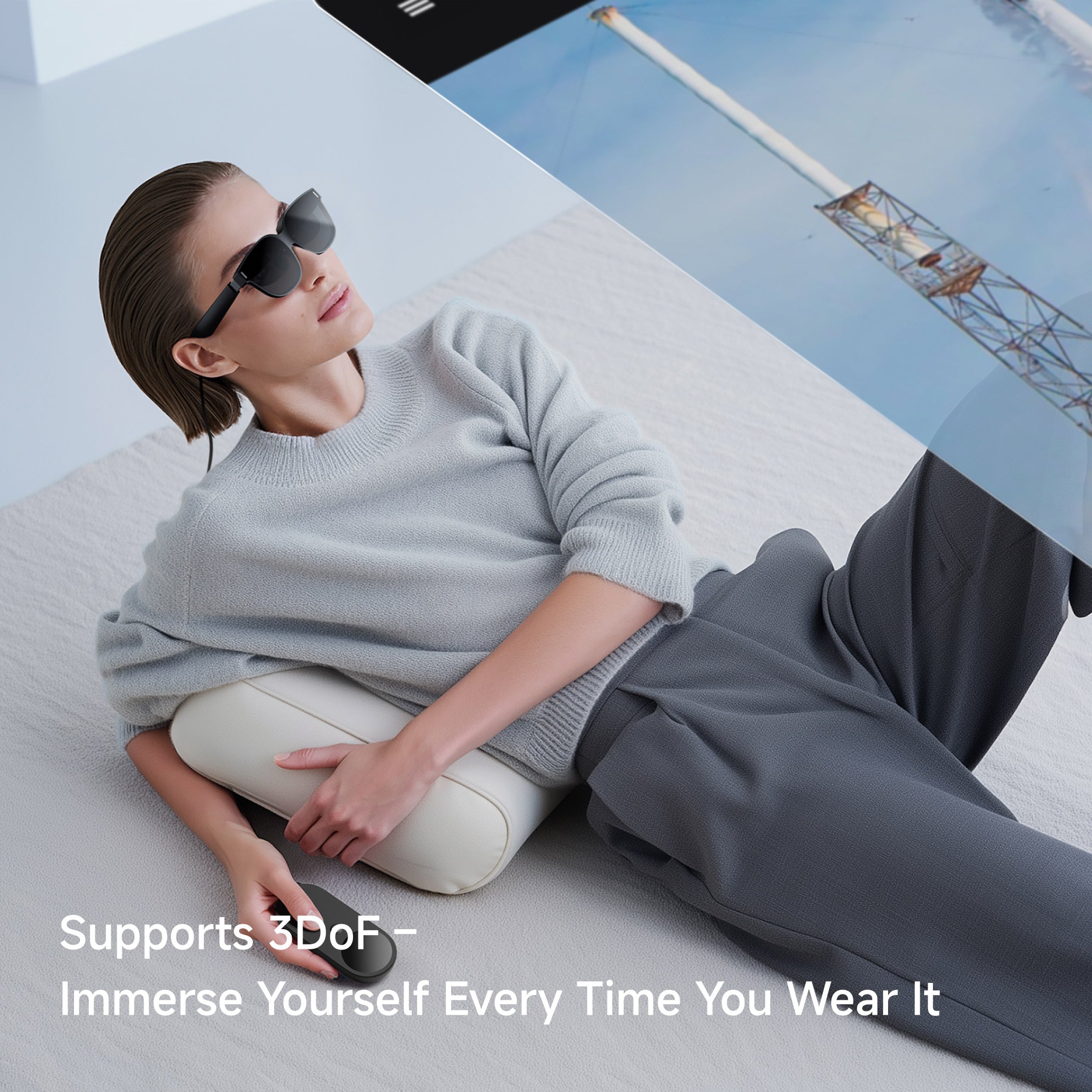
All-in-One Standard Set.The ultimate fusion of AI and AR: a Spatial Computer that adapts to your lifestyle. Enjoy a 135-inch virtual display, seamless PC streaming, real-time 3D powered by AI, and limitless apps—all protected with next-gen security.
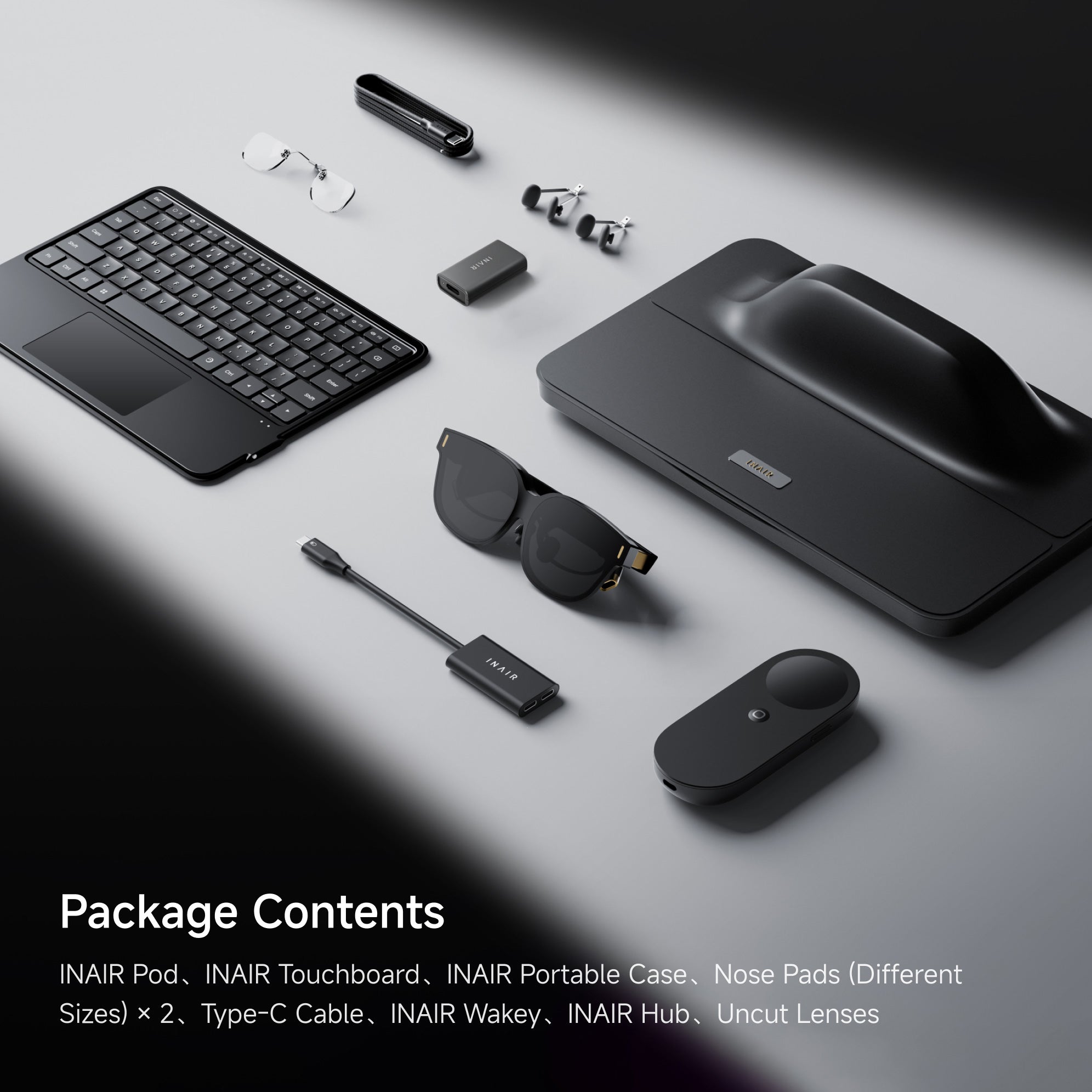
What's Included
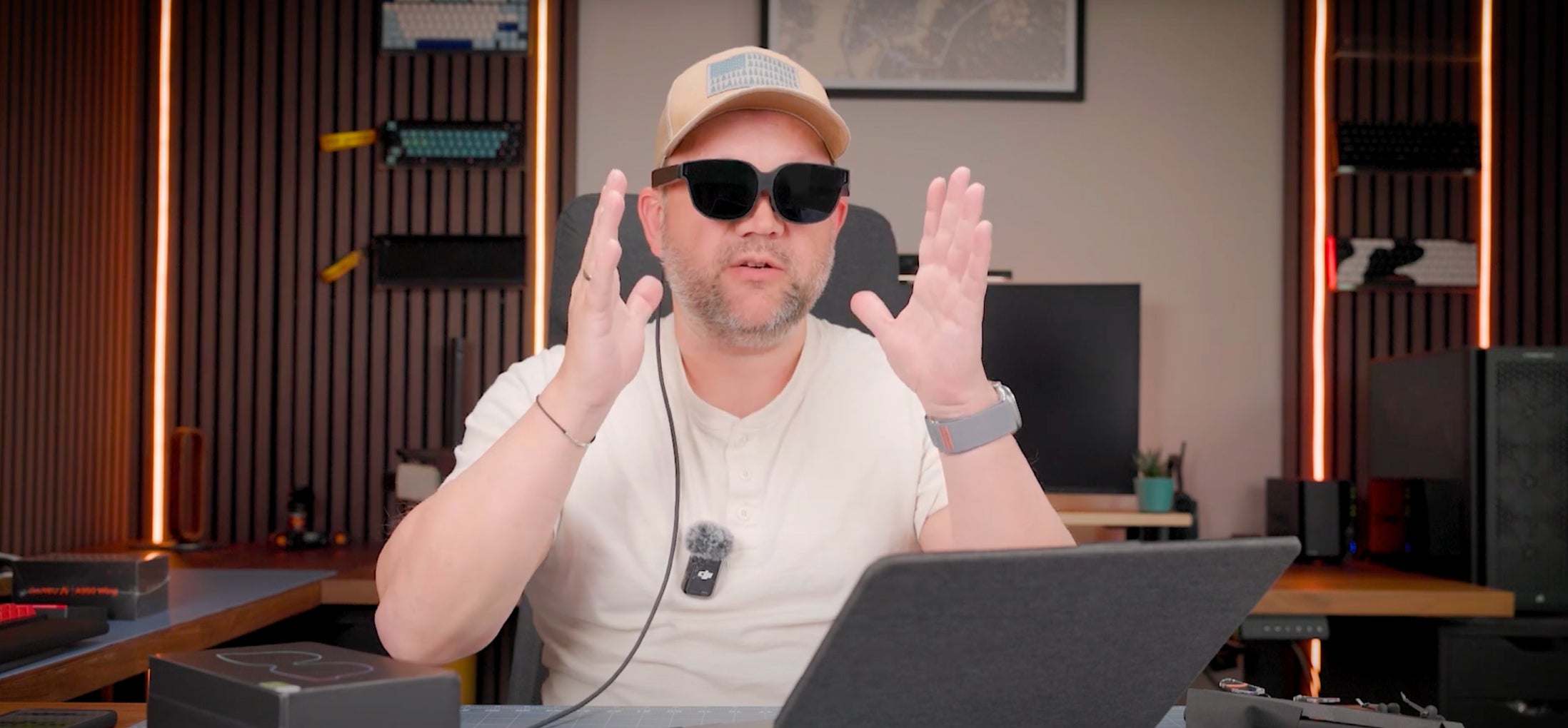
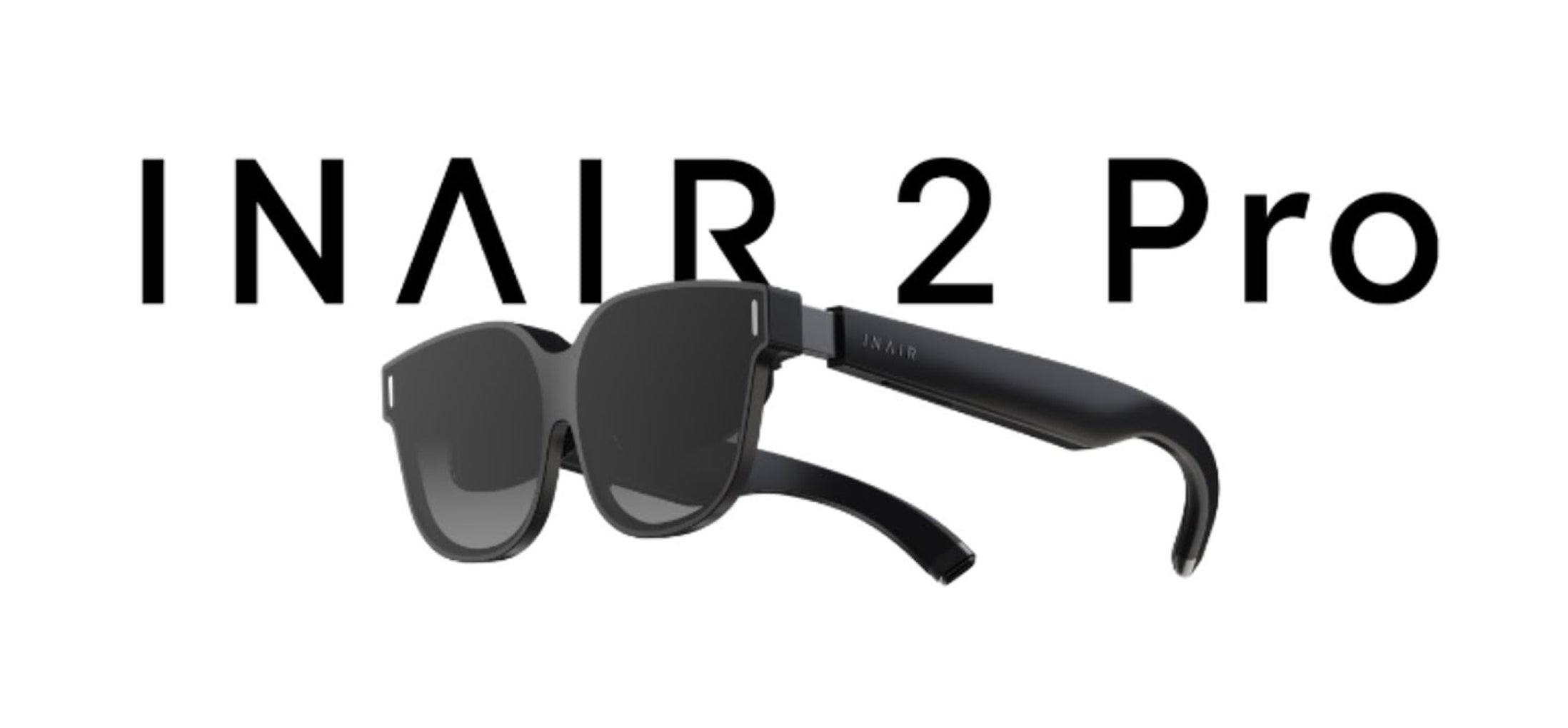
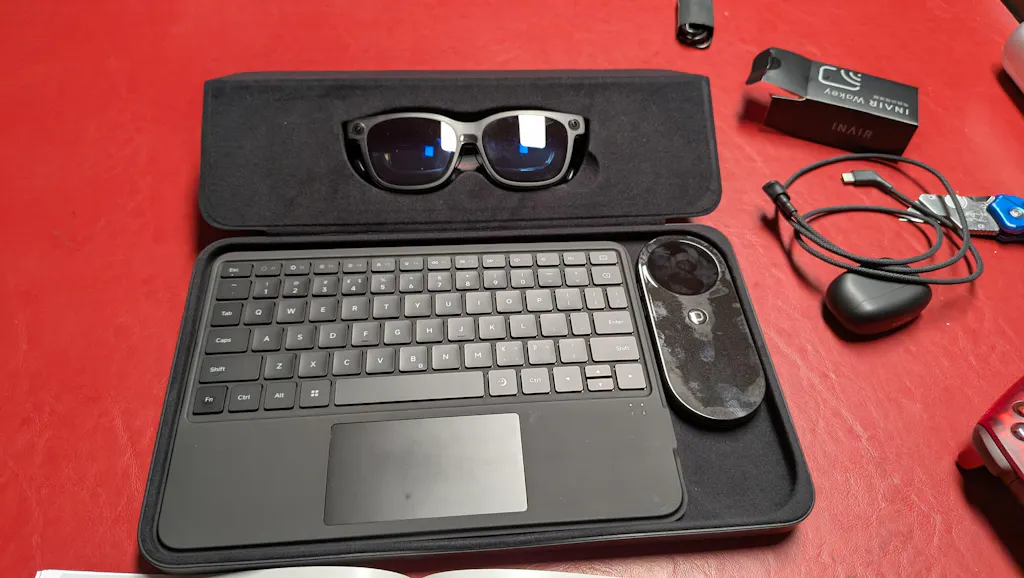
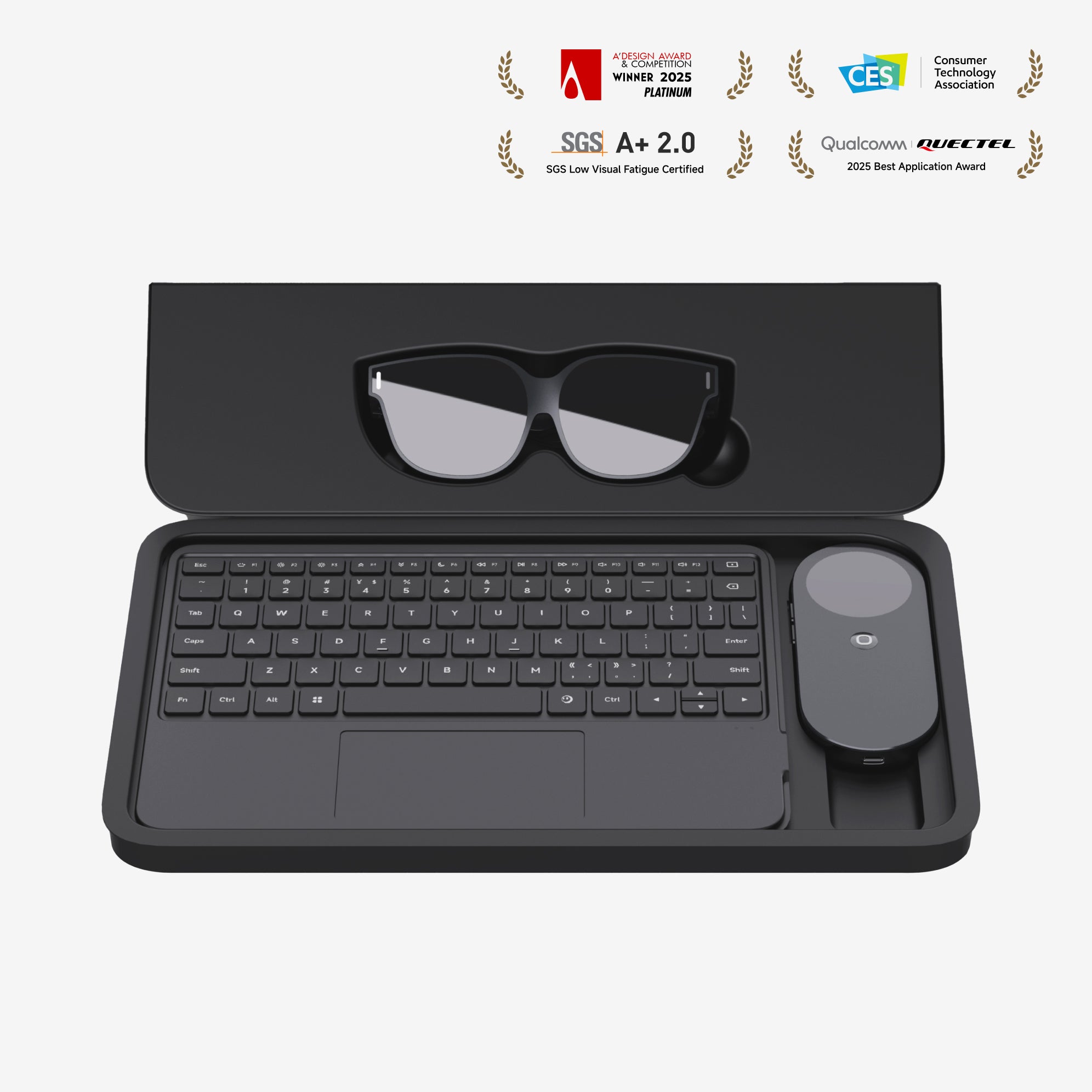
INAIR 2 Pro Glasses X 1
INAIR Pod X 1
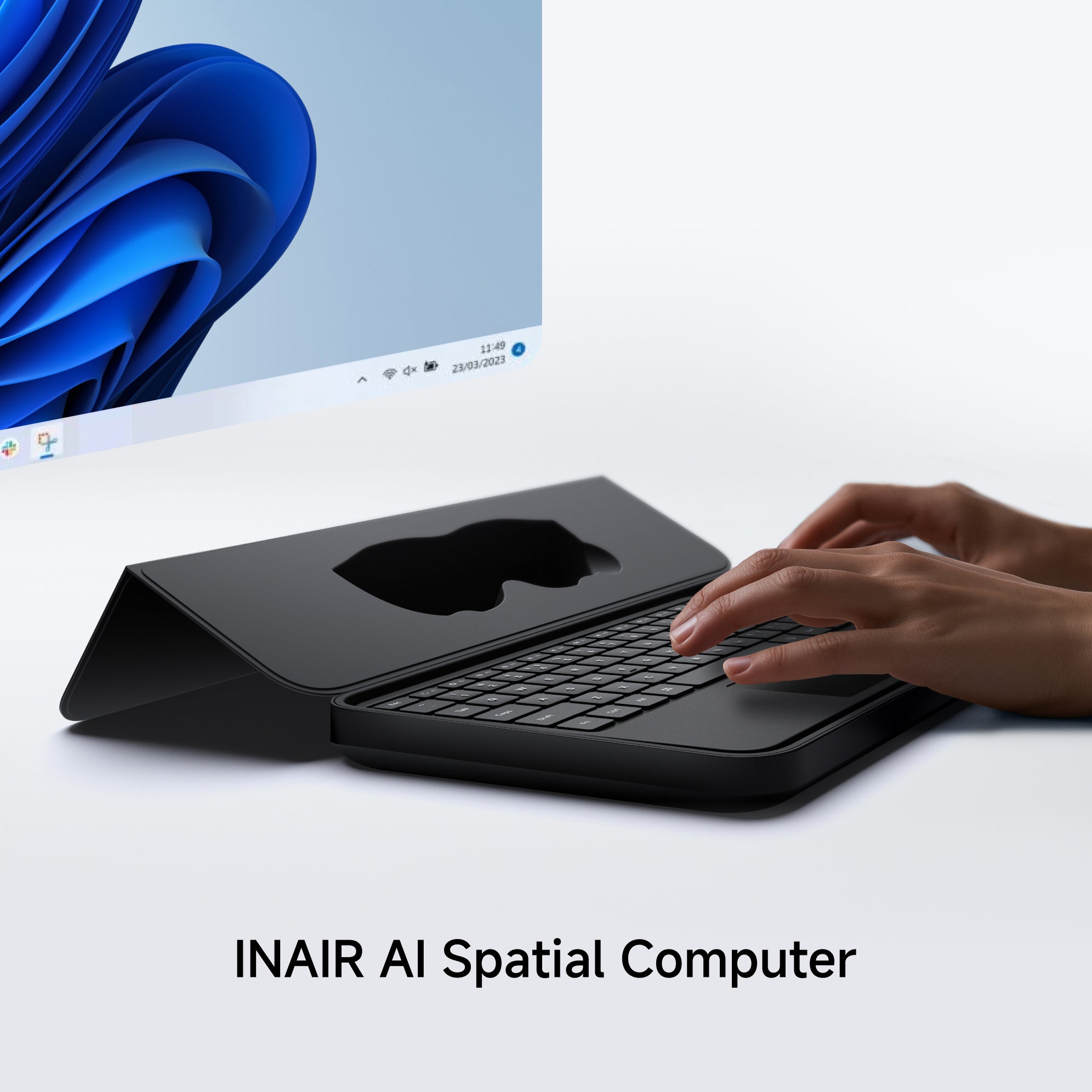
INAIR Touchboard X 1
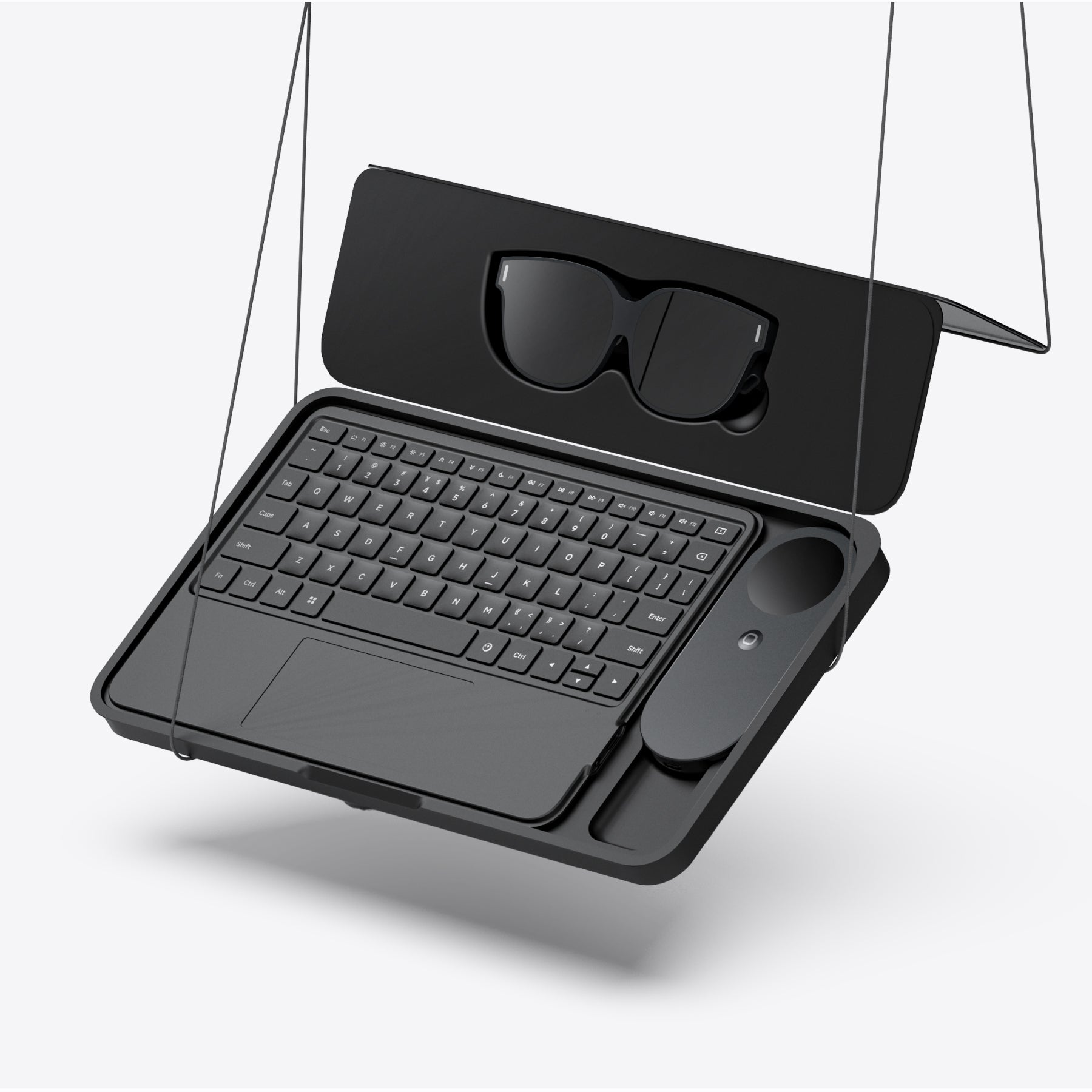
INAIR Portable Case X 1
Nose Pads (Different Sizes) X 2
Type-C Cable X 1
INAIR Wakey X 1
INAIR Hub X 1
Uncut Lenses X 1
Compatibility
Seamless Device Integration
- Supports Bluetooth keyboards, mice, and game controllers, enabling smooth control across various scenarios.
Extensive App Ecosystem
- Powered by an Android-based system, INAIR Pod is compatible with a wide range of Android applications for entertainment, productivity, and gaming.
Remote Streaming Notes
- Remote cross-network streaming performance may vary in certain regions due to local carrier network limitations.
- If you experience connection or pairing issues, try switching to another mobile or Wi-Fi carrier network.
- Our R&D team is continuously enhancing global network adaptation, and broader remote streaming compatibility will roll out in future updates.
Tech Specification
INAIR 2 Pro
- Field Of View: 46° FOV
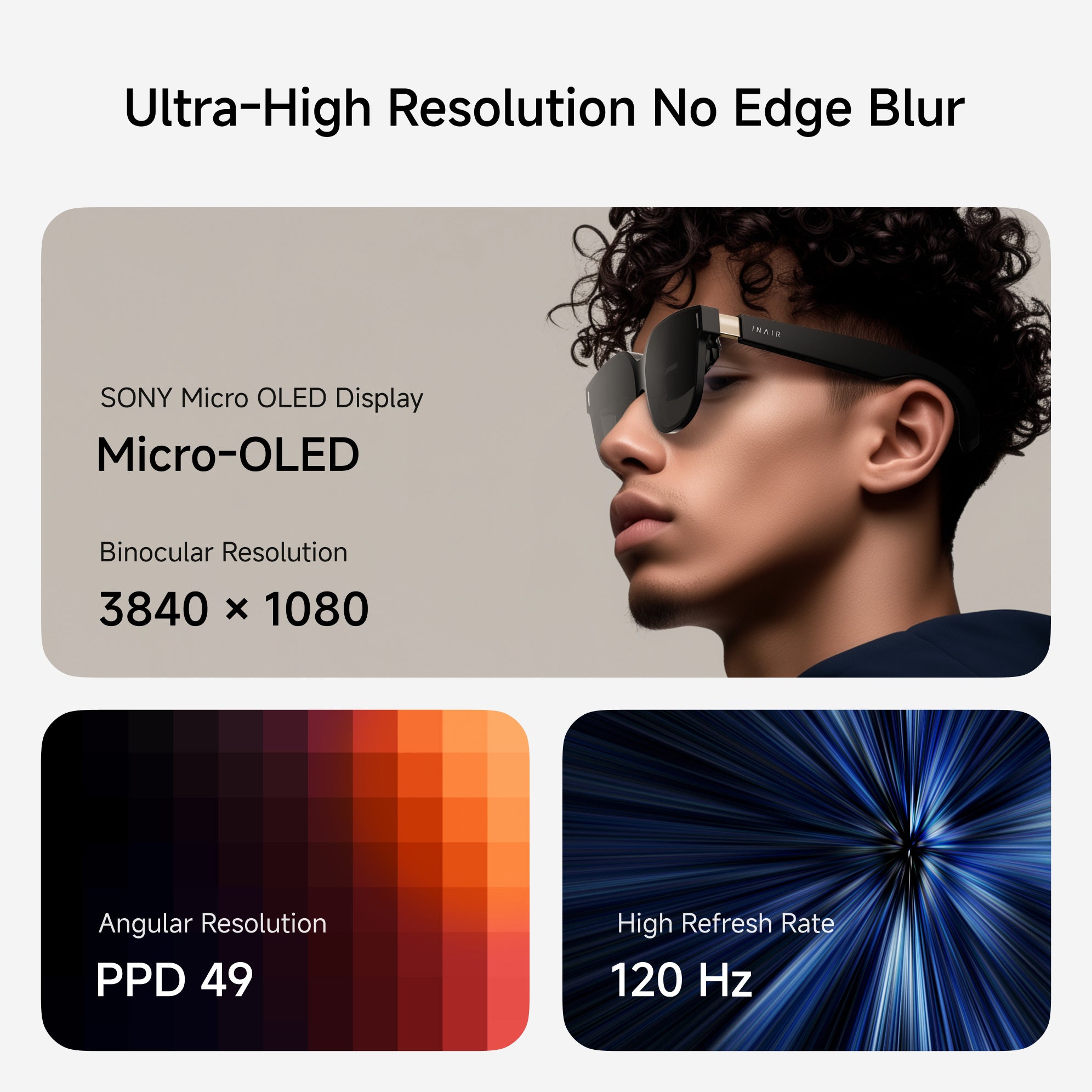
- Clarity: 49 PPD / 120 Hz Refresh Rate
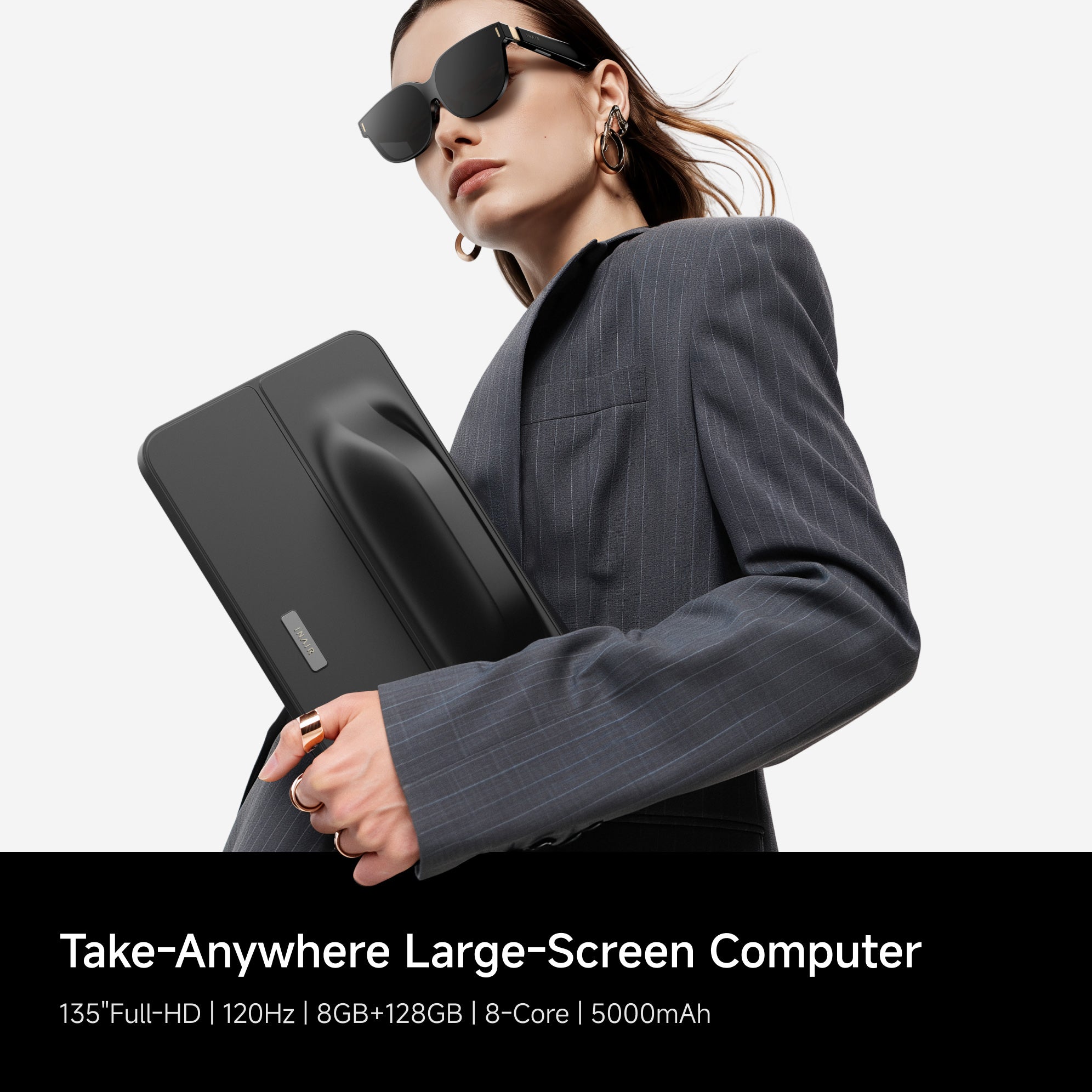
- Display: Immersive 135-Inch Virtual Screen
- Weight: 80 G Lightweight Design
- Interaction: Adjustable Temples And Nose Pads
- Comfort: SGS Low Visual Fatigue Certified
INAIR Pod
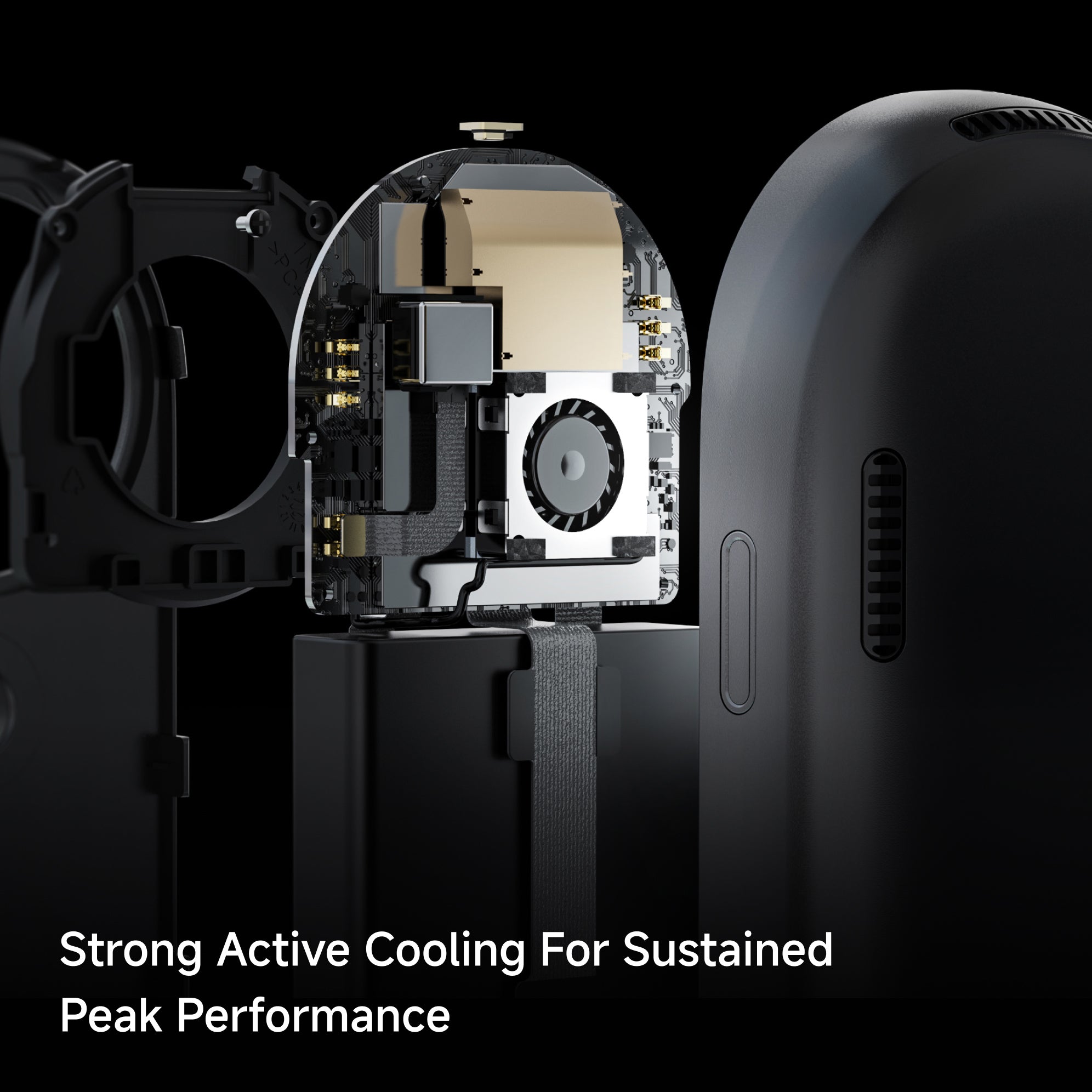
- Processor: Qualcomm Snapdragon 8-Core
- Interaction: Touch Display + Spatial Pointing + Haptic Feedback
- Power & Battery: 5000 mAh, up to 20 Days Standby (high-performance host)
- Memory: 8GB RAM + 128GB Storage
- Privacy: Fingerprint Unlock, Secure User Data
INAIR Touchboard
· Battery Capacity:≤999mAh
· Power Supply Method:Rechargeable Battery
· Connectivity:Bluetooth
· Number of Keys:71-80 keys
· Compatible Systems:Windows, macOS, Android
· Simultaneous Connections:1 device
INAIR 2 Pro Compatibility
INAIR 2 Series Compatibility List:
Android Devices with USB-C DP Port
Android phones/tablets equipped with a USB-C port that supports DisplayPort (DP) output can directly connect to INAIR2/INAIR2Pro.
Brand Models:
- HUAWEI: Mate60 Pro, Mate50, Mate50 Pro, P50 Pro, P50E, P50 Pocket, Mate 40, Mate40 Pro, P40, P40 Pro, Mate30, Mate30E 5G, Mate30 Pro 5G, P30, P30 Pro, Mate20, Mate20 Pro, Mate20X, P20, P20 Pro, MateX, MateX2, MateXs, P60 Pro
- HONOR: Magic5 Pro, Magic5 Pro+ Ultimate Edition, Magic 4, Magic4 Pro, Magic5 Pro+ Ultimate Edition, MagicV, MagicVs, MagicVs Ultimate Edition, Magic3, Magic3 Pro, Magic3 Pro+ Ultimate Edition
- vivo: X80 Pro, X Find, X90 Pro+, XNOTE
- OPPO: FindX6 Pro, FindX5, FindX5 Pro, FindX3, FindX3 Pro, FindX2, FindX2 Pro
- SAMSUNG: Galaxy Z Fold4, Galaxy Z Fold3 5G, Z Fold2 5G, Galaxy S23, Galaxy S23+, Galaxy S23 Ultra, Galaxy S22, Galaxy S22+ 5G, Galaxy S22 Ultra 5G, Galaxy S21 5G, Galaxy S21+ 5G, Galaxy S21 Ultra 5G, Galaxy S20 5G, Galaxy S20+, Galaxy S20 Ultra 5G, Galaxy W22 5G, Galaxy S10, Galaxy S10+, Galaxy S9, Galaxy S9+, Galaxy S8, Galaxy S8+, Galaxy Note20, Galaxy Note20 Ultra 5G, Galaxy Note 10, Galaxy Note10+, Galaxy Note 9, Galaxy Note 8, Galaxy Fold, Galaxy A90
- LG: V50S ThinQ 5G, V60 ThinQ 5G, V20, V35 ThinQ, V40 ThinQ, V50 ThinQ 5G, V30, V30S+ ThinQ, Wing 5G, G8X ThinQ
- SONY: Xperia 10 II, Xperia 5, Xperia 5 II, Xperia 5 III, Xperia 5 IV, Xperia 1, Xperia 1 II, Xperia 1 III, Xperia 1 IV, Xperia Pro, Xperia Pro-I
- OnePlus: 9, 9 R, 9 Pro, 8, 8T, 8 Pro, 7, 7T, 7 Pro
- ASUS: ROG Phone 5, ROG Phone 5s, ROG Phone, ROG Phone III, ROG Phone 3, ZenFone 3 Ultra, ZenFone AR
- MOTOROLA: Edge X30, Edge S30, Edge S Pro, G200
- ZTE: ZTE Axon 30 Pro 5G, ZTE Axon 40 Pro, ZTE Axon 40 Ultra
- MI: Xiaomi 14
Apple Devices with USB-C DP Port
iPads equipped with a USB-C port and M1/M2 chips can directly connect to INAIR2/INAIR2Pro.
Brand Models:
- iPad mini 6
- iPad Air 4/5
- 11-inch iPad Pro 1/2/3
- 12.9-inch iPad Pro 3/4/5
- iPhone 15 Series (all models)
Apple MacBook DevicesMacBook series models with M-series chips can directly connect to INAIR2/INAIR2Pro.
Brand Models:
- M1/M2 chip MacBook Series
Gaming Devices
- Handheld Gaming Consoles: Steam Deck and Windows handheld gaming consoles can directly connect to INAIR2/INAIR2Pro.
- Gaming Consoles: Nintendo Switch requires an INAIR Hub adapter to connect to INAIR2/INAIR2Pro.
Brand Models:
- Handheld Gaming Console: Steam Deck
- Gaming Consoles: Nintendo Switch, Switch OLED
- PC
Windows Laptops
Windows laptops equipped with a USB-C DP output port can directly connect to INAIR2/INAIR2Pro.
Brand Models:
- MacBook (Intel chip models)
- Windows Laptops (with DP-enabled USB-C port)
INAIR Pod Compatibility
Keyboard & Mouse via Bluetooth
Game controllers via Bluetooth
Shipping, Duties & Returns
Delivery & Shipping
US Free Shipping (2-8 Business Days)
Worldwide Shipping available. Enjoy Shipping(2-8 Business Days)after shipped out, and shipping time depends on your Destination.
Notes: Customized lenses ship separately and arrive in 6–12 business days. Please note: Customized products are non-refundable and non-exchangeable.
Duties
Import duties and taxes are determined by each country's customs authority and may vary by region.
• US Orders: We operate a fulfillment warehouse in the United States, so duties are included in the final price.
• International Orders: Additional duties or taxes may apply and are collected by local customs authorities if required.
• We are continuously working to expand duty-included shipping to more regions.
Returns
- Free 30-Day Returns for your peace of mind.
- For complete details, please refer to our full Shipping & Return Policy.











Look To Ask
Look To Ask
Just look at something and speak
your question naturally no more
complex prompts or typing
Just look at something and speak
your question naturally no more
complex prompts or typing

ForeSight
ForeSight
ForeSight senses your context, offering
real-time suggestions and assistance
seamlessly. It' s like AI can read your mind.
ForeSight senses your context, offering
real-time suggestions and assistance
seamlessly. It' s like AI can read your mind.

Why Settle For Less? Go Spatial
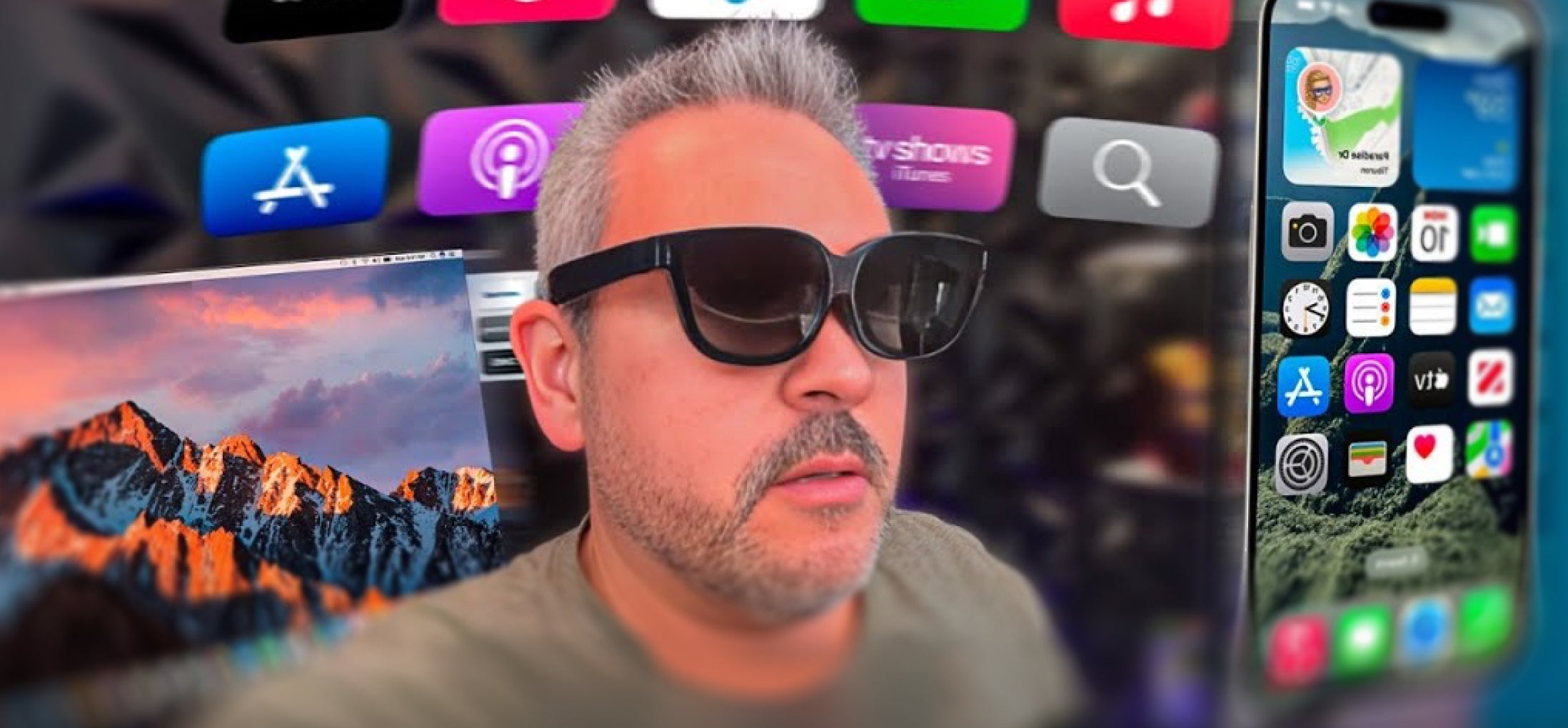
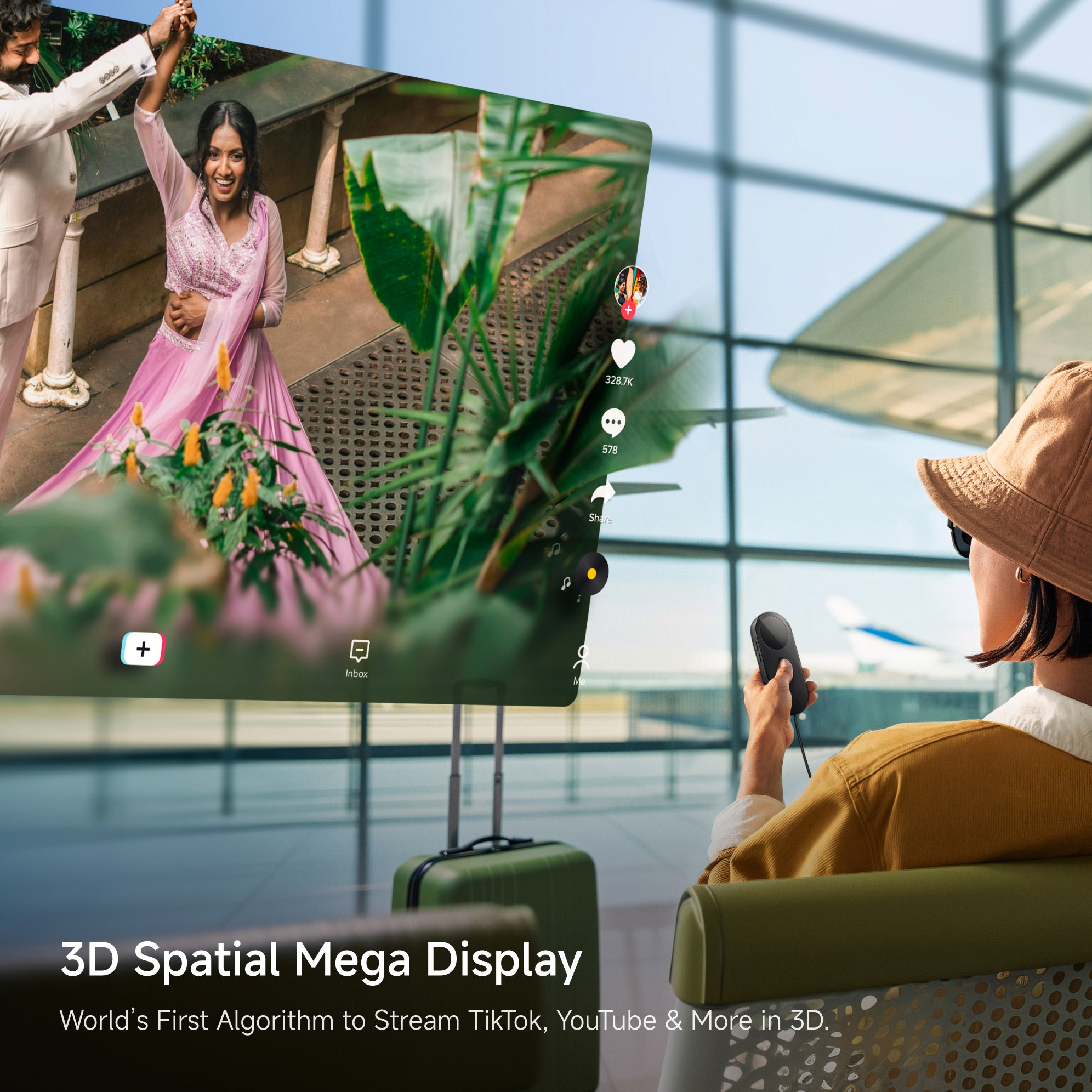
3D Spatial Mega Displays
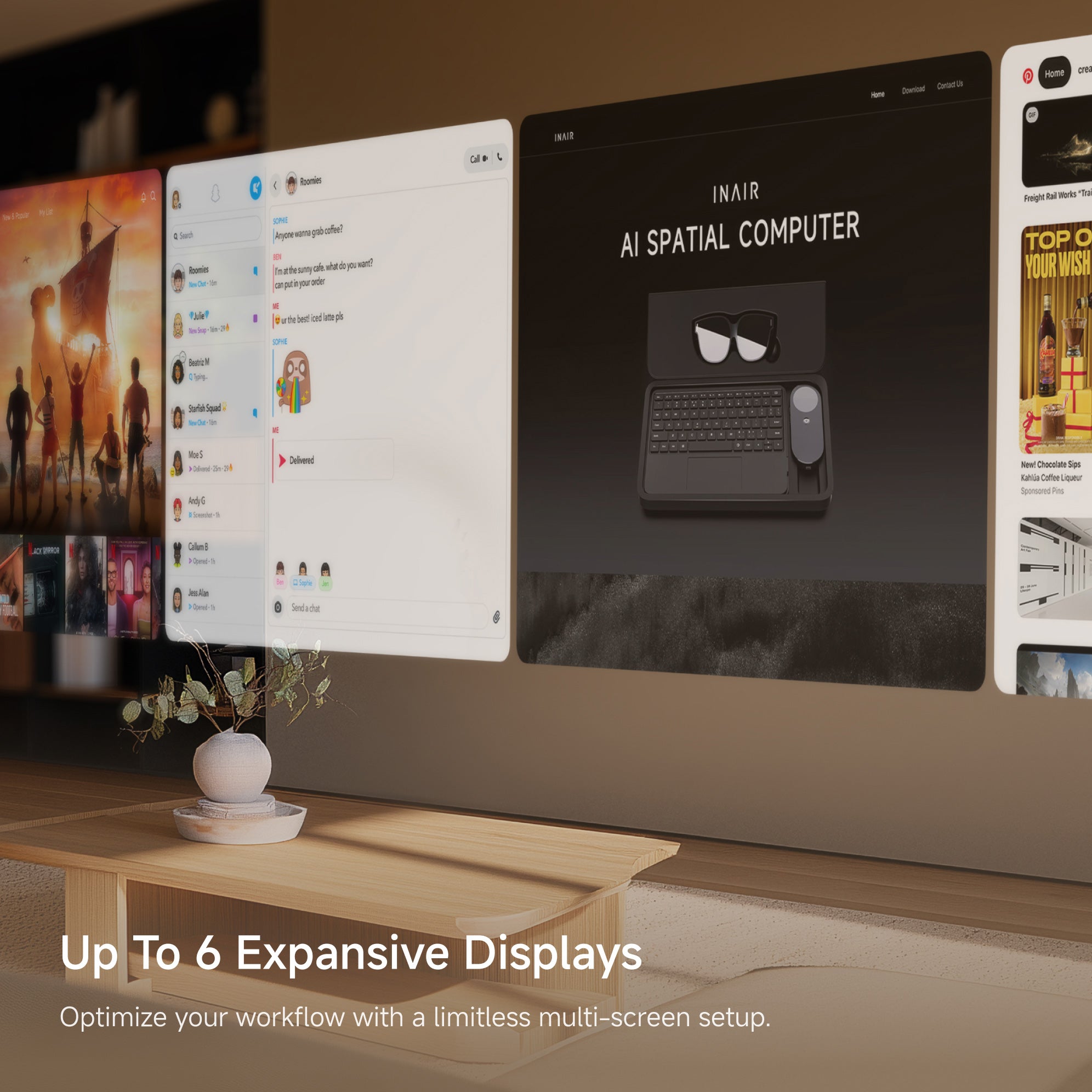
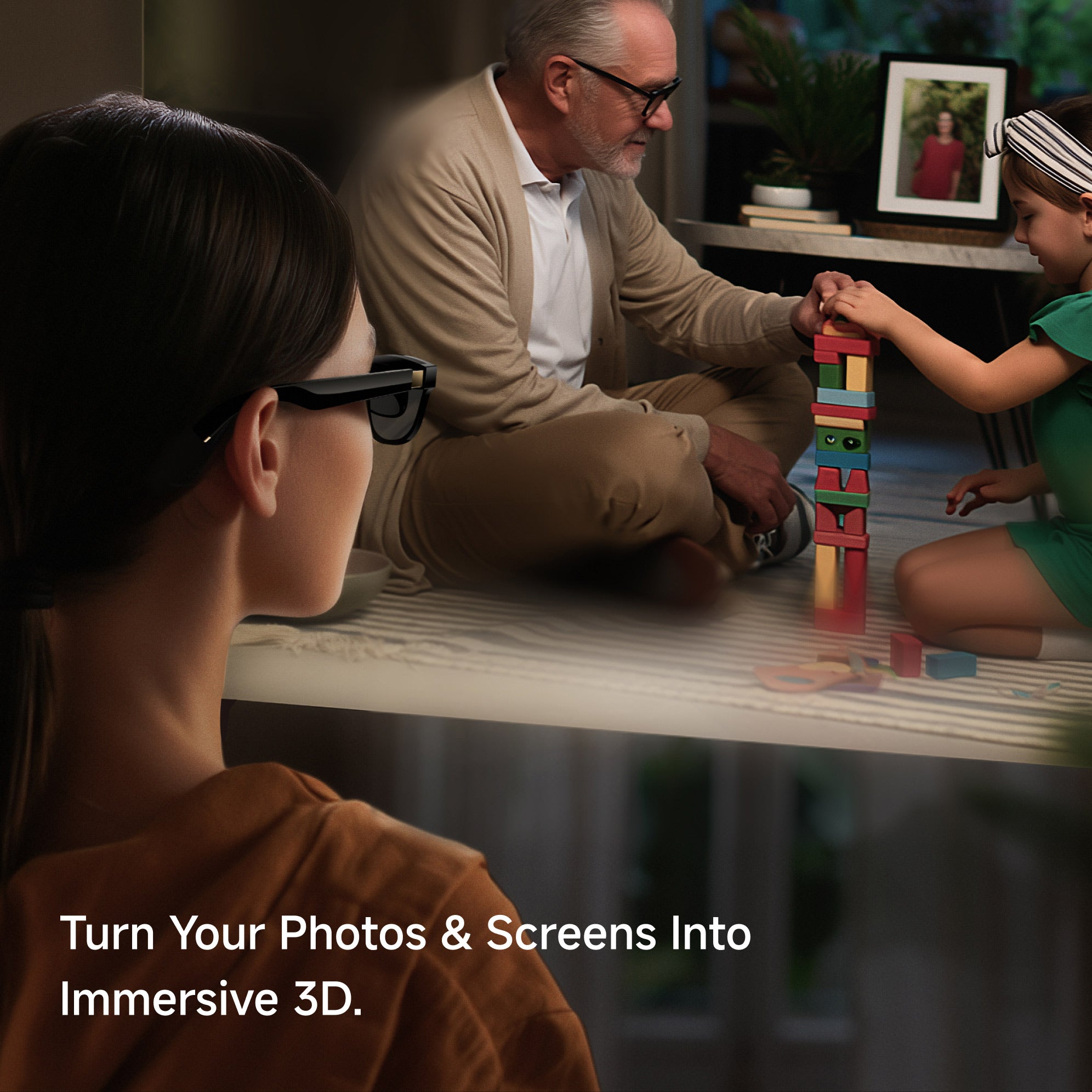
Expand your workspace into a 135-inch virtual display with immersive 3D content.
Limited Physical Screen
13-inch / 15-inch / external display
6-Screen Multi-Window Display
Adjustable screen distance from 1–9m.
Supports up to six windows displayed simultaneously.
Multi-Window Overlay
Toggle Between Multiple Windows on a Single Screen
Spatial Computer System
INAIR OS+Android+Your Phone+Mac/Win
Computer System
MAC / WIN
Portable Carrying Case
Flexible Carrying. Lighter to transport, even without the case.
Hard to Carry
Non-modular, not pocket-friendly.
FAQs
What are the main differences between the INAIR 2 Go Pack and the INAIR 2 Elite Suite?
The Go Pack set, with its included keyboard, is more compact and designed for easy portability. The Elite set's keyboard offers a more traditional typing experience, developed for high-intensity office work. Both keyboards in these sets have been optimized for the INAIR system and come with custom shortcut definitions.
Is the INAIR 2 Elite Suite compatible with my phone or computer?
The INAIR 2 Elite Suite includes the INAIR Pod, which runs on its own Android-based system. You can use it directly with the glasses — no phone or computer required — and it supports a wide range of Android apps for an all-in-one AR experience.
If you want to use the INAIR 2 Pro glasses alone, they can connect to a phone or computer that supports Type-C video output. Since compatibility may vary depending on brand and model, we recommend checking your device’s specifications on the official website or with the manufacturer before connecting.
Can I use Claude, Steam, Epic Games, or other applications on the Pod?
Yes! The Pod runs on Android and supports a wide range of Android applications. If the software, like Claude, has an Android version, you can install and use it directly on the Pod just like on any regular Android device.
For applications that don’t have an Android version, such as Epic Games PC apps, you can use the Pod’s streaming feature to run the software on your computer and control it from the Pod, giving you a full AR experience.
Can I use multiple screens when streaming a remote PC?
Currently, remote PC streaming supports only a single screen when connecting across different networks. Multi-screen setups are only available when both devices are on the same local network.
Why can’t I use remote cross-network streaming in my area?
Due to limitations from different regional carrier environments, remote cross-network streaming may not be supported on certain carrier networks in specific areas. If you encounter the same issue, you can try switching to another carrier network. Our R&D team is also working on adapting to networks in different regions, and remote streaming will become more widely supported in the future.
How’s the battery life?
No Built-in Battery in the Glasses Themselves. The INAIR 2 Pro AR Glasses do not have their own internal battery. They require a connection to a compatible device that can supply both power and video output. To use them, you'll need a device that supports DisplayPort over USB-C.
When paired with the Pod, a full charge provides approximately 4 hours of use. For extended use, you can also connect a compatible hub to charge the Pod while using the glasses, ensuring your experience is never interrupted.
How to use INAIR Pod?
Check here the user manual.
Is remote software supported?
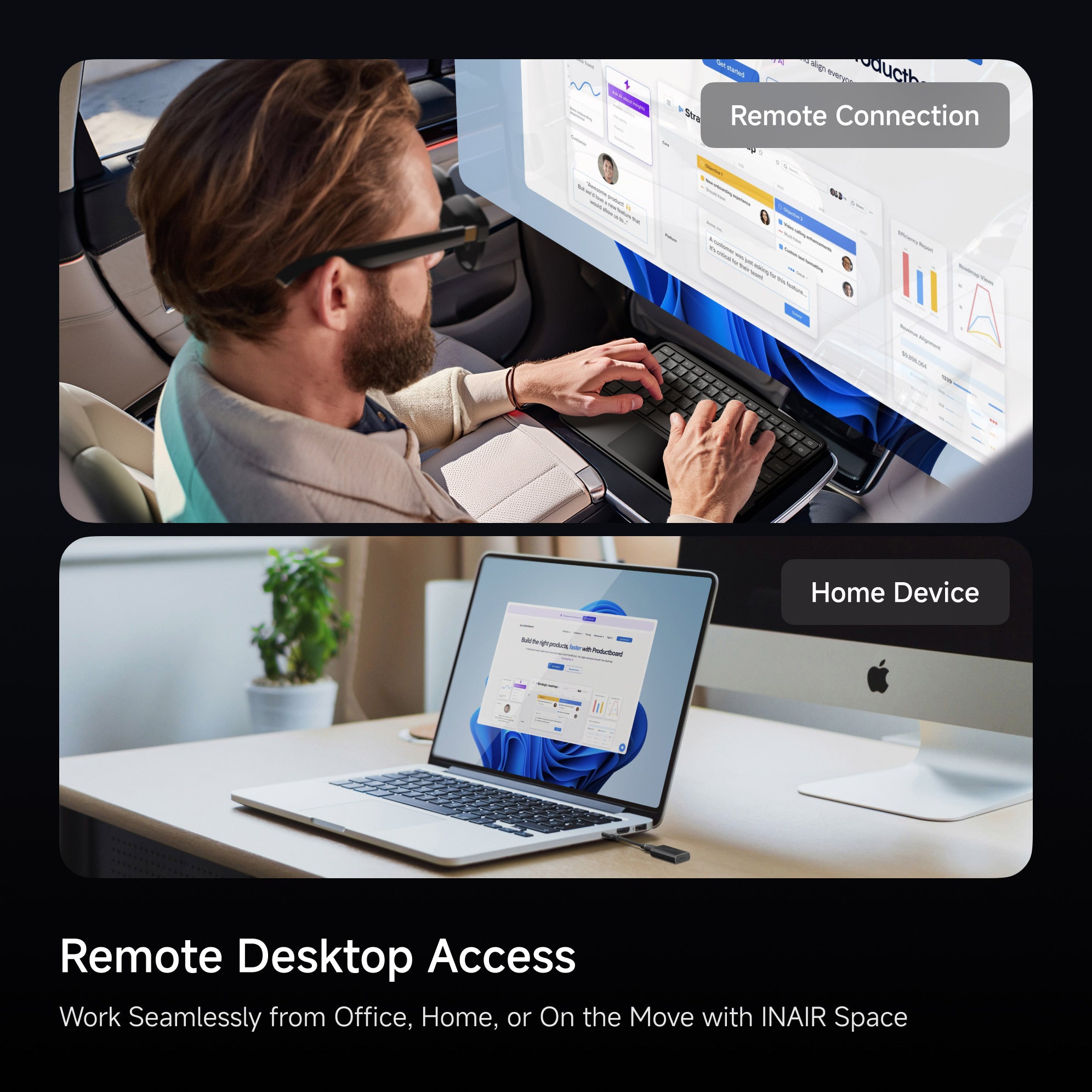
Yes. Our AR Spatial Computing Set supports remote PC streaming. By installing our INAIR Space software on your computer, you can wirelessly and remotely control your PC anytime.
Can I close my laptop lid while wireless streaming?
By default, most laptops enter sleep mode when the lid is closed, which shuts down applications and disconnects the network—making PC streaming unavailable. To continue streaming with the lid closed, you need to adjust your laptop settings to disable sleep mode when the lid is closed.
If you are using INAIR Wakey, it can wake your computer remotely, allowing you to stream even with the lid closed. For the best experience, we recommend using Wakey in combination with this setting.
Does the Pod support wireless streaming?
Yes. INAIR Pod supports wireless streaming via the internet (IP address) to remotely stream from your PC/Mac. Once connected, it can wirelessly link to your glasses and allow you to control your computer through the Pod.