


- by wangfred
Allow VR on iPhone: Unlocking a New Dimension of Mobile Experience
- by wangfred
Imagine holding a portal to another world in the palm of your hand. Your iPhone, a device you use for communication, photography, and entertainment, is secretly a powerful gateway to immersive virtual realities, waiting for you to utter the command: allow VR. This isn't a glimpse into a distant future; it's a capability available right now, hidden in plain sight within the sleek glass and metal of your pocket computer. Unlocking it is a journey into the cutting edge of mobile technology, a testament to the incredible engineering packed into these devices, and a preview of a future where the digital and physical seamlessly blend. Ready to step through?
Before diving into the 'how,' it's crucial to understand the 'why.' Enabling a compelling VR experience demands a specific set of hardware capabilities, and modern iPhones are surprisingly well-equipped for the task. It's this inherent strength that makes the prospect of VR on iPhone so exciting and viable.
At the heart of every VR experience is the need for immense computational power. VR is not like watching a video; it requires rendering two distinct, high-resolution images—one for each eye—at a very high frame rate (typically 90Hz or higher) to avoid latency-induced motion sickness. This is a monumental task that has historically required powerful desktop computers. However, the A-series and M-series chips found in iPhones and iPads are not mere mobile processors; they are desktop-class systems-on-a-chip (SoCs) featuring incredibly powerful GPUs. These chips are engineered for efficiency and performance, capable of handling the complex graphical calculations needed for smooth, immersive VR. This raw processing power is the primary enabler, allowing developers to create rich, interactive virtual worlds that run seamlessly on a mobile device.
Processing power is useless without accurate data. VR relies on a technology called 6 Degrees of Freedom (6DoF) tracking. This means the headset can track not just your head's rotation (pitch, yaw, roll) but also its precise position in space (moving forward/backward, up/down, left/right). Your iPhone is packed with the precise sensors needed for this:
This sophisticated sensor array works in concert with computer vision algorithms to create a low-latency, highly accurate understanding of your head's position, which is absolutely fundamental to selling the illusion of being inside a virtual world.
The final piece of the hardware puzzle is the screen. Modern iPhone displays, particularly the Super Retina XDR and ProMotion screens with high resolutions and pixel densities, are essential for VR. A high PPI (Pixels Per Inch) count helps minimize the "screen door effect" (the visible gaps between pixels), which can break immersion. Furthermore, high refresh rates (120Hz on Pro models) contribute to the buttery-smooth motion required for comfort. While dedicated VR headsets often have specialized optics, the iPhone's display provides a remarkably high-quality canvas for VR content.
Hardware is potential, and software is action. Allowing VR on your iPhone isn't about flipping a single hidden switch in Settings; it's about leveraging the software platforms that harness this hardware for immersive experiences. There are two primary pathways, each with its own philosophy and use cases.
One of the most accessible ways to experience VR on your iPhone is through your web browser. Thanks to WebXR, an open standard supported by Safari and other major browsers, developers can create VR experiences that run directly on the web.
This method requires no app downloads and is fantastic for quickly demoing VR, viewing 360-degree photos and videos, or interacting with simple WebXR applications. It's the easiest and fastest way to get started.
For deeper, more powerful, and higher-performance VR, dedicated applications are the way to go. These are downloaded from the App Store and are specifically designed to maximize the iPhone's hardware for VR. The process is similar:
These apps have direct, optimized access to the device's resources, enabling complex games, detailed simulations, and social VR platforms that a web browser cannot yet match.
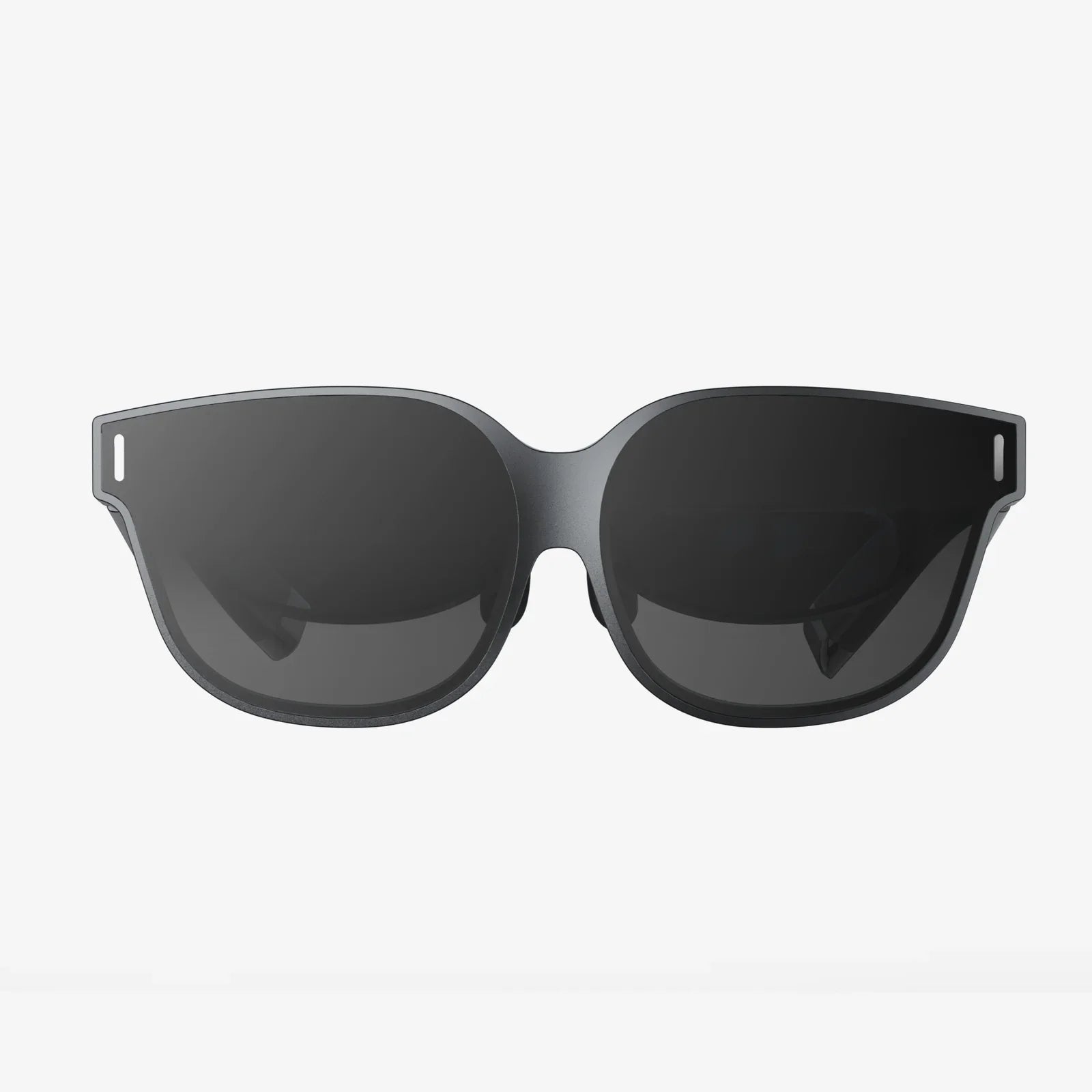
While you can experience basic VR by holding your phone up to your face, true immersion requires a headset. These devices range from simple, affordable holders to advanced systems that enhance the experience.
These are the simplest and most affordable options. Made from plastic or even cardboard, they consist of a holder for your phone and a pair of lenses that split the screen into a stereoscopic image for each eye. They rely entirely on the iPhone's internal sensors for head tracking. While they provide a fun and inexpensive introduction to VR, the experience is limited to 3DoF (rotation only) and can sometimes suffer from lower-quality lenses and a less secure fit.
This category represents the best way to experience high-quality VR on an iPhone. These more sophisticated headsets are made from durable materials like plastic and foam, featuring adjustable head straps, improved lenses for a wider field of view and reduced distortion, and often include their own crucial features:
Using an iPhone with one of these advanced HMDs delivers an experience that rivals many all-in-one VR systems, showcasing the true potential of the hardware.
Allowing VR on your iPhone opens the door to a vast and growing ecosystem of content. The possibilities extend far beyond simple games.
This is the most popular application. From heart-pounding horror games and intricate puzzles to rhythm games where you slash notes to the beat and immersive simulations, the App Store hosts a rich library of VR titles. You can find yourself on the deck of a starship, solving a mystery in a haunted manor, or creating 3D art in a virtual space.
One of the most powerful uses of VR is experiential. You can watch 360-degree videos that place you in the center of the action—standing on a stage with a famous band, diving with sharks, or witnessing a rocket launch. Virtual travel apps allow you to explore famous landmarks, natural wonders, and cities from across the globe as if you were truly there, all from your living room.
VR is increasingly becoming a social medium. Platforms exist where you and friends can meet up as customizable avatars in virtual spaces to watch movies, play games, attend live events, or simply hang out and chat. It's a profound new way to feel present with others, regardless of physical distance.
Imagine learning about ancient Rome by walking through a digitally reconstructed Forum, or understanding human anatomy by exploring a beating heart from the inside. VR provides unparalleled opportunities for immersive education, allowing students to engage with subjects in a visceral, memorable way. It's also used for professional training simulations in fields like medicine, aviation, and engineering.
The path to iPhone VR isn't without its hurdles. Being aware of them ensures a better experience.
The current state of enabling VR on an iPhone is impressive, but it's merely a stepping stone. The industry is rapidly moving towards spatial computing—a fusion of the virtual and physical worlds where digital content interacts with and understands your real environment. This is where the iPhone's advanced sensors, particularly LiDAR, become even more critical.
We are moving towards experiences that seamlessly blend AR and VR. Imagine putting on a headset and seeing your real room, but with a virtual monitor on your desk, a game board on your table, and a virtual pet sleeping on your real sofa. The headset would understand the geometry of your space, allowing virtual objects to occlude behind real furniture. This mixed reality (MR) is the true endgame, and the efforts to allow high-quality VR on iPhones today are building the foundation and the audience for that future. The next generation of headsets will likely act as wireless displays for the iPhone, leveraging its processing power and sensors to create even more lightweight and powerful untethered experiences.
The command is simple, but the implication is profound. To allow VR on your iPhone is to unlock a capability that transforms your device from a window into a door. It's an invitation to explore, learn, play, and connect in ways that were once the domain of science fiction. The hardware is ready, the software is waiting, and a universe of experiences is just a permission grant away. The question is no longer if your iPhone can handle VR, but what you will discover when you finally decide to step in.
Share:
Computer Compatible VR Headset: Your Ultimate Portal to Immersive Digital Realms
Nice VR Headset: Your Ultimate Guide to Immersive Virtual Reality in 2024