


- by wangfred
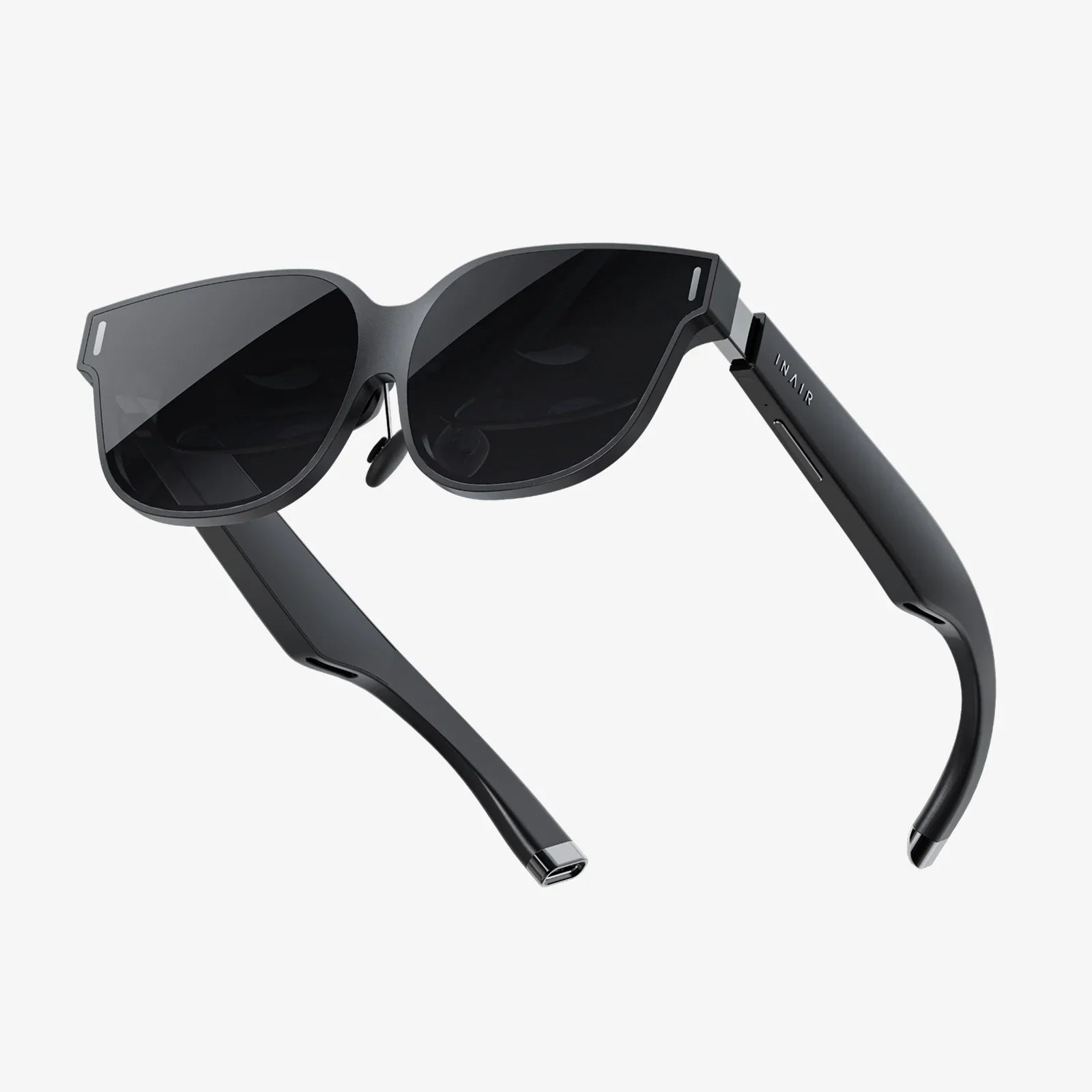
Computer Compatible VR Headset: Your Ultimate Portal to Immersive Digital Realms
- by wangfred
Imagine stepping through your screen, leaving the flat, two-dimensional world behind and entering a universe of depth, sound, and interaction. This is no longer the stuff of science fiction; it's the palpable reality offered by a computer compatible VR headset. This sophisticated piece of technology is more than just a display strapped to your face; it is a portal, a gateway that translates the raw computational power of your desktop or laptop into fully immersive, three-dimensional experiences that can thrill, educate, and connect in ways previously unimaginable. The journey from curious observer to active participant in virtual worlds begins with understanding this remarkable device.
At its heart, a computer compatible VR headset is a high-performance output and input device. It functions as a peripheral to a powerful computer, which acts as the engine rendering the complex virtual environments.
Inside the headset, one or two high-resolution screens are placed mere centimeters from your eyes. Specialized lenses focus and reshape the image for each eye, creating a stereoscopic 3D effect that provides depth perception. Key specifications include:
Immersion shatters the moment the virtual world doesn't perfectly align with your movements. This is where tracking technology comes in.
The experience is incomplete without a way to interact. VR controllers are ergonomically designed to feel like an extension of your hands. They are packed with sensors to track their position, rotation, and finger placement. More advanced models feature:
The term "computer compatible" implies a partnership. The headset provides the interface, but the computer is the muscle. Rendering two high-resolution views at a blisteringly fast frame rate is one of the most demanding tasks for a modern graphics card.
Manufacturers provide minimum and recommended specifications. Meeting only the minimum may allow the software to run, but often at lower fidelity, with potential stuttering, which can quickly lead to discomfort. The recommended specs are the true target for a smooth and enjoyable experience. Key components are:
The hardware is a means to an end, and that end is experiencing content. The ecosystem for PC-based VR is vast and mature, offering something for everyone.
VR gaming is an unparalleled experience. You are no longer moving a character with a thumbstick; you are the character.
The potential extends far beyond entertainment. The concept of the "infinite office" is becoming a reality, with virtual desktops allowing users to place multiple monitors and windows in a custom, distraction-free environment. Artists are using VR as a revolutionary new medium for 3D sculpting and painting, creating from within their artwork. Architects and engineers use VR for immersive design reviews and walkthroughs, spotting potential issues long before physical construction begins.
From medical students practicing complex surgical procedures in a risk-free environment to history students taking a virtual field trip to ancient Rome, VR offers powerful experiential learning opportunities. It is also a transformative tool for corporate training, safety simulations, and public speaking practice.
Preparing your space is a crucial step for both safety and enjoyment.
Most systems will guide you through setting up a Guardian System or Chaperone Boundary. This is a virtual wall that appears when you get too close to the edge of your designated safe area, preventing collisions with real-world objects. There are two primary play styles:
Comfort is highly individual. Factors like how the headset is weighted, the type of facial interface foam, and even the fit of the head strap can greatly affect longer sessions. It's a highly personal interface, and what works for one person may not work for another. Taking regular breaks, especially when first starting, is essential. Keeping the lenses clean and the foam dry ensures a clear view and a hygienic experience.
The PC VR landscape is served by several major software platforms that act as storefronts, social networks, and launching pads for content. These ecosystems are constantly evolving, adding new features, social spaces, and support for emerging hardware standards. The future is bright, with advancements like:
The world of a computer compatible VR headset is one of boundless potential, waiting to be unlocked by the power sitting on or under your desk. It's an invitation to not just see a new world, but to step inside it, to reach out and touch the digital future. The question is no longer if the technology is ready, but if you are ready to answer the call to adventure and redefine your reality.
Share:
VR Headset No PC Required: The Ultimate Guide to Untethered Freedom
Allow VR on iPhone: Unlocking a New Dimension of Mobile Experience