


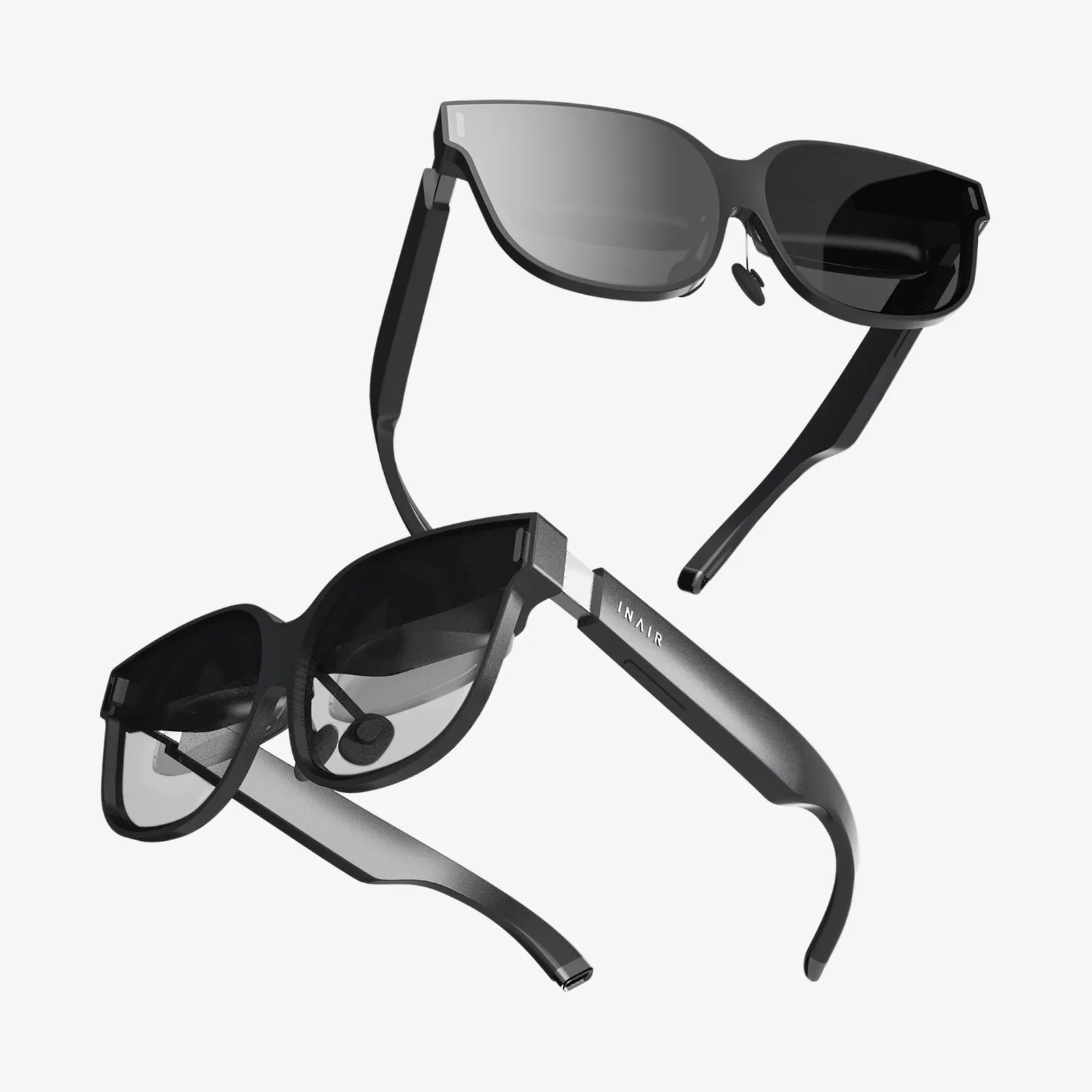
The digital frontier is shifting, bending, and reshaping itself around us. No longer confined to the flat planes of screens, the next great wave of human-computer interaction is immersive, three-dimensional, and breathtakingly real. At the heart of this revolution on mobile lies a powerful toolkit, a gateway for developers to craft these new realities: the Android Virtual Reality SDK. For anyone with a vision to build worlds, tell stories in 360 degrees, or redefine mobile gaming, understanding this technology is the first step into a larger universe.
The Foundation: Understanding the Android VR Ecosystem
Before diving into the specifics of the SDK, it's crucial to grasp the landscape it operates within. Virtual reality on the Android platform is predominantly experienced through head-mounted displays (HMDs). These range from sophisticated, self-contained devices with powerful onboard processors and sensors to more accessible solutions that leverage a smartphone's screen and computational power. The Android Virtual Reality SDK is the critical bridge that allows a developer's application to communicate seamlessly with this diverse hardware, regardless of its form factor.
The SDK provides a standardized layer of abstraction. This means a developer can write code against the SDK's API (Application Programming Interface), and it will function across a wide range of compatible devices. The SDK handles the complex tasks of stereoscopic rendering (creating a slightly different image for each eye to produce depth), tracking head rotations and translations, and managing the unique input methods of various controllers. This allows creators to focus on their content and user experience rather than the low-level intricacies of each individual headset.
Core Components of the Android VR SDK
An Android Virtual Reality SDK is not a monolithic block of code but rather a collection of interconnected libraries and tools designed to work in harmony. Key components typically include:
- Rendering Engine Integration: Perhaps the most vital part, this component provides the necessary hooks for graphics engines like OpenGL ES to render two viewpoints simultaneously. It manages the distortion and correction needed to account for the lenses in the HMD, ensuring a comfortable and visually accurate experience free from distortion artifacts.
- Head Tracking: This is the magic that sells the illusion of presence. Using data from the device's gyroscope, accelerometer, and often magnetometer, the SDK performs sensor fusion to track the user's head orientation with extremely high precision and low latency. Any lag in this process can lead to discomfort or motion sickness, so the algorithms within the SDK are optimized for performance.
- Input Handling: Interacting with a virtual world requires more than just a gaze. The SDK standardizes input from various sources, whether it's a simple single-button clicker, a more advanced multi-degree-of-freedom (DOF) motion controller, or even hand-tracking via the device's camera. It translates physical actions into predictable virtual events.
- Platform Utilities: This includes a suite of tools for managing the VR application lifecycle, handling stereoscopic audio spatialization, and providing a system for user interface (UI) elements that exist comfortably in the 3D space.
The Developer's Workflow: From Idea to Immersion
Building an application with an Android Virtual Reality SDK follows a structured yet creative workflow. It begins, like all software projects, with planning and design. However, VR design has unique considerations: user comfort is paramount, navigation must be intuitive, and the UI must exist within the world rather than as an overlay.
Next, developers set up their integrated development environment (IDE). This involves importing the necessary SDK libraries and configuring their project to target the appropriate API levels. The core development then takes place in two primary domains: 3D rendering logic and application business logic. The developer uses the SDK's classes and methods to access the headset's pose (position and orientation), render the scene from the correct perspective, and respond to user input.
Testing and iteration are more critical in VR than in almost any other medium. Developers constantly test their applications on actual devices, checking for performance bottlenecks, visual quality, and most importantly, user comfort. The SDK often provides profiling tools to monitor frame rates and identify rendering hiccups that could break immersion. The final steps involve building the application for distribution, ready to be uploaded to digital storefronts and experienced by users worldwide.
Optimization: The Key to Comfort and Performance
If there is one universal truth in mobile VR development, it is that performance is non-negotiable. The benchmark for a comfortable experience is a consistent 60 frames per second (FPS) or, for high-end experiences, 90 FPS or higher. Dropping below this threshold can quickly lead to user discomfort. The Android Virtual Reality SDK provides guidance and tools, but the onus is on the developer to optimize ruthlessly.
This involves techniques such as:
- Efficient Asset Creation: Using optimized 3D models with low polygon counts and compressed texture atlases.
- Advanced Rendering Techniques: Implementing culling methods to avoid drawing objects outside the camera's view, using level-of-detail (LOD) models, and leveraging baked lighting instead of complex real-time calculations.
- CPU and GPU Profiling: Using the SDK's and IDE's profiling tools to identify hotspots in the code—whether it's expensive draw calls, complex physics calculations, or inefficient scripts—and optimizing them.
A well-optimized VR application is a seamless one, allowing the user to forget they are wearing a device and fully lose themselves in the experience.
Designing for the User: Comfort and Accessibility First
Technology is meaningless without a thoughtful human-centered design. The Android Virtual Reality SDK empowers creation, but it is the developer's responsibility to wield that power ethically and comfortably. VR design has a unique set of principles that must be adhered to. Foremost among them is mitigating simulator sickness, which can arise from a disconnect between what the eyes see and what the inner ear feels.
Best practices include providing a stable frame of reference in the virtual world, using comfort-mode turning (snap turns instead of smooth continuous rotation) for users who need it, and avoiding artificial camera movement that the user does not control themselves. Furthermore, accessibility must be considered. Can the experience be used by someone with limited mobility? Are there options for different interaction modes? The SDK provides the flexibility to implement these crucial features, making VR an inclusive medium for all.
The Future is Now: Trends and Advancements
The field of mobile virtual reality is not static; it is accelerating at an incredible pace. The Android Virtual Reality SDKs of today are already evolving to support the trends of tomorrow. We are seeing a rapid integration of augmented reality (AR) and VR into mixed reality (MR) experiences, blurring the lines between the digital and the physical. SDKs are beginning to include features for environmental understanding, such as surface detection and spatial mapping, allowing virtual objects to interact with the real world.
Another significant trend is the move towards inside-out tracking, where cameras on the device itself track the environment and the user's position within it, eliminating the need for external sensors. This makes VR more convenient and accessible. Furthermore, advancements in hand-tracking technology are moving us towards a future where controllers are optional, and our own hands become the primary interface for manipulating the virtual world. The SDK is the conduit through which these groundbreaking technologies will reach developers and, ultimately, users.
The potential is limitless. From revolutionizing education with immersive historical recreations and virtual field trips to transforming remote collaboration by placing colleagues in a shared virtual boardroom, the applications extend far beyond entertainment. The Android Virtual Reality SDK is the foundational toolset that will empower a generation of innovators to build this future.
Imagine putting on a headset and not just playing a game, but stepping into it; not just watching a documentary, but standing amidst the subject matter; not just having a video call, but sharing a virtual space with a colleague on the other side of the globe. This is the promise held within the code of a well-utilized SDK. The tools are here, the audience is ready, and the virtual world awaits its architects. Your journey to building the next defining immersive experience starts now.
Share:
AR Glasses Hub The Central Nervous System for the Augmented World
Virtual Reality Definition in Simple Words: A Gateway to Digital Worlds