


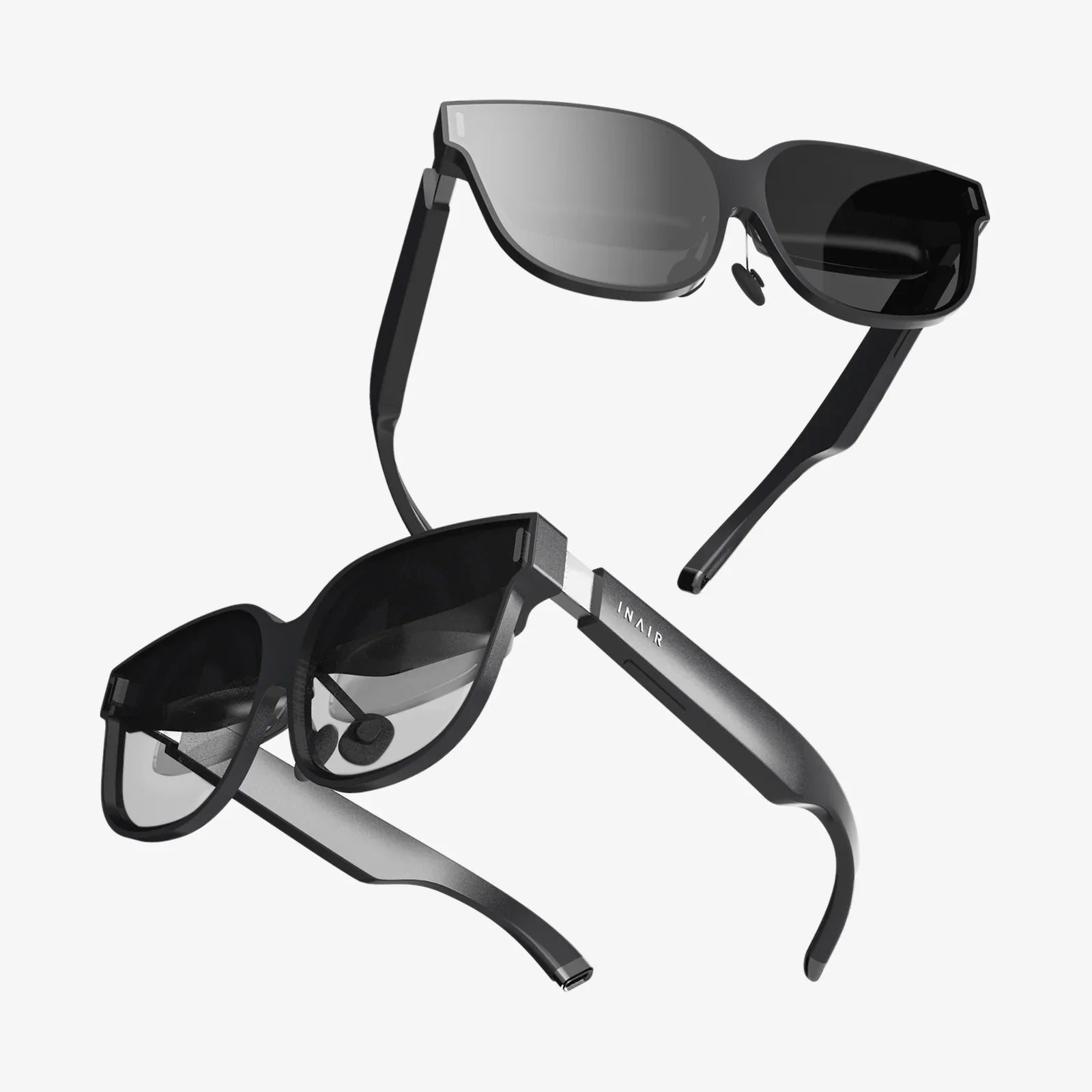
Imagine stepping into a vast, digital landscape, untethered from the constraints of wires and dedicated hardware, yet powered by the immense processing might of your home computer. This isn't a glimpse into a distant future; it's the reality available today by harnessing the combined power of an Android VR headset and a PC. This fusion of mobile accessibility and desktop-grade performance is quietly revolutionizing how we experience virtual reality, offering a compelling alternative to both standalone mobile VR and expensive, proprietary PC VR systems. For the savvy enthusiast, it represents the sweet spot of immersion, affordability, and power.
The Convergence of Two Worlds
For years, the VR market has been bifurcated. On one side stood dedicated PC VR headsets, offering unparalleled graphical fidelity and complex, immersive experiences but requiring a powerful computer and often a web of cables. On the other stood standalone Android-based headsets, celebrated for their wireless freedom and accessibility but limited by mobile-grade processors, battery life, and thermal constraints. The idea of merging these two paradigms—using the Android headset as a high-resolution display and tracking portal for a distant, more powerful PC—seemed like a logical next step. This convergence is made possible not by a single piece of hardware but by a suite of sophisticated software solutions that bridge the gap.
How It Works: The Magic of Streaming
At its core, connecting an Android VR headset to a PC is an exercise in high-performance, low-latency streaming. The PC, acting as the engine, renders the complex VR environment or game. This visual and auditory data is then compressed and encoded into a stream, not unlike a high-stakes video call. This stream is transmitted over a local Wi-Fi network (or in some cases, a USB cable) to the Android headset. The headset's role is to decode this stream with minimal delay and display it on its screens, while simultaneously using its onboard sensors (gyroscopes, accelerometers, and often cameras) to track your head and controller movements. This tracking data is sent back to the PC to update the simulation in real-time. The entire loop—tracking, rendering, encoding, transmission, decoding, and display—must happen in under 20 milliseconds to prevent motion sickness and maintain the illusion of presence. This incredible feat is achieved through several technological pillars:
- Advanced Video Codecs (H.264, H.265, HEVC): These codecs are essential for compressing the massive amount of visual data from the PC into a stream that can be efficiently sent over a network without significant quality loss.
- Prediction Algorithms: To combat latency, software on both the PC and headset predicts your movements. By the time your actual movement data arrives, the system has already begun rendering the expected view, smoothing out the experience.
- 5GHz Wi-Fi and Network Optimization: A robust, dedicated 5GHz wireless network is crucial. It provides the bandwidth and stability needed for a smooth, high-resolution stream, free from interference that can plague crowded 2.4GHz bands.
Choosing Your Weapon: Software Solutions
The real heroes of this setup are the software applications that make this seamless connection possible. Each offers a slightly different approach and feature set.
1. ALVR (Air Light VR) & VRidge
These are the open-source and commercial pioneers, respectively. ALVR, in particular, is a powerful, free solution that has been refined by a dedicated community. It mimics the protocol of a major PC VR platform, tricking VR games into thinking a native headset is connected. It offers extensive customization for bitrate, resolution, and codec selection, allowing users to fine-tune performance for their specific hardware and network environment. VRidge offers a similar function with a polished user interface and customer support.
2. Official Wireless Solutions
Some manufacturers of Android-based headsets have developed their own official streaming applications. These are often tailored specifically to the headset's hardware, potentially offering better optimization, lower latency, and integrated features like controller pairing. They represent the most plug-and-play experience within this category.
3. The Steam Link App
Valve's entry into this space brought significant legitimacy and ease of use. Integrated directly into the SteamVR ecosystem, the Steam Link app simplifies the connection process dramatically. It automatically discovers your PC on the network and handles much of the configuration behind the scenes. While it may offer fewer granular controls than ALVR, its stability and seamless integration with the largest PC VR library make it a top choice for many.
The Critical Setup: Your PC and Network
The performance of your Android VR headset PC setup is only as strong as its weakest link. That link is almost always the network or the PC itself.
PC Requirements
Your computer needs to not only run the VR game but also encode the video stream in real-time. This adds a significant overhead. The minimum specifications for a smooth experience are generally higher than those listed for wired PC VR headsets.
- GPU (Graphics Card): This is the most critical component. You will need a modern, powerful GPU that supports advanced encoding protocols like NVENC (NVIDIA) or AMF (AMD). These dedicated encoder chips handle the streaming process efficiently without stealing significant resources from the game itself.
- CPU & RAM: A capable multi-core processor and sufficient RAM (16GB is a comfortable standard) are necessary to manage the game, the VR runtime (like SteamVR), and the streaming software simultaneously.
- Wired Connection: This is non-negotiable. Your PC must be connected to your router via a Gigabit Ethernet cable. A wireless connection on the PC side would introduce latency and instability, ruining the experience.
Network Requirements
Your Wi-Fi router is the bridge between your PC and your headset. Not all routers are created equal for this task.
- Dedicated 5GHz Band: You must use a dual-band router and connect your headset to the uncongested 5GHz band. The 2.4GHz band is too slow and prone to interference from other devices like microwaves and Bluetooth.
- Ideal Scenario: Wi-Fi 6 (AX) Router: For the absolute best performance, a Wi-Fi 6 router is highly recommended. It offers lower latency, higher bandwidth, and better performance in environments with multiple connected devices compared to older Wi-Fi 5 (AC) standards.
- Placement is Key: The router should be in the same room as your play area, with a clear line of sight to the headset. Walls and distance are the enemies of a stable connection.
The Trade-Offs: Freedom vs. Fidelity
While the wireless experience is transformative, it's important to understand the compromises compared to a native, wired PC VR headset.
Advantages
- Complete Wireless Freedom: The single greatest benefit. The ability to spin, crouch, and move without a second thought about a cable tripping you or tangling is a game-changer for immersion, especially in active games.
- Lower Cost of Entry: A capable Android VR headset is often significantly cheaper than a dedicated PC VR headset, making high-quality PC VR more accessible.
- Versatility: The same headset can be used for standalone mobile VR experiences and wireless PC VR, offering the best of both worlds.
Disadvantages
- Visual Compression: Despite advanced codecs, the video stream is still compressed. In very dark or complex scenes, you may notice slight artifacts, blur, or a "video"-like quality compared to the raw, uncompressed image of a wired display.
- Latency: Even with the best setup, there will be a few milliseconds of added latency. Most users won't notice it, but competitive players or those highly sensitive to motion may find it discernible.
- Battery Life: The intense workload of decoding a high-bitrate stream drains the headset's battery much faster than standalone use. Extended play sessions will likely require an external battery pack.
- Setup Complexity: It's not a "it just works" experience. Configuring network settings, software, and graphics options requires a technical mindset and a willingness to troubleshoot.
Optimizing Your Experience
To squeeze every drop of performance from your setup, follow these tips:
- Dedicate Your Network: Ensure no other devices are heavily using your 5GHz network during VR sessions. Large downloads or 4K streaming on other devices can introduce lag.
- Experiment with Bitrate: In your streaming software (like ALVR), find the sweet spot for your bitrate. Too low introduces compression artifacts; too high can cause network instability. Start around 80-100 Mbps and adjust.
- Use HEVC (H.265) Codec: If your GPU and headset support it, use HEVC. It provides better visual quality at lower bitrates than the older H.264 standard.
- Close Background Applications: On your PC, close any unnecessary applications, especially those that use network bandwidth or GPU acceleration.
- Charge Your Controllers: The headset isn't the only thing with a battery. Ensure your motion controllers are fully charged.
The Future is Wireless and Convergent
The trajectory of technology is clear: wires are becoming obsolete. The development of robust wireless streaming for Android VR headsets is a crucial stepping stone. As Wi-Fi standards evolve to Wi-Fi 6E and Wi-Fi 7, offering dedicated spectrum and even lower latency, and as video codecs become more efficient, the gap in visual quality between wired and wireless will narrow to the point of irrelevance. Furthermore, the concept of a single, versatile headset that can tap into different compute sources—be it its own mobile chip, a nearby PC, or even cloud rendering servers—is the logical endpoint. This approach democratizes high-end VR, breaking the link between the display and the processing unit and allowing users to upgrade each component independently.
The allure of a single, affordable device that can transport you into both casual mobile experiences and the most demanding PC-powered virtual worlds is undeniable. While it demands a bit of technical know-how and a solid investment in your home network, the payoff is an unparalleled sense of liberation within your digital playground. The barrier between the physical and the virtual doesn't just get higher resolution or better graphics with an Android VR headset PC setup—it completely disappears, leaving you with nothing but the experience itself.
Share:
AR vs MR vs XR: The Ultimate Guide to Understanding Immersive Technologies
Best Price Quality VR Headset: Your Ultimate Guide to Maximizing Value in Immersive Technology