


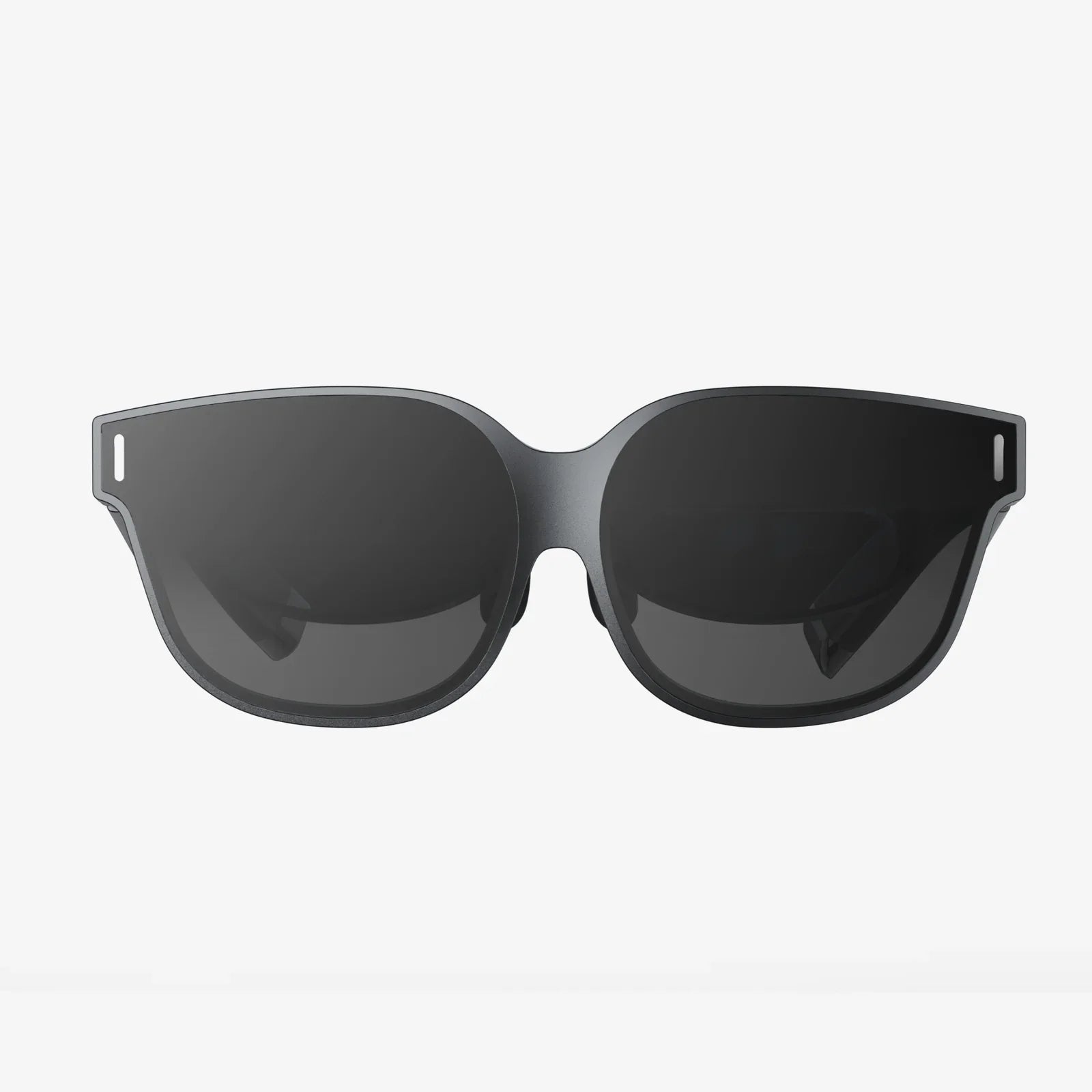
Imagine walking through a bustling foreign market, surrounded by signs, menus, and labels in an indecipherable script. Instead of fumbling with a phone, you simply glance, and the text instantly transforms into your native language, overlaid perfectly on the world itself. Or picture a technician, faced with a complex machine covered in obscure technical manuals; a look is all it takes to have the relevant instructions highlighted and displayed right on the equipment. This is the revolutionary promise of AR glasses with live text display, a technology that is quietly building a bridge between the digital and physical realms of information. It’s not just about translation; it’s about context, immediacy, and a hands-free flow of knowledge that feels like a superpower. The magic is profound, but the engineering behind it is even more fascinating. So, how do these remarkable devices actually work?
The Architectural Pillars: A Symphony of Hardware
At their core, AR glasses for live text are sophisticated wearable computers. Their function relies on a tightly integrated stack of hardware components, each playing a critical role in capturing, processing, and projecting information. This isn't a single piece of technology but a symphony of advanced systems working in perfect harmony.
The Eyes: Sensors and Cameras
The entire process begins with perception. Tiny, high-resolution cameras mounted on the front of the glasses act as the device's eyes. Their primary job is to continuously capture a live video feed of the user's field of view. But raw video isn't enough. These cameras work in tandem with a suite of other sensors, most notably an Inertial Measurement Unit (IMU). The IMU is a combination of accelerometers and gyroscopes that tracks the precise movement, rotation, and orientation of the user's head in real-time. This is crucial because it allows the system to understand exactly where the user is looking and how that perspective is changing, ensuring that the digital text remains stable and locked onto the physical world, rather than floating arbitrarily.
The Brain: The Onboard Processor
The torrent of data from the cameras and sensors is fed into the brain of the operation: a powerful, miniaturized system-on-a-chip (SoC). This processor has a Herculean task. It must run complex algorithms for:
- Computer Vision: Identifying and isolating text regions within the chaotic video feed.
- Optical Character Recognition (OCR): Converting the image of the text into machine-encoded characters.
- Natural Language Processing (NLP): Understanding the extracted text, and if needed, translating it into the desired language.
- Spatial Tracking: Fusing the camera and IMU data to maintain a constant understanding of the user's position and the 3D geometry of their environment.
All of this must happen within milliseconds to avoid any perceptible lag, which could cause motion sickness or break the illusion of digital overlay. This demand for low-latency, high-power computing in a tiny, thermally constrained form factor is one of the greatest challenges in AR hardware design.
The Canvas: Waveguides and Optical Engines
This is perhaps the most magical part of the entire system. Once the processor has prepared the text for display, it needs to be projected into the user's eye without blocking their view of the real world. This is achieved through advanced optics known as waveguides.
Think of a waveguide as a piece of transparent glass or plastic that acts like a highway for light. A micro-display, often a Laser Beam Scanner or a Miniature LED, projects the image (in this case, the text) into the edge of the waveguide. This light is then "guided" through the material using a combination of diffraction gratings or holographic optical elements—essentially, microscopic structures etched into the glass that bend and redirect the light.
Finally, this light is expanded and redirected out of the waveguide directly into the user's retina, painting the digital text onto their perception of reality. The result is a bright, clear overlay that appears to be floating in the world at a certain distance, all while the user can still see their physical surroundings perfectly through the transparent lens.
The Invisible Intelligence: Software and Algorithms
Hardware provides the stage, but software is the star performer. The real-time magic of text display is powered by a complex software pipeline that operates like a hyper-efficient factory line for visual data.
Step 1: Scene Capture and Preprocessing
The live video feed is analyzed frame-by-frame. The first step is often preprocessing: adjusting for lighting conditions, correcting for distortion from the camera lens, and enhancing contrast to make the text more distinguishable from its background. The IMU data is simultaneously integrated to understand the camera's movement between frames.
Step 2: Text Detection and Isolation
This is where advanced computer vision models come into play. Using techniques like Convolutional Neural Networks (CNNs), the system scans the preprocessed image to identify regions that likely contain text. It draws bounding boxes around these regions, isolating a street sign from a brick wall, or a paragraph in a book from the wood grain of a table.
Step 3: Optical Character Recognition (OCR)
Once a text region is isolated, the OCR engine goes to work. Traditional OCR software, used for scanning documents, struggles with the unpredictable conditions of the real world—weird angles, poor lighting, curved surfaces, and complex fonts. Modern AR glasses use AI-powered OCR that is specifically trained on a vast dataset of real-world text. This allows it to accurately recognize characters despite these challenges, converting the image of the word "STOP" on a crooked sign into the actual string of characters: S-T-O-P.
Step 4: Translation and Natural Language Processing (Optional)
If the feature is enabled, the recognized text string is then passed to a natural language processing module. For translation, this involves using a neural machine translation service. Critically, this processing can happen in two ways:
- On-Device: For speed and privacy, some basic translation models are stored directly on the glasses' processor. This allows for near-instantaneous translation of common phrases without an internet connection, though the vocabulary may be limited.
- Cloud-Based: For more complex translations, vast vocabularies, or rare languages, the text is encrypted and wirelessly sent to a powerful cloud server. The server performs the heavy computational lift and sends the translated text back to the glasses. While this introduces a tiny amount of latency, it provides access to much more powerful and up-to-date AI models.
Step 5: Rendering and Spatial Anchoring
The final step is to present the text back to the user. The software takes the processed text and renders it into a graphic. But it doesn't just plaster it onto the screen. Using the persistent spatial understanding from the cameras and IMU, it anchors the text directly to the location in the real world where it was detected. It understands the perspective and angle of the original object and warps the digital text to match, making it appear as if it's physically printed on the object itself. This anchoring is continuously updated at a high refresh rate (90Hz or more) so that as your head moves, the text stays locked in place, reinforcing the illusion of a stable augmented reality.
Beyond Translation: The Expansive Potential of Live Text
While real-time translation is the most headline-grabbing application, the underlying technology unlocks a universe of possibilities that extend far beyond language.
- Accessibility Revolution: For individuals with visual impairments, live text can be read aloud in real-time, describing documents, signs, and product labels. For those with hearing impairments, live speech from a person could be converted into text captions floating near the speaker's face.
- Professional and Industrial Power: Mechanics could see wiring diagrams overlaid on machinery. Warehouse workers could have item names and inventory numbers pop up as they scan shelves. Surgeons could have vital patient data and procedure checklists displayed in their field of view without looking away from the operating table.
- Enhanced Learning and Navigation: Students walking through a museum could see exhibits come alive with historical facts. Tourists could have landmarks annotated with information. In a city, directions could be painted onto the street itself, guiding you turn-by-turn without a map.
- Instant Information Retrieval: See a book on a shelf? The glasses could instantly display its average review score. See a poster for a concert? Your glasses could immediately show you a link to buy tickets and add the date to your calendar.
Challenges and the Path Forward
The technology is incredible, but it is not without its significant hurdles. Battery life remains a constant battle, as the combination of cameras, sensors, and processing is immensely power-hungry. There are also substantial concerns regarding privacy and social acceptance; the idea of people wearing cameras on their faces raises valid questions about recording in public and private spaces. Furthermore, the form factor itself needs to evolve. For mass adoption, AR glasses need to become as lightweight, stylish, and unobtrusive as regular eyeglasses, a feat of miniaturization that is still underway.
The journey from capturing photons of light to projecting a translated word onto your retina is a monumental feat of engineering, blending the frontiers of optics, artificial intelligence, and wearable computing. AR glasses with live text display are more than a gadget; they are a new lens through which to perceive and interact with the information embedded in our world. They promise to dissolve language barriers, empower individuals with new capabilities, and fundamentally change the way we learn, work, and navigate our lives. The world is covered in text, and for the first time, we are building the tools to truly read it all.
Share:
600 AR Glass The Ultimate Guide to the Next Generation of Visual Technology
What Are the Types of Artificial Intelligence: A Guide to AI's Evolutionary Spectrum