


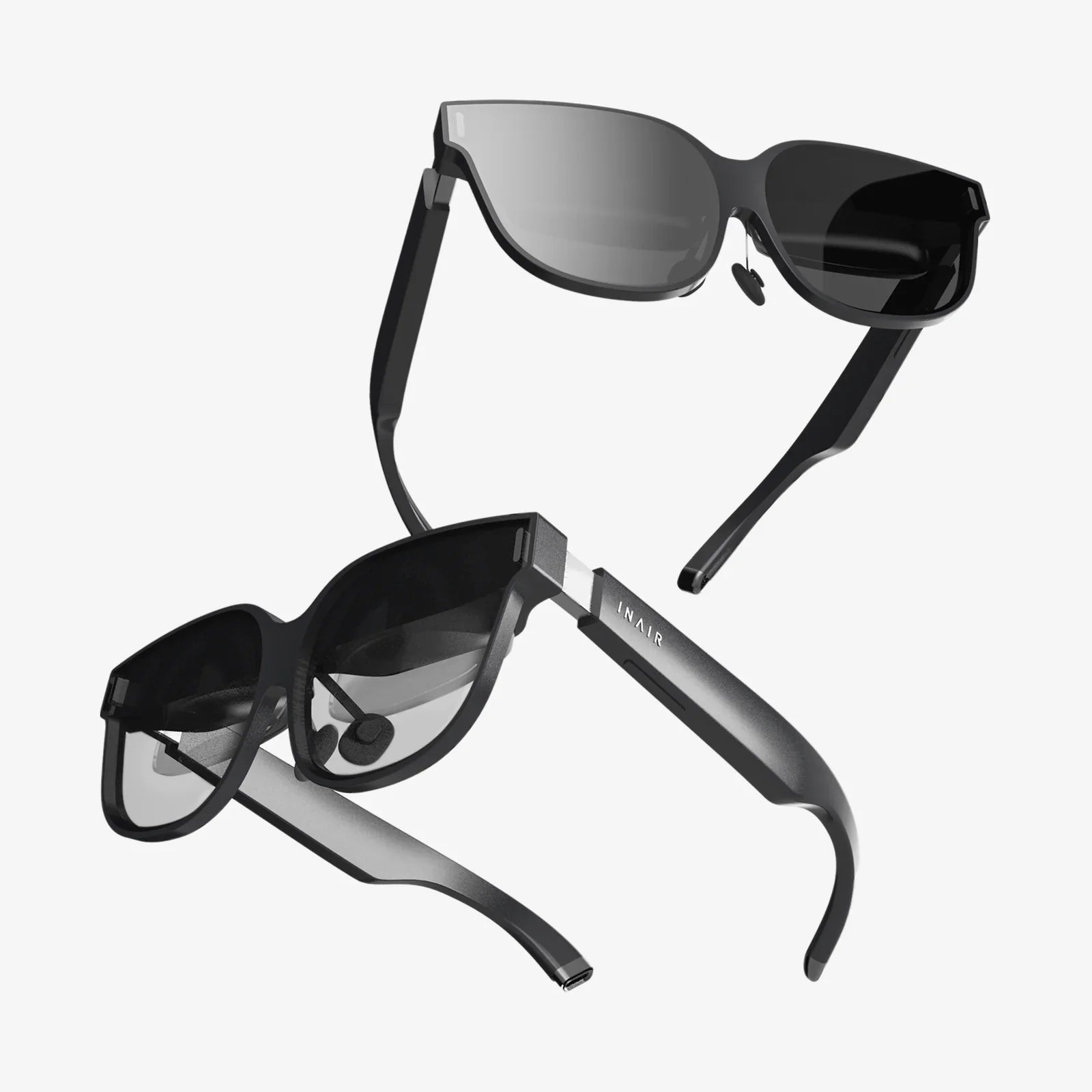
Imagine reaching out and turning a virtual knob to adjust the temperature in your home, pinching a 3D model of a engine apart to see its components, or having a conversation with a digital character that responds to your subtle glances. This isn't science fiction; it's the imminent future being built today through revolutionary AR interaction techniques. The way we command our devices is on the cusp of its most profound transformation since the invention of the mouse and the multi-touch screen. We are moving beyond the glass rectangle into a world where our very movements, our voice, and our gaze become the primary conduits for digital power, seamlessly blending the physical and virtual into a single, cohesive experience.
The Paradigm Shift: From 2D Screens to 3D Space
For decades, human-computer interaction has been largely confined to two dimensions. We clicked, we dragged, we tapped, and we scrolled on flat surfaces. Augmented Reality shatters this constraint by introducing a fundamental new element: spatial context. The digital content is no longer trapped behind glass; it is mapped, anchored, and responsive to the real world. This demands a completely new set of interaction metaphors. The challenge is no longer about moving a cursor but about manipulating objects that appear to have physical presence. This shift requires techniques that feel natural, are physically comfortable to perform over time, and are robust enough to work in the dynamic, unpredictable environments of everyday life.
Core Modalities of AR Interaction
The most powerful AR interfaces will not rely on a single input method but will blend several modalities contextually, creating a rich and flexible interaction palette. These core modalities form the foundation of modern AR interaction techniques.
1. Gesture-Based Interaction: The Language of Hands
Our hands are our most natural tools for manipulating the physical world, making them an intuitive choice for interacting with virtual objects. Gesture-based techniques use cameras and sensors to track the user's hand movements, interpreting specific poses and motions as commands.
Types of Gestural Input:
- Direct Manipulation: This involves mimicking real-world actions. For example, using a pinch gesture to "grab" a virtual object, then moving your hand to reposition it. A two-handed pinch to rotate or scale an object is a common and intuitive pattern.
- Symbolic Gestures: These are more abstract, command-like motions, akin to sign language or magic spells. A thumbs-up to confirm an action, a waving gesture to dismiss a window, or drawing a shape in the air to launch a specific application.
- Micro-gestures: Performed with finer motor skills, often just the fingers, for precise control. Think of adjusting a slider or turning a tiny dial on a virtual interface panel.
The key challenge with gesture input is discoverability and feedback. Unlike a button with a fixed label, a gesture is invisible until taught. Effective systems provide clear visual cues or tutorials and offer immediate, satisfying feedback (like a sound or visual effect) when a gesture is correctly recognized.
2. Gaze and Attention Tracking: The Power of Looking
Where we look is a powerful indicator of our intent. AR headsets with eye-tracking capabilities can use this data as a primary or secondary input mechanism. Gaze is incredibly fast for selecting objects; you can simply look at what you want to interact with.
Common Gaze Patterns:
- Dwell-based Selection: The user looks at an interface element for a predetermined amount of time (e.g., one second) to activate it. This is hands-free but can feel slow or unintentional.
- Gaze as a Pointer: Gaze replaces the mouse cursor. The user looks at an object to highlight it, and then confirms the selection with a secondary input, like a voice command ("Select that") or a subtle gesture (a blink or a tap on a wearable controller). This hybrid approach combines the speed of eye-tracking with the deliberate action of another modality.
- Contextual Awareness: The system can understand what you are paying attention to and proactively offer relevant information or controls. For instance, looking at a restaurant might bring up its menu and reviews without any other command.
3. Voice Interaction: The Natural Conversationalist
Voice user interfaces (VUI) have become commonplace in our homes and phones, and they are a perfect complement to AR. Voice is excellent for issuing complex commands, inputting text, and triggering macros without the need to navigate complex menus.
In an AR context, voice commands like "Place the sofa here," "Show me the wiring diagram for this wall," or "Take a note and pin it to this location" feel incredibly natural. It bypasses the need to learn intricate gesture vocabularies for every function. The main challenges remain accuracy in noisy environments, privacy concerns, and designing for a lack of visual affordances—users need to know what commands are available at any given time.
4. Tool and Controller-Based Input: Precision and Haptics
While the goal is often complete immersion with bare hands, there are times when physical tools are superior. Dedicated controllers or everyday objects enhanced with trackers can provide unparalleled precision, tactile feedback (haptics), and physical buttons.
Imagine a surgeon using a tracked stylus to practice a procedure on a AR overlay of a patient, or an engineer using a physical proxy (a tool that looks like a real wrench) to turn a virtual bolt and feel resistance. These tools provide a sense of tangible feedback that is currently impossible with hand-tracking alone, making them essential for professional and high-precision applications.
Advanced and Emerging Techniques
Beyond these core modalities, research is pushing the boundaries of what's possible, exploring even more immersive and context-aware methods.
Spatial Mapping and Occlusion
This is less a direct input technique and more a foundational behavior that enables intuitive interaction. When an AR system understands the geometry of the environment, virtual objects can be occluded by real ones. This allows for interactions like placing a virtual cup on a real table and having it convincingly stay there, or "hiding" a virtual interface behind a real wall until you walk around it. This deep understanding of space is critical for creating believable and persistent interactions.
Multimodal Fusion: The Whole is Greater Than the Sum of Its Parts
The true magic happens when these techniques are combined. A user might look at a virtual light fixture, point at it with their hand, and say, "Voice, make it brighter." The system fuses these three simultaneous intents (gaze + gesture + voice) to execute a highly specific command with minimal ambiguity and high reliability. This multimodal approach dramatically reduces the cognitive load on the user, as they can use whatever input method feels most natural in the moment.
Embodied Interaction and Full-Body Tracking
Looking further ahead, interaction will move beyond just hands and eyes to encompass the entire body. Full-body tracking allows users to kick a virtual ball, dodge a virtual obstacle, or use their stance and posture to communicate with digital avatars in social AR experiences. This level of embodiment is key to achieving true presence and natural communication within shared virtual spaces.
Design Challenges and Considerations
Designing these interactions is a monumental challenge that blends computer science, ergonomics, and cognitive psychology.
- Fatigue (Gorilla Arm): Holding your arms out in mid-air to perform gestures is exhausting after a short time. Designs must favor relaxed, ergonomic postures and provide alternatives for prolonged use.
- Social Acceptance: Performing large, symbolic gestures in public can feel awkward and draw unwanted attention. Successful consumer AR will likely rely more on subtle, micro-gestures and voice inputs that don't make the user feel self-conscious.
- Accessibility: How do these techniques work for users with different physical abilities? A system reliant on precise hand gestures must have alternatives for those who cannot use their hands. Voice control must work for non-native speakers and those with speech impairments. Inclusive design is not a bonus; it is a necessity.
- Privacy and Ethics: Always-on cameras and microphones that track your environment, your eyes, and your conversations raise significant privacy questions. The ethical collection, storage, and use of this immensely personal data is one of the biggest hurdles to widespread adoption.
Real-World Applications Shaped by Interaction
The choice of interaction technique is directly dictated by the use case.
- Industrial Maintenance & Repair: A technician uses a robust controller or voice commands to pull up schematics hands-free while holding a physical tool, using gaze to highlight specific components.
- Healthcare: A surgeon reviews a 3D scan of a patient's anatomy using gesture controls to rotate and slice through the model, all while maintaining a sterile field without touching any physical device.
- Retail & Interior Design: A customer uses simple hand gestures to place virtual furniture in their living room, scaling it with pinches and rotating it with two hands to see if it fits their space.
- Navigation: Glance-based arrows projected onto the sidewalk guide a user to their destination, with subtle audio cues for turns, creating a seamless walking experience without staring at a phone.
The clumsy tap and swipe of early mobile devices feel prehistoric compared to the intuitive, spatial, and powerful interactions being pioneered today. We are building a new language for commanding the digital layer of our world—a language built on gesture, voice, and gaze. The companies and designers who solve the profound challenges of ergonomics, privacy, and intuitive design will not just be creating new products; they will be defining the fundamental way humanity interacts with information for generations to come. The interface of the future won't be in your hand; it will be all around you, waiting for a glance, a word, or a gesture to bring it to life.
Share:
Interaction Spatiale: The Invisible Architecture of Our Digital and Physical Worlds
Interaction Spatiale: The Invisible Architecture of Our Digital and Physical Worlds