


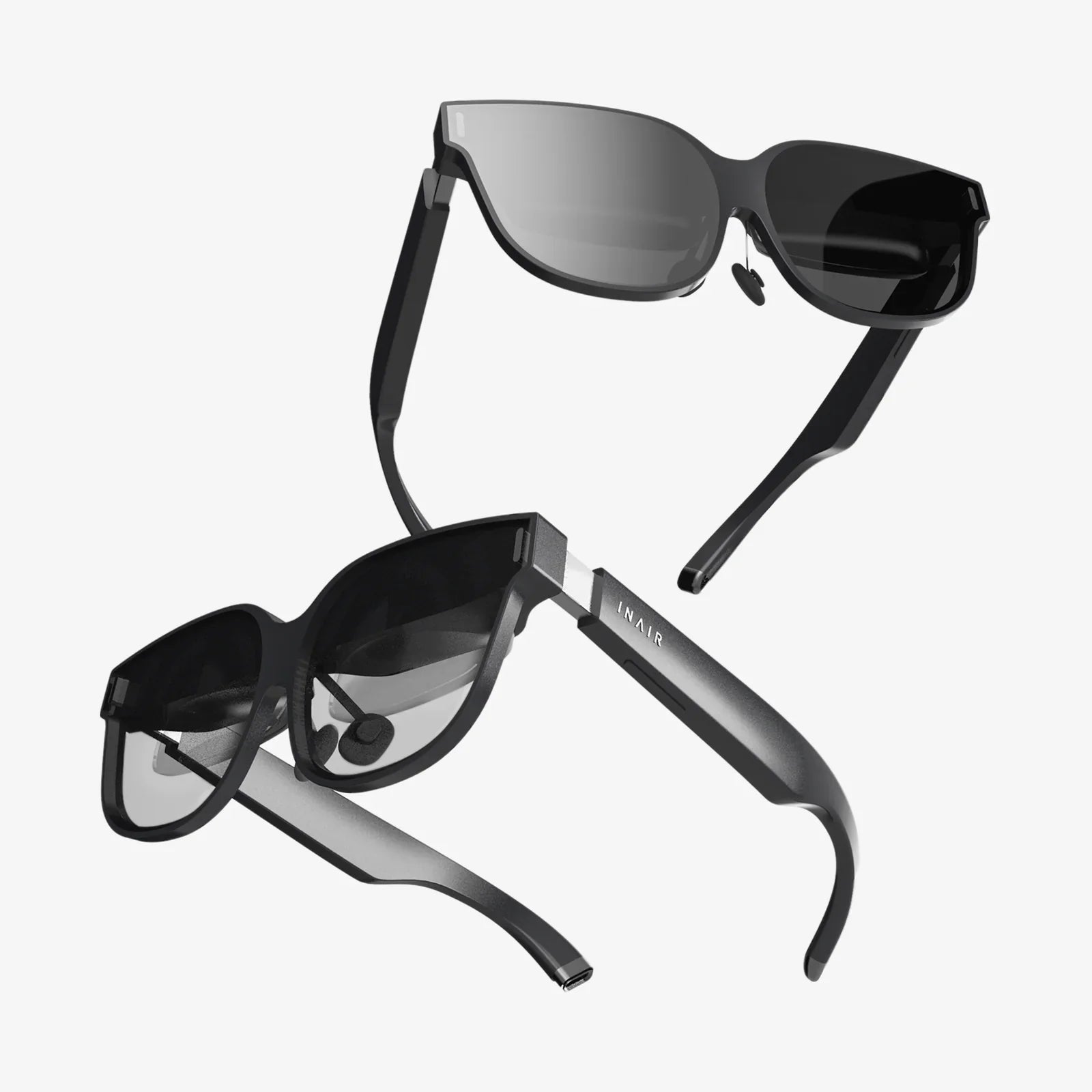
Imagine a world where digital information overlays your morning commute, highlighting the best coffee shops and the day's news on building facades, or a realm where you can stand on the surface of Mars, feeling the red dust crunch beneath your virtual boots. This is no longer the domain of science fiction; it's the burgeoning reality shaped by Augmented Reality (AR) and Virtual Reality (VR). Yet, for many, the line between these two transformative technologies remains frustratingly blurred. Is one just a subset of the other? Are they destined to merge? The confusion is understandable, but the distinctions are profound and hold the key to their respective futures. This is where a clear, insightful AR vs VR comparison diagram becomes an indispensable tool, cutting through the jargon to provide a visual roadmap of these parallel universes. By exploring the core principles that such a diagram illustrates, we can not only understand what sets them apart but also glimpse the incredible potential they hold for reshaping every facet of our lives, from how we work and learn to how we connect and play.
Deconstructing the Core Experience: The Foundation of the Diagram
At the heart of any AR vs VR comparison diagram lies the most fundamental differentiator: the user's relationship with the physical world. This is the primary axis upon which everything else is built.
Virtual Reality: The Total Digital Escape
Visualize one half of our comparison diagram dedicated to VR. Here, the user is depicted as being fully immersed, often with a headset that completely occludes their vision. The key principle is immersion. VR technology works by severing the user's visual and auditory connection to their immediate physical environment and replacing it with a convincing, computer-generated simulation. Whether it's a photorealistic recreation of a famous museum or a fantastical alien landscape, the goal is to induce a sense of presence—the undeniable feeling of "being there." This requires powerful processing to render high-fidelity visuals in real-time and precise head-tracking to ensure the digital world moves in perfect congruence with the user's movements. Any lag or glitch can break this carefully constructed illusion and cause discomfort. The environment in a VR diagram is represented as 100% synthetic, a digital bubble that exists independently of the user's living room or office.
Augmented Reality: The Digital Enhancement of Reality
Now, shift your focus to the AR portion of the diagram. The imagery here is starkly different. The user remains present in their real-world environment, but digital elements are composited onto their view. This is the principle of integration. AR does not seek to replace the world but to augment it with a layer of interactive information. This digital overlay can be viewed through smartphone screens, smart glasses, or specialized heads-up displays. The magic of AR lies in its ability to understand and interact with the real world. Using cameras and sensors, AR devices perform spatial mapping to understand the geometry of a room, recognize surfaces like tables and floors, and anchor digital objects to them. This allows a virtual character to convincingly hide behind your real sofa or for a navigation arrow to appear to be painted on the street ahead. The environment in an AR diagram is a hybrid: the familiar physical world enhanced with contextual, digital data.
Beyond the Basics: Diving Deeper into the Technical Architecture
A sophisticated AR vs VR comparison diagram moves beyond the user experience to explore the underlying technological stacks that enable these experiences. While there is overlap, the primary objectives of each technology demand different engineering priorities.
The VR Technical Stack: Prioritizing Immersion and Power
On the VR side, the technical diagram highlights components geared towards generating and maintaining a believable universe.
- Display Technology: High-resolution, fast-refresh-rate displays are paramount to avoid the "screen door effect" and ensure smooth visuals that prevent motion sickness. The field of view (FOV) is also critical, aiming to be as wide as possible to enhance peripheral immersion.
- Tracking Systems: This is the cornerstone of VR. Precise inside-out or outside-in tracking systems monitor the user's head position (3DoF - 3 Degrees of Freedom or 6DoF - 6 Degrees of Freedom) and, often, the position of their hands via controllers. This data is used to update the perspective in the virtual world instantly.
- Processing Power: VR is computationally intensive. Rendering two high-resolution images (one for each eye) at rates exceeding 90 frames per second requires significant GPU power, typically supplied by a powerful connected computer or a sophisticated, self-contained system-on-a-chip in standalone headsets.
- Audio: Immersive 3D spatial audio is non-negotiable. Sounds must come from the correct direction and distance within the virtual space to complete the illusion of presence.
The AR Technical Stack: Prioritizing Context and Mobility
The AR section of the technical diagram reveals a focus on perception and real-world integration.
- Sensing and Mapping: The most crucial components are the cameras and sensors dedicated to computer vision. These include RGB cameras, depth sensors (like time-of-flight sensors), LiDAR, and IMUs (Inertial Measurement Units). Their job is to constantly scan the environment, create a 3D mesh, and understand planes, lighting, and objects. This is how AR knows where to place digital content convincingly.
- Display Technology: AR displays are often transparent (optical see-through) or use cameras to pass through a video feed of the real world (video see-through). Technologies like waveguides and micro-LEDs are being developed to create bright, high-contrast images that are visible in various lighting conditions while keeping the form factor small enough for glasses.
- Processing and Connectivity: While still requiring significant processing for computer vision tasks, AR often leverages a combination of on-device processing and cloud computing. For mobile AR, the smartphone's processor handles the workload. The emphasis is on efficiency and low latency to ensure digital objects stay locked in place.
- Battery Life: Because AR aims to be a mobile, all-day technology, power efficiency is a primary design constraint, influencing choices about processors, displays, and sensors.
Mapping the Applications: Where These Technologies Thrive
A valuable section of our conceptual diagram would chart the primary application domains for AR and VR, illustrating how their core philosophies lead them to solve different types of problems.
VR's Domain: Simulation, Training, and Deep Engagement
VR excels in situations where total focus and a controlled environment are beneficial or necessary.
- Training and Simulation: From training surgeons for complex procedures without risk to a patient to preparing astronauts for spacewalks or soldiers for combat scenarios, VR provides a safe, repeatable, and cost-effective training ground.
- Gaming and Entertainment: This is VR's most famous application. It offers unparalleled immersion, allowing gamers to step inside their favorite worlds and experience stories from a first-person perspective.
- Virtual Prototyping and Design: Architects and engineers use VR to walk clients through unbuilt structures, and car designers can review full-scale 3D models of vehicles, saving millions in physical prototyping costs.
- Therapy and Rehabilitation: VR is used for exposure therapy to treat phobias, for physical rehabilitation by making exercises more engaging, and for managing pain through distraction.
AR's Domain: Enhancement, Information, and Everyday Utility
AR finds its strength in enhancing real-world tasks and providing contextual information on the go.
- Industrial and Field Service: Technicians can see schematics overlaid on machinery they are repairing, receive remote expert guidance with annotations visible in their field of view, and access manuals hands-free.
- Retail and Commerce: Customers can visualize how furniture will look in their home before buying, "try on" clothes, glasses, or makeup virtually, and access additional product information by pointing their phone at an item.
- Navigation and Maps: AR can project turn-by-turn directions onto the real road, highlight points of interest, and guide users through complex indoor spaces like airports or museums.
- Collaboration and Remote Assistance: Colleagues in different locations can view and interact with the same 3D model as if it were physically present in the room, enabling a new paradigm for remote work.
The Blurring Lines and the Emergence of Mixed Reality (MR)
No modern AR vs VR comparison diagram is complete without acknowledging the spectrum that connects them: Mixed Reality. MR is not just a marketing term; it represents a significant technological evolution. MR headsets incorporate the immersive display technology of VR with the advanced sensors and cameras of AR. This allows digital objects to not only be overlaid on the real world but to truly interact with it. A virtual character in MR could sit on your real couch, and a virtual ball could bounce off your real walls. MR experiences can dynamically occlude, meaning if a digital object moves behind your physical table, it will be hidden from view, just as a real object would be. This creates a seamless blend where the physical and digital coexist and interact in real-time, representing a powerful convergence of both technologies.
Choosing Your Reality: A Guide for Users and Developers
Understanding the AR vs VR comparison diagram ultimately empowers better decision-making. The choice between them hinges on a simple question: Do you need to replace reality or enhance it?
- Choose VR for: Full immersion, controlled environments, simulation, deep narrative experiences, and situations where disconnecting from the physical world is a feature, not a bug.
- Choose AR for: Contextual information, enhancing real-world tasks, mobility, social interaction in shared physical spaces, and applications where maintaining awareness of your surroundings is critical for safety or utility.
For developers, this choice dictates the entire project's design, from the hardware target and software development kit (SDK) to the user interface and interaction paradigms. A VR developer is building a world; an AR developer is building an interface for the world.
The Future Trajectory: From Separate Paths to a Convergent Future
Looking at the horizon, the lines on our AR vs VR comparison diagram will continue to blur. Hardware will evolve towards lighter, more comfortable, and more socially acceptable form factors, likely converging around MR-capable glasses. Advances in 5G/6G connectivity and edge computing will offload heavy processing, enabling more complex AR experiences on smaller devices. The development of a robust "digital twin" of the real world—a shared, persistent 1:1 model of our environment—will provide a common foundation for both AR and VR applications to interact with. Furthermore, the integration of Artificial Intelligence will be transformative, allowing these systems to better understand user intent, generate content dynamically, and interpret the world with human-like context. We are moving towards a future of spatial computing, where the distinction between the interfaces of AR and VR may become less important than their shared ability to make digital information a natural part of our perceptual landscape.
The journey from a simple AR vs VR comparison diagram to the complex, interconnected reality of spatial computing is already underway. These technologies are not in a winner-takes-all race but are instead complementary forces driving a fundamental shift in how we interact with information and with each other. The headset that lets a surgeon practice a life-saving procedure and the glasses that help a mechanic fix an engine are two sides of the same coin: a desire to extend human capability through digital means. By understanding their unique languages—one of immersion, the other of augmentation—we can better appreciate the incredible toolbox being built for the future. This isn't just about choosing a device; it's about choosing how we will ultimately experience, understand, and shape the world around us. The map is drawn; the next reality is yours to explore.
Share:
Best XR Glasses for Movies: Your Ultimate Guide to Cinematic Immersion
Best XR Glasses for Movies: Your Ultimate Guide to Cinematic Immersion