


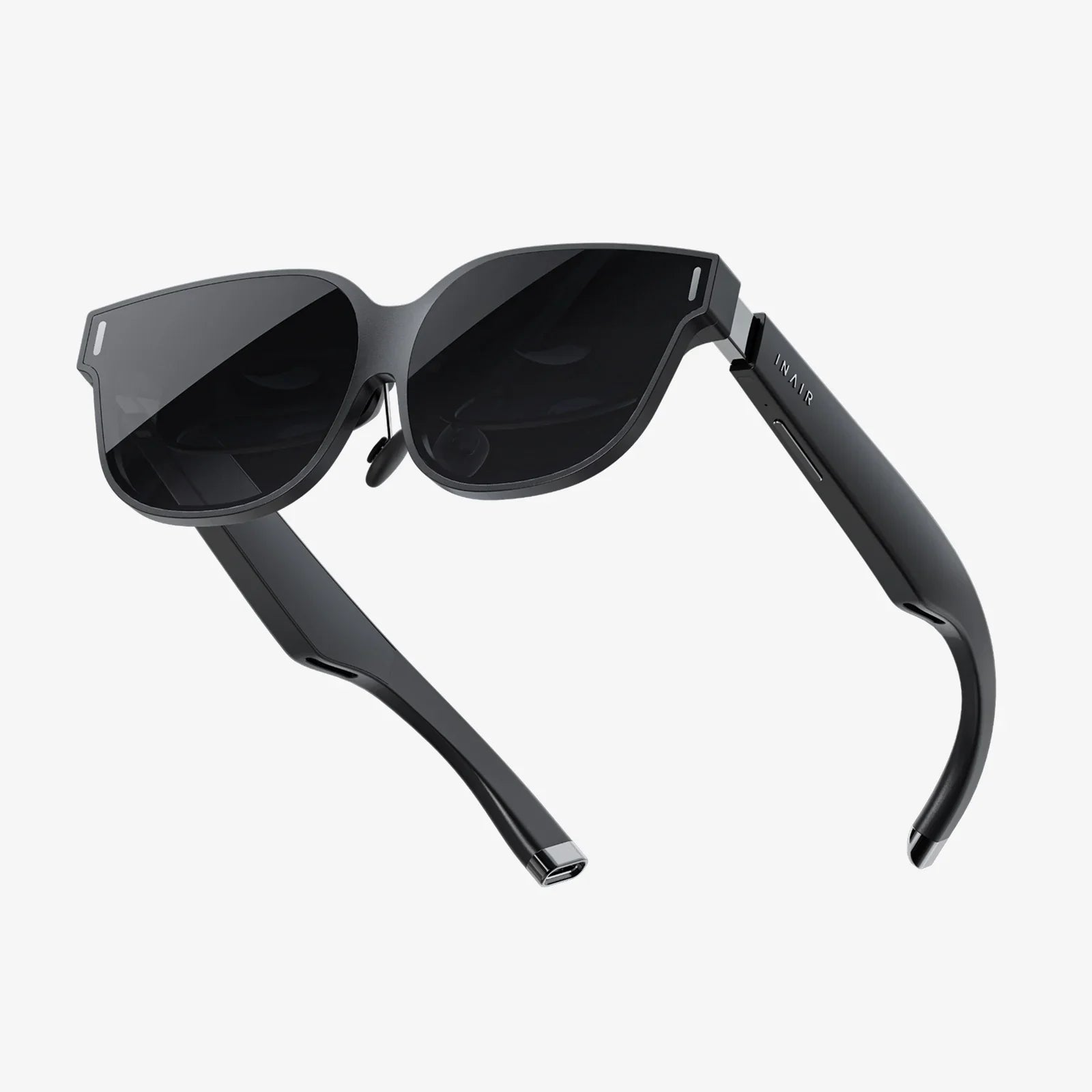
Imagine stepping through a portal into another world, feeling the palpable tension of a deep-space dogfight, or standing awestruck in a virtual museum gallery—all from the comfort of your living room. This is the promise of PC-powered virtual reality, an experience so profoundly different from anything that has come before that it often defies description. For those looking to take their first step into these expansive digital realms, the journey begins with a single, crucial decision: choosing the best starter VR headset for your PC. The market can be a confusing landscape of technical jargon and competing specs, but fear not. This guide is designed to cut through the noise, providing you with the knowledge and confidence to select the perfect gateway into virtual worlds that will ignite your imagination without overwhelming your wallet.
Why Start with a PC VR Headset?
While standalone headsets offer convenience, PC VR represents the pinnacle of what is possible in consumer virtual reality today. By tethering to a powerful computer, these headsets are unshackled from the processing limitations of mobile chipsets. This partnership allows for vastly superior graphics, more complex and immersive environments, richer textures, longer draw distances, and a level of detail that is essential for true presence—the feeling that you are actually there. For gamers, this means experiencing blockbuster titles in their full, breathtaking glory. For creators, professionals, and enthusiasts, it provides the computational horsepower needed for detailed 3D modeling, intricate simulations, and high-fidelity educational content. Starting with a PC VR headset means starting at the high end of the accessible market, ensuring your first impressions are as stunning and compelling as possible.
Key Features to Consider in Your First Headset
Navigating the specifications sheet for a VR headset can be daunting. Here, we break down the most critical features that will define your experience and determine what makes a headset truly "beginner-friendly."
Display Resolution and Clarity
Often the first spec everyone looks at, resolution determines the sharpness of the image you see. Measured in pixels per eye, a higher resolution means less "screen door effect" (that faint grid-like appearance between pixels) and clearer text and details. For a starter headset, look for a combined resolution of at least 2,000 x 2,000 pixels per eye or higher. However, resolution is only part of the story. The quality of the lenses is equally important. Modern headsets often use Fresnel or aspherical lenses that provide a large "sweet spot"—the area where the image is perfectly clear—and reduce god rays (those faint visual artifacts that appear around high-contrast objects).
Refresh Rate: The Key to Comfort
Measured in Hertz (Hz), the refresh rate is how many times per second the image on the screen is updated. A higher refresh rate, such as 90Hz, 120Hz, or even 144Hz, leads to smoother motion and is one of the most critical factors in preventing VR-induced motion sickness. For a comfortable and nausea-free introduction to VR, a 90Hz refresh rate is considered the baseline, with 120Hz being a significant and welcome upgrade for smoother gameplay.
Tracking: Inside-Out vs. External Sensors
This is how the headset understands its position in your physical space. There are two primary methods:
- Outside-In Tracking: This traditional method uses external sensors or base stations placed around your room to track the position of the headset and controllers. It is renowned for its extremely high precision and reliability, especially for competitive gaming or experiences that require precise movement behind your back or out of your immediate line of sight.
- Inside-Out Tracking: Modern beginner-friendly headsets almost universally use inside-out tracking. Cameras mounted on the headset itself scan your environment to track its own position and that of the controllers. The huge advantage here is simplicity and setup: there are no external sensors to mount and calibrate. You simply put on the headset, define your play area, and you're ready to go. While it may theoretically be slightly less precise for expert-level use, the technology has advanced tremendously and is more than adequate for the vast majority of users and games.
For a starter setup, inside-out tracking is overwhelmingly the recommended choice due to its plug-and-play nature.
Controllers and Ergonomics
Your hands are your primary interface in VR, so the controllers matter immensely. A good starter kit will include two motion-tracked controllers, one for each hand. Look for controllers that feel natural to hold, with intuitive button placement and reliable tracking. Ergonomic design that fits comfortably in your hands during long sessions is a must. Haptic feedback, which provides subtle vibrations in response to in-game actions, greatly enhances immersion, making the virtual world feel more tangible.
Comfort and Fit
VR sessions can last from a few minutes to a few hours. A comfortable headset is a headset you'll want to keep using. Key aspects include:
- Weight Distribution: A well-designed headset uses a counter-balanced strap (like a halo design or rigid strap) to distribute weight across your head rather than pressing on your face.
- Padding: Plush, breathable foam facial interfaces are essential for comfort and hygiene.
- Adjustability: Easy-to-use dials for tightening the headstrap and IPD (Interpupillary Distance) adjustment, either software-based or physical, are crucial for aligning the lenses with your eyes for a clear image.
Audio
Immersive 3D spatial audio is a non-negotiable part of the VR experience. Some headsets have built-in headphones that provide a curated experience, while others have audio jacks for you to use your own headphones. Many modern designs feature off-ear or built-in directional speakers that provide excellent spatial sound while allowing you to remain aware of your real-world surroundings—a useful feature for beginners.
The PC: The Beating Heart of Your VR Setup
Your VR headset is just a window; the PC is the engine rendering the world on the other side. Before you buy anything, you must verify your computer meets the necessary requirements. These are typically divided into two tiers:
- Minimum Spec: This will allow you to run VR software, but often at lower settings, resolutions, and refresh rates. It's the bare minimum to function.
- Recommended Spec: This is the target for a good experience. It ensures you can run most software at standard settings with a high, stable frame rate.
Key components to focus on are the GPU (Graphics Processing Unit) and CPU (Central Processing Unit). A powerful dedicated GPU is the single most important component for a smooth VR experience. You should also ensure you have enough available USB ports (often a specific version like USB 3.0) and a DisplayPort or HDMI output that matches the headset's needs. Most headset manufacturers provide a free software tool that automatically scans your computer and tells you if it's VR-ready.
Setting Up Your First VR System
The setup process for modern inside-out tracked headsets is remarkably simple:
- Software Installation: Install the necessary VR platform software on your PC (e.g., SteamVR, or the headset manufacturer's own platform).
- Connect the Headset: Connect the headset to your PC using the provided cable—usually a single thick cable that combines power, data, and video.
- Power On: Put on the headset and follow the on-screen instructions.
- Define Your Play Space: This is a crucial safety step. Using the headset's passthrough camera view, you will trace the boundaries of your safe play area on the floor. This creates a "Guardian" or "Chaperone" system—a virtual wall that appears when you get too close to the boundary, preventing you from bumping into real-world objects.
- Controller Pairing: If not automatic, you will pair your motion controllers.
- Calibration: The software may have you place the controllers on the floor to calibrate height and perform a few other quick setup steps.
Within 15-20 minutes, you should be standing in a virtual home environment, ready to explore.
Must-Try Experiences for New VR Users
Once you're setup, where do you begin? The software library can be vast. Start with these beginner-friendly categories:
- The "Wow" Factor: Begin with experiences designed to showcase immersion. Think Google Earth VR, where you can fly over cities, or rich narrative experiences that are light on interaction but heavy on awe.
- Room-Scale Games: Titles that have you standing and moving within your play space are a great introduction to physical interaction in VR. Puzzle games and simple shooters that use teleportation movement are perfect starters.
- Social VR: Platforms that allow you to meet and interact with other people in virtual spaces can be one of the most surprising and compelling uses of the technology.
Remember to take breaks as you get your "VR legs." Start with sessions of 15-30 minutes and stop if you feel any discomfort.
Investing in Your Virtual Future
A final consideration for your starter headset is its ecosystem and future-proofing. You are buying into a platform. Consider the storefront you will be purchasing games from and whether those purchases are tied to the headset or to a more universal platform like Steam. Furthermore, think about the potential for accessory upgrades, like better controllers, optional wireless adapters, or aftermarket comfort straps, which can significantly enhance your experience down the line without requiring a full headset replacement.
The door to countless realities is waiting to be opened, and the key is a well-chosen headset that balances performance, comfort, and value. This isn't just about purchasing a piece of hardware; it's about investing in a new medium for play, creation, and connection. By focusing on the core pillars of display quality, tracking simplicity, and overall comfort, you can find a PC VR headset that doesn't just serve as an entry point but becomes a cherished gateway to adventures you have yet to even imagine. Your journey into the virtual expanse starts now—all you have to do is take that first step.
Share:
Extended Reality Definition Technology: Reshaping Our Perception of the World
VR Headset Problems: A Deep Dive into the Immersive Tech's Biggest Hurdles