


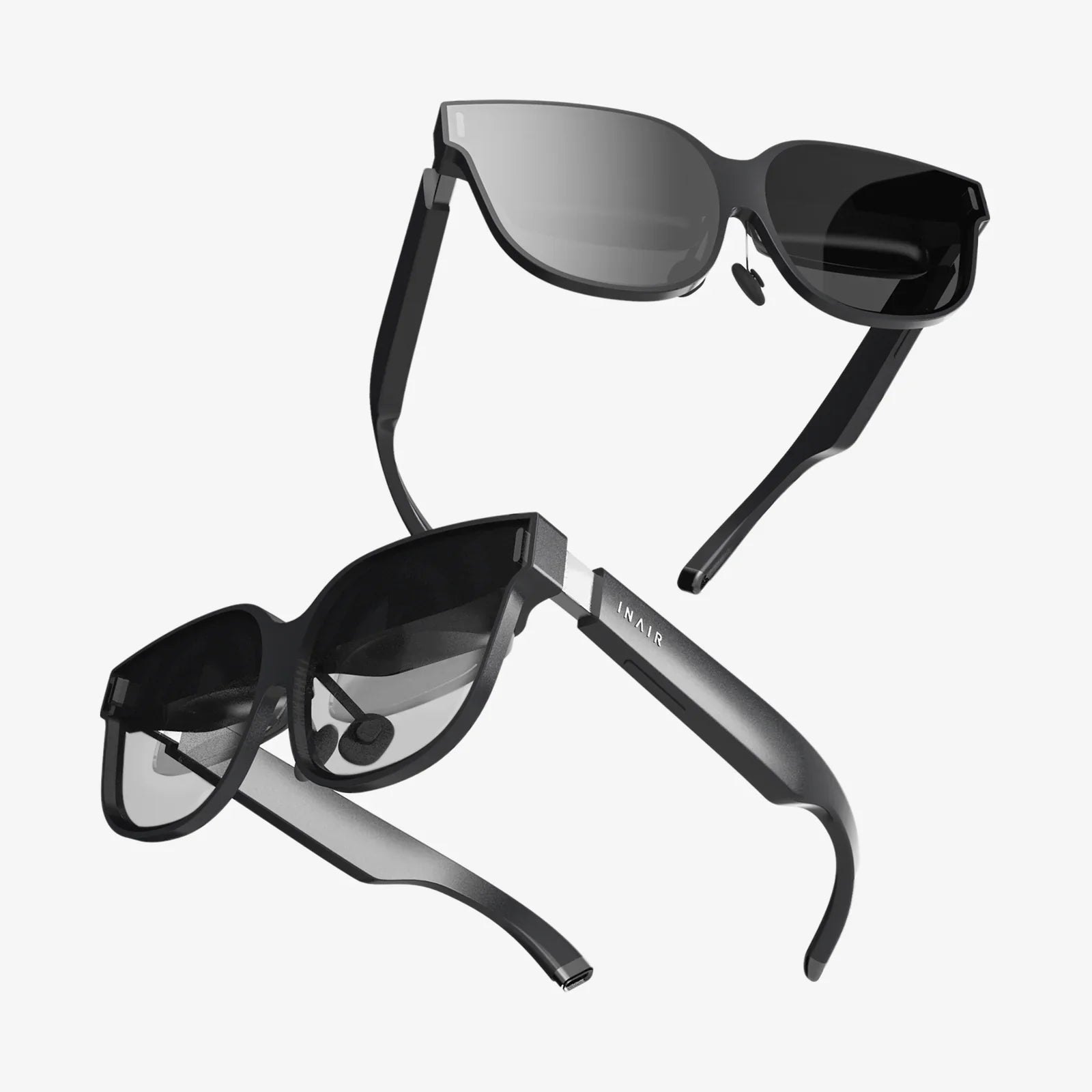
You hold a pocket-sized portal to other worlds in your hand. Your iPhone 13, with its stunning Super Retina XDR display, powerful A15 Bionic chip, and advanced sensors, is more than just a phone—it's a ticket to immersive virtual reality. But that potential remains locked away without the right key: the perfect VR headset. The quest isn't just about finding any headset; it's about discovering the best VR for iPhone 13, a companion that unlocks seamless, powerful, and breathtaking experiences tailored to your device's unique capabilities. This journey will transform how you play, learn, and explore, turning your powerful smartphone into a window to the incredible.
Why Your iPhone 13 is a VR Powerhouse
Before diving into the headsets themselves, it's crucial to understand what makes the iPhone 13 such a formidable device for mobile VR. This isn't just marketing hype; it's about specific hardware advantages that directly translate to a superior virtual experience.
The A15 Bionic Chip: The Engine of Immersion
At the heart of every iPhone 13 lies the A15 Bionic chip. This piece of silicon is a computational marvel, featuring a 6-core CPU, a 4-core GPU, and a 16-core Neural Engine. For VR, the GPU is the star of the show. Rendering a VR experience is incredibly demanding; the system must generate two distinct, high-resolution images (one for each eye) and maintain a high, stable frame rate—typically 72fps or higher—to prevent motion sickness and ensure smoothness. The A15 Bionic's GPU handles this task with remarkable efficiency, enabling more detailed visuals, complex environments, and longer play sessions without thermal throttling compared to older devices.
The Super Retina XDR Display: Your Window to Virtuality
The quality of the VR experience is literally seen through your phone's screen. The iPhone 13's Super Retina XDR display, with its high resolution (2532 x 1170 pixels), exceptional color accuracy, and impressive brightness (up to 800 nits standard, 1200 nits peak HDR), provides a crystal-clear canvas for VR content. The high pixel density means the dreaded "screen door effect"—where you can see the gaps between pixels—is significantly reduced, allowing for greater immersion. The OLED technology on the Pro models offers perfect blacks and incredible contrast, making virtual worlds feel more vivid and real.
Advanced Sensor Suite: Tracking Your Every Move
Seamless VR relies on precise head tracking. The iPhone 13's gyroscope and accelerometer work in tandem to accurately track the orientation and movement of your head in real-time. This low-latency tracking is essential for convincing immersion. When you turn your head, the virtual world must respond instantly and accurately. Any lag or jitter shatters the illusion immediately. The precision of these sensors in the iPhone 13 ensures that your virtual movements feel natural and responsive.
Defining the "Best" VR Headset for Your Needs
The term "best" is subjective. The ideal headset for a hardcore gamer is different from the best option for a casual user who wants to watch 360-degree videos. When searching for the best VR for iPhone 13, you must weigh several key factors against your personal preferences and budget.
Key Considerations Before You Buy
- Comfort and Fit: You'll be wearing this device on your head. Weight distribution, padding quality, and adjustability are paramount for longer sessions.
- Field of View (FoV): A wider FoV means a more immersive experience where the virtual world fills more of your vision. Most mobile headsets range from 90 to 110 degrees.
- Lens Quality: High-quality, distortion-free lenses are critical for visual clarity. Look for features like adjustable IPD (Interpupillary Distance) and focus dials to match your unique eyesight.
- Controller Support: While many experiences use gaze-based or head-tracking controls, a dedicated Bluetooth controller unlocks a vast library of more complex games and applications.
- Build Quality and Materials: Is it made of flimsy plastic or durable, premium materials? This affects both longevity and overall feel.
- Ventilation: Your iPhone 13 will get warm during VR use. A headset with good airflow can help mitigate overheating and lens fogging.
The Two Main Categories: Mobile VR Headsets
Headsets designed for smartphones generally fall into two camps, each with its own philosophy.
All-in-One Mobile HMDs (Head-Mounted Displays)
These are the most common type. They consist of a headset shell with built-in lenses and a compartment where you insert your iPhone 13. The phone acts as both the display and the computer. The headset's job is to provide the optics, housing, and often an input method. Their advantages are clear: they are generally more affordable, portable, and simple to use. You can easily take the headset anywhere, and upgrading your phone automatically upgrades your VR experience.
Standalone VR Systems with iPhone Integration
A more recent and advanced category involves standalone headsets that have their own processors, displays, and onboard software. However, some of these systems offer companion applications or specific modes that allow you to tether or stream content from your iPhone 13, using it as a media library or a controller. This approach can sometimes offer a higher-quality experience than basic mobile HMDs but often at a significantly higher cost.
Top Features to Look For in a Headset
Based on the iPhone 13's strengths, here are the specific features that will help you identify a truly compatible and high-performing headset.
Precise Optical Calibration
The headset must have lenses perfectly calibrated for the iPhone 13's screen size and resolution. Misaligned or low-quality lenses will introduce blur, chromatic aberration (color fringing), and a "swimmy" feeling that causes discomfort. The best headsets have aspherical or Fresnel lenses designed to minimize these distortions and provide a sweet spot that is large and easy to find.
Superior Comfort for Extended Use
Look for a headset that uses a three-point strap system (over the head and around the sides) rather than a simple face strap. This distributes the weight of the device (and your phone) evenly across your head, not just on your face and nose. Plush, removable, and breathable foam or leatherette padding is essential. Adjustable top and side straps are a must for finding the perfect fit.
Effective Input Methods
While a Bluetooth gamepad is recommended for serious gaming, the headset itself can facilitate input. Some higher-end models include a simple remote for basic navigation, while others may have touchpads or buttons built into the housing. The most immersive option is support for hand-tracking controllers, which, while rare in the mobile space, represent the future of VR interaction.
Adequate Ventilation and Cooling
This is a critical yet often overlooked feature. Intensive VR apps will make the A15 Bionic chip work hard, generating heat. A headset with a closed-off design can turn into a little oven, causing the phone to throttle its performance (leading to lag) or even shut down. The best designs incorporate strategic vents or open pathways to allow heat to dissipate, ensuring your iPhone 13 can run at peak performance for longer.
Navigating the World of VR Content
Your hardware is useless without software. The ecosystem of VR content accessible on your iPhone 13 is diverse and growing.
App Store and Dedicated VR Platforms
The primary source for content is the iOS App Store. A simple search for "VR" will reveal hundreds of apps, but quality varies greatly. Look for apps that are specifically updated for the iPhone 13 and its more powerful hardware. These will often offer higher resolution textures and more stable performance. Beyond the App Store, some headsets have their own curated content portals or app stores within their companion apps, which can be a good source of vetted, high-quality experiences.
Types of Experiences Available
- 360-Degree Videos and Photos: Explore travel destinations, witness news events, or watch concerts as if you were really there.
- Interactive Games: From simple puzzle games to more intense roller coaster simulators and shooters.
- Social VR: Apps that allow you to meet and interact with other users in virtual spaces using avatars.
- Educational and Training: Take virtual field trips to museums or historical sites, or explore the human body in 3D.
- Media Consumption: Use VR cinema apps to watch traditional movies on a giant virtual screen.
Setting Up and Optimizing Your Experience
To get the most out of your chosen headset, proper setup is key.
Initial Calibration and Fit
Take your time to adjust the straps. The headset should feel snug but not painfully tight. Use the IPD adjustment (if available) to match the distance between your pupils. This is crucial for visual clarity and avoiding eye strain. Clean your iPhone's screen thoroughly before inserting it—any smudges will be magnified by the lenses.
Managing Your iPhone's Performance
Close all background apps before launching a VR experience to free up RAM for the GPU. Consider enabling Low Power Mode only if you experience overheating issues, as it may throttle performance. Keep your phone's storage from being completely full, as this can also impact performance. For the best experience, ensure your iPhone is fully charged or connected to a power source, as VR is a significant drain on the battery.
The Future of iPhone-Centric VR
The landscape of mobile VR is evolving rapidly. With rumors of a dedicated AR/VR headset from Apple on the horizon, the role of the iPhone may shift. However, the iPhone's inherent power and ubiquity will likely keep it at the center of accessible mobile immersion for years to come. Future developments may include more advanced inside-out tracking (where the phone's cameras track the environment without external sensors) and deeper integration with the broader Apple ecosystem.
Your iPhone 13 is waiting to become so much more. It's a gateway to conquering new worlds, mastering impossible skills, and experiencing stories in a way that was once pure science fiction. The right VR headset doesn't just accessorize your phone; it redefines it. By prioritizing comfort, optical clarity, and seamless integration, you can choose a partner that truly unleashes the immersive power sleeping within your device. The virtual frontier is vast, breathtaking, and now, perfectly in the palm of your hand—all you have to do is look.
Share:
VR Headset Support: The Ultimate Guide to a Flawless Immersive Experience
What Can I Use a VR Headset For? Exploring the Limitless Possibilities of Virtual Reality